
1. Product Overview
The LINKCOOL Octopus Flexible Phone Tripod is a versatile and portable accessory designed to enhance your photography and videography experience. Its flexible legs allow for secure mounting on various surfaces, while the included wireless remote provides convenient control for capturing photos and videos. This tripod is compatible with a wide range of devices, including smartphones, digital cameras, and GoPro.

Figure 1.1: LINKCOOL Octopus Flexible Phone Tripod with a smartphone mounted, showcasing its flexible legs and compact design.
2. What's Included
- 1x Mini Flexible Tripod
- 1x Phone Grip Mount
- 1x Wireless Remote Shutter

Figure 2.1: The package contents, including the flexible tripod, phone holder, and wireless remote.
3. Setup
3.1 Attaching the Phone Grip Mount / Camera
- Locate the 1/4-inch standard screw mount on the top of the tripod.
- If using the phone grip mount, screw it onto the 1/4-inch screw until secure.
- If using a digital camera or GoPro (with appropriate adapter), screw it directly onto the 1/4-inch screw.
- Ensure the device is firmly attached before proceeding.
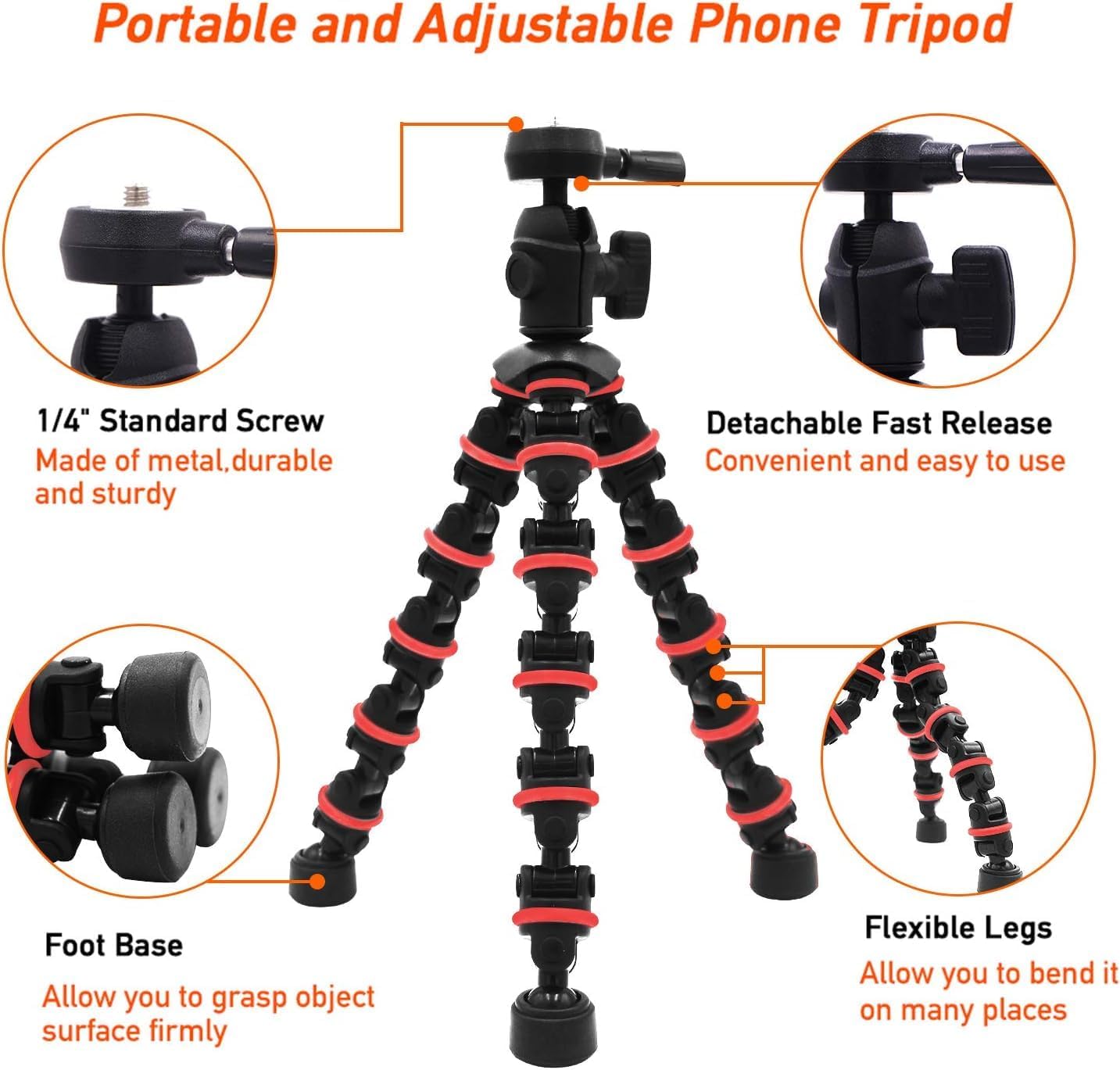
Figure 3.1: Detailed view of the tripod components, including the 1/4-inch standard screw mount for device attachment.
3.2 Inserting Your Smartphone
- Extend the spring-loaded mechanism of the phone grip mount.
- Carefully insert your smartphone into the mount, ensuring it is held securely without pressing any side buttons. The phone clip expands between 2.2-3.5 inches.
3.3 Pairing the Wireless Remote Shutter
- Turn on the wireless remote shutter using the side switch. A blue light will indicate it's on.
- On your smartphone, go to Settings > Bluetooth.
- Select
