1. Important Safety Information
Please read all safety instructions carefully before using your monitor. Keep this manual for future reference.
- Power: Use only the power cord and adapter supplied with the monitor. Ensure the power outlet is properly grounded.
- Ventilation: Do not block ventilation openings. Allow adequate space around the monitor for proper airflow.
- Cleaning: Disconnect the power cord before cleaning. Use a soft, dry cloth. Do not use liquid or aerosol cleaners.
- Location: Place the monitor on a stable, level surface. Avoid direct sunlight, heat sources, and excessive moisture.
- Repairs: Do not attempt to service this product yourself. Refer all servicing to qualified service personnel.
2. Package Contents
Verify that all items are present in your product box. If any items are missing or damaged, contact your retailer.
- Samsung C27F396FHN 27-inch Curved Monitor
- Monitor Stand (Base and Neck)
- Power Adapter and Power Cord
- HDMI Cable
- Quick Setup Guide
- Warranty Card (may vary by region)
3. Setup
3.1 Assembling the Stand
- Carefully place the monitor face down on a soft, clean cloth to prevent scratches.
- Attach the stand neck to the back of the monitor until it clicks into place.
- Attach the stand base to the stand neck and secure it with the provided screw.
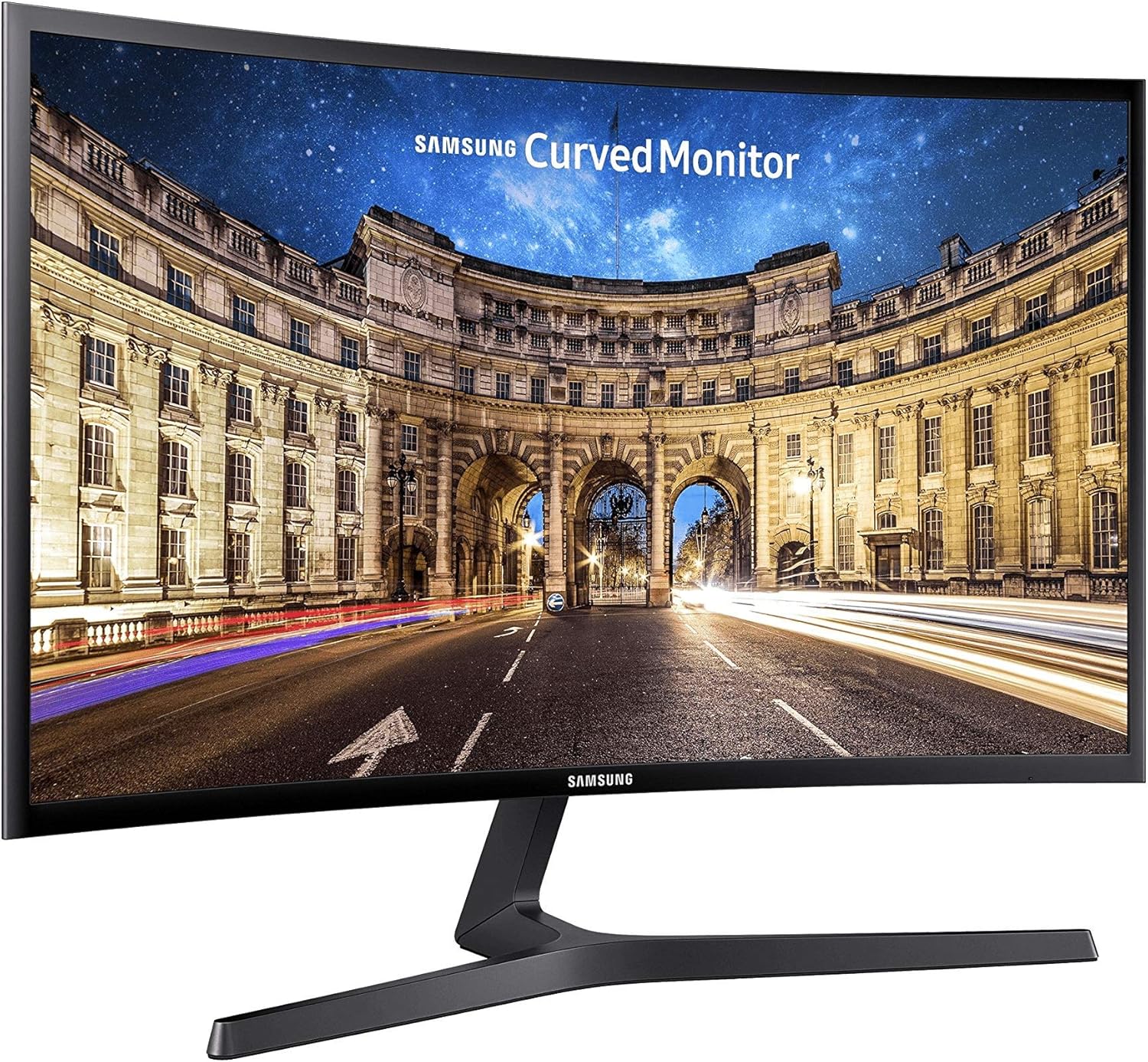
Image: Front view of the Samsung C27F396FHN curved monitor with its stand fully assembled, ready for use.
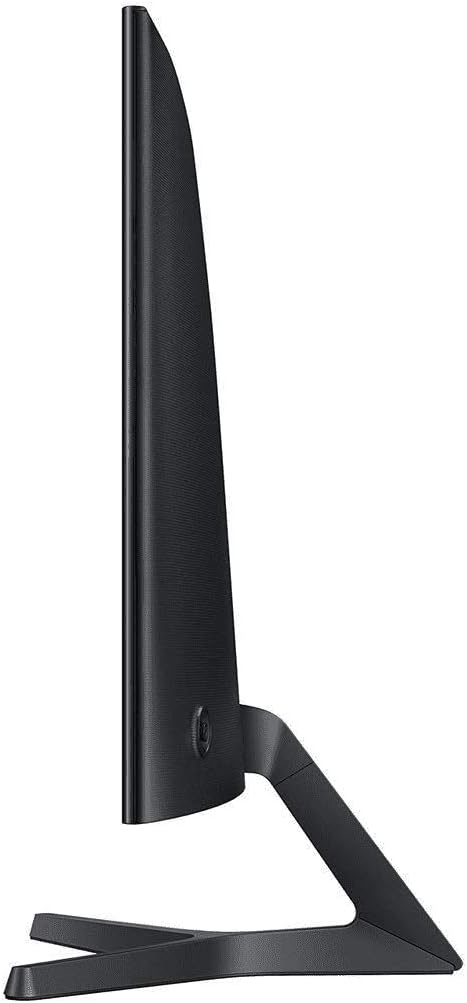
Image: Side view of the Samsung C27F396FHN monitor, highlighting its slim design and the stable stand.
3.2 Connecting the Monitor
- Power Connection: Connect the power adapter to the monitor's power input port, then plug the power cord into a wall outlet.
- Video Connection:
- For optimal performance, connect the monitor to your computer using the supplied HDMI cable.
- Insert one end of the HDMI cable into the HDMI port on the monitor and the other end into the HDMI port on your computer.
- Audio Connection (Optional): If your computer supports audio output via HDMI, sound will be transmitted to the monitor's audio output jack. You can connect external speakers or headphones to this jack.

Image: Rear view of the Samsung C27F396FHN monitor, displaying the power input, HDMI port, and audio output jack.
4. Operating the Monitor
4.1 Power On/Off
Press the power button (usually located on the bottom right or rear of the monitor) to turn the monitor on or off. The power indicator light will illuminate when the monitor is on.
4.2 On-Screen Display (OSD) Menu
The monitor features a joystick-style button (often called a JOG button) for navigating the OSD menu. This button is typically located on the rear of the monitor, near the bottom right corner.
- Press: To open the OSD menu or confirm a selection.
- Move Up/Down: To navigate through menu options.
- Move Left/Right: To adjust values or move between sub-menus.
Image: Side view of the Samsung C27F396FHN monitor, indicating the general location of the OSD joystick button for menu navigation.
4.3 Common OSD Settings
- Picture: Adjust Brightness, Contrast, Sharpness, Color Tone, Gamma.
- Input: Select the active input source (e.g., HDMI).
- System: Language, Transparency, Power LED settings.
- Game Mode: Enable or disable Game Mode for optimized gaming visuals.
- FreeSync: Enable or disable AMD FreeSync for tear-free gaming (requires a compatible AMD graphics card).
5. Maintenance
5.1 Cleaning the Monitor
- Always unplug the monitor from the power outlet before cleaning.
- Use a soft, lint-free cloth slightly dampened with water to clean the screen. Do not spray cleaner directly onto the screen.
- For the casing, use a soft, dry cloth. Avoid using abrasive cleaners, waxes, or solvents.
5.2 Storage
When storing the monitor for an extended period, disconnect all cables and store it in a cool, dry place, preferably in its original packaging to protect it from dust and physical damage.
6. Troubleshooting
If you encounter issues with your monitor, refer to the following common problems and solutions:
| Problem | Possible Solution |
|---|---|
| No Power |
|
| No Signal / Blank Screen |
|
| Image is Blurry or Distorted |
|
| Flickering Screen |
|
7. Specifications
Key technical specifications for the Samsung C27F396FHN monitor:
| Feature | Detail |
|---|---|
| Model Number | LC27F398FWNXZA |
| Screen Size | 27 Inches |
| Screen Curvature | 1800R |
| Resolution | 1920 x 1080 (FHD 1080p) |
| Aspect Ratio | 16:9 |
| Response Time | 4 ms |
| Refresh Rate | 60 Hz |
| Contrast Ratio | 3000:1 (Static) |
| Panel Type | VA |
| Color | Black |
| Dimensions (WxHxD with Stand) | 24.52 x 18.35 x 9.55 inches |
| Weight (with Stand) | 9.03 pounds |
| Video Inputs | 1x HDMI |
| Special Features | AMD FreeSync, Game Mode, Eye Saver Mode, Flicker Free |
8. Warranty and Support
For detailed warranty information, please refer to the warranty card included with your product or visit the official Samsung website for your region.
If you require technical assistance or have questions not covered in this manual, please contact Samsung Customer Support:
- Online Support: Visit samsung.com/support
- Phone Support: Refer to your regional Samsung website for local contact numbers.


