
1. Introduction
This manual provides instructions for the Lazmin Mini 2-Channel HiFi Stereo Power Amplifier, model Lazmini8qzx1fgwr-02. This compact amplifier is designed to enhance audio output for various devices, including car audio systems, motorcycles, boats, and MP3 players. It features bass, treble, and volume controls for a customized listening experience.
2. Product Overview and Features
The Lazmin Mini Power Amplifier delivers high-fidelity audio with its advanced design and shielded circuitry. Its robust aluminum casing helps eliminate electromagnetic interference, ensuring clear sound reproduction.
- HiFi Audio Design: Utilizes high-definition lossless audio separation technology for superior sound quality.
- Wide Compatibility: Supports various audio input sources such as mobile phones, DVD players, computers, and MP3/MP4 devices via 3.5mm audio input.
- Durable Construction: Features a precision CNC machined all-aluminum brushed panel and anodized sandblasted coloring for a stylish and robust casing.
- Adjustable Tone Controls: Includes independent bass and treble adjustments, along with a Tone/Direct bypass option for original audio source playback without enhancement.
- Output Power: Delivers RMS 25W x 2 channels.
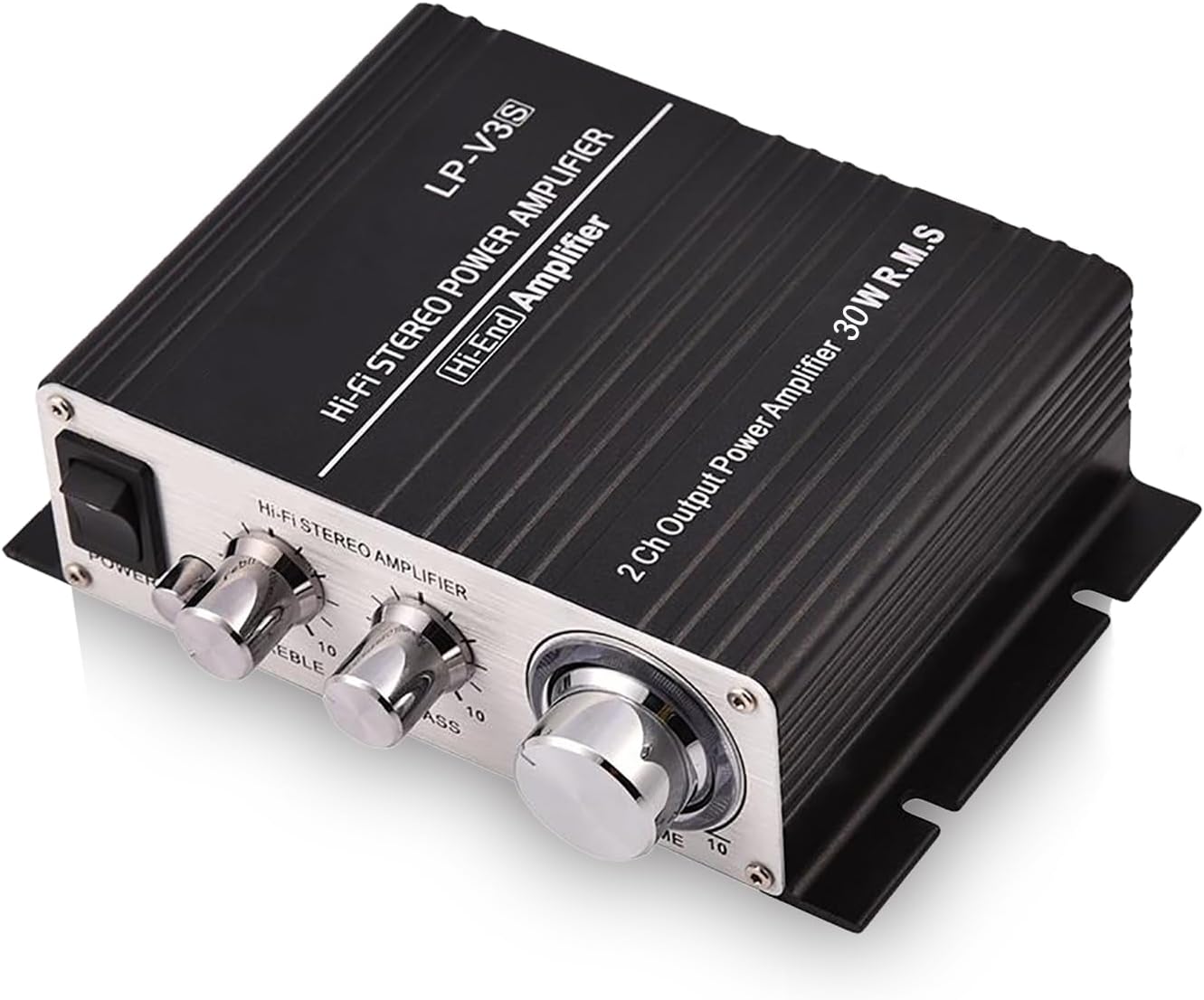
Image: The amplifier's internal design emphasizes high-fidelity sound quality with shielded circuitry.

Image: The amplifier features an all-aluminum alloy shell designed to minimize electromagnetic interference.
3. Package Contents
Please check the package for the following items:
- 1 x Lazmin Mini Power Amplifier
- 1 x User Manual
4. Setup and Installation
Follow these steps to connect your amplifier:
- Connect Audio Source: Use an appropriate audio cable to connect your audio source (e.g., mobile phone, MP3 player, computer, DVD player) to the amplifier's audio input. The amplifier supports both RCA (Audio In Right/Left) and 3.5mm stereo input.
- Connect Speakers: Connect your speakers to the amplifier's speaker outputs. The amplifier features two pairs of speaker output clips, designed for easy wiring. Ensure proper polarity (+ to + and - to -) for optimal sound. The amplifier is compatible with 4 to 8 ohm speakers.
- Connect Power: Connect the DC power adapter (not included, typically 12V to 13.5V DC 3A) to the amplifier's DC Power Input port.
- Power On: Once all connections are secure, switch the power button to the ON position.

Image: The amplifier offers wide compatibility with various audio input devices and connects to 4-8 ohm speaker boxes.

Image: Detailed view of the amplifier's rear panel, indicating audio input options, speaker terminals, and power input.
5. Operating Instructions
The amplifier features intuitive controls for adjusting your audio output:
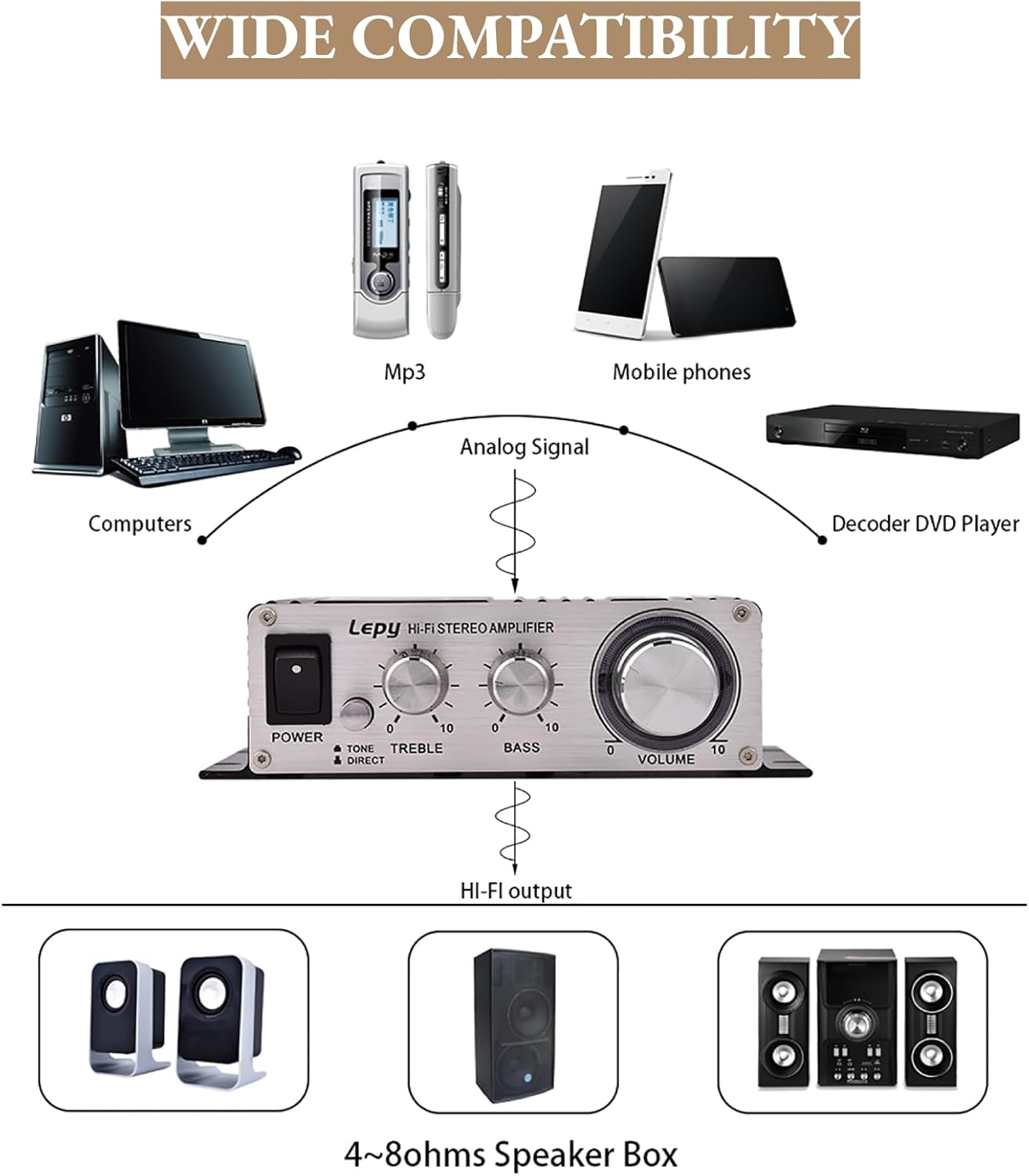
Image: Front panel controls for power, tone adjustments, and volume.
- Power Switch: Located on the left side of the front panel. Flip to turn the amplifier ON or OFF. A blue LED power indicator will illuminate when the unit is on.
- Treble Control: Adjusts the high-frequency output. Turn clockwise to increase treble, counter-clockwise to decrease.
- Bass Control: Adjusts the low-frequency output. Turn clockwise to increase bass, counter-clockwise to decrease.
- Tone / Direct Switch: This switch allows you to bypass the treble and bass controls. In "Tone" mode, the treble and bass knobs are active. In "Direct" mode, the audio signal passes through without tone enhancement, providing the original audio source sound.
- Volume Control: The large knob on the right adjusts the overall output volume. Turn clockwise to increase volume, counter-clockwise to decrease.
6. Maintenance
To ensure the longevity and optimal performance of your amplifier, follow these maintenance guidelines:
- Cleaning: Use a soft, dry cloth to clean the exterior of the amplifier. Avoid using liquid cleaners or abrasive materials.
- Ventilation: Ensure the amplifier is placed in a well-ventilated area to prevent overheating. Do not block the ventilation slots.
- Environment: Keep the amplifier away from direct sunlight, high temperatures, humidity, and dusty environments.
- Power Off: Always turn off the amplifier and disconnect it from the power source when not in use for extended periods or during electrical storms.
7. Troubleshooting
If you encounter issues with your amplifier, refer to the following common troubleshooting steps:
- No Power:
- Ensure the power adapter is securely connected to both the amplifier and a working power outlet.
- Verify the power switch on the amplifier is in the ON position.
- Check if the power adapter is functioning correctly.
- No Sound:
- Confirm that the audio source is playing and its volume is turned up.
- Check all audio input and speaker output connections for secure and correct wiring.
- Ensure the amplifier's volume knob is turned up.
- Verify that the speakers are properly connected and functioning.
- If using the Tone/Direct switch, try switching between modes.
- Distorted Sound:
- Reduce the volume level on both the audio source and the amplifier.
- Check speaker impedance; ensure it is within the 4-8 ohm range.
- Inspect audio cables for damage or loose connections.
- Adjust bass and treble controls to a neutral position or try "Direct" mode.
8. Specifications

Image: Physical dimensions of the amplifier.
| Feature | Specification |
|---|---|
| Model | Lazmini8qzx1fgwr-02 |
| Input Impedance | 47Kohm |
| Speaker Impedance | 4 to 8 ohms |
| Frequency Response | 20Hz ~ 20KHz |
| Output Power | RMS 25W x 2CH |
| Input Voltage | 12 to 13.5V DC 3A |
| Distortion | <0.4% |
| Signal-to-Noise Ratio (S/N) | >80dB |
| Material | Aluminum |
| Dimensions (L x W x H) | Approx. 14 x 9 x 4.1 cm (5.5 x 3.5 x 1.6 inches) |
| Weight | Approx. 0.24 kg (289g package weight) |
| Number of Channels | 2 |
| Certification | CE |
9. Warranty and Support
Lazmin is committed to providing quality products. If you encounter any quality problems with your product, please contact our customer service team immediately. We are dedicated to resolving any issues to your satisfaction and offer professional customer support.
For support, please refer to the contact information provided with your purchase or visit the official Lazmin website.