
1. Introduction and Overview
The Seagate Portable Drive offers a convenient solution for expanding your digital storage. This compact external hard drive provides 5TB of capacity, allowing you to easily store and access a vast amount of content on the go. It is designed for seamless compatibility with both Windows and Mac computers, offering a simple plug-and-play experience.
Key features include:
- 5TB Storage Capacity: Ample space for documents, photos, videos, and more.
- USB 3.0 Connectivity: Ensures fast data transfer speeds.
- Cross-Platform Compatibility: Works with PC, Mac, PS4, and Xbox.
- Plug-and-Play Simplicity: No software installation required for basic operation.
- Portable Design: Lightweight and compact for easy transport.
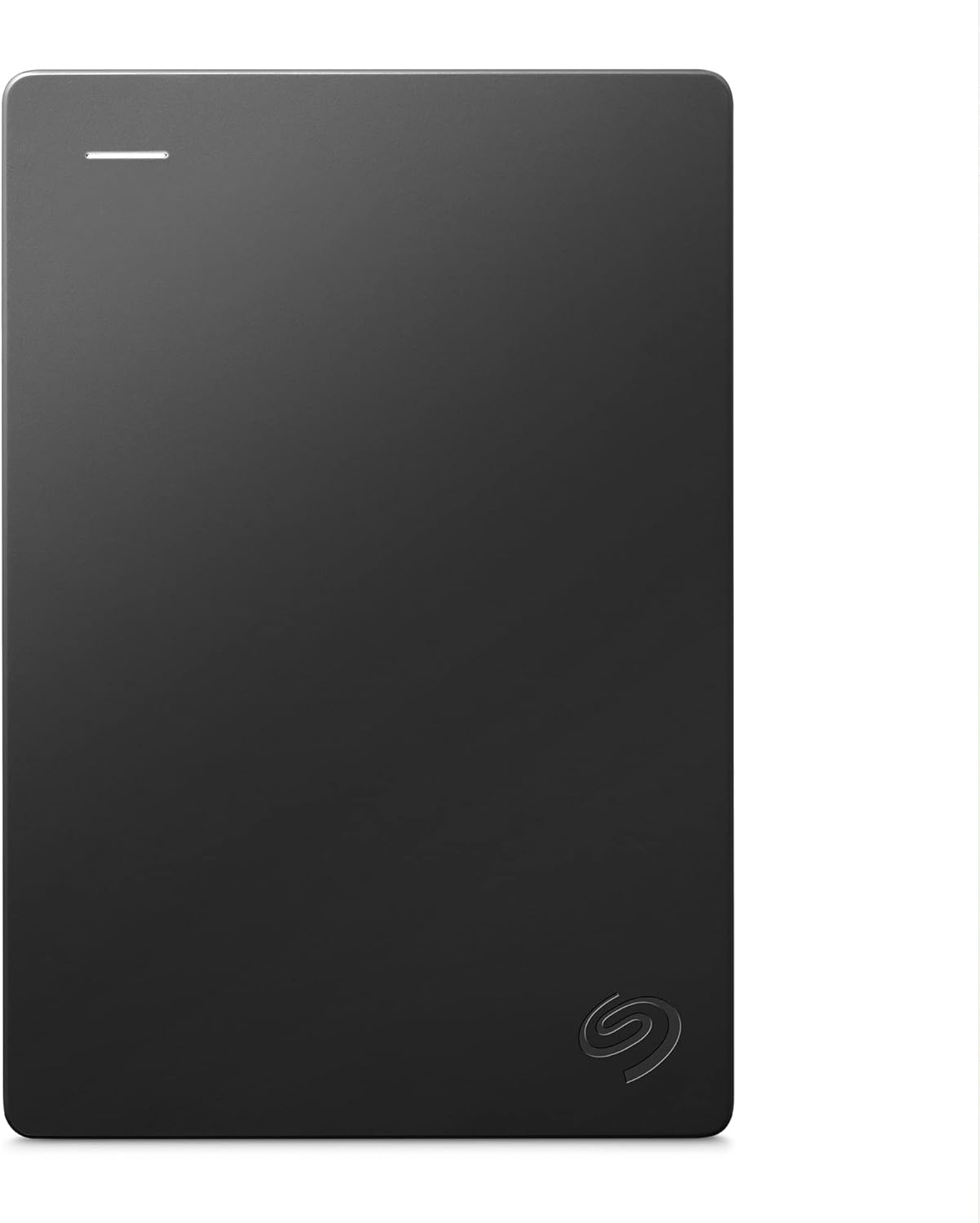
Figure 1.1: Front view of the Seagate Portable 5TB External Hard Drive.
2. What's in the Box
Your Seagate Portable Drive package should contain the following items:
- Seagate Portable Drive 5TB (STGX5000400)
- 18-inch USB 3.0 cable
3. Setup
Setting up your Seagate Portable Drive is a straightforward process. No external power adapter is needed as the drive is powered directly through the USB connection.
3.1 Connecting to a Computer
- Locate the USB 3.0 port on your Seagate Portable Drive. This is typically a micro-B USB port.
- Connect one end of the included 18-inch USB 3.0 cable to the drive's USB port.
- Connect the other end of the USB 3.0 cable to an available USB port on your computer (PC or Mac). For optimal performance, use a USB 3.0 port on your computer.

Figure 3.1: USB port on the Seagate Portable Drive.

Figure 3.2: Connecting the drive to a laptop.
3.2 Initial Recognition
Once connected, your computer should automatically recognize the Seagate Portable Drive. The drive is pre-formatted for immediate use with both Windows and Mac operating systems. No additional software installation is required for basic drag-and-drop file transfers.

Figure 3.3: Plug and Play setup.
4. Operating the Drive
4.1 Transferring Files
The Seagate Portable Drive supports simple drag-and-drop functionality for file transfers. You can move files and folders between your computer and the drive just like any other external storage device.
- To copy files to the drive: Open the drive in your computer's file explorer (Windows) or Finder (Mac). Drag and drop files or folders from your computer into the drive's window.
- To copy files from the drive: Drag and drop files or folders from the drive's window to a location on your computer.
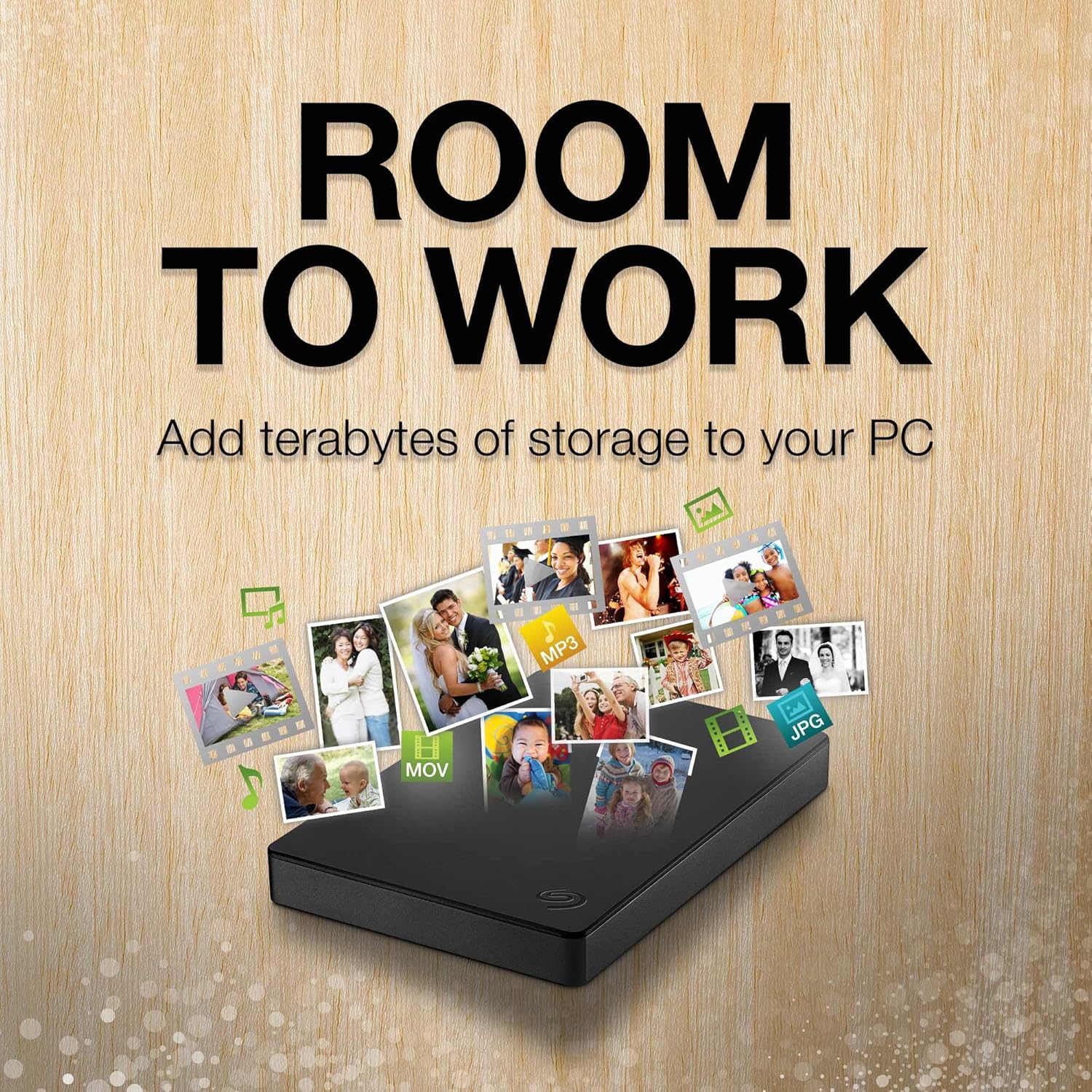
Figure 4.1: Drag and drop files to save.
4.2 Ejecting the Drive Safely
Always safely eject the drive from your computer before disconnecting it to prevent data corruption.
- Windows: Click the "Safely Remove Hardware and Eject Media" icon in the system tray, then select the Seagate drive.
- Mac: Drag the drive icon from your desktop to the Trash, or right-click (Control-click) the drive icon and select "Eject".
5. Maintenance
Proper maintenance ensures the longevity and optimal performance of your Seagate Portable Drive.
- Keep it Clean: Use a soft, dry cloth to wipe the exterior of the drive. Avoid liquid cleaners.
- Protect from Physical Damage: Avoid dropping the drive or exposing it to excessive shock. While portable, it contains delicate components.
- Temperature and Humidity: Store and operate the drive within recommended temperature and humidity ranges (refer to specifications). Avoid extreme conditions.
- Regular Backups: While the drive is for storage, it's always recommended to have multiple copies of critical data.
6. Troubleshooting
If you encounter issues with your Seagate Portable Drive, try the following troubleshooting steps:
6.1 Drive Not Detected
- Check Cable Connection: Ensure the USB cable is securely connected to both the drive and the computer.
- Try a Different USB Port: Connect the drive to another USB port on your computer.
- Try a Different Cable: If available, test with another USB 3.0 cable.
- Restart Computer: Sometimes a simple restart can resolve connectivity issues.
- Check Disk Management (Windows) / Disk Utility (Mac): Verify if the drive appears in your operating system's disk management tools, even if it's not showing up in File Explorer/Finder.
6.2 Slow Transfer Speeds
- Use USB 3.0 Port: Ensure the drive is connected to a USB 3.0 port on your computer. USB 2.0 ports will result in significantly slower speeds.
- Avoid Other USB Devices: Disconnect other high-bandwidth USB devices during large transfers.
- Check System Resources: Ensure your computer is not heavily burdened by other tasks during transfers.

Figure 6.1: Ensure connection to a USB 3.0 port for optimal speed.
7. Specifications
| Feature | Detail |
|---|---|
| Model Number | STGX5000400 |
| Digital Storage Capacity | 5 TB |
| Hard Drive Type | Mechanical Hard Disk |
| Interface | USB 3.0 (backward compatible with USB 2.0) |
| Hardware Platform | Mac, PC |
| Item Weight | 9.2 ounces |
| Product Dimensions (LxWxH) | 9.2 x 6 x 1.1 inches |
| Color | Black |
| Special Feature | Hardware Encryption (if applicable, based on model features) |
Note: Specifications are subject to change without notice. Available storage capacity may vary.
8. Warranty and Support
8.1 Limited Warranty
Seagate provides a limited warranty for this product. Please refer to the warranty card included with your product or visit the official Seagate website for detailed warranty terms and conditions specific to your region.
8.2 Rescue Data Recovery Services
This Seagate Portable Drive includes 1-Year Rescue Data Recovery Services. These services provide an additional layer of protection for your data against unexpected data loss due to mechanical failure, accidental damage, or natural disaster.
How Rescue Data Recovery Services can help:
- Expert technicians will attempt to restore your data in a secure, clean room laboratory.
- You will receive an encrypted storage device with your recovered data.
- The recovery process can be tracked via text message, email, or online.
For more information and to activate your Rescue Data Recovery Services, please visit the Seagate website or scan the QR code if provided in your product packaging.

Figure 8.1: Information on Rescue Data Recovery Services.
8.3 Technical Support
For technical assistance, product registration, or to download the latest drivers and software (if applicable), please visit the official Seagate support website:


