
Introduction
This manual provides instructions for the setup, operation, and maintenance of your Leelbox 1080P ATSC Digital Converter Box. Please read this manual thoroughly before using the device to ensure proper functionality and to understand all features.
Package Contents
Please verify that all items are present in your package:
- Leelbox Digital Converter Box
- Remote Control
- RCA Cable (Yellow, Red, White)
- Power Adapter (DC 5V)
- User Manual
- HDMI Cable (contents may vary by package)

Image: Contents of the Leelbox Digital Converter Box package, showing the main unit, remote control, RCA cables, power adapter, HDMI cable, and user manual.
Product Features
- 1080P Full HD Output: Supports high-definition video output up to 1080P.
- ATSC Digital Tuner: Receives free over-the-air digital broadcast channels.
- PVR Recording: Record live TV programs to an external USB storage device.
- Timeshift Function: Pause live TV and resume playback later.
- Multimedia Playback: Play various media files (video, audio, images) from a USB drive.
- H.265 Video Decoding: Supports efficient H.265 video compression.
- Dolby Audio Support: Enhanced audio experience.
- Parental Controls: Manage access to certain channels or programs.
- IR Search: Infrared remote control functionality.
- Connectivity: HDMI, USB, Coaxial, CVBS (RCA) outputs.

Image: Front view of the Leelbox Digital Converter Box, highlighting its capabilities such as USB port, Timeshift, program recording, and parental controls. It also shows logos for major broadcast networks like CW, FOX, ABC, Telemundo, PBS, CBS, Univision, and NBC, indicating its function to receive these channels.
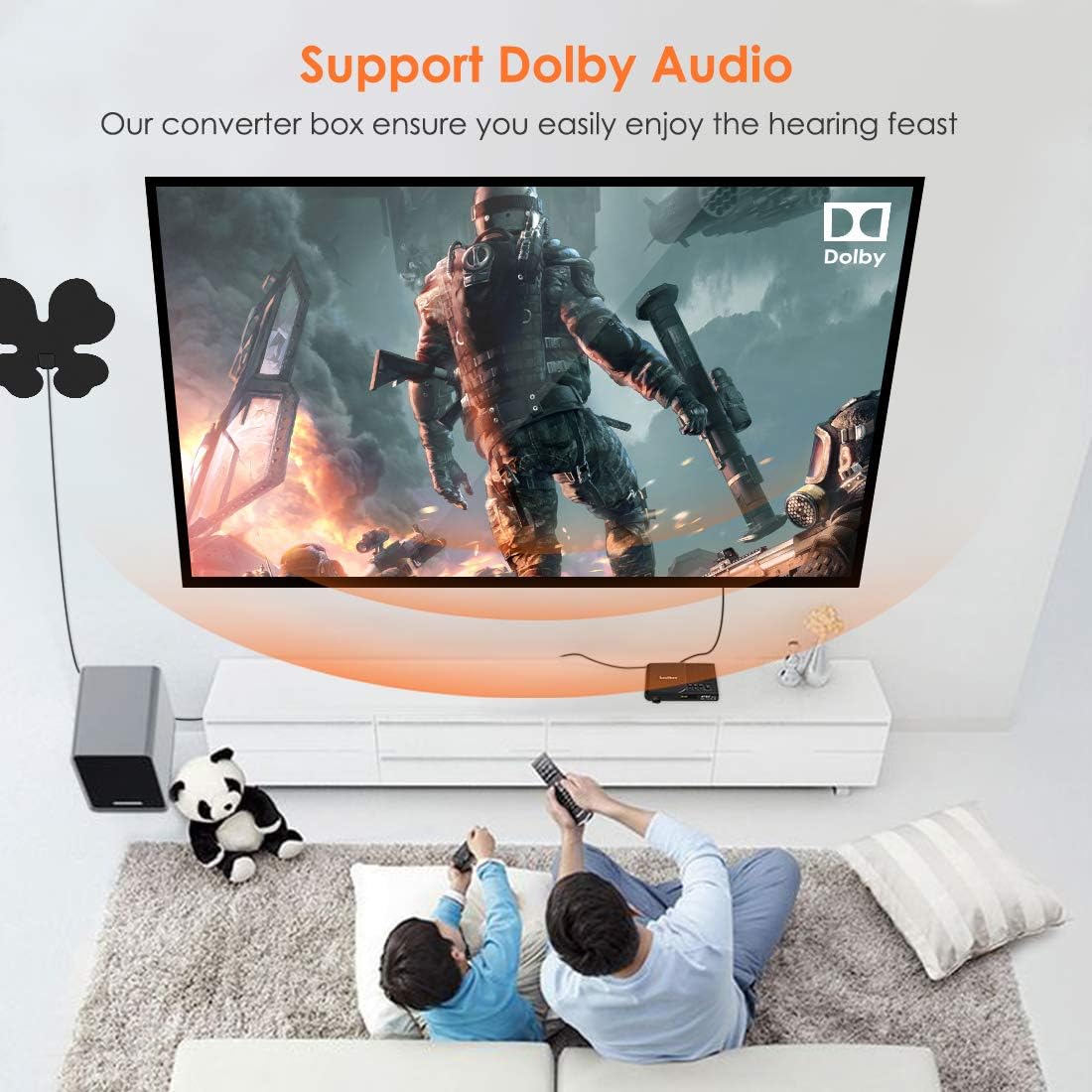
Image: A living room scene showing two individuals watching television, with the Leelbox converter box connected and a prominent 'Support Dolby Audio' banner, indicating enhanced sound quality.
Setup Guide
- Connect Antenna: Connect your outdoor or indoor antenna to the "ANT IN" port on the back of the converter box.
- Connect to TV:
- For High-Definition (HD) connection, use an HDMI cable to connect the "HD OUT" port on the converter box to an HDMI input on your TV.
- For Standard-Definition (SD) connection, use the RCA (CVBS) cable to connect the "CVBS" (Yellow), "AR" (Red), and "AL" (White) ports on the converter box to the corresponding inputs on your TV.
- Alternatively, you can use the "COAXIAL" output for digital audio or "ANT OUT" (Analog CH3/CH4) to connect to older TVs.
- Connect Power: Connect the DC 5V power adapter to the "DC 5V" port on the converter box and then plug it into a power outlet.
- Power On: Turn on your TV and the converter box. Select the correct input source (HDMI or AV) on your TV.
- Channel Scan: Follow the on-screen prompts to perform an automatic channel scan. This will detect available over-the-air digital channels in your area.

Image: Rear view of the Leelbox Digital Converter Box, illustrating the various input and output ports including ANT IN, ANT OUT, COAXIAL, HD OUT (HDMI), CVBS (Yellow), AR (Red), AL (White), and DC 5V power input. Arrows indicate the correct cable connections for antenna, HDMI, and RCA.
Operating Instructions
Basic TV Viewing
After completing the setup and channel scan, you can use the remote control to navigate channels, adjust volume, and access the Electronic Program Guide (EPG).
- Use the CH+/CH- buttons to change channels.
- Use the VOL+/VOL- buttons to adjust volume.
- Press the EPG button to view the program guide.
- Press the INFO button to display current program information.
PVR Recording (Personal Video Recorder)
To record programs, connect a USB storage device (e.g., USB flash drive or external hard drive) to the USB port on the front of the converter box.
- Ensure your USB device is formatted correctly (FAT32 or NTFS).
- Press the REC button on the remote to start immediate recording of the current program. Press STOP to end recording.
- To schedule a recording, access the EPG, select the desired program, and follow the on-screen instructions to set a timer recording.
- Recorded programs can be accessed via the "PVR" or "USB" menu.

Image: A visual representation of the Leelbox Converter Box's recording capabilities, showing a program being scheduled, recorded by the box, and then stored on a USB drive for later playback.

Image: The Leelbox Converter Box positioned in front of film strips, with checkmarks next to "Schedule," "Record," and "Playback," emphasizing its comprehensive media management features.
Timeshift Function
With a USB storage device connected, you can use the Timeshift function to pause live TV. Press the PAUSE button during live viewing to activate Timeshift. Press PLAY to resume.
Multimedia Playback
Insert a USB storage device containing media files (videos, music, photos) into the USB port. Access the "USB" or "Multimedia" menu from the main menu to browse and play your files.
Parental Controls
The parental control feature allows you to restrict access to certain channels or programs based on rating. Access this feature through the system settings menu and set a password.
Troubleshooting
| Problem | Possible Cause / Solution |
|---|---|
| No Signal / No Channels Found |
|
| No Picture / No Sound |
|
| Remote Control Not Responding |
|
| Recording Issues |
|
Specifications
| Feature | Detail |
|---|---|
| Model Number | LBX F6 NEW US |
| Product Dimensions | 1.97 x 1.18 x 0.39 inches |
| Item Weight | 10.6 ounces |
| ASIN | B07VS7H1HQ |
| Batteries Required | 2 AAA batteries (for remote) |
| Compatible Devices | Television, Projector, LED TV, LCD Monitor, Tube TV, Computer, Smart TV |
| Connector Type | HDMI, RCA (CVBS), Coaxial |
| Brand | Leelbox |
| Connectivity Technology | HDMI, USB |
| Color | Black |
| Manufacturer | Leelbox |
| Video Decoding | H.265 |
| Output Resolution | Up to 1080P |

Image: The Leelbox Digital Converter Box surrounded by icons representing compatible devices, including projectors, LED TVs, computers, smart TVs, LCD monitors, and HD TVs, demonstrating its versatility.
Maintenance
- Cleaning: Use a soft, dry cloth to clean the exterior of the converter box. Do not use liquid cleaners or aerosols.
- Ventilation: Ensure the converter box is placed in a well-ventilated area to prevent overheating. Do not block ventilation openings.
- Storage: When not in use for extended periods, disconnect the power adapter and store the device in a cool, dry place.
Warranty and Support
For warranty information and technical support, please refer to the documentation included with your purchase or contact Leelbox customer service through their official website or the retailer where the product was purchased.
