
Introduction
This manual provides essential instructions for the setup, operation, and maintenance of your Exceed EXB3 Smart Watch. Please read this manual thoroughly before using the device to ensure proper function and to avoid damage.
Package Contents
Upon opening the package, verify that all items are present:
- Exceed EXB3 Smart Watch Unit
- Black Silicone Band
- Blue Silicone Band (additional)
- User Manual (this document)

Image 1: Exceed EXB3 Smart Watch retail packaging. The packaging highlights key features such as IPS Color Display, Heart Rate monitoring, Activity Tracking, 3ATM water resistance, and Blood Pressure measurement. It also indicates the inclusion of an additional blue strap.
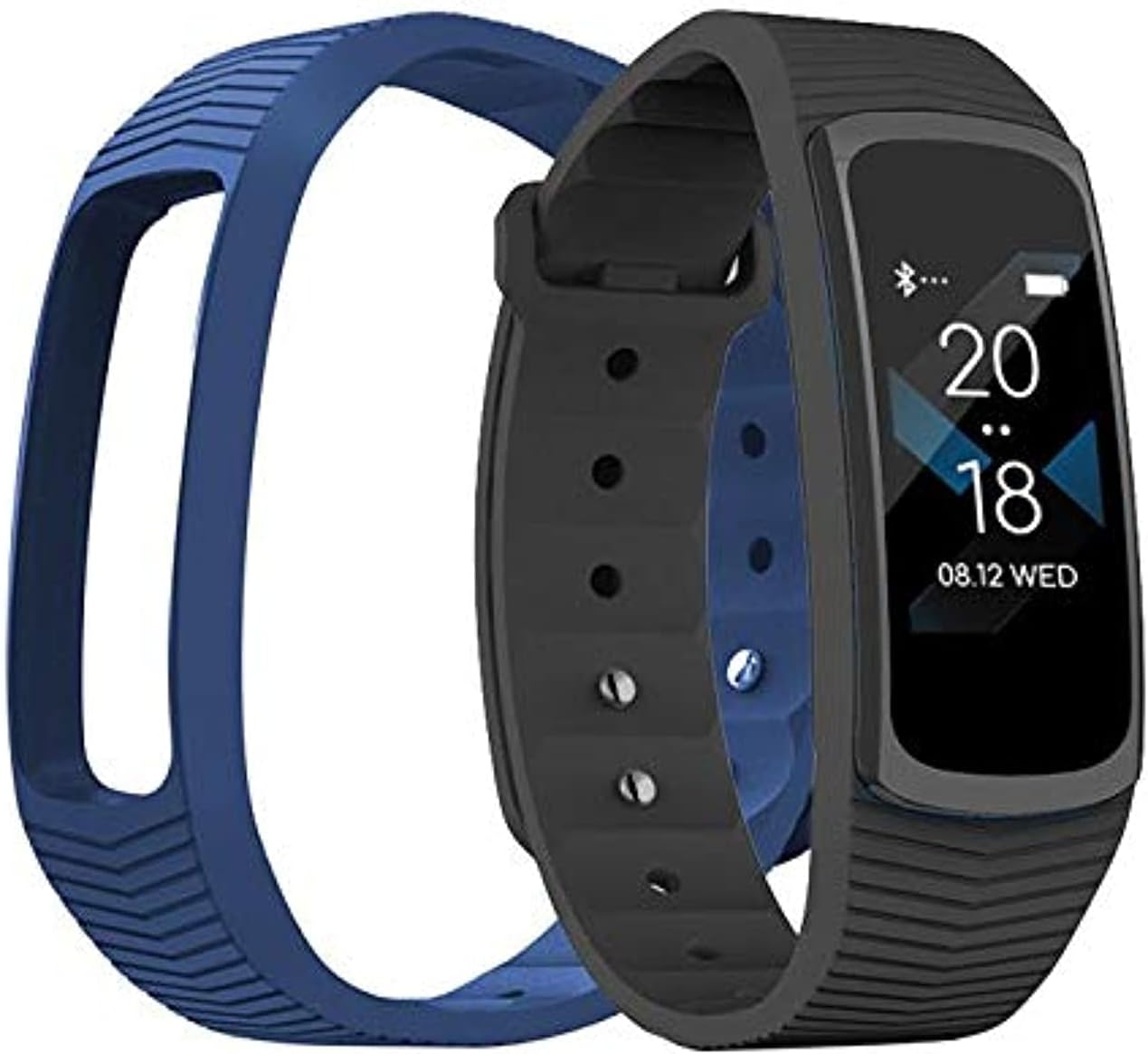
Image 2: The Exceed EXB3 Smart Watch unit with both the black and blue silicone bands. The watch face displays time and date. This image illustrates the primary components included with the device.
Setup
1. Charging the Device
Before initial use, fully charge your Exceed EXB3 Smart Watch. To charge, gently pull the watch unit from the band to expose the USB charging connector.
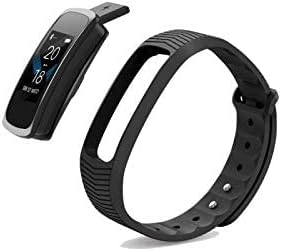
Image 3: The Exceed EXB3 Smart Watch unit separated from its band, revealing the integrated USB charging connector. This connector can be plugged directly into a standard USB port for charging.
Insert the USB connector into a standard USB port (e.g., computer, USB wall adapter). The charging indicator will appear on the screen. A full charge typically takes approximately 1-2 hours.
2. Attaching the Band
Once charged, reattach the watch unit to your preferred silicone band (black or blue) by aligning the unit with the band's frame and pressing firmly until it clicks into place.
3. Pairing with Your Smartphone
- Download the official "Exceed Smart" application from your smartphone's app store (available for Android and iOS).
- Ensure Bluetooth is enabled on your smartphone.
- Open the "Exceed Smart" app and follow the on-screen instructions to create an account or log in.
- Navigate to the device pairing section within the app.
- Select "Exceed EXB3" from the list of available devices.
- Confirm the pairing request on both your watch and smartphone.
Successful pairing will synchronize the watch's time and date with your phone and enable data transfer.
Operating Instructions
Basic Navigation
The Exceed EXB3 Smart Watch features a touch-sensitive display and a physical button for navigation.
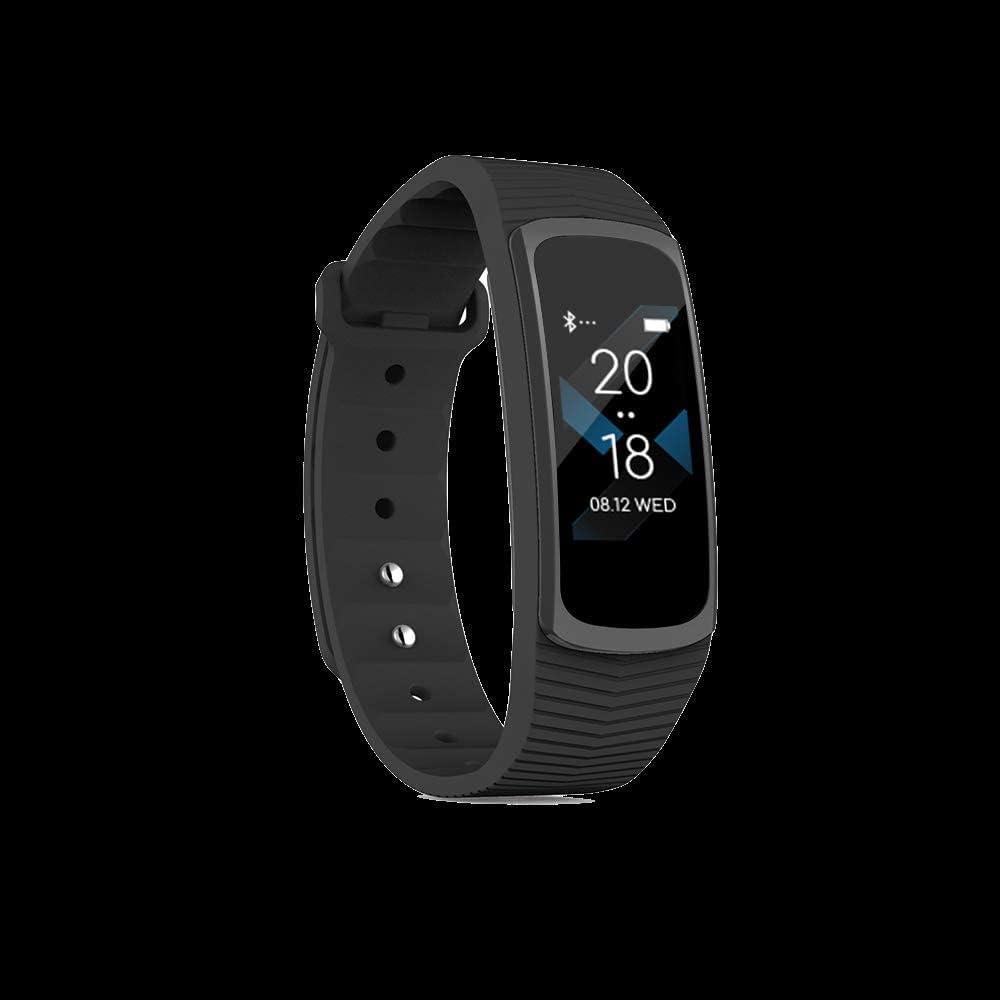
Image 4: The Exceed EXB3 Smart Watch displaying the current time (20:18) and date (08.12 WED). This is the default watch face, indicating basic timekeeping functionality.
- Short Press Button: Wakes up the screen or cycles through main functions/menus.
- Long Press Button: Activates specific functions within an app (e.g., start/stop workout) or powers the device on/off.
- Swipe Up/Down: Navigates through menu options or notifications.
- Tap Screen: Selects an item or confirms an action.
Key Features
- Heart Rate Monitoring: Access the heart rate function to measure your current heart rate. The watch continuously monitors heart rate during exercise.
- Activity Tracking: Tracks steps, distance, and calories burned. Data is synchronized with the "Exceed Smart" app.
- Sleep Monitoring: Automatically monitors sleep patterns when worn during sleep.
- Notifications: Receives call, message, and app notifications from your paired smartphone.
- Sports Modes: Select from various sports modes to track specific activities with detailed metrics.
- Blood Pressure Measurement: The device may offer blood pressure measurement capabilities. Refer to the app for details on this feature.
Maintenance
Cleaning
Regularly clean your Exceed EXB3 Smart Watch to ensure optimal performance and hygiene.
- Wipe the watch unit and band with a soft, damp cloth.
- Avoid using harsh chemicals, abrasive cleaners, or solvents.
- Ensure the charging contacts on the back of the watch are clean and dry.

Image 5: The rear view of the Exceed EXB3 Smart Watch, displaying the model number "Smart Band EXB3", input specifications "Input: 5V=0.1A", and "Made in China". The charging contacts are visible, which should be kept clean for efficient charging.
Water Resistance (3ATM)
The Exceed EXB3 Smart Watch is rated 3ATM, meaning it is resistant to splashes, rain, and accidental immersion. It is not suitable for swimming, diving, or high-pressure water activities.
Storage
When not in use for extended periods, store the watch in a cool, dry place away from direct sunlight and extreme temperatures.
Troubleshooting
- Watch not turning on: Ensure the watch is fully charged. Connect it to a USB power source.
- Cannot pair with smartphone:
- Ensure Bluetooth is enabled on your phone.
- Make sure the watch is within range of your phone.
- Restart both the watch and your phone.
- Check if the "Exceed Smart" app is updated to the latest version.
- Inaccurate heart rate readings: Ensure the watch is worn snugly on your wrist, about one finger-width above the wrist bone. Clean the sensor on the back of the watch.
- Notifications not received:
- Verify that notifications are enabled in the "Exceed Smart" app settings.
- Check your phone's notification settings to allow the app to send notifications.
- Ensure the watch is connected via Bluetooth.
Specifications
| Model | EXB3 |
| Brand | Exceed |
| Display Type | IPS LCD |
| Display Resolution | 240 x 240 pixels |
| Connectivity | Bluetooth, ANT+ |
| Compatibility | Android, iOS |
| Water Resistance | 3ATM (Splash, Rain, Accidental Immersion Resistant) |
| Special Features | Heart Rate Monitor, Activity Tracking |
| Input Voltage | 5V=0.1A |
| Item Weight | 100 g |
Warranty and Support
For warranty information and customer support, please refer to the warranty card included with your product or visit the official Exceed website. Keep your purchase receipt as proof of purchase.
Online Support: www.exceed.com (Note: This is a placeholder URL. Please refer to your product documentation for the correct support website.)
