1. Introduction
This manual provides detailed instructions for the installation, operation, and maintenance of your Hunter 52-inch Contemporary Matte Black Indoor Ceiling Fan. Please read all instructions carefully before beginning installation and retain this manual for future reference. This ceiling fan features a modern design, integrated light kit, and a convenient remote control for ease of use. It is designed for indoor use only.
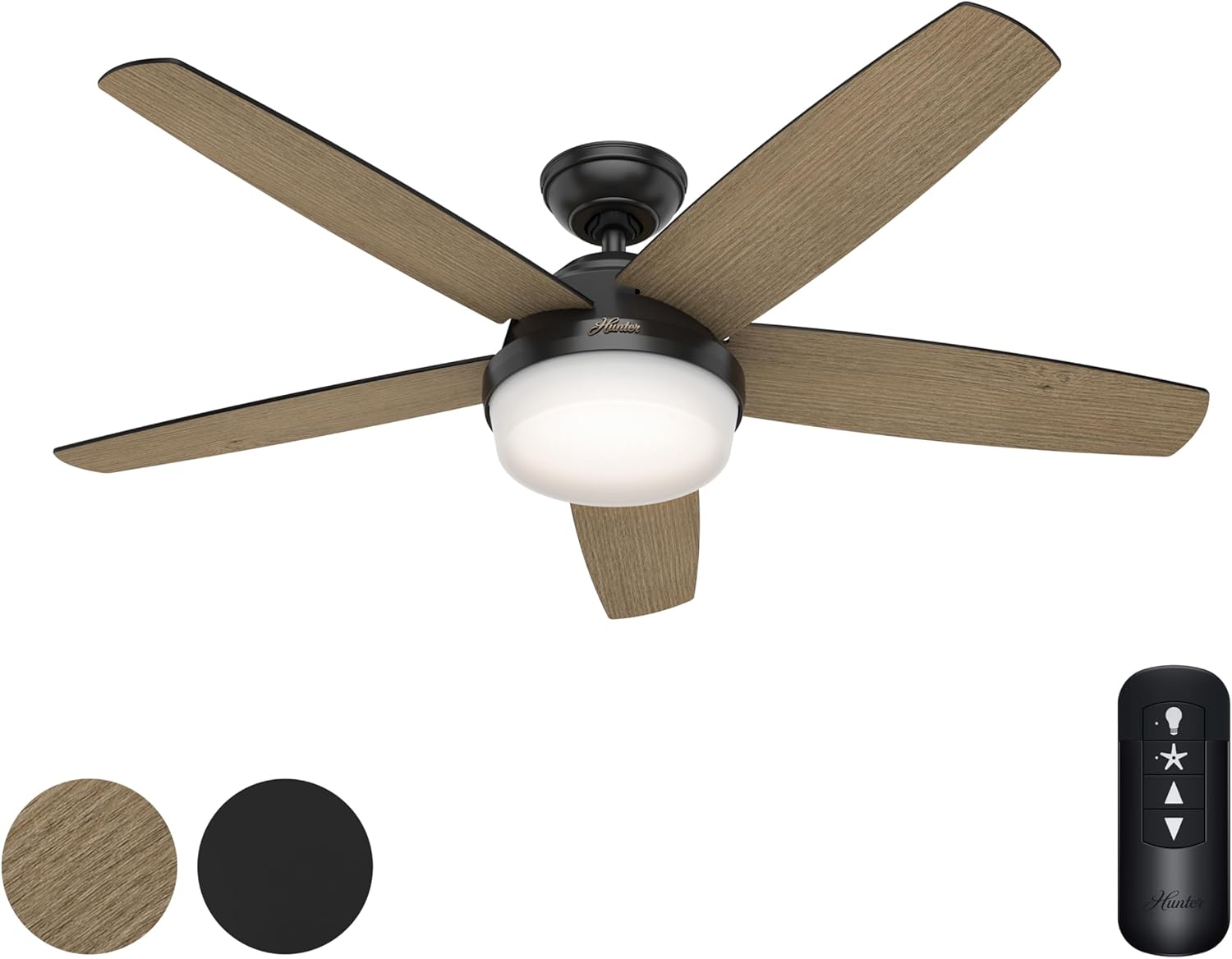
Figure 1: Hunter 52-inch Contemporary Matte Black Ceiling Fan with Light and Remote Control. The fan features five reversible blades, a central integrated light, and a handheld remote for control.
2. Safety Information
- Always disconnect power at the circuit breaker or fuse box before beginning installation or performing any maintenance.
- All wiring must be in accordance with national and local electrical codes. If you are unfamiliar with wiring, consult a qualified electrician.
- Ensure the installation location can support the weight of the fan (approximately 26.1 pounds).
- Do not bend the blade brackets during installation or cleaning.
- Keep children away from the fan during installation and operation.
- This fan is rated for indoor use only. Do not install in damp or wet locations.
3. Package Contents
Verify that all components listed below are included in your package:
- Fan Motor Assembly
- 5 Reversible Fan Blades (Aged Oak / Matte Black)
- Light Kit with Integrated Light Type (2 bulbs included)
- Handheld Remote Control
- 4-inch Downrod
- Mounting Hardware
4. Setup and Installation
Follow these steps for proper installation of your ceiling fan. It is recommended that two people perform the installation for safety and ease.
- Prepare the Mounting Location: Ensure the electrical box is securely mounted to the building structure and can support the fan's weight.
- Install the Mounting Bracket: Attach the mounting bracket to the electrical box using the provided screws.
- Assemble the Downrod: Insert the 4-inch downrod through the canopy and connect it to the fan motor assembly.
- Hang the Fan: Carefully lift the fan assembly and hang it from the mounting bracket.
- Perform Electrical Connections: Connect the fan's wiring to the household wiring according to the wiring diagram in the full instruction manual. Ensure all connections are secure.
- Attach Fan Blades: Securely attach the five reversible fan blades to the motor housing. You can choose between the Aged Oak or Matte Black finish for the visible side.
- Install the Light Kit: Connect the light kit wiring and attach the light kit to the bottom of the fan motor assembly.
- Restore Power: Once all connections are secure and the fan is fully assembled, restore power at the circuit breaker.
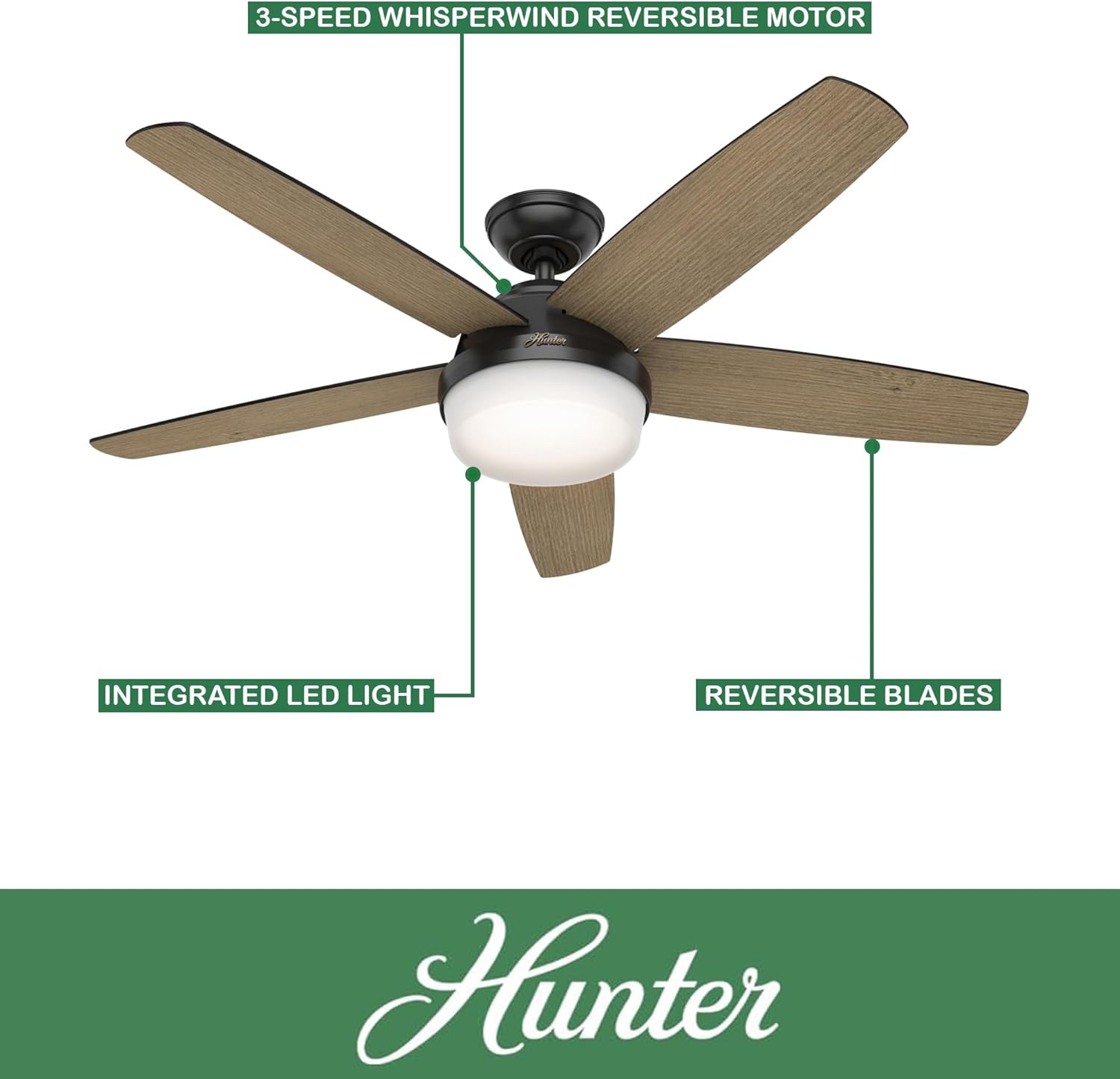
Figure 2: Key features of the Hunter ceiling fan, including the 3-speed WhisperWind reversible motor, integrated LED light, and reversible blades.
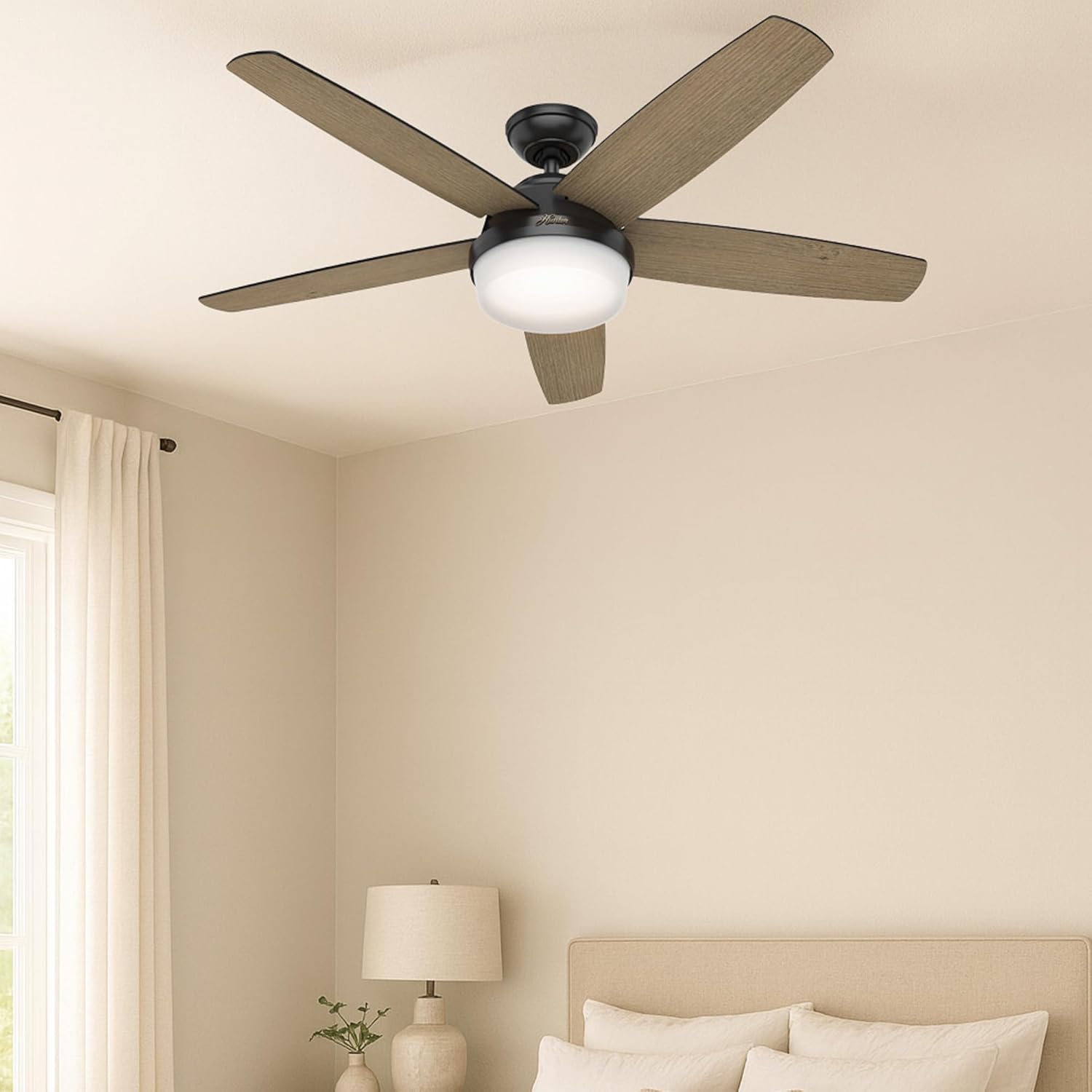
Figure 3: The Hunter ceiling fan seamlessly integrated into a modern bedroom setting, demonstrating its aesthetic appeal when installed.
5. Operating Instructions
Your Hunter ceiling fan is operated using the included handheld remote control.
Figure 4: The Hunter handheld remote control, detailing buttons for light dimming, fan speed adjustment, battery access, and fan direction reversal.
- Fan Speed Control: Use the speed buttons (up/down arrows) on the remote to cycle through the 3 available fan speeds (Low, Medium, High).
- Light Control: Press the light bulb button to turn the light on or off. Hold the light button to dim or brighten the light.
- Fan Direction (Reversible Motor): The fan features a reversible motor for year-round comfort. In warm weather, operate the fan in a counter-clockwise direction to create a cooling breeze. In cool weather, operate the fan in a clockwise direction at a low speed to circulate warm air near the ceiling. The remote control includes a button to change the fan direction.

Figure 5: An overview of the fan's key specifications and features, including its size, color, control method, blade count, motor type, speed options, airflow, and suitability for indoor use in large rooms.
6. Maintenance
Regular maintenance ensures optimal performance and longevity of your ceiling fan.
- Cleaning: To clean the fan, wipe with a soft, damp cloth. Do not use abrasive cleaners or solvents, as these can damage the finish.
- Blade Care: Periodically check the fan blades for dust accumulation. Clean them gently to maintain balance and airflow.
- Tighten Fasteners: Over time, some fasteners may become loose. Check all mounting screws and blade attachment screws annually and tighten them if necessary.

Figure 6: Detail of the Aged Oak finish on one side of the reversible fan blade.

Figure 7: Detail of the Matte Black finish on the other side of the reversible fan blade.
7. Troubleshooting
If you experience issues with your fan, consult the following common troubleshooting steps:
| Problem | Possible Cause | Solution |
|---|---|---|
| Fan does not start | No power to the fan; Loose wire connections; Remote control battery dead | Check circuit breaker/fuse; Verify all wire connections are secure; Replace remote control battery. |
| Fan wobbles | Loose blade screws; Unbalanced blades; Loose mounting bracket | Tighten all blade screws; Use a balancing kit (not included) to balance blades; Ensure mounting bracket is securely fastened. |
| Noisy operation | Loose screws; Fan not properly seated; Blade rubbing | Check and tighten all screws; Ensure fan is properly seated in the mounting bracket; Check for any obstructions or rubbing blades. |
| Light does not work | Loose wire connection; Faulty bulb; Remote control issue | Check light kit wiring; Ensure bulbs are correctly installed; Replace bulbs if necessary; Check remote battery. |
8. Specifications
- Brand:
- Hunter
- Model Name:
- CC5C95C93
- Color:
- Matte Black
- Size:
- 52 inches
- Product Dimensions:
- 52"D x 52"W x 14.75"H
- Item Weight:
- 26.1 pounds (11.86 Kilograms)
- Number of Blades:
- 5
- Finish Type:
- Matte
- Power Source:
- AC (120 Volts)
- Wattage:
- 9 watts
- Air Flow Capacity:
- 2618 Cubic Feet Per Minute (CFM)
- Speed Settings:
- 3
- Special Features:
- AC Motor, Dimmable Light, Reversible Motor, Variable Speed
- Control Method:
- Remote
- Indoor/Outdoor Usage:
- Indoor Only
- Certification:
- ETL
9. Warranty and Support
For warranty information or technical support, please refer to the documentation included with your purchase or visit the official Hunter Fan Company website. You may also contact Hunter customer service directly for assistance with product issues or replacement parts.


