1. Introduction
Thank you for choosing TREBLAB Z2 Hybrid Active Noise Cancelling Wireless Headphones. This manual provides essential information for setting up, operating, and maintaining your headphones to ensure optimal performance and longevity. Please read it carefully before use.
2. What's in the Box
- TREBLAB Z2 Headphones
- TREBLAB Z2 Carrying Case
- 3.5mm Audio Cable (AUX)
- USB Type-C Charging Cable
- User Manual; Quick Start Guide; Catalogue; Warranty card
3. Product Overview
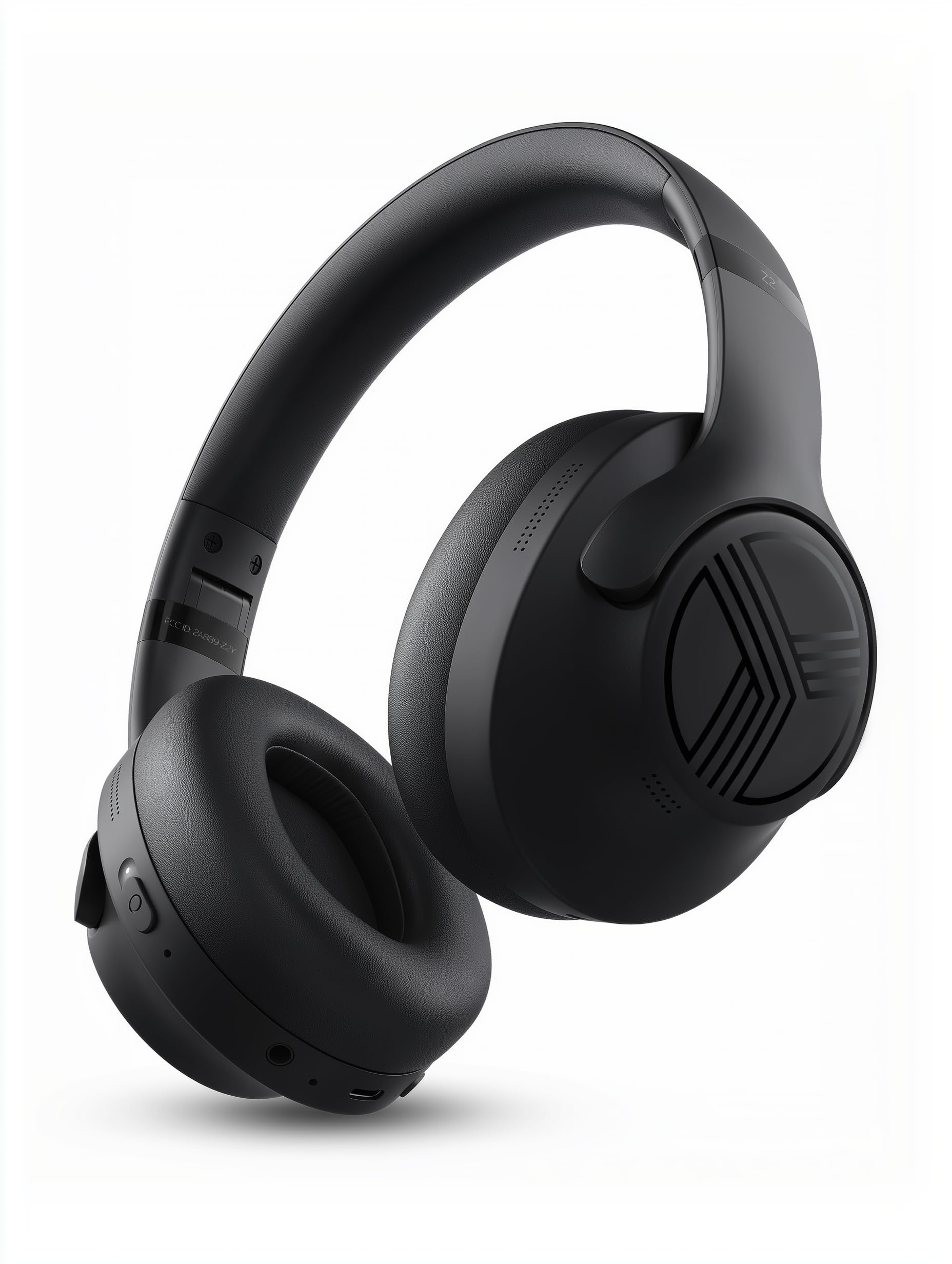
Headphone Features
The TREBLAB Z2 headphones are designed for versatility and performance, featuring Hybrid Active Noise Cancelling (ANC) to minimize distractions, a long-lasting battery, and a comfortable, sweat-resistant design suitable for various activities.
- Hybrid Active Noise Cancelling: Blocks external noise for immersive audio.
- Extended Playtime: Up to 58 hours of battery life (without ANC, at 70% volume).
- Deep Bass: Powerful audio with balanced sound.
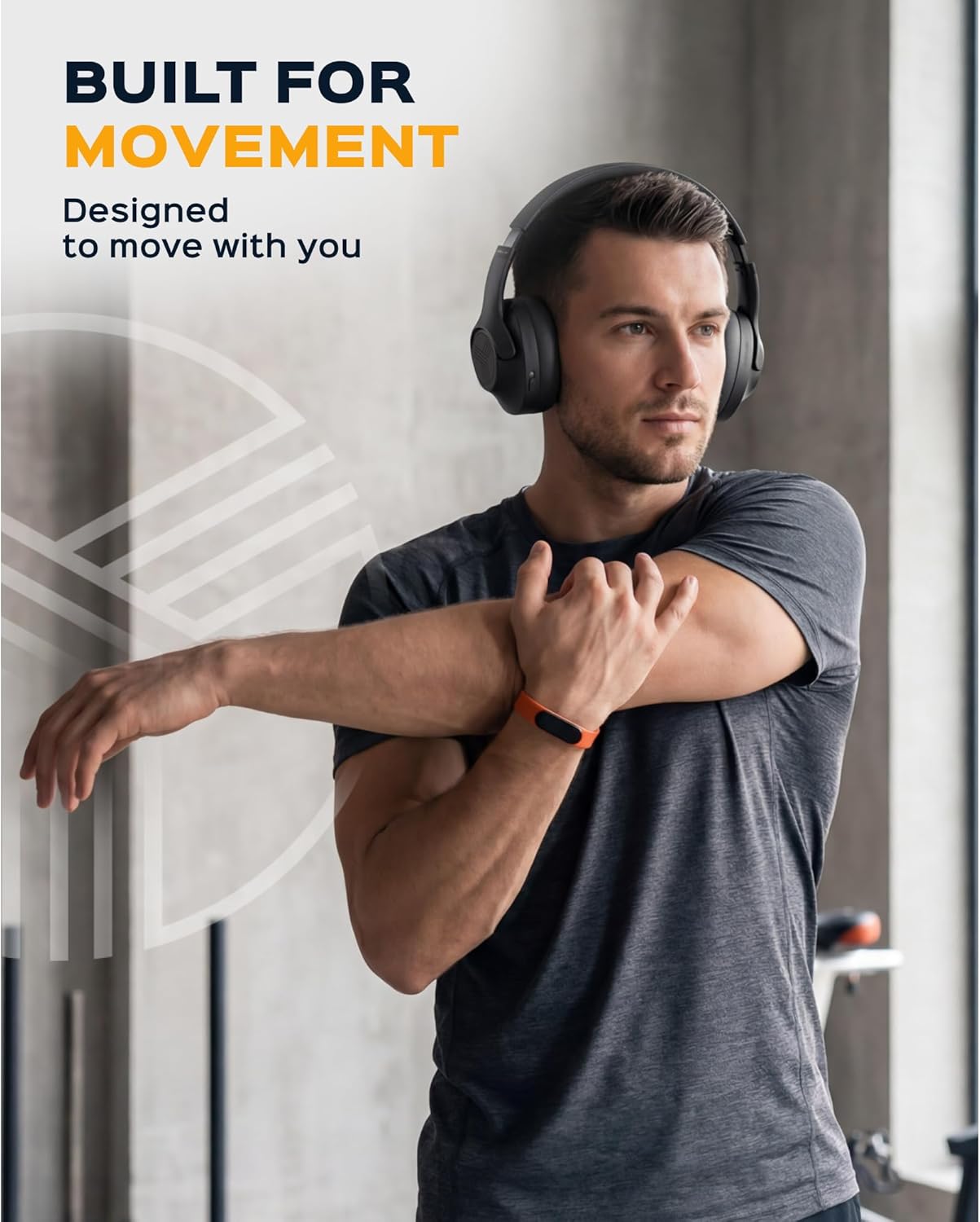
- IPX4 Water Resistant & Sweatproof: Durable for workouts and outdoor use.
- Bluetooth 5.3 & Multipoint Connection: Stable wireless connection to multiple devices.
- Built-in Microphone: Clear voice pickup for calls.
- Foldable Design: Lightweight and comfortable for extended wear and easy storage.
Controls and Ports
The headphones feature intuitive button controls for playback, volume, calls, and ANC activation. All controls and ports are conveniently located on the earcups.
- Power/Play/Pause/Phone Button: Central control for power, media playback, and call management.
- Volume Up/Next Track Button: Adjust volume or skip to the next song.
- Volume Down/Previous Track Button: Adjust volume or go to the previous song.
- ANC On/Off Switch: Activate or deactivate Active Noise Cancelling.
- Micro USB/USB Type-C Charging Port: For charging the headphones.
- AUX Input (3.5mm Jack): For wired connection.
- Microphone: For hands-free calls and voice assistant commands.
- LED Indicator: Displays power, pairing, and charging status.
4. Setup
4.1 Charging the Headphones
Before first use, fully charge your TREBLAB Z2 headphones. A full charge takes approximately 3 hours.
- Connect the USB Type-C charging cable to the charging port on the headphone.
- Connect the other end of the cable to a compatible USB power source (e.g., wall adapter, computer USB port).
- The LED indicator will show red during charging and turn off when fully charged.
4.2 Bluetooth Pairing
To connect your headphones to a device via Bluetooth:
- Ensure the headphones are charged and turned off.
- Press and hold the Power/Play/Pause button for a few seconds until the LED indicator flashes blue and red, indicating pairing mode.
- On your device (smartphone, tablet, computer), enable Bluetooth and search for available devices.
- Select "TREBLAB Z2" from the list of found devices.
- Once successfully paired, the LED indicator will flash blue slowly, and you will hear a confirmation tone.
For multipoint connection, pair the first device, then disable Bluetooth on the first device. Put the headphones back into pairing mode and connect to the second device. Once connected, re-enable Bluetooth on the first device, and the headphones should connect to both.
5. Operating Instructions
5.1 Power On/Off
- Power On: Press and hold the Power/Play/Pause button for 3 seconds.
- Power Off: Press and hold the Power/Play/Pause button for 5 seconds.
5.2 Music Playback
- Play/Pause: Short press the Power/Play/Pause button.
- Next Track: Long press the Volume Up/Next Track button.
- Previous Track: Long press the Volume Down/Previous Track button.
- Volume Up: Short press the Volume Up/Next Track button.
- Volume Down: Short press the Volume Down/Previous Track button.
5.3 Call Management
- Answer Call: Short press the Power/Play/Pause button.
- End Call: Short press the Power/Play/Pause button during a call.
- Reject Call: Long press the Power/Play/Pause button for 2 seconds.
- Redial: Double-press the Power/Play/Pause button.
5.4 Active Noise Cancelling (ANC)
To activate ANC, slide the ANC switch on the left earcup to the 'ON' position. The LED indicator will light up. Slide to 'OFF' to deactivate.
5.5 Voice Assistant
Activate your device's voice assistant (Siri, Google Assistant, Alexa) by pressing the Power/Play/Pause button for 1 second.
6. Maintenance
- Clean headphones with a soft, damp cloth. Do not use harsh chemicals.
- Store headphones in the provided carrying case when not in use to protect them from dust and damage.
- Avoid exposing headphones to extreme temperatures, direct sunlight, or excessive moisture.
- Do not attempt to disassemble or modify the headphones, as this will void the warranty.
7. Troubleshooting
| Problem | Solution |
|---|---|
| Headphones won't turn on | Ensure headphones are fully charged. |
| Cannot pair via Bluetooth | Ensure headphones are in pairing mode (flashing blue/red LED). Turn off and on Bluetooth on your device. Clear previous pairings on your device. |
| No sound or low volume | Check volume levels on both headphones and connected device. Ensure headphones are properly paired. Try a wired connection with the AUX cable. |
| ANC not working effectively | Ensure ANC switch is in the 'ON' position. Check for proper fit of earcups over ears. |
8. Specifications
| Feature | Detail |
|---|---|
| Model Name | Z2 |
| Noise Control | Hybrid Active Noise Cancellation |
| Bluetooth Version | 5.3 |
| Bluetooth Range | 33 Feet (10 meters) |
| Battery Life (Max) | Up to 58 hours (No ANC, 70% volume) |
| Battery Life (ANC On) | Up to 51 hours (ANC + Wireless, 70% volume) |
| Charging Time | 3 Hours |
| Audio Driver Size | 40 Millimeters |
| Frequency Response | 20 Hz - 20 KHz |
| Sensitivity | 103 dB |
| Impedance | 32 Ohms |
| Water Resistance Level | IPX4 (Water Resistant & Sweatproof) |
| Item Weight | 8.5 Ounces |
| Dimensions | 6.4 x 3.2 x 8 inches |
9. Warranty and Support
Your TREBLAB Z2 headphones are covered by a 1-YEAR WARRANTY & 30-DAY RETURNS. For any questions, suggestions, or issues, please refer to the warranty card included in the box or contact TREBLAB customer support.
10. Media Gallery
Product Images