
TCL 85C7K
TCL 85C7K Television User Manual
85 Inch Smart TV 4K QD-Mini LED
Introduction
This manual provides essential information for the safe and efficient operation of your TCL 85C7K Television. Please read this manual thoroughly before using the product and retain it for future reference. The TCL 85C7K is a premium 85-inch QD-Mini LED 4K Smart TV, featuring advanced display technologies, immersive audio by Bang & Olufsen, and a 144Hz native refresh rate for an exceptional viewing and gaming experience.

Front view of the TCL 85C7K Television, highlighting its 85-inch QD-Mini LED display, Google TV interface, HDR 3000 nits brightness, CrystGlow HVA Panel, Audio by Bang & Olufsen, and 144Hz Native Refresh Rate. This is the 2025 model.
What's Included
Verify that all components are present in the packaging:
- TCL 85C7K Television Unit
- Power Adapter
- Power Cable
- Remote Control
- TV Stand (2 pieces)
- User Manual (this document)
Setup
1. Unpacking
Carefully remove the television from its packaging. It is recommended that two or more people handle the 85-inch unit due to its size and weight. Retain the packaging materials for future transport or service needs.
2. Stand Assembly (Optional)
If you are not wall-mounting the television, attach the included stand:
- Place the TV face down on a soft, flat surface to prevent screen damage.
- Align each stand piece with the corresponding slots on the bottom of the TV.
- Secure the stands using the provided screws. Ensure they are firmly attached.

Side view of the TCL 85C7K Television with detailed dimensions, illustrating its slim profile and stand attachment points.
3. Connections
Connect your devices to the television using the appropriate ports:
- HDMI: For connecting Blu-ray players, game consoles, cable boxes, etc. The TV supports multiple HDMI inputs.
- USB: For connecting USB storage devices to play media.
- Power: Connect the power cable to the TV's power input and then to a wall outlet.
- Network (Wi-Fi/Ethernet): Connect to your home network for Smart TV features.

Rear view of the TCL 85C7K Television, showing the clean design and port layout for various connections.
Operating the Television
1. Initial Power On and Setup
After connecting the power, press the power button on the remote control. The TV will guide you through the initial setup process, including language selection, network connection, and Google TV account setup.
2. Smart TV Features (Google TV)
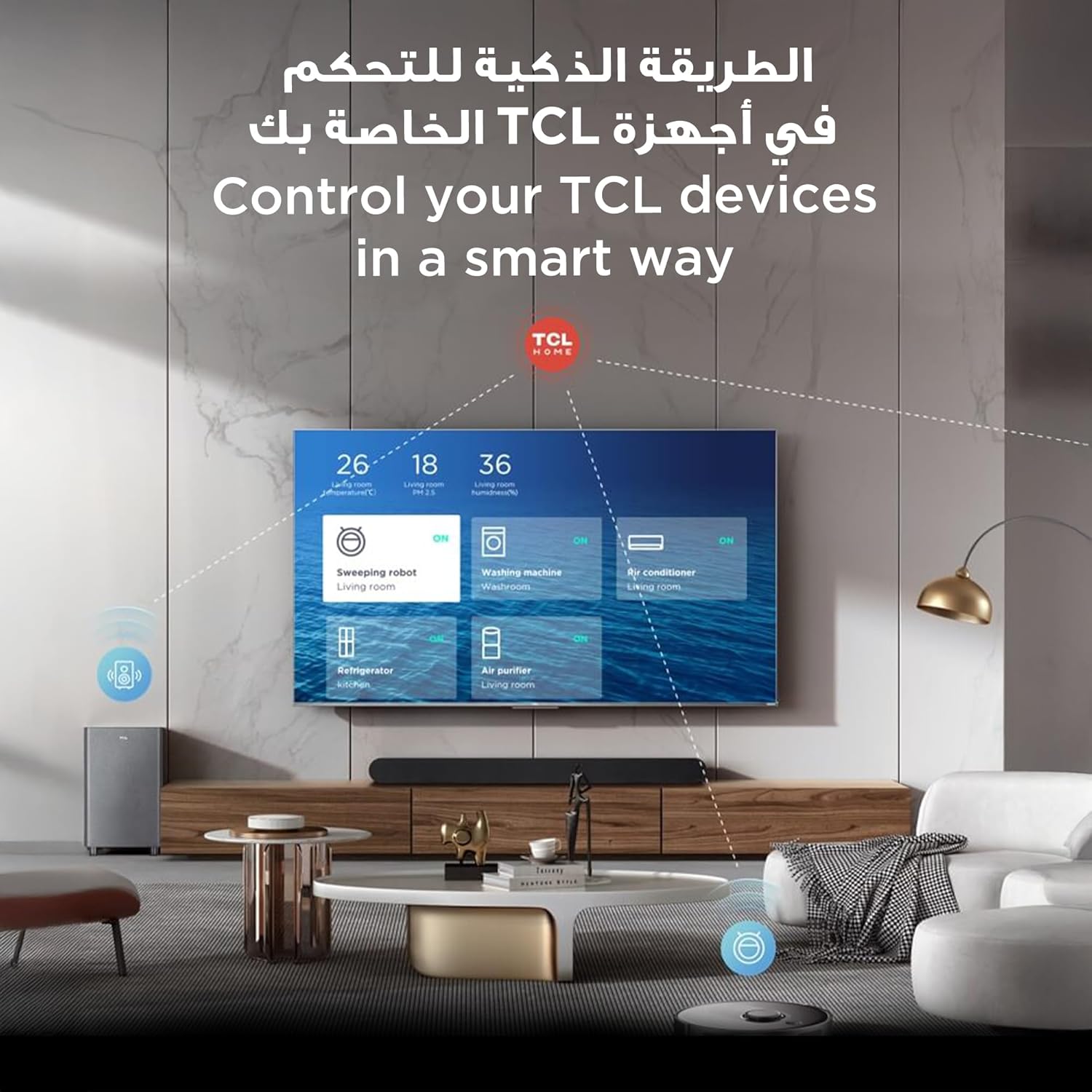
Your TCL 85C7K runs on Google TV, providing access to a vast array of streaming services and apps. Navigate the interface using the remote control. Supported internet services include Netflix, Hulu, Amazon Prime Video, YouTube, Google Play Movies & TV, Google Play Music, Google Photos, and many others.
3. Remote Control Functions
The included remote control allows you to power on/off, adjust volume, change channels, access Smart TV features, and navigate menus. Refer to the remote control diagram in the quick start guide for specific button functions.
4. Gaming Experience
The 85C7K is designed for an enhanced gaming experience:
- 144Hz Native Refresh Rate: Provides ultra-smooth motion for fast-paced games, reducing blur and ghosting.
- Game Master: Optimizes settings for gaming, reducing input lag and enhancing visual clarity.
- AMD FreeSync Premium Pro: Ensures tear-free and stutter-free gameplay by synchronizing the TV's refresh rate with compatible graphics cards.
Screenshot of the 'Game Bar' interface on the TCL TV, allowing users to monitor and adjust game parameters like frame rate and HDR in real-time.
Key Features
QD-Mini LED Display Technology
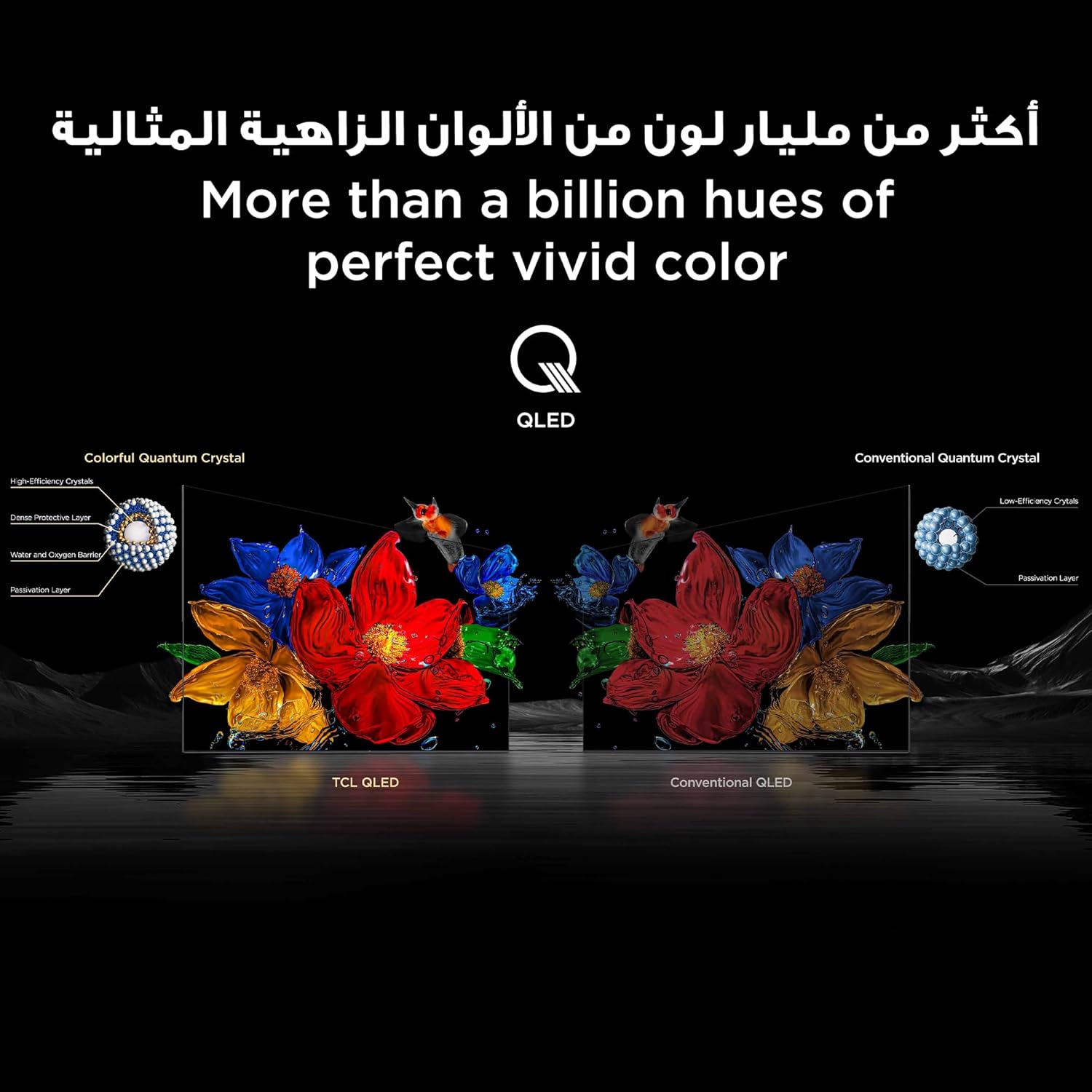
The TCL 85C7K utilizes QD-Mini LED technology with up to 2880 precise dimming zones. This combines the benefits of Quantum Dot (QLED) for vibrant colors with Mini LED backlighting for superior contrast and brightness control, delivering over a billion hues of vivid color.

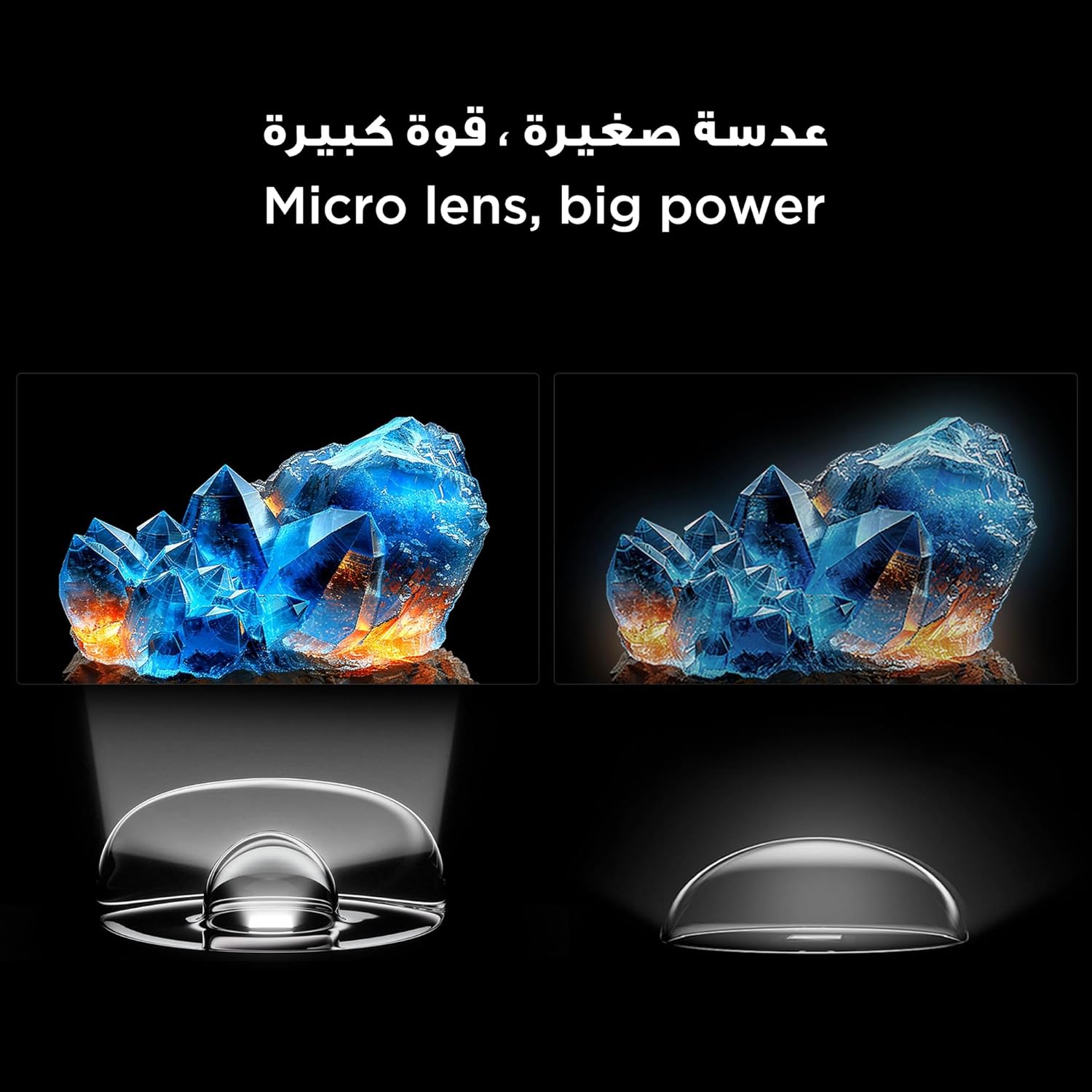
Diagram explaining Mini LED technology, showing Micro-OD, Condensed Micro Lens, and Powerful Light-emitting Chip, alongside HVA Panel Technology, illustrating precise dimming.
HDR 3000nits Brightness
Experience stunning HDR content with a blazing peak brightness of 3000 nits. This allows for incredible detail in both the brightest highlights and darkest shadows, providing a truly dynamic visual experience.
A vivid image of a campfire at night, demonstrating the intense brightness and contrast achieved with HDR 3000nits.
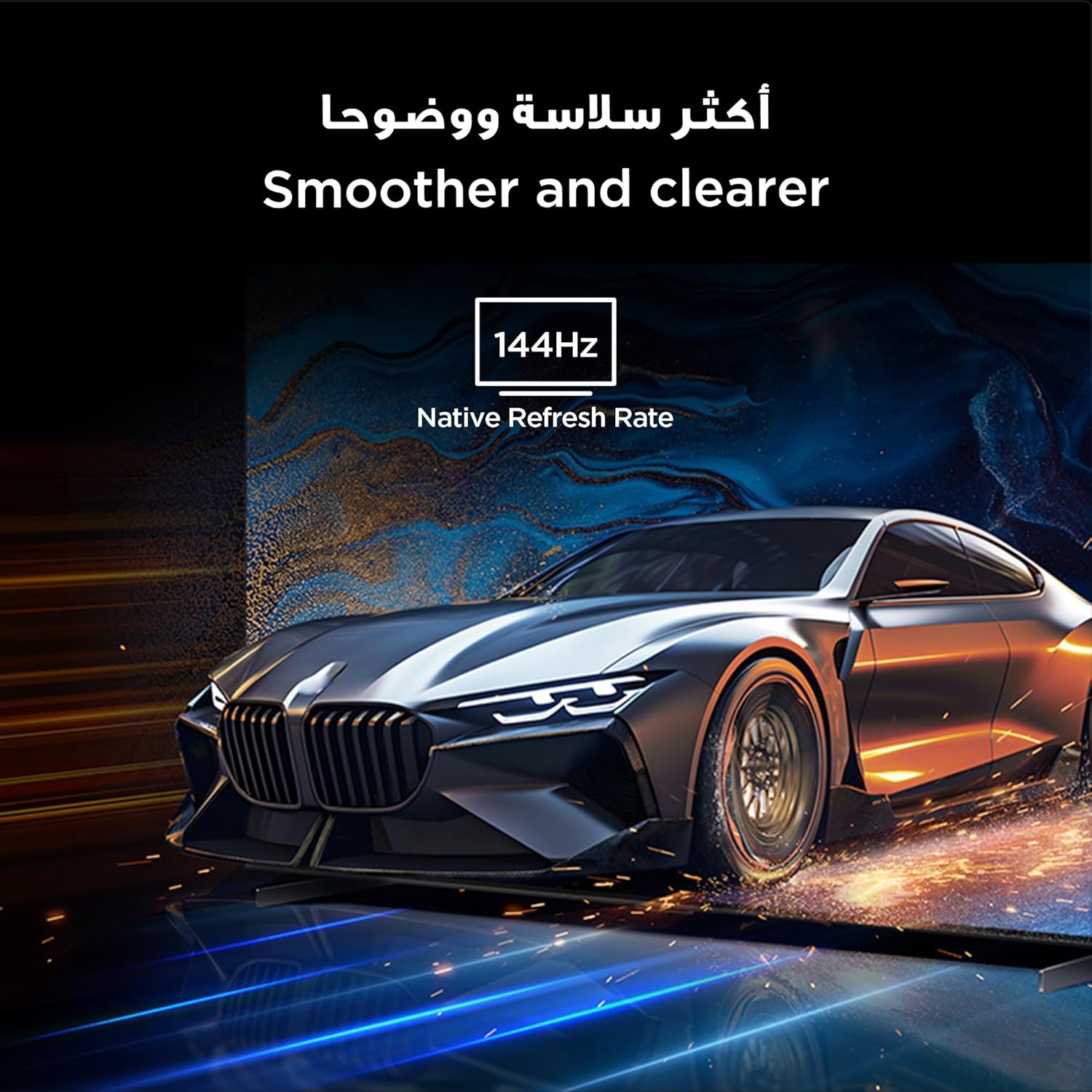
144Hz Native Refresh Rate
The 144Hz native refresh rate ensures ultra-smooth motion, making it ideal for fast-action movies, sports, and gaming. Every frame is rendered with clarity and fluidity, minimizing motion blur.
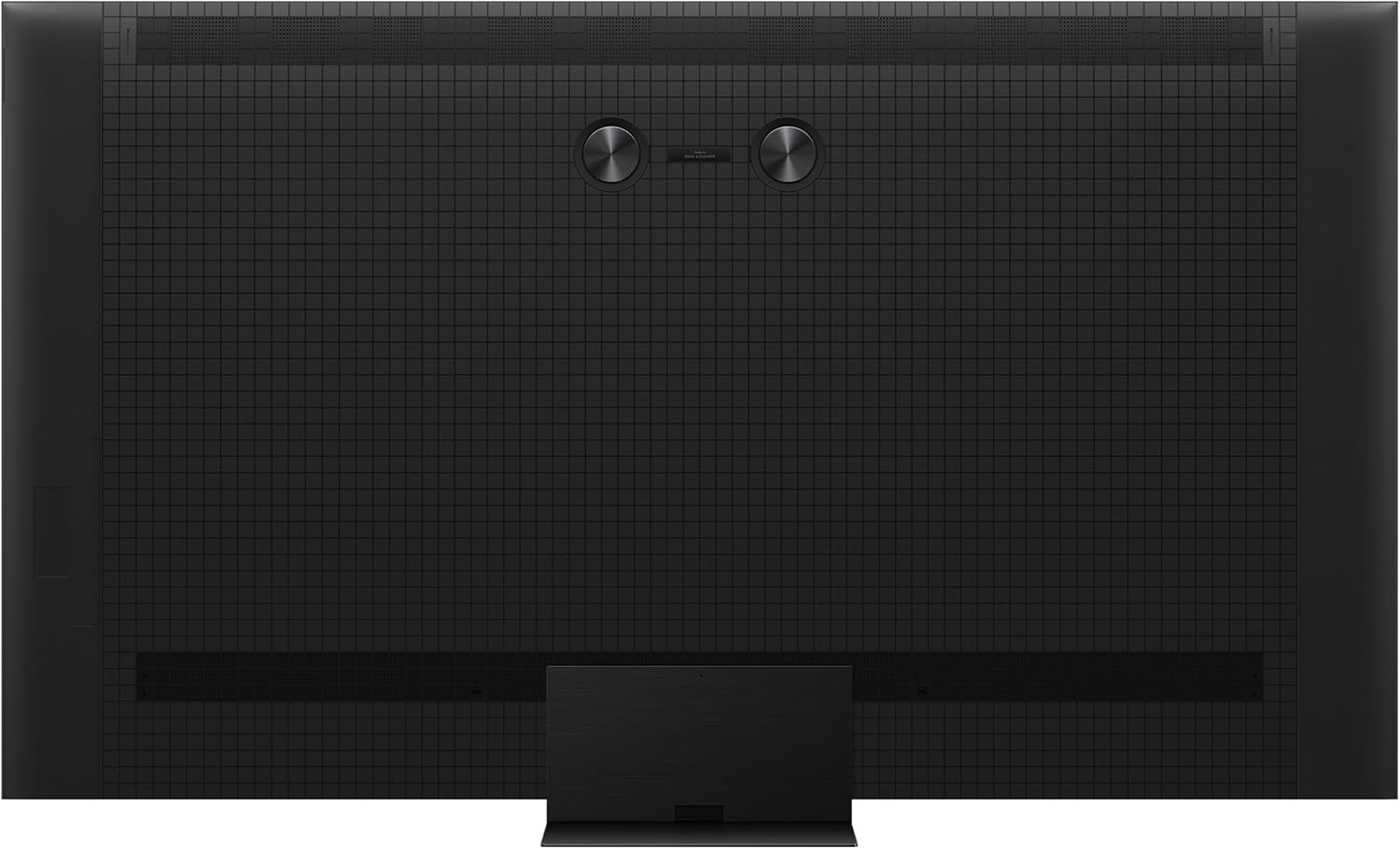
Image illustrating the smooth motion provided by the 144Hz Native Refresh Rate, depicted with a high-speed car.
Audio by BANG & OLUFSEN with Dolby Atmos
Indulge in premium sound quality with audio engineered by Bang & Olufsen. Coupled with Dolby Atmos, the TV delivers immersive, three-dimensional audio that fills the room, perfectly complementing the stunning visuals.
An image depicting a living room with the TCL TV, emphasizing the immersive audio experience provided by Bang & Olufsen sound, with sound waves emanating from the TV.
AiPQ Pro Processor
The self-developed AiPQ Pro Processor intelligently optimizes image quality in real-time. It perceives, thinks, and produces, making pixel-level adjustments to enhance color, contrast, and clarity for a top-notch viewing experience.
A detailed graphic of the AiPQ Pro Processor chip, symbolizing its role in intelligent image processing and optimization.
CrystGlow HVA Panel & Ultra Slim Design
The CrystGlow HVA Panel offers 5x contrast enhancement, low reflection, and a wide 178° viewing angle, all while being energy-efficient. The television also boasts an ultra-slim design, allowing for seamless wall-mounting and a sleek aesthetic in any living space.

Image showcasing the ultra-slim design of the TCL TV, suitable for seamless wall mounting.
Maintenance
Cleaning the Screen
To clean the screen, gently wipe it with a soft, lint-free cloth. For stubborn marks, slightly dampen the cloth with water or a specialized screen cleaner. Avoid using harsh chemicals, abrasive materials, or direct spraying onto the screen.
Cleaning the TV Body
Wipe the TV's body and stand with a soft, dry cloth. Do not use solvents or alcohol-based cleaners, as they may damage the finish.
Troubleshooting
If you encounter issues with your television, refer to the following common problems and solutions:
| Problem | Possible Cause | Solution |
|---|---|---|
| No Power | Power cable disconnected; Power outlet not working. | Ensure power cable is securely connected. Test outlet with another device. |
| No Picture, but Sound is Present | Incorrect input source selected; Loose HDMI/AV cable. | Press the 'Input' button on the remote to select correct source. Check cable connections. |
| No Sound, but Picture is Present | Volume muted or too low; External audio system not configured correctly. | Unmute volume or increase level. Check audio output settings on TV and external device. |
| Cannot Connect to Wi-Fi | Incorrect password; Router issues; TV too far from router. | Verify Wi-Fi password. Restart router. Move TV closer or use an extender. |
| Remote Control Not Working | Dead batteries; Obstruction between remote and TV. | Replace batteries. Remove any obstructions. |
Specifications
| Feature | Detail |
|---|---|
| Model Number | 85C7K |
| Screen Size | 85 Inches (216 cm) |
| Display Technology | QD-Mini LED |
| Resolution | 4K (3840 x 2160) |
| Refresh Rate | 144 Hz Native |
| HDR Support | HDR 3000nits |
| Audio | Audio by Bang & Olufsen, Dolby Atmos |
| Operating System | Google TV |
| Connectivity | Bluetooth, HDMI, USB, Wi-Fi |
| Special Features | AI Mode, AiPQ Pro Processor, Chromecast, Google Assistant, IMAX Enhanced, Multiple Eye Care, Special Sound Modes, Ultra Slim Design |
| Product Dimensions (W x H x D) | 188.9 x 108.8 x 5.8 cm (without stand) |
| Weight | 52 kg |
| Manufacturer | TCL |
| Country of Origin | China |
Warranty and Support
Your TCL 85C7K Television comes with a manufacturer's warranty. Please refer to the warranty card included in your product packaging for specific terms and conditions, including warranty period and coverage details. For technical support, service inquiries, or to purchase replacement parts, please contact TCL customer service through their official website or the contact information provided in your warranty documentation.
Online resources, including FAQs and software updates, may also be available on the official TCL support website.
Related documents85C7K


Ask a question about this manual
Ask about setup, troubleshooting, compatibility, parts, safety, or missing instructions. Manuals+ will review the question and use this page’s manual context to help answer it.