
1. Introduction
This manual provides essential instructions for the proper setup, operation, and maintenance of your Motorola T101 Cordless Phone. Please read this manual thoroughly before using your phone to ensure optimal performance and longevity.
2. Package Contents
Verify that your package contains the following items:
- Cordless Handset
- Base Unit
- Power Adapter
- Telephone Line Cord
- Rechargeable AAA Batteries (2 included)
- User Manual
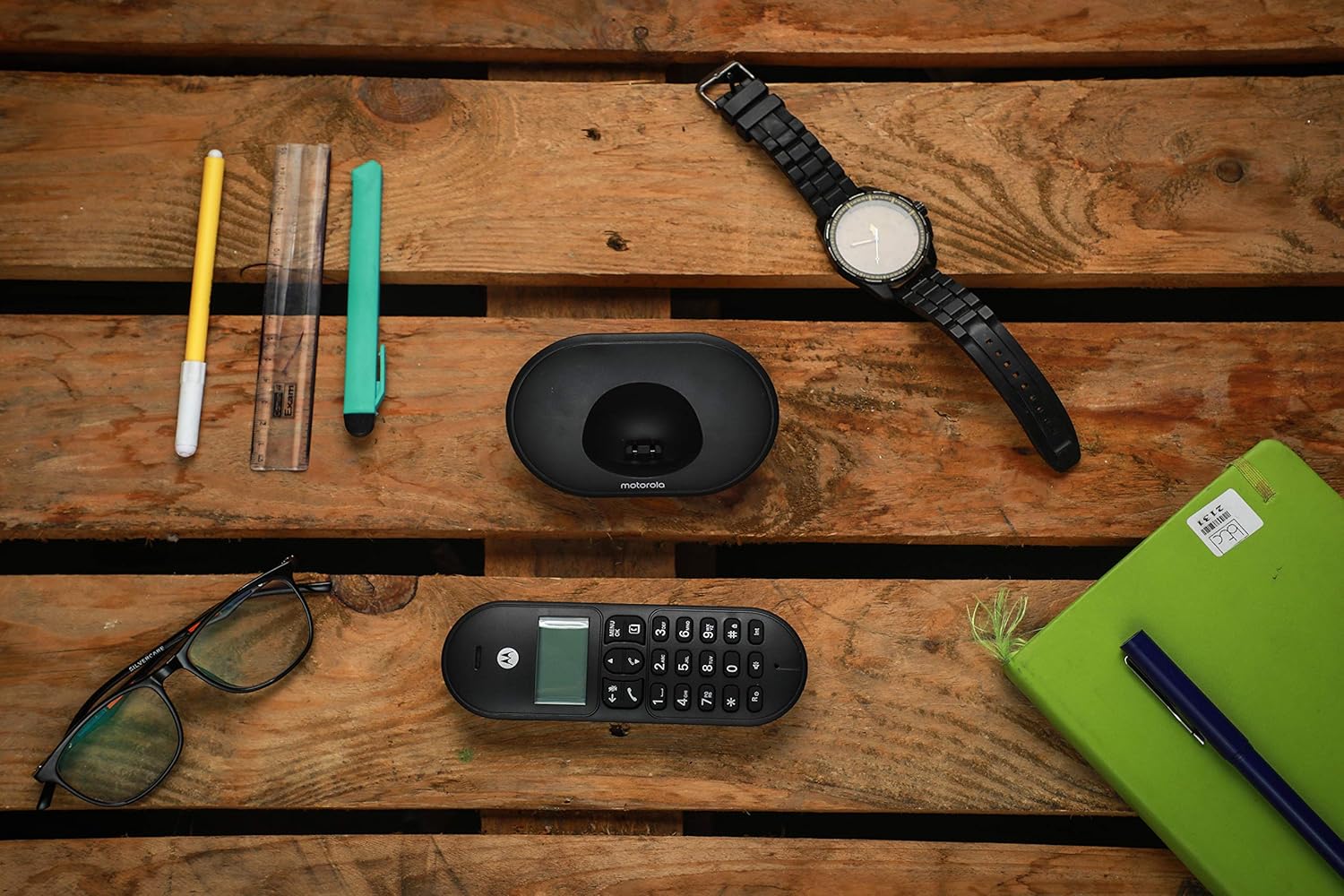
Image: Contents of the Motorola T101 Cordless Phone package.
3. Setup
3.1 Battery Installation
- Locate the battery compartment cover on the back of the cordless handset.
- Slide the cover downwards to open it.
- Insert the two supplied AAA rechargeable batteries, observing the correct polarity (+ and -).
- Replace the battery compartment cover, sliding it upwards until it clicks into place.
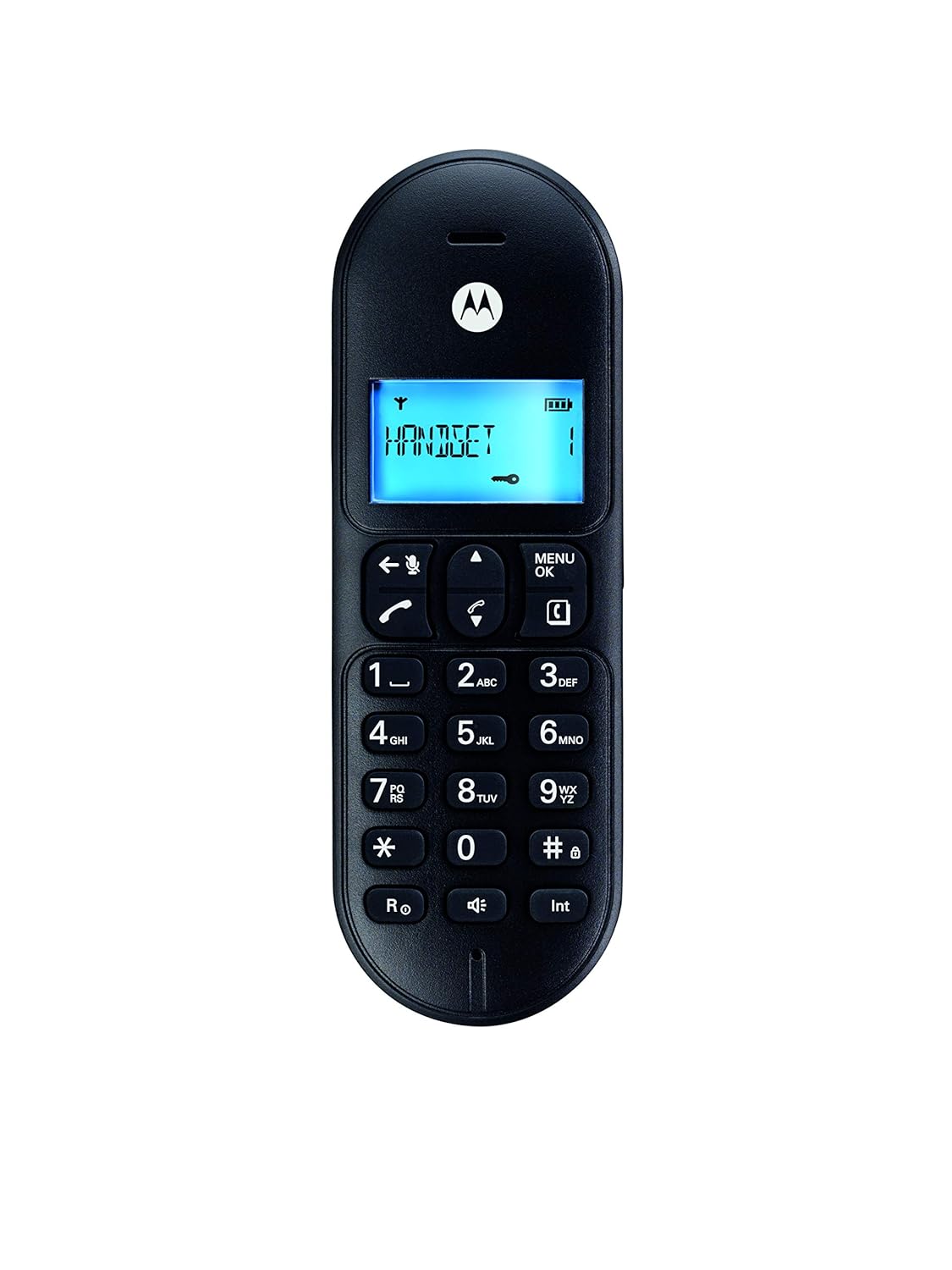
Image: Motorola T101 Cordless Handset.
3.2 Base Unit Connection
- Connect one end of the telephone line cord to the LINE port on the back of the base unit.
- Connect the other end of the telephone line cord to your telephone wall jack.
- Connect the small end of the power adapter to the DC IN port on the back of the base unit.
- Plug the large end of the power adapter into a standard electrical outlet.
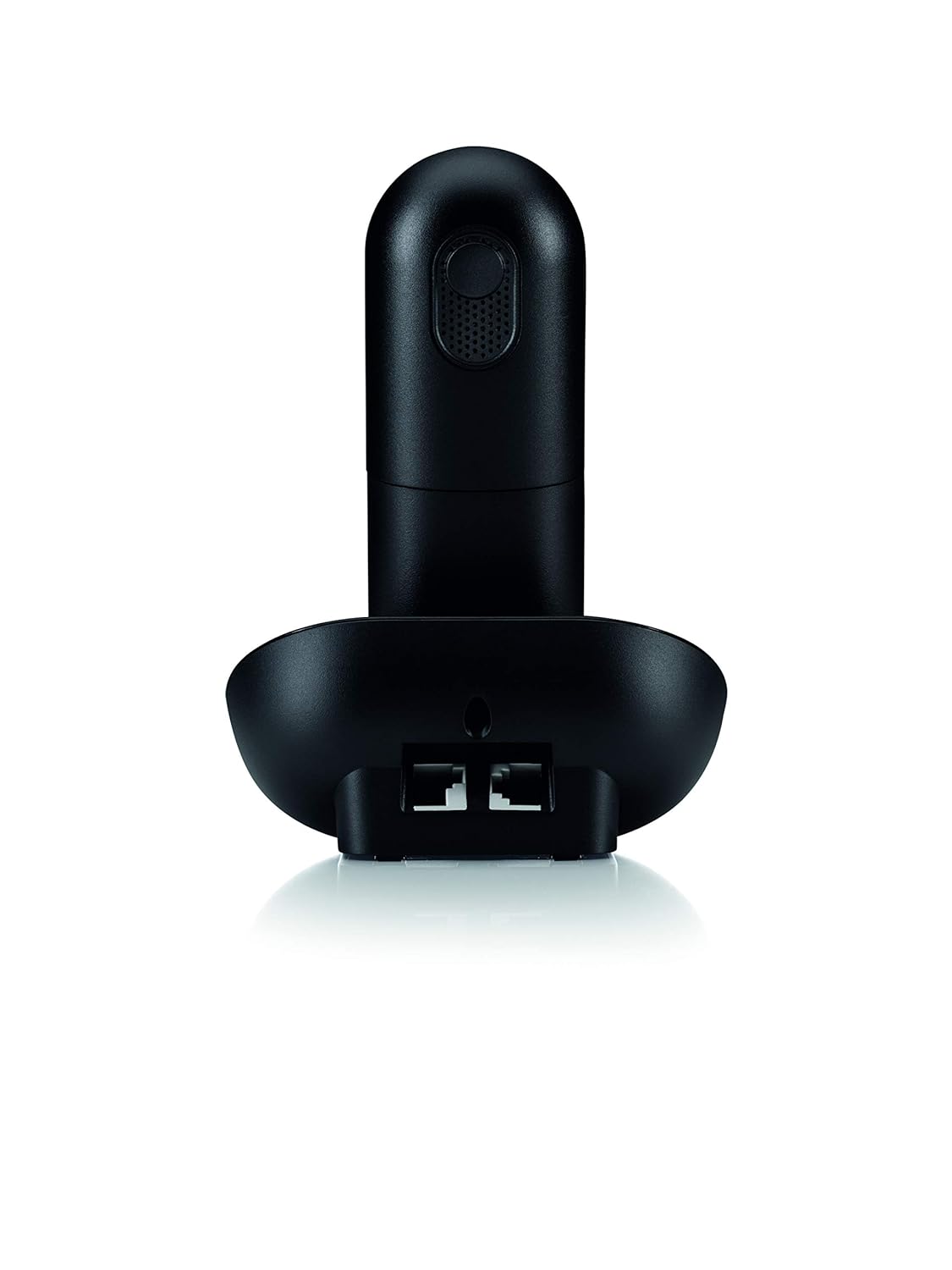
Image: Rear view of the Motorola T101 Base Unit connections.
3.3 Initial Charge
Place the handset on the base unit. The handset display will indicate charging. For optimal battery performance, allow the handset to charge continuously for at least 15 hours before its first use, even if the display indicates a full charge sooner.
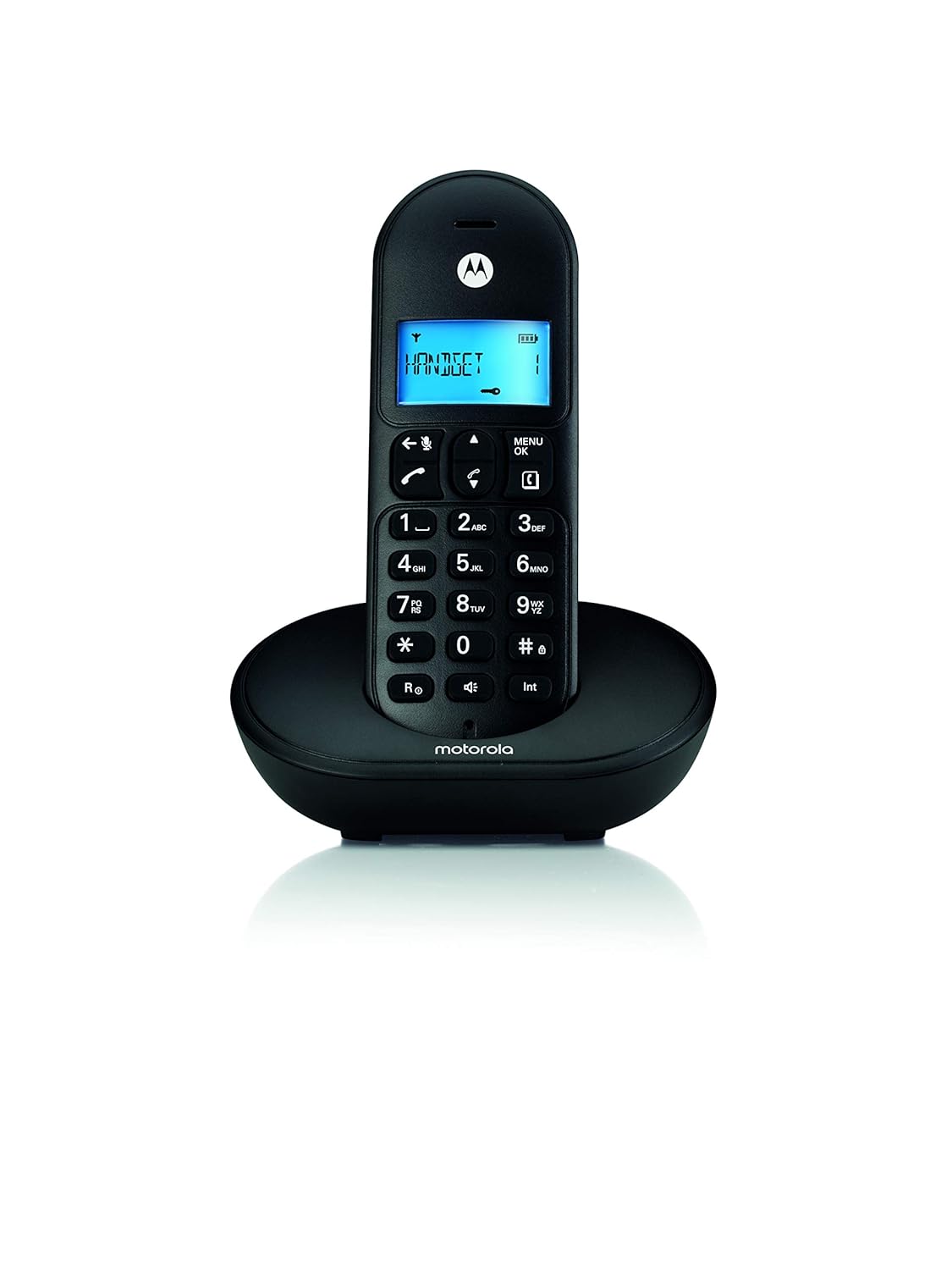
Image: Motorola T101 Cordless Phone on its charging base.
4. Operating Instructions
4.1 Making a Call
- Press the TALK button (green phone icon) or lift the handset from the base.
- Dial the desired phone number.
- To end the call, press the END button (red phone icon) or place the handset back on the base.
4.2 Receiving a Call
When the phone rings, press the TALK button (green phone icon) to answer. To end the call, press the END button (red phone icon) or place the handset back on the base.
4.3 Adjusting Volume
During a call, use the UP and DOWN navigation buttons on the handset to adjust the earpiece volume. The ringtone volume can typically be adjusted via the phone's menu settings.
4.4 Speakerphone Function
During a call, press the Speakerphone button (speaker icon) to activate the speakerphone. Press it again to return to handset mode.
4.5 Redial
Press the Redial button (often a curved arrow or specific redial button) to call the last dialed number.
4.6 Phonebook
Access the phonebook through the MENU/OK button. Follow the on-screen prompts to add, edit, or delete contacts. Consult the on-screen menu for specific navigation.
4.7 Caller ID
If you subscribe to Caller ID service, the caller's number and name (if available) will be displayed on the handset screen before you answer the call.
5. Maintenance
5.1 Cleaning
Wipe the phone and base unit with a soft, damp cloth. Do not use cleaning solvents or abrasive materials, as these can damage the surfaces.
5.2 Battery Care
- Always use the supplied rechargeable AAA Ni-MH batteries.
- Place the handset on the base unit when not in use to ensure it remains charged.
- Avoid exposing batteries to extreme temperatures.
- If the phone will not be used for an extended period, remove the batteries to prevent leakage.
6. Troubleshooting
| Problem | Solution |
|---|---|
| No dial tone |
|
| Poor sound quality / Disconnections |
|
| Handset not charging |
|
| Low ringtone volume |
|
7. Specifications
| Feature | Detail |
|---|---|
| Model Number | T101 |
| Product Dimensions | 16 x 8 x 15 cm |
| Item Weight | 400 g |
| Batteries | 2 AAA Ni-MH rechargeable batteries (included) |
| Battery Capacity | 550mAh |
| Talk Time | Up to 10 hours |
| Standby Time | Up to 48 hours |
| Connectivity | Landline (DECT technology for cordless communication) |
| Color | Black |
| Material | Plastic |
| Manufacturer | Meizhou Guo Wei Electronics Co. Ltd / Motorola |
| Country of Origin | China |
8. Warranty and Support
8.1 Warranty Information
The Motorola T101 Cordless Phone comes with a 1-year manufacturer warranty for the device from the date of purchase. In-box accessories, including batteries, are covered by a 6-month manufacturer warranty.
8.2 Customer Support
For technical assistance, warranty claims, or further information, please contact Motorola customer support. Refer to the official Motorola website or your purchase documentation for the most current contact details.
Importer: SMART TECH OVERSEAS A-1/1, HARDEVPURI, 100 FT. Road, SHAHDARA DELHI-110093 India


