
RCA BT710
RCA BT710 Bluetooth Wireless Headphones User Manual
Model: BT710
Introduction
Thank you for choosing the RCA BT710 Bluetooth Wireless Headphones. This manual provides essential information for the proper setup, operation, and maintenance of your device. Please read it thoroughly before use to ensure optimal performance and longevity.
The RCA BT710 headphones are designed for active lifestyles, featuring a comfortable, lightweight design, IPX5 water resistance, and magnetic earbuds for secure wear. Enjoy up to 10 hours of playtime with clear, crisp sound.
Package Contents
Verify that all items are present in your package:
- RCA BT710 Bluetooth Headphones x 1
- Carry Pouch x 1
- Ear tips x 3 pairs (Large, Medium, Small)
- Ear fins x 3 pairs (Large, Medium, Small)
- Cable Clip x 1
- Micro USB Charging Cable x 1
- User Manual x 1

Image: The complete package contents for the RCA BT710 headphones, including the headphones, various ear tips and fins, a Micro USB charging cable, and the user manual.
Product Overview

Image: A pair of blue RCA BT710 Bluetooth wireless headphones with a neckband design.
Key Features:
- Bluetooth Connectivity: Quick pairing and stable connection with lower power consumption.
- Dynamic Sound: Powerful 6mm moving coil driver for clear audio and dynamic bass (20Hz–20kHz frequency range).
- Extended Playtime: Up to 10 hours of music playback on a single 2-hour charge.
- Magnetic Earbuds: Securely wear around your neck when not in use.
- Ergonomic Design: Includes 3 sizes of ear tips and ear fins for a comfortable and secure fit.
- IPX5 Water Resistance: Internal nano coating protects against light rain and sweat.
- Three-Button Control: Easy management of music playback and calls.
Setup
1. Charging the Headphones
Before first use, fully charge your headphones. Use the provided Micro USB cable to connect the charging port on the inline control to a USB power source (e.g., computer USB port, wall adapter). The LED indicator will show charging status.
- Charging Time: Approximately 2 hours for a full charge.
- Charging Voltage: DC 5V.
- Battery Capacity: 110mAh/3.7V Li-polymer.
- LED Indicator: (Refer to the control diagram for LED location)
- Red light: Charging
- Blue light: Fully charged
2. Selecting Ear Tips and Ear Fins
For optimal sound quality and comfort, choose the ear tips and ear fins that best fit your ears. Experiment with the three provided sizes (Small, Medium, Large) to find the most secure and comfortable seal.

Image: An illustration demonstrating the secure fit of the RCA BT710 headphones, with interchangeable ear tips and ear fins in various sizes (S, M, L).
3. Bluetooth Pairing
Follow these steps to pair your headphones with a Bluetooth-enabled device:
- Ensure the headphones are fully charged and turned off.
- Press and hold the Multifunction Button (center button on the inline control) for approximately 5-7 seconds until the LED indicator flashes red and blue alternately. This indicates pairing mode.
- On your device (smartphone, tablet, etc.), enable Bluetooth and search for available devices.
- Select "RCA BT710" from the list of found devices.
- Once paired, the LED indicator on the headphones will flash blue slowly, and you will hear an audible confirmation.
- If pairing is unsuccessful, turn off the headphones and repeat the steps.

Image: Illustration of the RCA BT710 headphones with a Bluetooth logo, signifying stable wireless connectivity.
Operating Instructions
Controls Overview
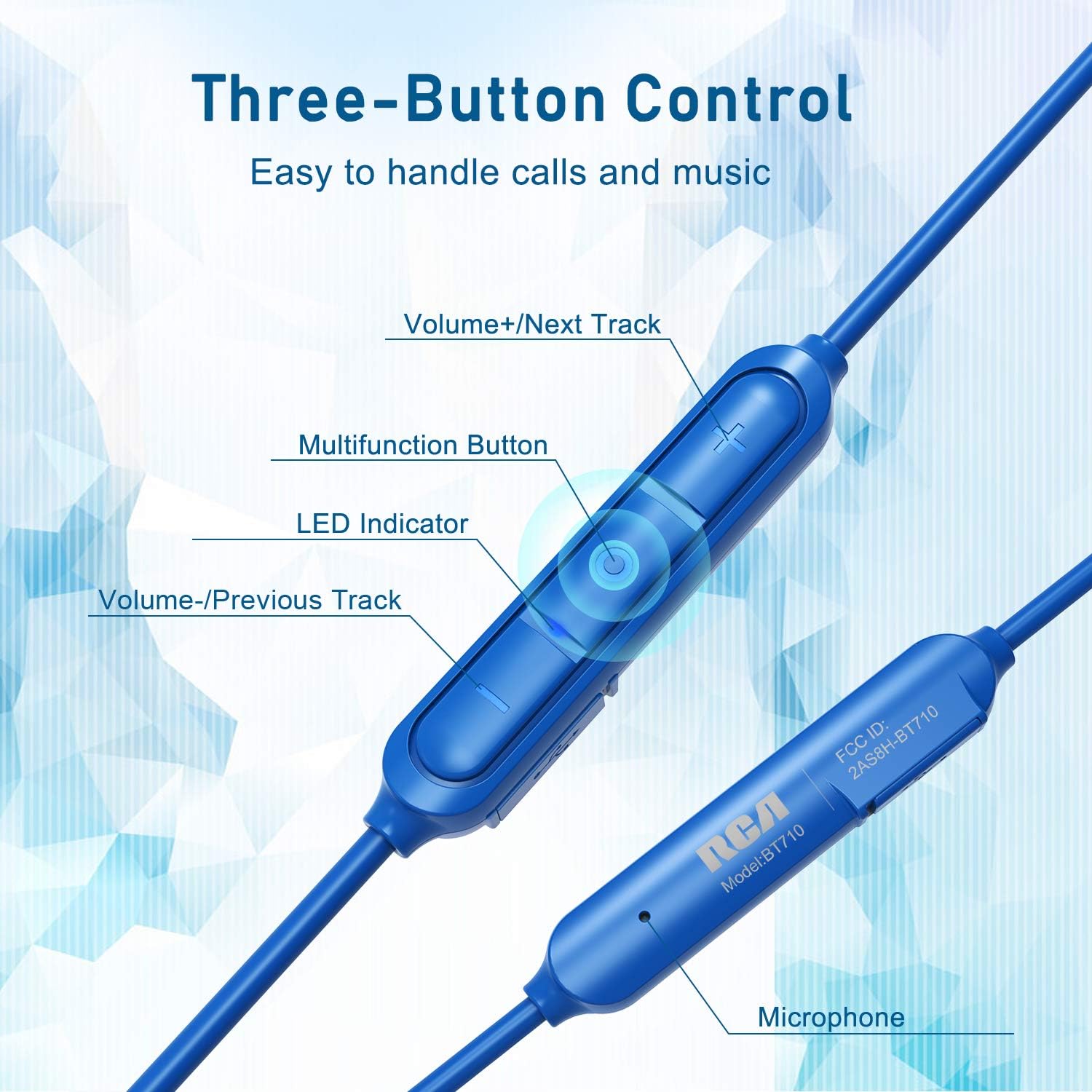
Image: Detailed view of the RCA BT710's inline three-button control panel, showing buttons for volume up/next track, multifunction, volume down/previous track, LED indicator, and microphone.
- Multifunction Button (Center):
- Press and hold (5-7s): Power On/Off, Enter Pairing Mode
- Short press: Play/Pause music, Answer/End call
- Double press: Redial last number
- Press and hold (2s during call): Reject call
- Volume + / Next Track Button:
- Short press: Increase volume
- Long press: Next track
- Volume - / Previous Track Button:
- Short press: Decrease volume
- Long press: Previous track
- LED Indicator: Displays power, charging, and pairing status.
- Microphone: For hands-free calls.
Wearing the Headphones
Insert the earbuds into your ears, ensuring a snug fit with the chosen ear tips and fins. The cable should rest comfortably behind your neck. When not in use, the earbuds feature magnetic attraction, allowing them to clip together around your neck like a necklace, preventing loss.
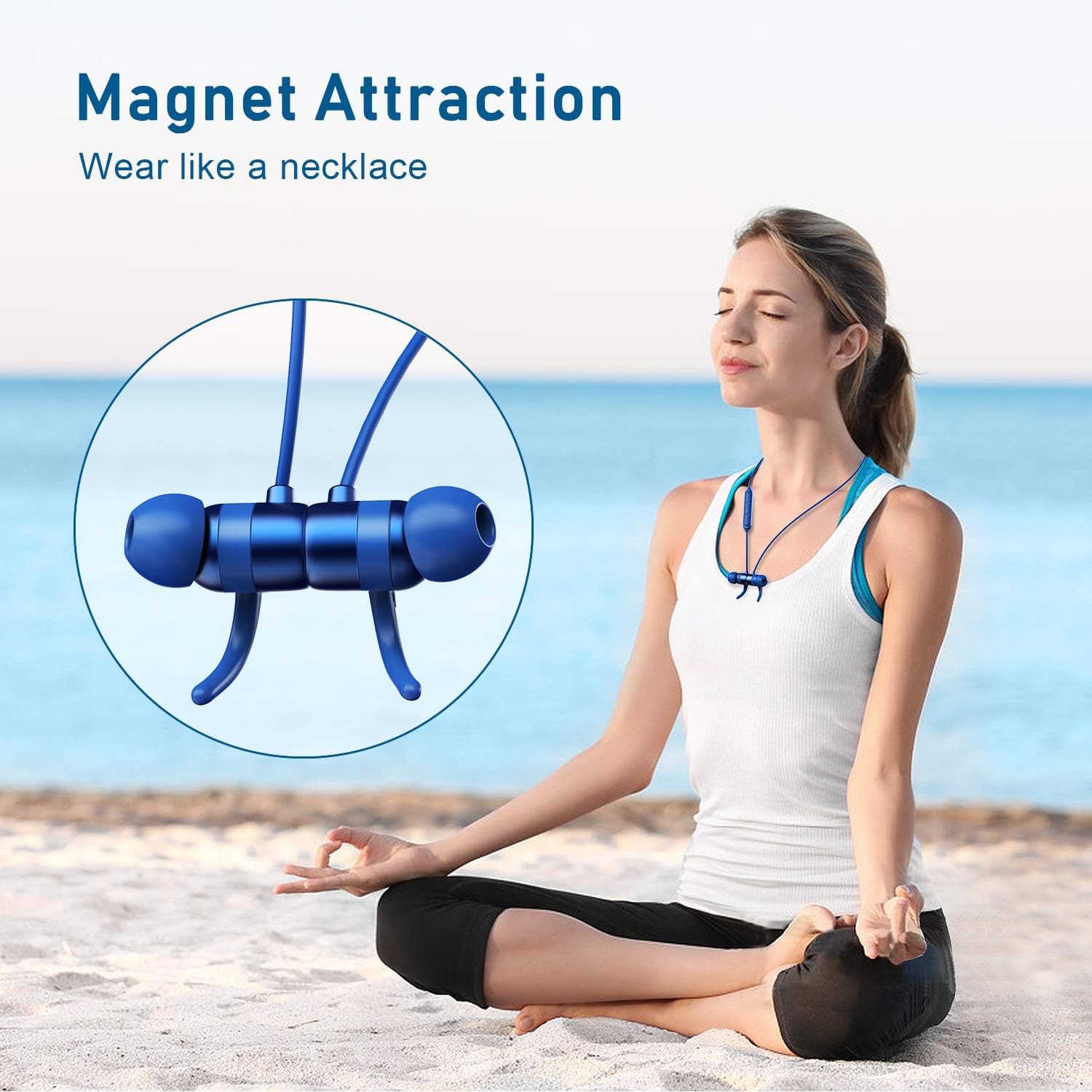
Image: A woman meditating outdoors, with the RCA BT710 headphones magnetically secured around her neck when not in use.
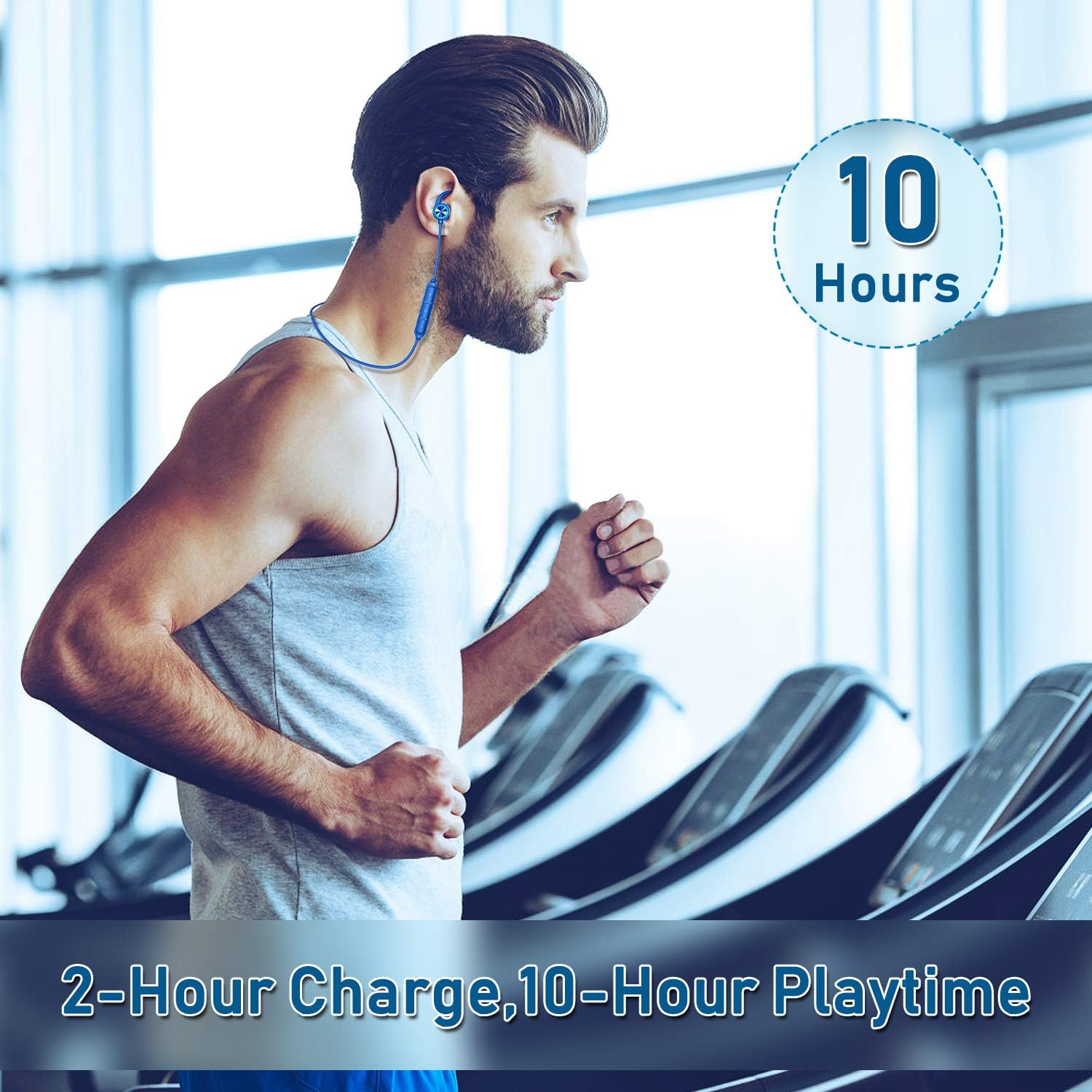
Image: A man exercising on a treadmill, wearing the RCA BT710 headphones, highlighting the 10-hour battery life and secure fit during activity.
Maintenance
- Cleaning: Regularly clean the ear tips and the headphone body with a soft, dry cloth. For ear tips, you may use a slightly damp cloth with mild soap, then rinse and dry thoroughly before reattaching.
- Storage: When not in use, store the headphones in the provided carry pouch to protect them from dust and damage. Avoid extreme temperatures.
- Water Resistance: The headphones are IPX5 rated, meaning they are resistant to light rain and sweat. Do not submerge them in water or expose them to heavy downpours. Ensure the charging port cover is securely closed.
- Charging: Use only the provided Micro USB cable or a certified equivalent. Avoid overcharging the battery.
Troubleshooting
| Problem | Possible Cause | Solution |
|---|---|---|
| Headphones do not turn on. | Low battery. | Charge the headphones for at least 2 hours. |
| Cannot pair with device. | Headphones not in pairing mode; Bluetooth off on device; device too far. | Ensure headphones are in pairing mode (red/blue flashing LED). Turn on Bluetooth on your device. Move device closer to headphones (within 10 meters/33 feet). |
| No sound or poor sound quality. | Volume too low; improper ear tip fit; device not connected; interference. | Increase volume on headphones and device. Adjust ear tips for a secure seal. Re-pair the headphones. Move away from sources of interference. |
| Headphones disconnect frequently. | Out of range; low battery; interference. | Keep device within 10 meters (33 feet). Charge headphones. Avoid strong electromagnetic interference. |
Specifications
| Feature | Detail |
|---|---|
| Model Number | BT710 |
| Wireless Profile | HSP, HFP, A2DP, AVRCP |
| Operating Range | Up to 10 meters (33 feet) without obstacles |
| Waterproof Rate | IPX5 |
| Charging Time | Approximately 2 hours |
| Talk/Play Time | Up to 10 hours (varies by volume and content) |
| Standby Time | Up to 240 hours |
| Charging Voltage | DC 5V |
| Battery Type | Li-polymer |
| Battery Capacity | 110mAh/3.7V |
| Frequency Response | 20Hz–20kHz |
| Item Weight | 13.61 g (0.48 ounces) |
| Product Dimensions | 3.54 x 4.73 x 1.97 inches |
Warranty and Support
RCA products are designed for reliability and performance. For warranty information or technical support, please refer to the warranty card included in your package or visit the official RCA website.
You can also visit the RCA Store on Amazon for more product information and support resources.
Related documentsBT710


Ask a question about this manual
Ask about setup, troubleshooting, compatibility, parts, safety, or missing instructions. Manuals+ will review the question and use this page’s manual context to help answer it.