
Nerf E6973
Nerf Alpha Strike Fang QS-4 Blaster Instruction Manual
Model: E6973
Important Safety Information
WARNING: Do not aim at eyes or face. To avoid injury, use only official NERF darts. Other darts may not meet safety standards. Do not modify darts or blaster.
- Always wear eye protection when using this product (not included).
- Keep fingers and other objects away from the dart launch area.
- Do not modify the blaster in any way.
- This product is intended for ages 8 and up.
Package Contents
Verify that all items listed below are included in your package:
- 1 x Nerf Alpha Strike Fang QS-4 Blaster
- 10 x Official Nerf Alpha Strike Darts
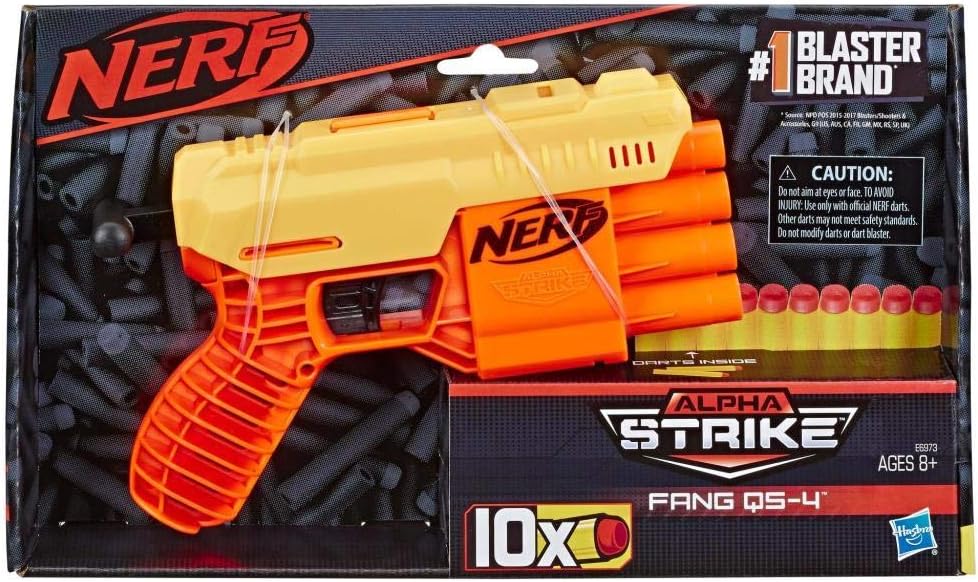
Image: Nerf Alpha Strike Fang QS-4 Blaster and darts as packaged.
Setup: Loading Darts
Insert Darts: Take an official Nerf Alpha Strike dart. Insert one dart into each of the four barrels at the front of the blaster. Push the dart in until it is fully seated.
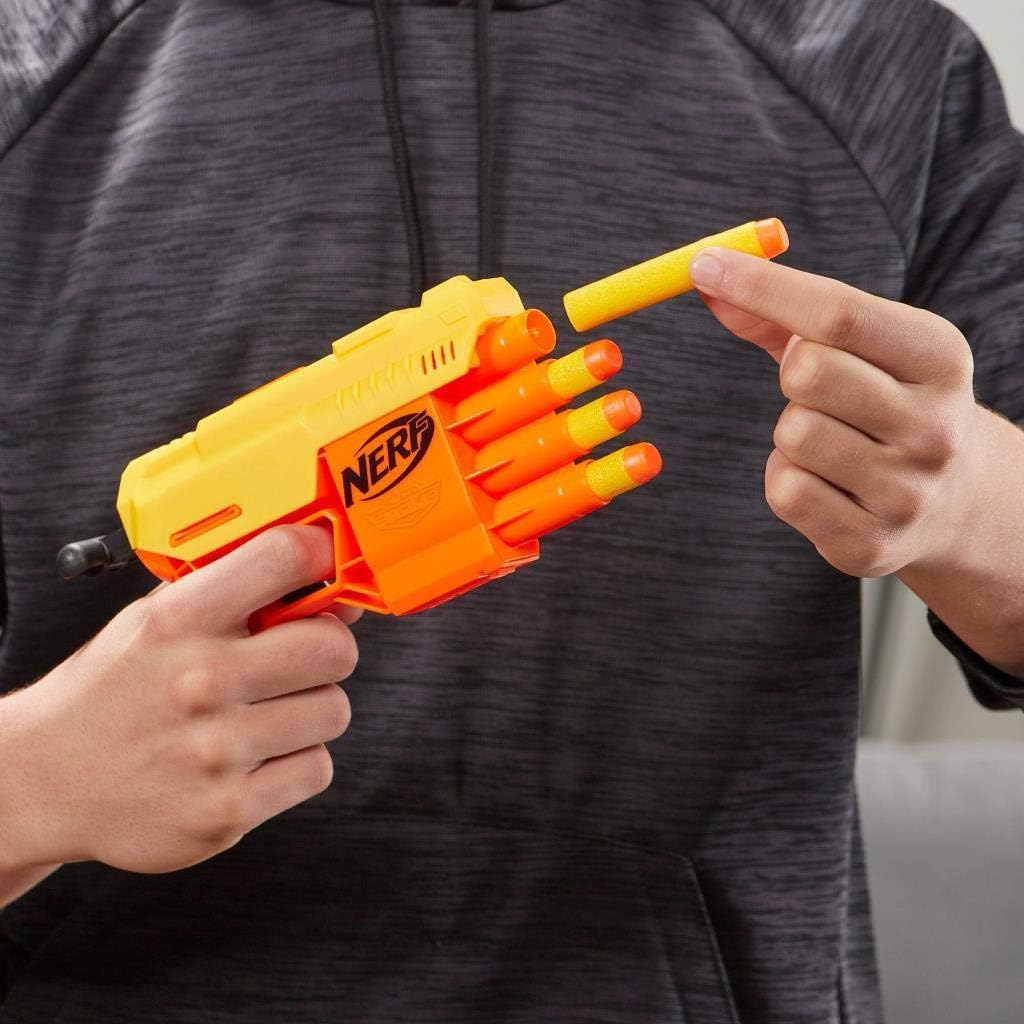
Image: Loading a dart into the blaster barrel.
Repeat this process for all four barrels to fully load the blaster.
Operating the Blaster
Hold the Blaster: Grip the blaster firmly with one hand on the handle.

Image: Proper grip and aiming posture.
Prime the Blaster: With your other hand, pull the priming handle located at the bottom rear of the blaster all the way back until it clicks into place. Then, push it forward until it clicks again. This action prepares a dart for firing.
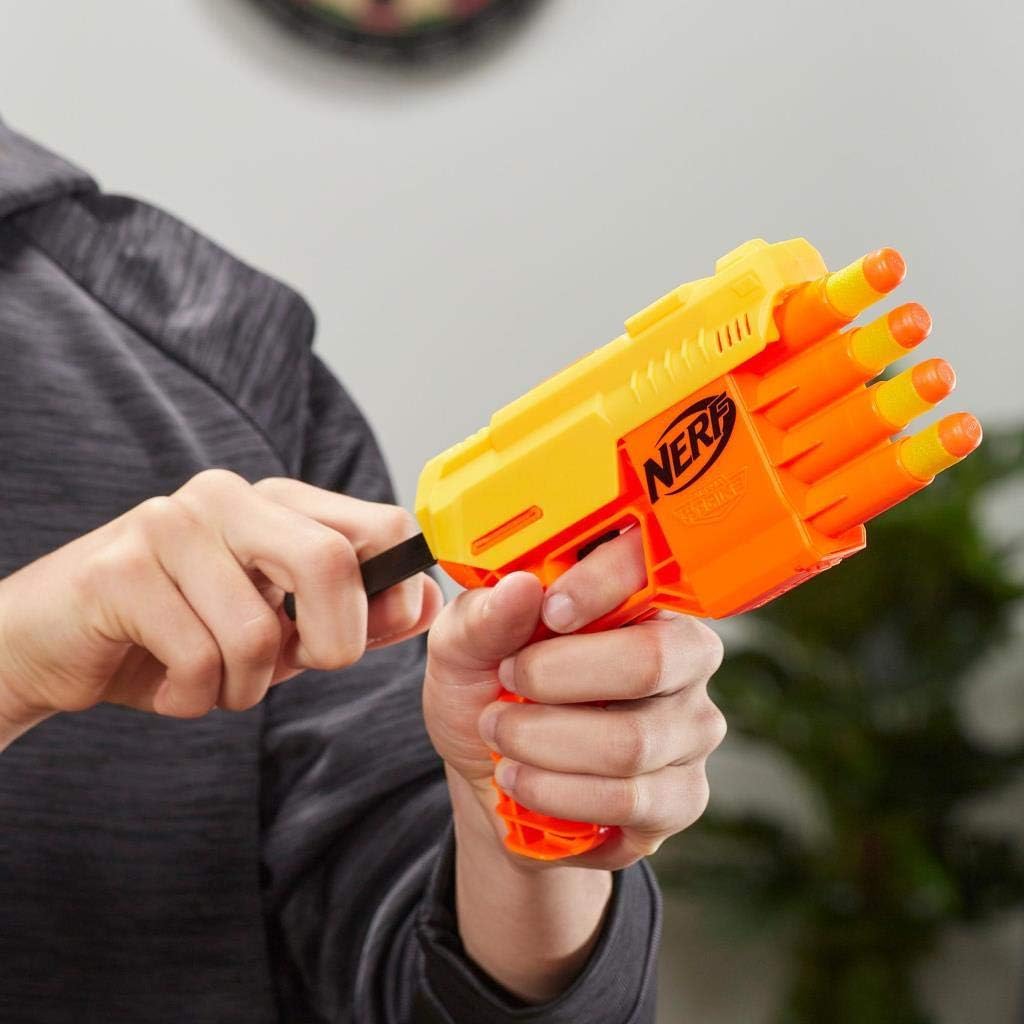
Image: Priming the blaster by pulling the handle back.
Fire a Dart: Aim at your target (remembering safety warnings). Pull the trigger to fire one dart.
Reload and Repeat: To fire another dart, repeat the priming and firing steps. The blaster fires one dart per prime and trigger pull.
Maintenance and Care
- Cleaning: Wipe the blaster with a clean, damp cloth as needed. Do not submerge the blaster in water or use harsh chemicals.
- Dart Care: Store darts in a clean, dry place. Avoid bending or damaging darts, as this can affect performance.
- Storage: Store the blaster in a cool, dry environment away from direct sunlight when not in use.
Troubleshooting
| Problem | Possible Cause | Solution |
|---|---|---|
| Dart does not fire. | Blaster not fully primed. | Ensure the priming handle is pulled all the way back until it clicks, then pushed all the way forward until it clicks. |
| Dart jams in barrel. | Damaged or non-official dart. | Remove the jammed dart carefully. Use only official Nerf Alpha Strike darts that are in good condition. |
| Darts fly weakly. | Darts are worn or damaged. | Replace old or damaged darts with new official Nerf Alpha Strike darts. |
Specifications
- Model Number: E6973
- Product Dimensions: 1.77 x 7.05 x 12.09 inches (4.5 x 17.9 x 30.7 cm)
- Item Weight: 3.52 ounces (99.8 grams)
- Recommended Age: 8 years and up
- Dart Capacity: 4 darts (front-loading)
- Brand: Nerf
Warranty and Support
For information regarding warranty, replacement parts, or customer support, please visit the official Nerf website or contact their customer service department. Specific warranty details may vary by region.
Visit Hasbro Customer Service (Nerf is a Hasbro brand)
Ask a question about this manual
Ask about setup, troubleshooting, compatibility, parts, safety, or missing instructions. Manuals+ will review the question and use this page’s manual context to help answer it.