
1. Introduction
Welcome to the user manual for your new MOBO Honguito Portable Bluetooth Speaker. This device is designed to provide high-quality audio playback and hands-free calling in a compact, portable form factor. Please read this manual carefully before using the product to ensure proper operation and to maximize its lifespan.
Package Contents:
- MOBO Honguito Portable Bluetooth Speaker
- USB Charging Cable (not explicitly listed but standard for Bluetooth speakers)
- User Manual
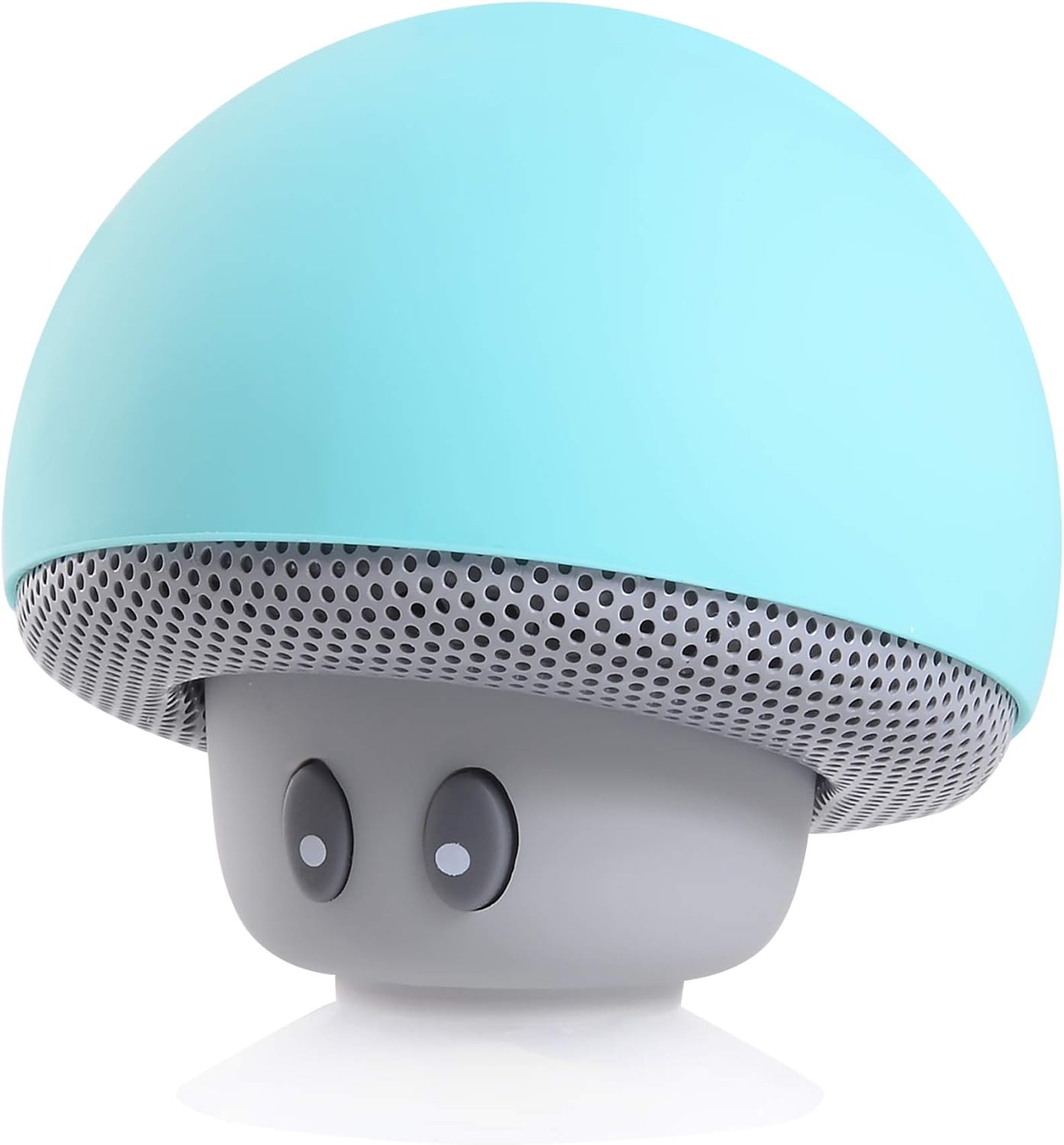
Figure 1.1: Front view of the MOBO Honguito Portable Bluetooth Speaker. This image shows the speaker's distinctive mushroom-like design with a blue cap and a gray base, featuring a perforated grille around the base and two small, dark 'eyes' on the front.
2. Safety Information
To ensure safe and reliable operation, please observe the following safety precautions:
- Do not expose the speaker to water, moisture, or extreme temperatures.
- Avoid dropping or subjecting the speaker to strong impacts.
- Do not attempt to disassemble, repair, or modify the device yourself. Contact qualified service personnel.
- Keep the speaker away from heat sources, direct sunlight, and flammable materials.
- Use only the provided or a certified USB cable for charging.
3. Setup
3.1 Charging the Speaker
The MOBO Honguito speaker is powered by an internal battery. Before first use, fully charge the speaker.
- Locate the charging port on the speaker (typically a Micro-USB port).
- Connect one end of the USB charging cable to the speaker's charging port.
- Connect the other end of the USB cable to a USB power adapter (5V DC, 0.5A recommended) or a computer's USB port.
- The charging indicator light (if present) will illuminate, typically red, during charging and turn off or change color when fully charged.
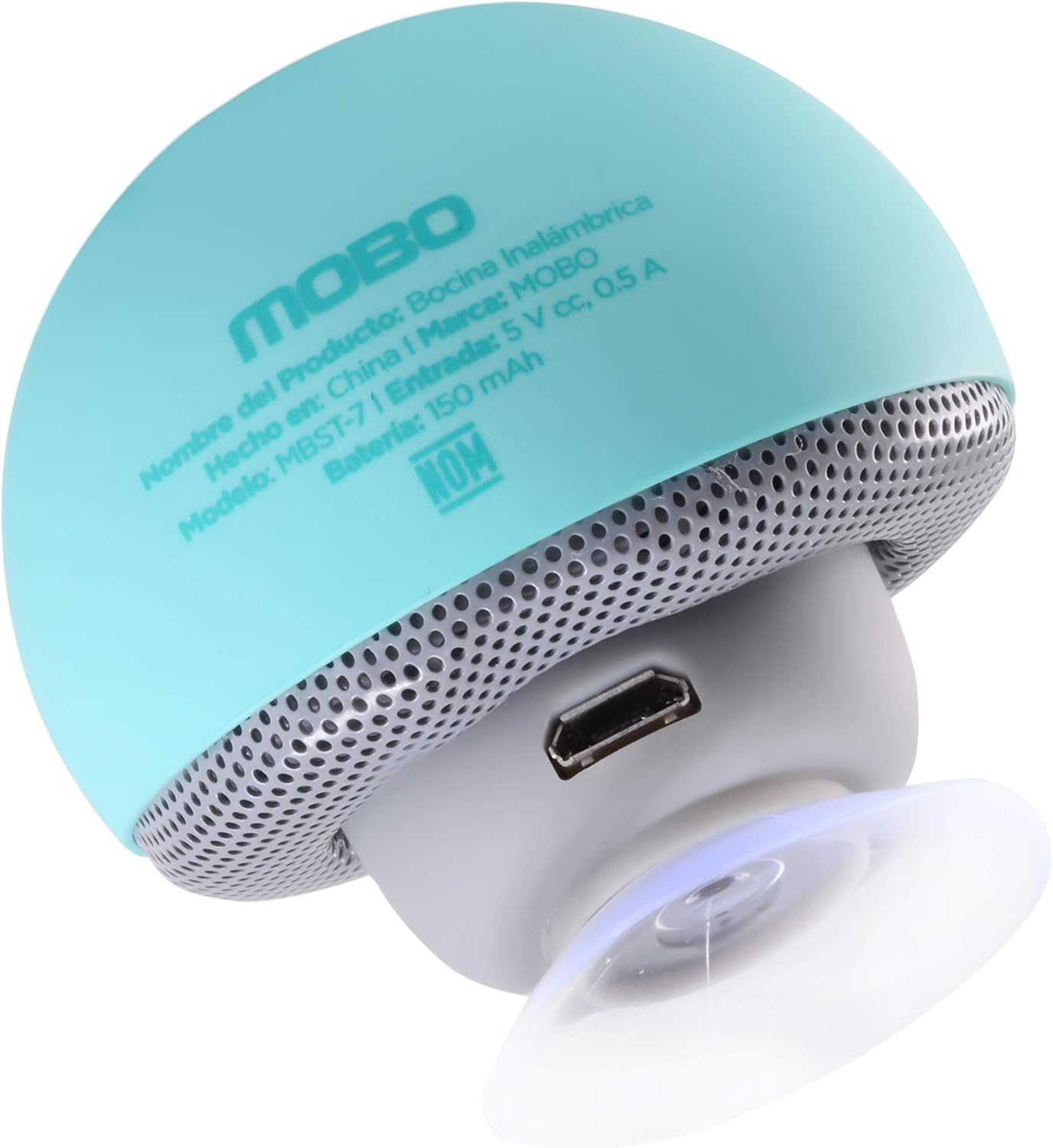
Figure 3.1: Bottom view of the speaker, highlighting the Micro-USB charging port and the integrated suction cup for mounting.
3.2 Powering On/Off
To power on the speaker, press and hold the power button (usually located on the side or bottom) for a few seconds until you hear an audible prompt or see an indicator light flash. Repeat the process to power off the speaker.

Figure 3.2: Side view of the speaker, illustrating the location of a control button, likely for power or mode selection.
3.3 Bluetooth Pairing
To connect your speaker to a Bluetooth-enabled device:
- Ensure the speaker is powered on and in pairing mode (an indicator light may flash rapidly, and you might hear a prompt).
- On your device (smartphone, tablet, etc.), enable Bluetooth and search for available devices.
- Select "Honguito" or a similar name from the list of found devices.
- Once paired, the speaker will usually provide an audible confirmation, and the indicator light will stop flashing and remain solid.
4. Operating the Speaker
4.1 Music Playback
After successful Bluetooth pairing, you can play audio from your connected device. Use your device to control playback (play/pause, skip tracks, volume). The speaker may also feature integrated controls for basic functions.

Figure 4.1: Close-up of the speaker's front, showing the 'eyes' which might serve as control buttons for functions like play/pause or volume.
4.2 Hands-Free Calling
With its integrated microphone, the Honguito speaker supports hands-free calling when connected to your smartphone. When a call comes in, the music will pause, and you can answer/end calls using the speaker's controls or your phone.
4.3 Voice Control
The speaker supports voice control. Depending on your connected device and its operating system, you may be able to activate your device's voice assistant (e.g., Siri, Google Assistant) by pressing a specific button on the speaker or through a voice command.
4.4 Mounting the Speaker
The speaker features a suction cup on its base, allowing it to be mounted on smooth, flat surfaces like glass, tiles, or polished metal. Ensure the surface is clean and dry for optimal adhesion.
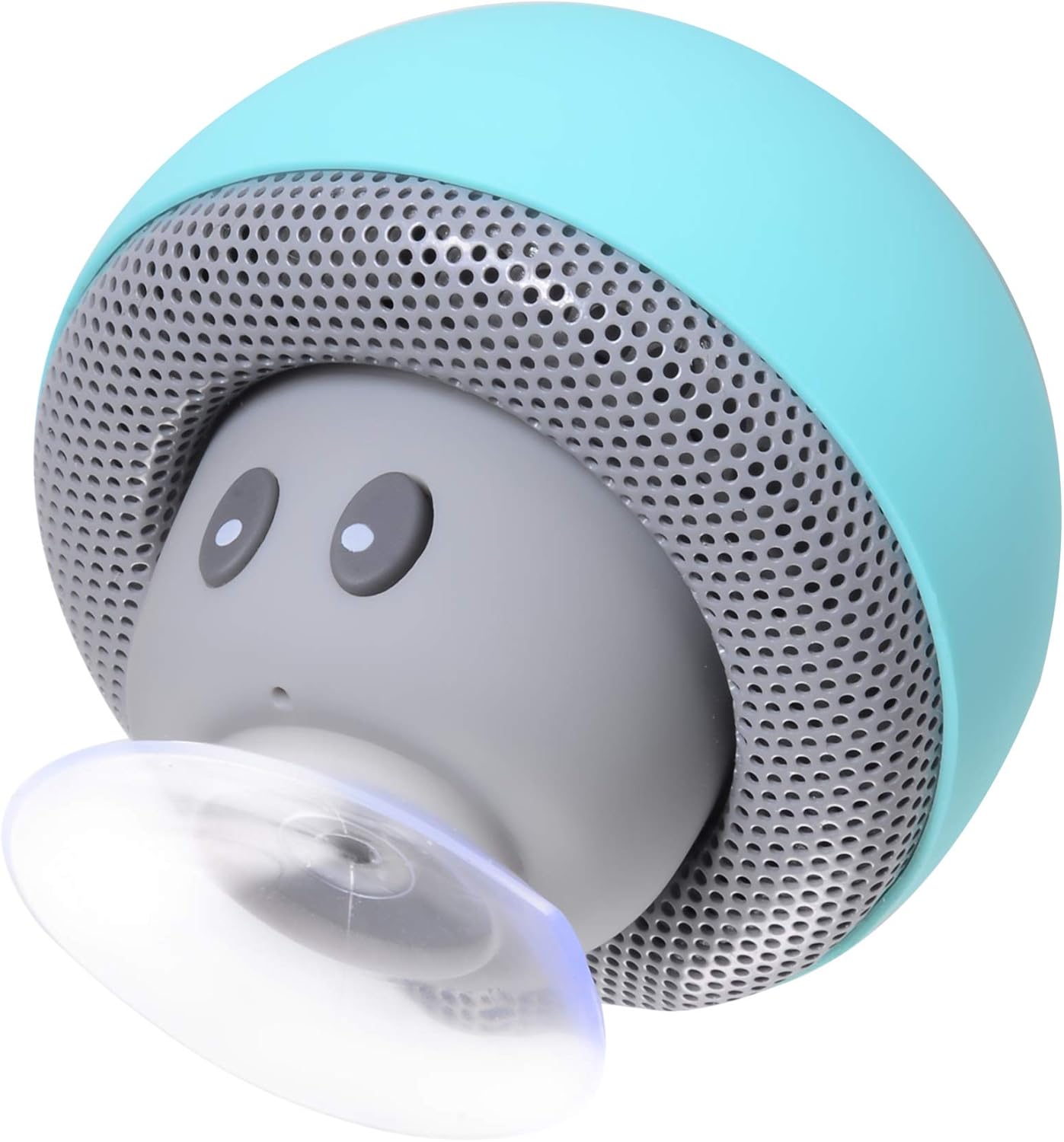
Figure 4.2: Angled view of the speaker, demonstrating the suction cup feature for secure mounting on various surfaces.
5. Maintenance
5.1 Cleaning
To clean your speaker, use a soft, dry, or slightly damp cloth. Do not use abrasive cleaners, solvents, or harsh chemicals, as these can damage the plastic or metal surfaces.
5.2 Storage
When not in use for extended periods, store the speaker in a cool, dry place, away from direct sunlight and extreme temperatures. It is recommended to charge the battery periodically (e.g., every 3 months) to maintain battery health.
6. Troubleshooting
If you encounter issues with your MOBO Honguito speaker, refer to the following common problems and solutions:
| Problem | Possible Solution |
|---|---|
| Speaker does not power on. | Ensure the battery is charged. Connect the speaker to a power source and try again. |
| Cannot pair with Bluetooth device. | Make sure the speaker is in pairing mode. Disable and re-enable Bluetooth on your device. Ensure the speaker is within range (typically 10 meters). Forget previous pairings on your device and try again. |
| No sound or low volume. | Check the volume levels on both the speaker and your connected device. Ensure the speaker is properly paired. |
| Poor audio quality. | Move the speaker closer to your device. Avoid obstacles between the speaker and the device. Ensure there is no interference from other wireless devices. |
7. Specifications
| Feature | Detail |
|---|---|
| Model Name | Honguito |
| Part Number | MKF-0127-179 |
| ASIN | B07TWNDRZ1 |
| Speaker Type | Outdoor |
| Special Feature | Bluetooth |
| Recommended Use | For music players |
| Compatible Devices | Bluetooth-enabled devices |
| Controller Type | Voice control |
| Color | Blue |
| Included Components | Bluetooth Speaker, Integrated Microphone |
| Number of Products | 1 |
| Power Source | Battery |
| Material Type | Plastic or metal |
| Package Dimensions | 7.5 x 5.8 x 5.8 cm |
| Weight | 60 g |
| Connectivity Technology | Bluetooth |
| Audio Output Mode | Stereo |
| Mounting Type | Tabletop mount |
8. Warranty and Support
8.1 Warranty Information
MOBO products are designed and manufactured to the highest quality standards. For specific warranty terms and conditions, please refer to the warranty card included with your purchase or visit the official MOBO website. Keep your proof of purchase for warranty claims.
8.2 Customer Support
If you have any questions, require technical assistance, or experience issues not covered in this manual, please contact MOBO customer support through their official website or the contact information provided with your product packaging.