
Introduction
Thank you for choosing the Edifier TWS1 True Wireless Stereo Earbuds. This manual provides essential information for the proper use and maintenance of your device. The TWS1 earbuds offer a wire-free audio experience with dynamic stereo sound. They feature an impressive 32-hour total playtime with the charging case and are designed with an IPX5 rating for splash and sweat resistance, making them suitable for various activities.
Please read this manual thoroughly before operating the earbuds to ensure optimal performance and longevity.
Package Contents
Verify that all items listed below are included in your package:
- Edifier TWS1 True Wireless Stereo Earbuds (Left and Right)
- Charging Case
- USB Charging Cable
- Multiple Sizes of Ear Tips (Small, Medium, Large)
- User Manual
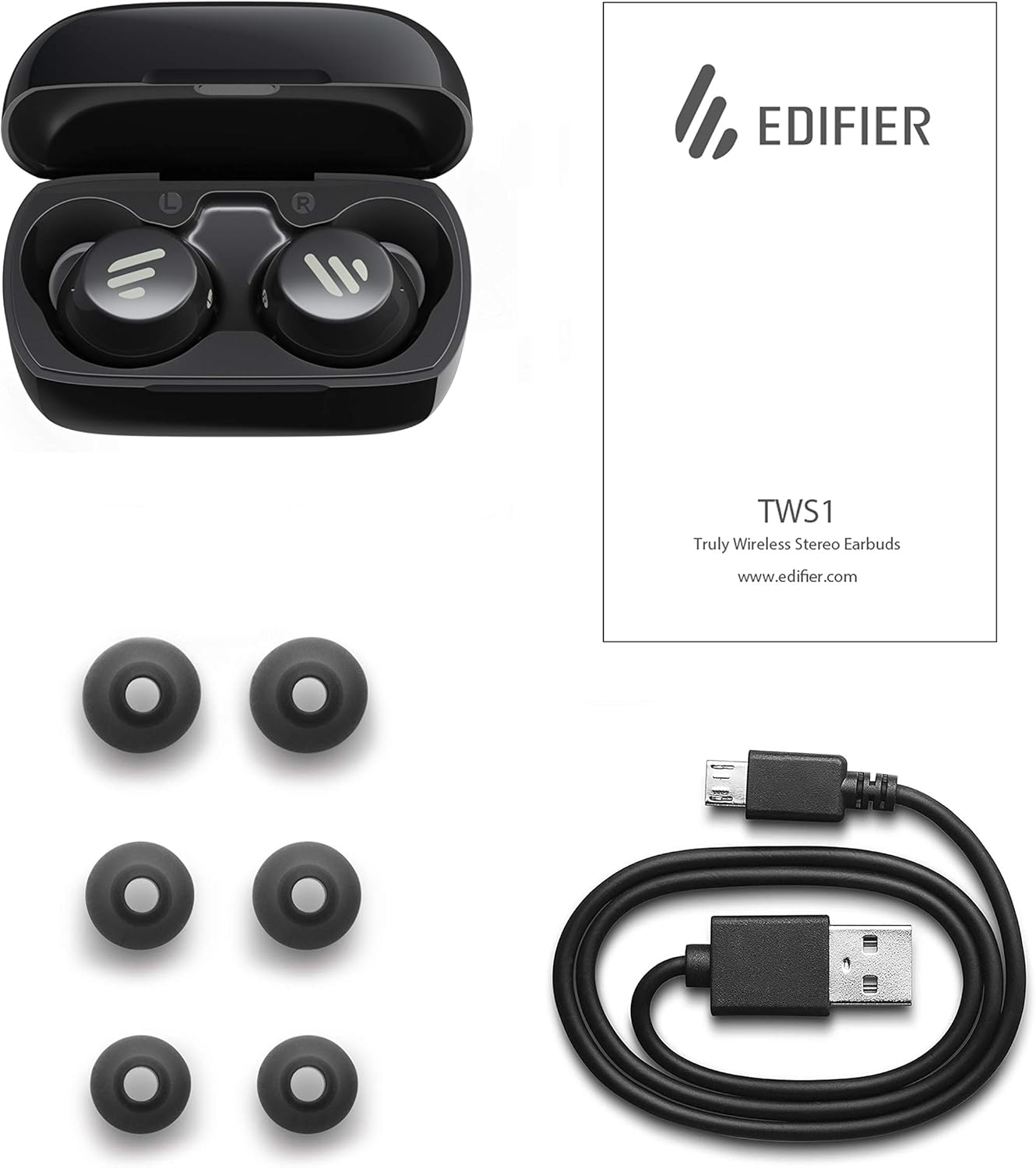
Image: The Edifier TWS1 earbuds, charging case, USB charging cable, and various sizes of ear tips are displayed alongside the user manual, illustrating the complete package contents.
Setup
1. Charging the Earbuds and Case
Before first use, fully charge the earbuds and the charging case. Place the earbuds into the charging case. Connect the USB charging cable to the charging port on the case and a power source. The indicator light on the case will show charging status. Once fully charged, the indicator will change or turn off.
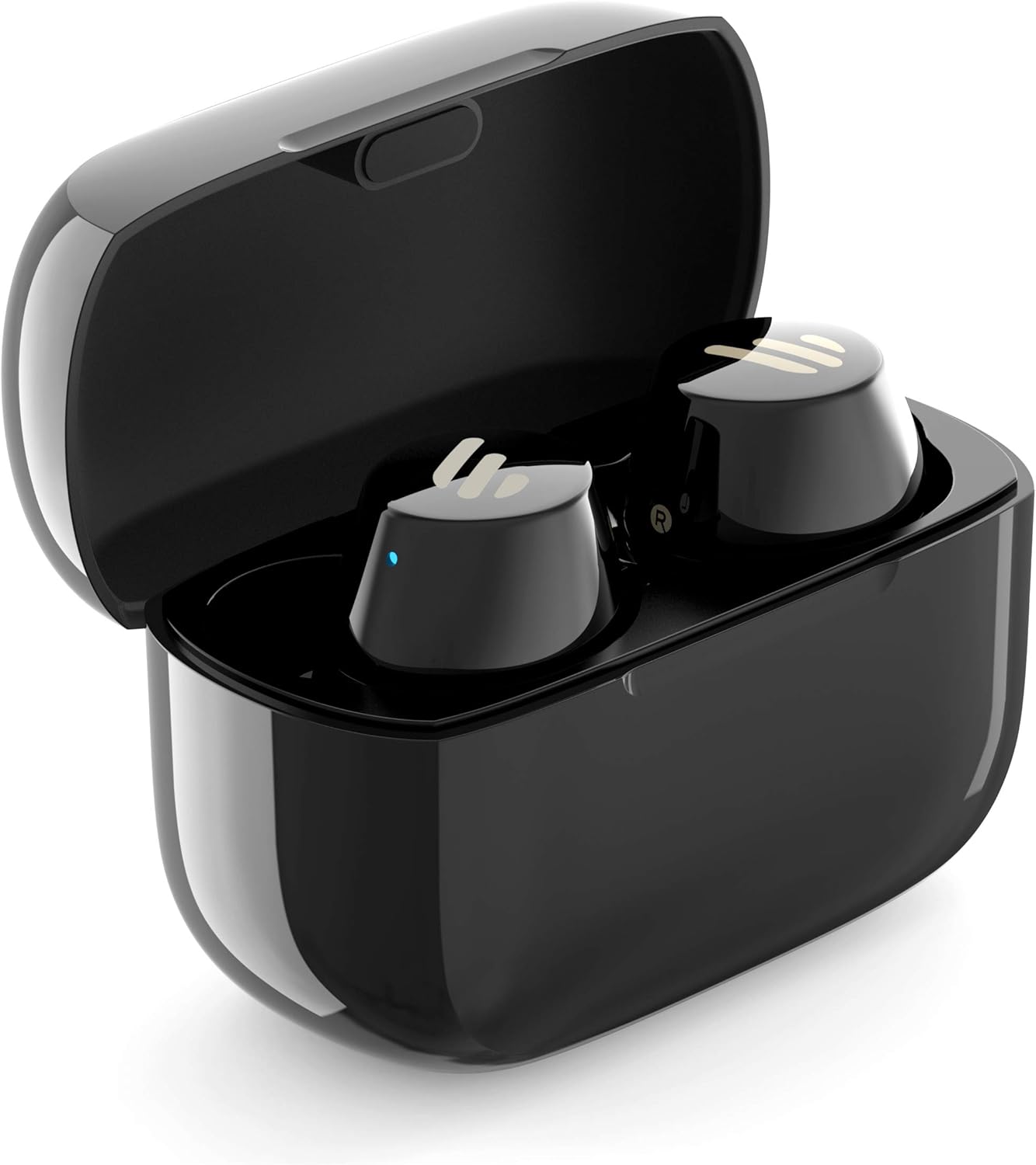
Image: The Edifier TWS1 earbuds are shown nestled within their open charging case, with a blue indicator light visible, signifying charging or power status.
2. Pairing with a Device
- Ensure the earbuds are charged.
- Open the charging case. The earbuds will automatically enter pairing mode, and the indicator light on one earbud will flash rapidly.
- On your device (smartphone, tablet, laptop), enable Bluetooth and search for new devices.
- Select "EDIFIER TWS1" from the list of available devices.
- Once connected, the indicator light on the earbuds will stop flashing.
3. Fitting the Earbuds
Choose the ear tips that provide the most comfortable and secure fit for your ears. Insert the earbuds into your ear canals and gently twist them until they feel snug and stable. A proper fit is crucial for optimal sound quality and noise isolation.
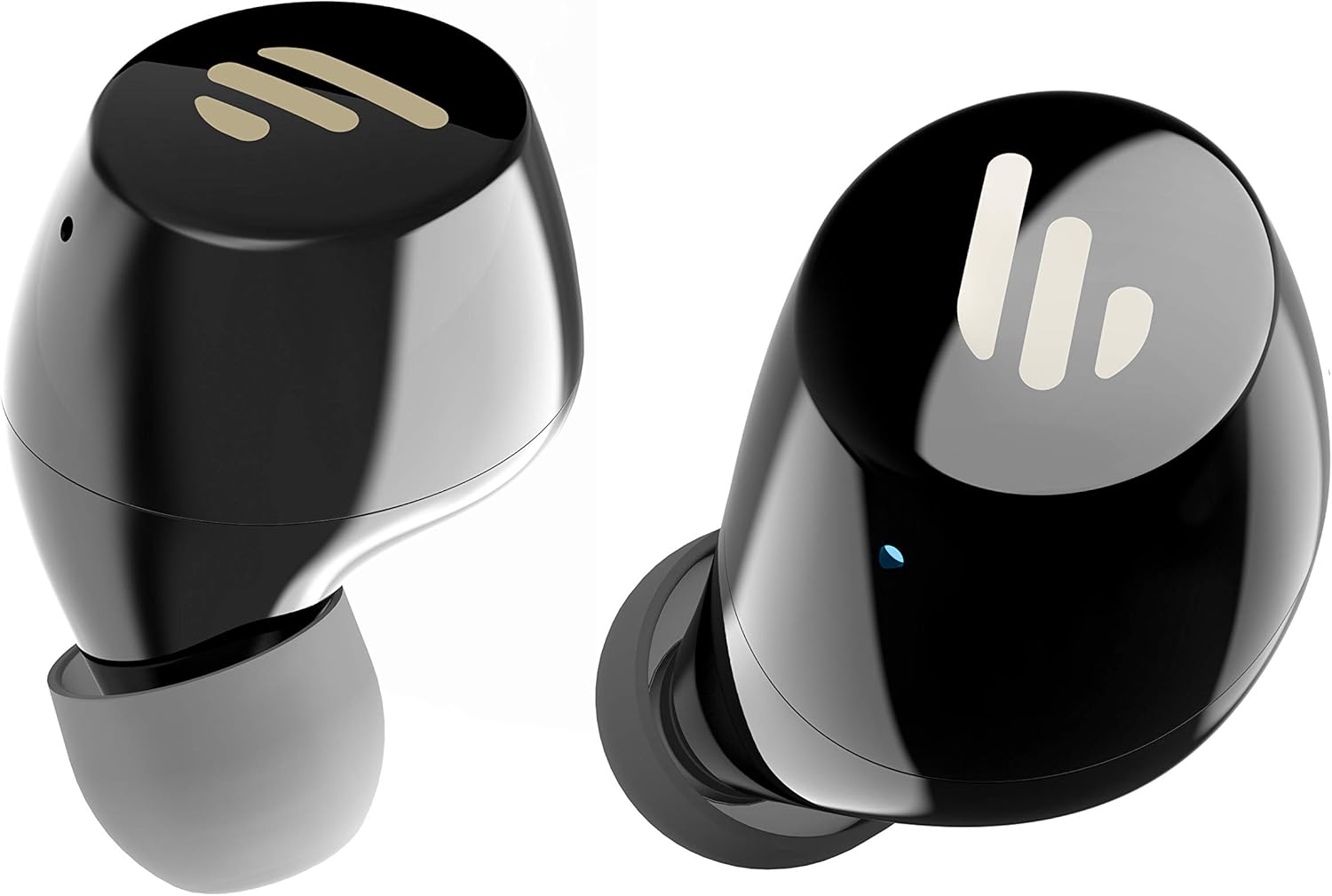
Image: A detailed view of the Edifier TWS1 earbuds, highlighting their ergonomic shape and the silicone ear tips designed for a comfortable and secure in-ear fit.
Operating Instructions
The Edifier TWS1 earbuds feature touch controls for easy operation.
- Power On: Earbuds power on automatically when removed from the charging case.
- Power Off: Place earbuds back into the charging case to power off automatically.
- Play/Pause: Double-tap the touch panel on either earbud.
- Next Track: Triple-tap the touch panel on the right earbud.
- Previous Track: Triple-tap the touch panel on the left earbud.
- Answer/End Call: Double-tap the touch panel on either earbud.
- Reject Call: Press and hold the touch panel on either earbud for 2 seconds.
- Activate Voice Assistant: Press and hold the touch panel on the left earbud for 2 seconds.
Maintenance
- Cleaning: Regularly clean the earbuds and charging case with a soft, dry cloth. Do not use abrasive cleaners or solvents.
- Water Resistance: The earbuds are IPX5 rated, meaning they are resistant to splashes and sweat. Do not submerge them in water or expose them to heavy rain. Ensure the charging port is dry before charging.
- Storage: When not in use, store the earbuds in their charging case to protect them and keep them charged. Store in a cool, dry place away from extreme temperatures.
- Battery Care: To preserve battery life, avoid fully discharging the earbuds and charging case frequently. Charge them regularly, even if not in constant use.
Troubleshooting
If you encounter issues with your Edifier TWS1 earbuds, please refer to the following common solutions:
| Problem | Solution |
|---|---|
| Earbuds do not power on. | Ensure the earbuds and charging case are fully charged. Place earbuds in the case and close it, then open to power on. |
| Cannot pair with device. | Make sure Bluetooth is enabled on your device. Ensure earbuds are in pairing mode (flashing indicator). Try forgetting the device in your Bluetooth settings and re-pairing. |
| Only one earbud is working. | Place both earbuds back into the charging case, close the lid, and then open it again. This should re-sync them. If the issue persists, try resetting the earbuds. |
| No sound or low volume. | Check the volume level on both your device and the earbuds. Ensure earbuds are properly seated in your ears. Try cleaning the ear tips and speaker mesh. |
| Charging issues. | Ensure the charging cable is securely connected. Try a different USB port or power adapter. Clean the charging contacts on the earbuds and inside the case. |
Factory Reset
If problems persist, a factory reset may resolve them:
- Place both earbuds into the charging case.
- Press and hold the touch panel on both earbuds simultaneously for approximately 8 seconds until the indicator lights flash rapidly, then release.
- Remove the earbuds from the case and attempt to re-pair them with your device.
Specifications
| Feature | Detail |
|---|---|
| Brand Name | Edifier |
| Model Name | TWS1 BK |
| Item Model Number | TWS1_BK |
| Color | Black |
| Materials | Plastic |
| Connectivity Technology | Wireless |
| Wireless Communication Technology | Bluetooth |
| Headphones Form Factor | In Ear |
| Ear Placement | In Ear |
| Headphone Jack | No Jack |
| Control Method | Touch |
| Water Resistance Level | Water Resistant (IPX5) |
| Compatible Devices | Smartphones, Tablets, Laptops, Desktops |
| Specific Uses For Product | Communication |
| Product Dimensions | 2.32 x 1.72 x 2.04 cm; 130 grams |
| Included Components | TWS1 Earbuds |
| Age Range Description | Adult |
Warranty and Support
Edifier products are designed and manufactured to the highest quality standards. For information regarding warranty coverage, please refer to the warranty card included with your product or visit the official Edifier website. For technical support or further assistance, please contact Edifier customer service through their official channels.


