
1. Introduction
This manual provides detailed instructions for the Highwings 4K HDMI 2.0 Cable, model ww-hdmi-2m. This cable is designed to deliver high-quality audio and video signals between compatible devices. Please read this manual thoroughly to ensure proper installation and usage.

Image 1.1: Highwings 4K HDMI 2.0 Cable, showcasing its braided design and gold-plated connectors.
2. Features
- 4K Ultra HD Support: Supports resolutions up to 3840 x 2160 at 60Hz for clear video quality.
- High-Speed Data Transfer: Achieves speeds up to 18Gbps, ensuring smooth transmission of audio, video, and photos.
- HDMI 2.0 Standard: Meets the latest HDMI 2.0 specifications and is backward compatible with HDMI 1.4, 1.3, and 1.2.
- HDR (High Dynamic Range): Supports HDR for enhanced contrast and color accuracy.
- Ethernet Channel: Includes an HDMI Ethernet Channel (HEC) for network connectivity.
- Audio Return Channel (ARC): Enables audio to be sent from your TV to an audio receiver or sound system using a single HDMI cable.
- 3D Support: Compatible with 3D video formats.
- HDCP 2.2 Compliance: Supports High-bandwidth Digital Content Protection 2.2 for secure content transmission.
- Durable Construction: Features gold-plated connectors, braided nylon cable, and SR anti-break design for enhanced durability and flexibility.

Image 2.1: Visual representation of key features including 4K UHD, 3D MAX, HDR10+, ARC, and DTS Studio Sound.

Image 2.2: Diagram illustrating the cable's construction, including nickel-plated connectors, aluminum alloy shell, pure copper core, and braided cotton mesh.
3. Setup
Connecting your Highwings 4K HDMI 2.0 Cable is a straightforward process. Follow these steps for proper installation:
- Identify Ports: Locate the HDMI output port on your source device (e.g., PS5, Blu-ray player, laptop) and the HDMI input port on your display device (e.g., HDTV, monitor, projector).
- Connect Cable: Insert one end of the Highwings HDMI cable into the HDMI output port of your source device.
- Connect to Display: Insert the other end of the Highwings HDMI cable into the HDMI input port of your display device.
- Power On Devices: Ensure both your source device and display device are powered on.
- Select Input: On your display device, select the correct HDMI input source using your remote control or display menu.

Image 3.1: Illustration of the HDMI cable connected between a laptop and a monitor, demonstrating a typical setup.

Image 3.2: Diagram showing universal compatibility with various devices such as PS5/PS4, Blu-ray players, laptops, computers, monitors, and TVs.
4. Operating Instructions
Once connected, the Highwings 4K HDMI 2.0 Cable operates automatically. It is a plug-and-play device that does not require driver installation.
4.1. Signal Transmission
The cable facilitates high-speed, stable signal transfer for both audio and video. It supports 4K resolution at 60Hz, ensuring a smooth and clear visual experience.
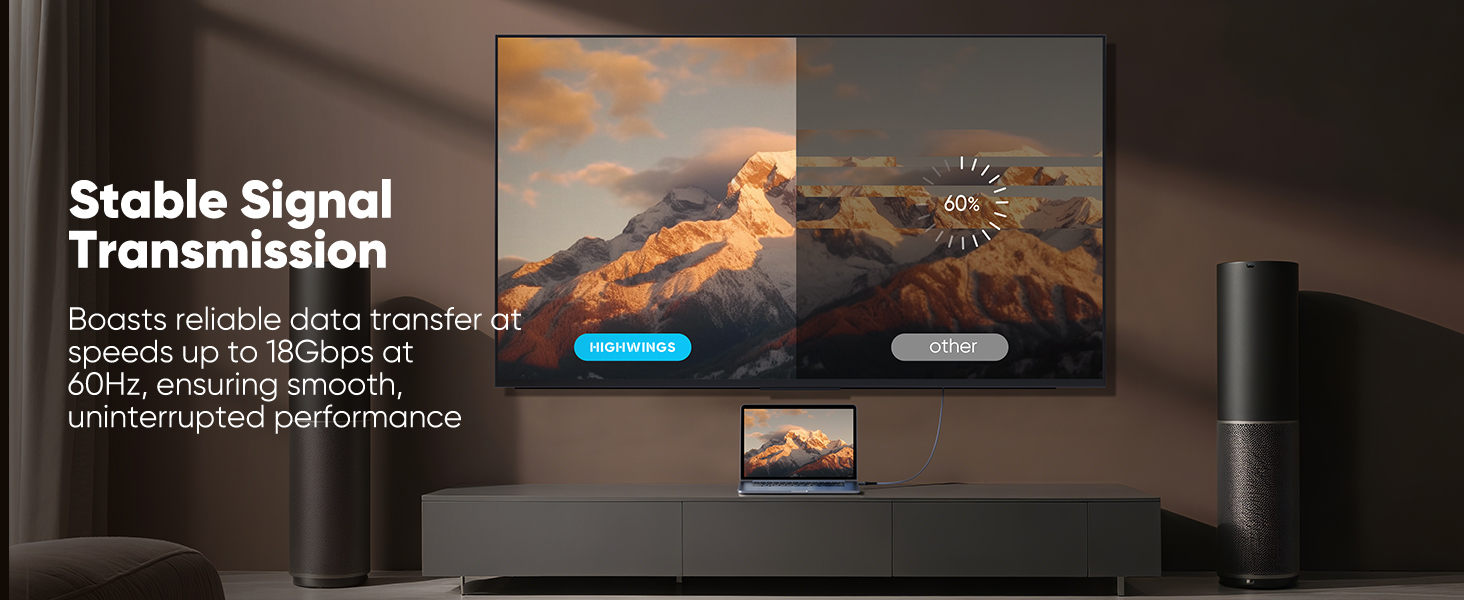
Image 4.1: Visual comparison demonstrating stable signal transmission at 18Gbps and 60Hz, ensuring uninterrupted performance.
4.2. HDR and 3D Content
For devices and displays that support HDR, the cable will automatically transmit HDR signals, providing a wider range of colors and contrast. Similarly, if your content and devices support 3D, the cable will enable 3D visual effects.
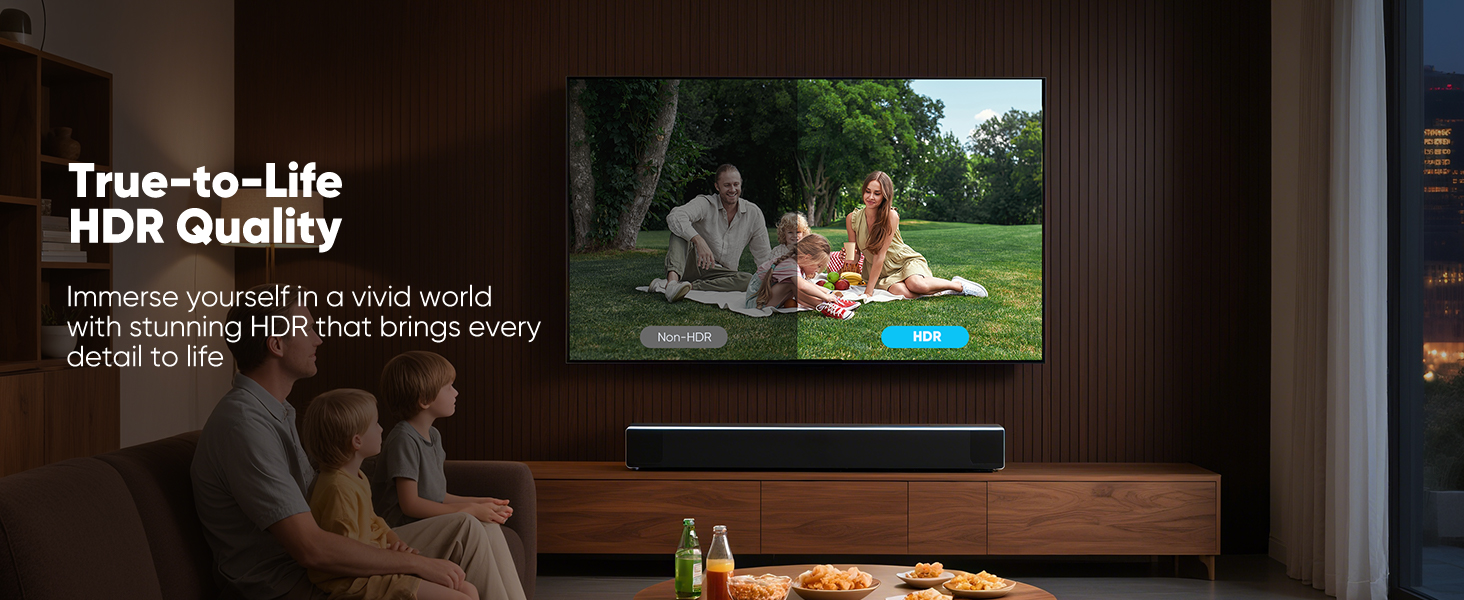
Image 4.2: Comparison illustrating the enhanced visual quality with HDR (High Dynamic Range) compared to SDR (Standard Dynamic Range).
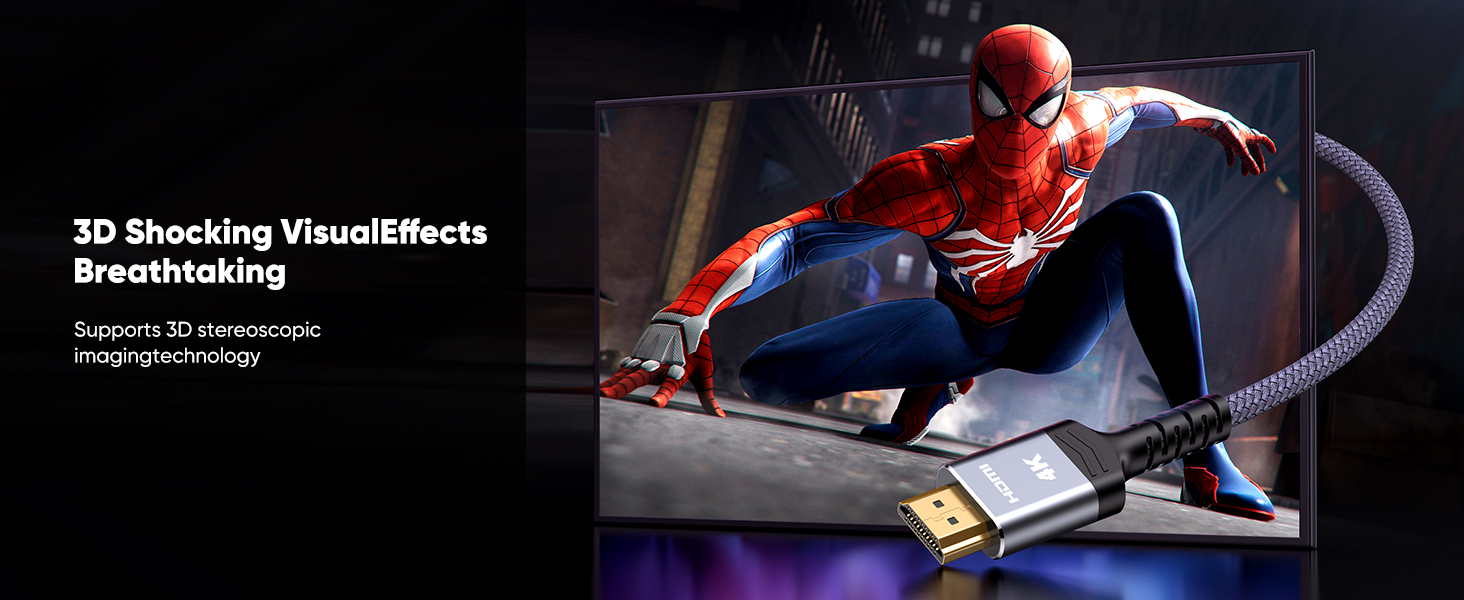
Image 4.3: Example of 3D stereoscopic imaging technology supported by the cable, providing immersive visual effects.
4.3. Display Modes
Depending on your source device and operating system, you can utilize different display modes:
- Mirror Mode: Duplicates your primary display onto the connected screen.
- Extended Mode: Extends your desktop across multiple screens, providing more workspace.
- Game Mode: Optimizes display settings for gaming, often reducing input lag.

Image 4.4: Visual representation of Mirror Mode, Extended Mode, and Game Mode for various display configurations.
5. Maintenance
To ensure the longevity and optimal performance of your Highwings 4K HDMI 2.0 Cable, follow these maintenance guidelines:
- Handle with Care: Avoid excessive bending, twisting, or pulling of the cable, especially near the connectors.
- Clean Connectors: If necessary, gently clean the gold-plated connectors with a dry, lint-free cloth to remove dust or debris. Do not use liquid cleaners.
- Storage: When not in use, store the cable in a cool, dry place, preferably coiled loosely to prevent kinks.
- Avoid Extreme Conditions: Do not expose the cable to extreme temperatures, direct sunlight, or moisture.
6. Troubleshooting
If you encounter issues with your Highwings 4K HDMI 2.0 Cable, refer to the following common problems and solutions:
| Problem | Possible Cause | Solution |
|---|---|---|
| No picture or sound | Loose connection, incorrect input source, incompatible device settings. | Ensure the cable is securely plugged into both devices. Select the correct HDMI input on your display. Verify that both devices are powered on. |
| Flickering screen or intermittent signal | Cable interference, damaged cable, resolution mismatch. | Check for other electronic devices causing interference. Try a different HDMI port or cable. Ensure your source device's resolution output matches your display's capabilities. |
| Poor picture quality (e.g., blurry, wrong colors) | Incorrect display settings, source device output issues. | Adjust picture settings on your display device. Ensure your source device is outputting the desired resolution and color depth. |
| No audio | Audio settings, ARC not enabled. | Check audio output settings on your source device and input settings on your display/audio receiver. Ensure ARC is enabled on both devices if using that feature. |
7. Specifications
| Specification | Detail |
|---|---|
| Brand | Highwings |
| Model Name | ww-hdmi-2m |
| ASIN | B07TDH11BJ |
| UPC | 682365451958 |
| Cable Type | HDMI 2.0 |
| Connector Type | HDMI Male-to-Male |
| Length | 6.6 feet (2 meters) |
| Color | Grey |
| Data Transfer Rate | 18 Gigabits Per Second |
| Resolution Support | 4K@60Hz (3840 x 2160) |
| Special Features | High Speed, HDR, Ethernet, ARC, 3D, HDCP 2.2 |
| Compatible Devices | Laptop, Monitor, Gaming Console (PS5/PS4/PS3), Projector, BOX, DVD Player, PC, Television |
| Material | Braided Nylon, Gold-plated Connectors, Aluminum Alloy Shell, Pure Copper Core |
| Item Weight | 3.2 ounces |
8. Warranty and Support
Highwings products are manufactured with quality and reliability in mind. For specific warranty information and customer support, please refer to the product packaging or visit the official Highwings website. Keep your purchase receipt for warranty claims.

