
1. Product Overview
The Dayllon Kids Digital Watch Model 1266 is designed for children aged 3-15, offering a range of features suitable for outdoor sports and daily wear. It includes time display, alarm, stopwatch, LED backlight, calendar, and is built with 50M water resistance and shock resistance.
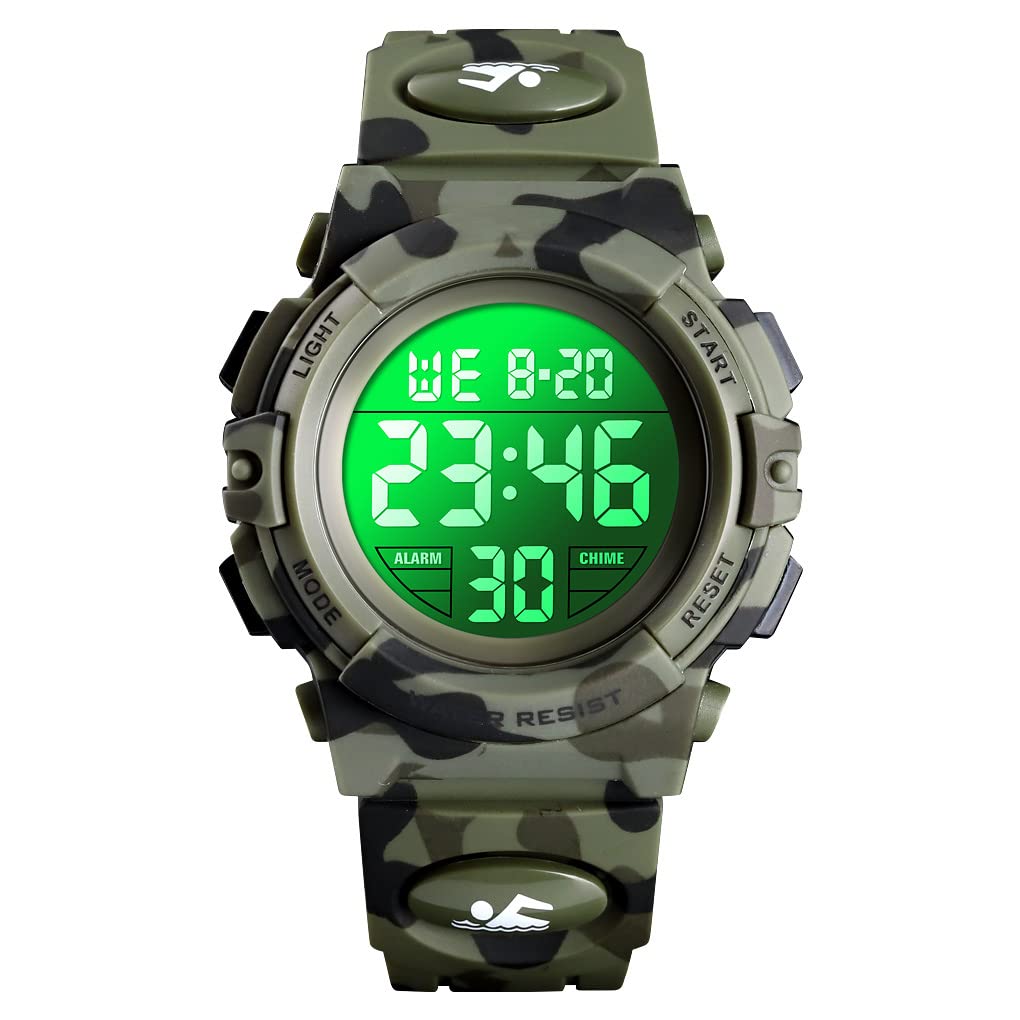
Image 1.1: The Dayllon Kids Digital Watch Model 1266, showcasing its digital display and army green camouflage design.
2. Key Features
- Dual Time Display: Shows current time in digital format.
- Alarm Clock: Programmable alarm function.
- Stopwatch: For timing activities.
- LED Luminous Backlight: Provides illumination for low-light conditions.
- Calendar Date Window: Displays the current date.
- 50M Water Resistant: Suitable for splashes, rain, and short periods of swimming.
- Shock Resistant: Durable construction to withstand impacts.
- Comfortable Wear: High-quality PU watch band designed for comfort.
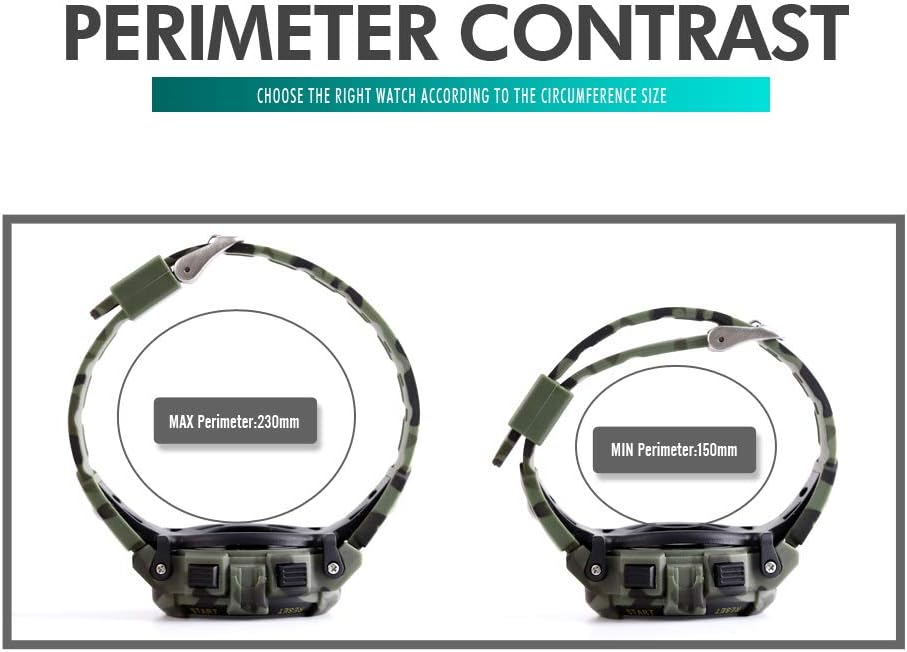
Image 2.1: An overview of the watch's functions, including Time, Stopwatch, Week, Alarm, Date, EL Light, WR 50M, and 12/24 Hour format.
3. Watch Components and Buttons
Familiarize yourself with the watch's buttons and display areas:
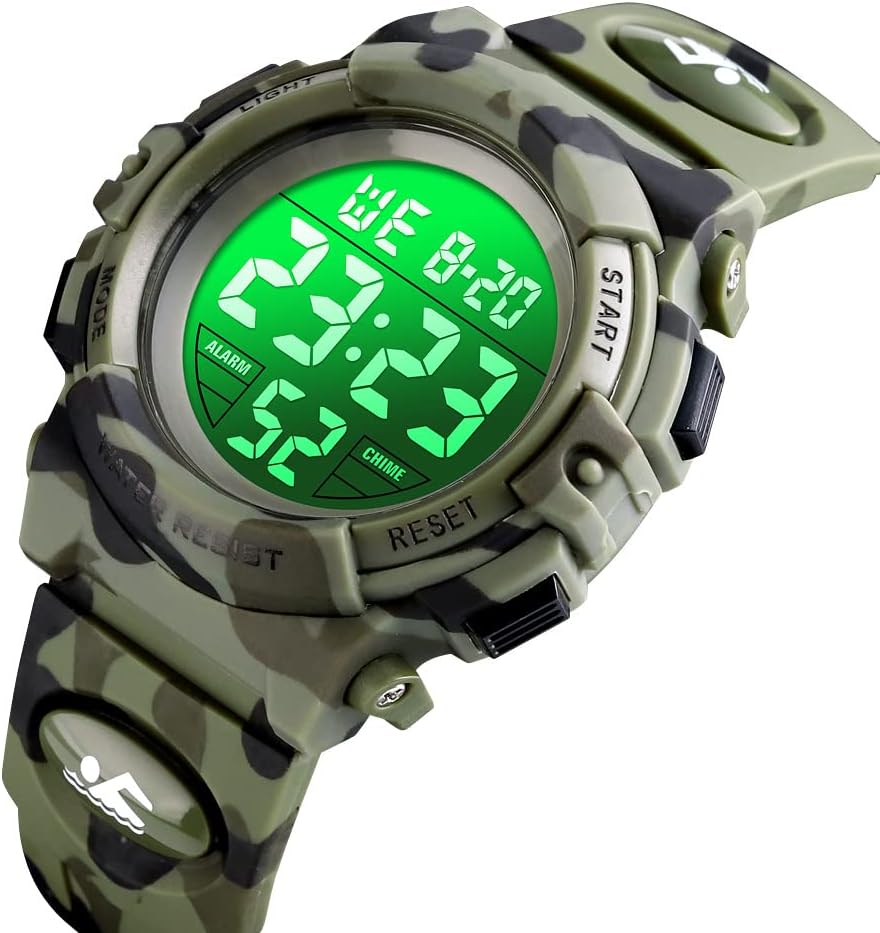
Image 3.1: Diagram illustrating the watch's buttons: LIGHT (top left), MODE (bottom left), START/STOP (top right), and RESET (bottom right), along with display areas for Week, Time, Alarm On, Date, and Second.
- LIGHT Button (Top Left): Activates the EL backlight.
- MODE Button (Bottom Left): Cycles through different modes (Time, Alarm, Stopwatch).
- START/STOP Button (Top Right): Used to start/stop the stopwatch or adjust settings.
- RESET Button (Bottom Right): Used to reset the stopwatch or confirm settings.
4. Setup and Basic Operation
4.1 Setting Time and Date
- From the normal time display, press the MODE button three times to enter time setting mode. The seconds will flash.
- Press the RESET button to advance to the next setting (hours, minutes, month, date, day of week).
- Use the START/STOP button to adjust the flashing value.
- To switch between 12-hour and 24-hour format, adjust the hour setting past 12 or 24.
- Once all settings are correct, press the MODE button to exit setting mode.
4.2 Setting the Alarm
- From the normal time display, press the MODE button twice to enter alarm setting mode. The hour digits will flash.
- Press the START/STOP button to adjust the hour.
- Press the RESET button to switch to minute setting. The minute digits will flash.
- Press the START/STOP button to adjust the minutes.
- Press the MODE button to exit alarm setting mode.
- To activate/deactivate the alarm, press and hold the RESET button, then press the START/STOP button. An alarm icon will appear/disappear.
- To activate/deactivate the hourly chime, press and hold the RESET button, then press the MODE button. A chime icon will appear/disappear.
4.3 Using the Stopwatch
- From the normal time display, press the MODE button once to enter stopwatch mode.
- Press the START/STOP button to start the stopwatch.
- Press the START/STOP button again to pause the stopwatch.
- Press the RESET button to reset the stopwatch to zero.
- Press the MODE button to return to normal time display.
4.4 Using the Backlight (EL Light)
Press the LIGHT button (top left) to illuminate the display for a few seconds.
5. Water Resistance
This watch features 50M (5ATM/150FT) water resistance. This means it is suitable for daily use, such as hand washing, rain, and short periods of swimming. It is not recommended for diving, snorkeling, or hot water activities like saunas or hot baths.
Important: Do not operate any buttons while the watch is submerged in water or wet, as this can compromise the water resistance and cause damage.

Image 5.1: The watch partially submerged in water, illustrating its 50M waterproof capability for activities like handwashing and light swimming.
6. Maintenance and Care
- Cleaning: Wipe the watch regularly with a soft, dry cloth to remove dirt and moisture. For stubborn dirt, a slightly damp cloth can be used, followed by drying.
- Avoid Chemicals: Do not expose the watch to strong chemicals, solvents, or detergents, as these can damage the watch case, band, or seals.
- Temperature: Avoid exposing the watch to extreme temperatures (hot or cold) for prolonged periods, as this can affect battery life and watch performance.
- Battery Replacement: The watch uses 1 AAA battery. When the display dims or functions become erratic, the battery may need replacement. It is recommended to have battery replacement performed by a qualified watch technician to ensure water resistance is maintained.
7. Troubleshooting
- Display is blank or dim: The battery may be low or depleted. Replace the battery.
- Buttons are unresponsive: Ensure the watch is not in a locked mode (if applicable, though this model does not have a specific lock). Try pressing the buttons firmly. If issues persist, a battery replacement might resolve it.
- Time is incorrect: Re-set the time and date following the instructions in Section 4.1.
- Water inside the watch: If water appears inside the watch, stop using it immediately and seek professional service. This indicates a breach in the water resistance.
8. Specifications

Image 8.1: Basic information and dimensions of the Dayllon Kids Digital Watch Model 1266.
| Feature | Detail |
|---|---|
| Model Number | 1266 |
| Product Dimensions | 0.98 x 0.87 x 0.67 inches |
| Item Weight | 3.17 ounces (approx. 90g) |
| Movement Type | Digital |
| Mirror Material | Resin |
| Case Material | ABS |
| Band Material | PU (Polyurethane) |
| Clasp Type | Buckle |
| Water Resistance | 50M (5ATM) |
| Battery Type | 1 AAA battery required |

Image 8.2: Diagram showing the maximum perimeter (230mm) and minimum perimeter (150mm) of the watch band, indicating adjustable sizing.
9. Warranty and Support
Dayllon products are manufactured with attention to quality. For any questions regarding your watch, please refer to the retailer or point of purchase for support and warranty information. Please retain your proof of purchase for any warranty claims.