
ZIPRO 1592575
ZIPRO Easy Recumbent Exercise Bike User Manual
Model: 1592575
Introduction
Thank you for choosing the ZIPRO Easy Recumbent Exercise Bike. This manual provides essential information for the safe and effective assembly, operation, maintenance, and troubleshooting of your new fitness equipment. Please read this manual thoroughly before first use and keep it for future reference.
The ZIPRO Easy magnetic stationary bike is designed for effective home workouts without straining the spine. Its horizontal construction provides extreme comfort, making it less stressful than an upright bike. This stable apparatus features a wide, comfortable seat and backrest. Regular use of the ZIPRO Easy bike helps improve fitness and achieve a lean physique.
Important Safety Instructions
- Consult your physician before starting any exercise program.
- Keep children and pets away from the equipment.
- Place the bike on a flat, stable surface with adequate clearance around it.
- Inspect the bike for loose or worn parts before each use. Do not use if damaged.
- Wear appropriate exercise attire and footwear.
- Do not exceed the maximum user weight of 150 kg (330 lbs).
- Stop exercising immediately if you feel faint, dizzy, or experience pain.
- Ensure all adjustment knobs are securely tightened before use.
Setup and Assembly
Assembly of the ZIPRO Easy Recumbent Exercise Bike requires careful attention to detail. Follow the steps below using the provided tools and hardware.
Unpacking and Parts Identification
Carefully remove all components from the packaging. Lay them out and compare them against the parts list in your separate assembly guide to ensure all parts are present.

Image: The main view of the ZIPRO Easy Recumbent Exercise Bike, showcasing its ergonomic design and sturdy frame.
Assembly Steps
- Attach Stabilizers: Secure the front and rear stabilizers to the main frame using the bolts and washers. Ensure they are firmly tightened for stability.
- Install Pedals: Identify the left (L) and right (R) pedals. Thread the left pedal counter-clockwise and the right pedal clockwise into the crank arms. Tighten securely.
- Mount Seat and Backrest: Attach the seat and backrest to their respective posts. Adjust the seat distance to the pedals and the backrest angle for optimal comfort and support.
- Assemble Handlebars and Console: Connect the handlebars to the main frame. Attach the console to the handlebar post, ensuring all cables are properly connected.
- Insert Batteries: The console is battery-operated. Open the battery compartment (usually at the back of the console) and insert the required batteries (typically AA or AAA, refer to the console manual for exact type).
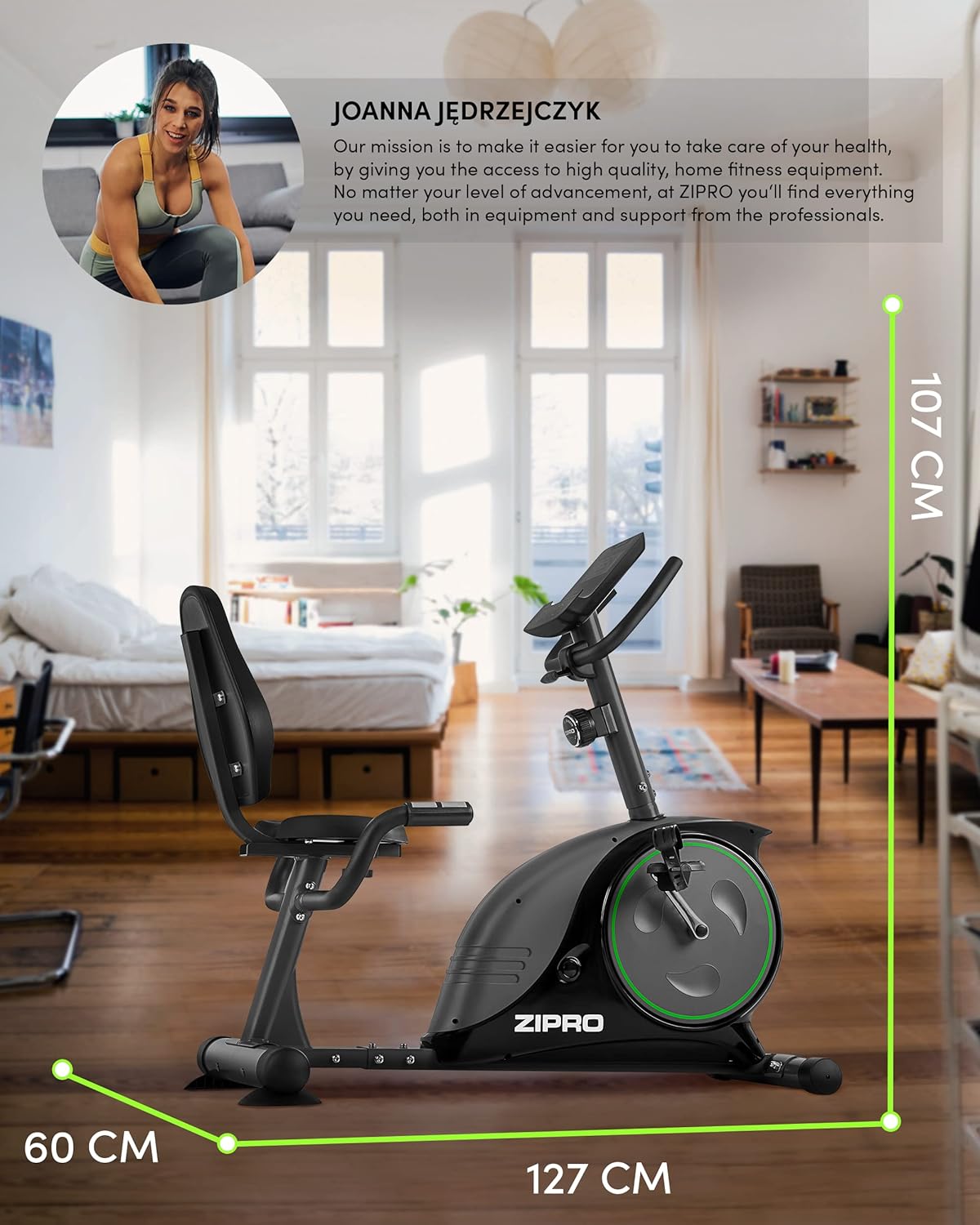
Image: This image illustrates the dimensions of the ZIPRO Easy Recumbent Exercise Bike: 127 cm (length), 60 cm (width), and 107 cm (height), providing a clear understanding of its footprint.
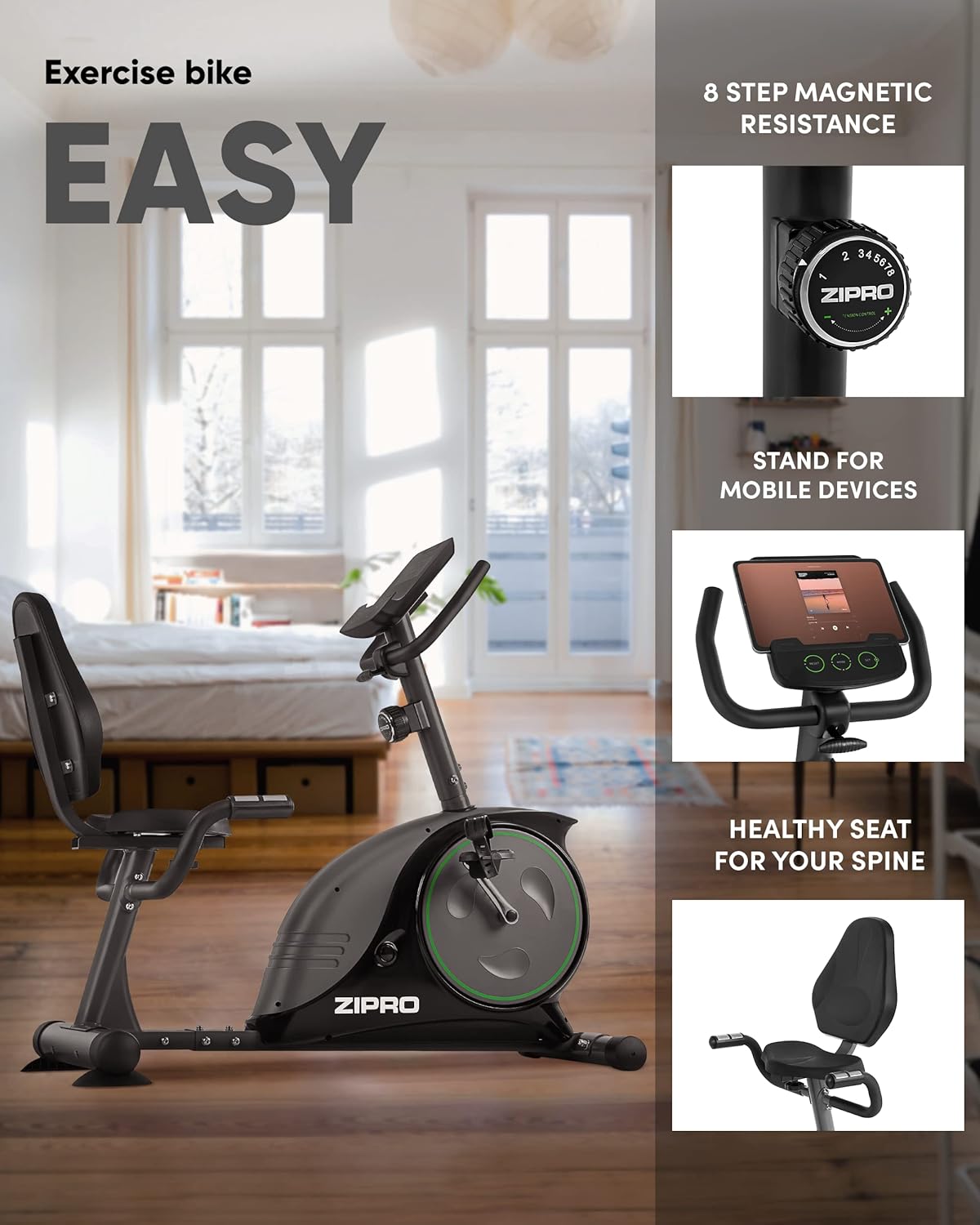
Image: An overview of key features including 8-step magnetic resistance, a stand for mobile devices, and a healthy seat design for spinal comfort.
Operating Instructions
Adjusting the Bike
- Seat Distance: Adjust the seat's horizontal position to ensure a slight bend in your knee when the pedal is at its furthest point. This prevents overextension and reduces strain.
- Handlebar Angle: The handlebars can be adjusted for your preferred grip and comfort.
- Pedal Straps: Secure your feet in the pedal straps to prevent slipping during exercise.
Using the Console
The console provides real-time feedback on your workout. It typically displays Time, Calories, Speed, and Pulse (if pulse sensors are used).
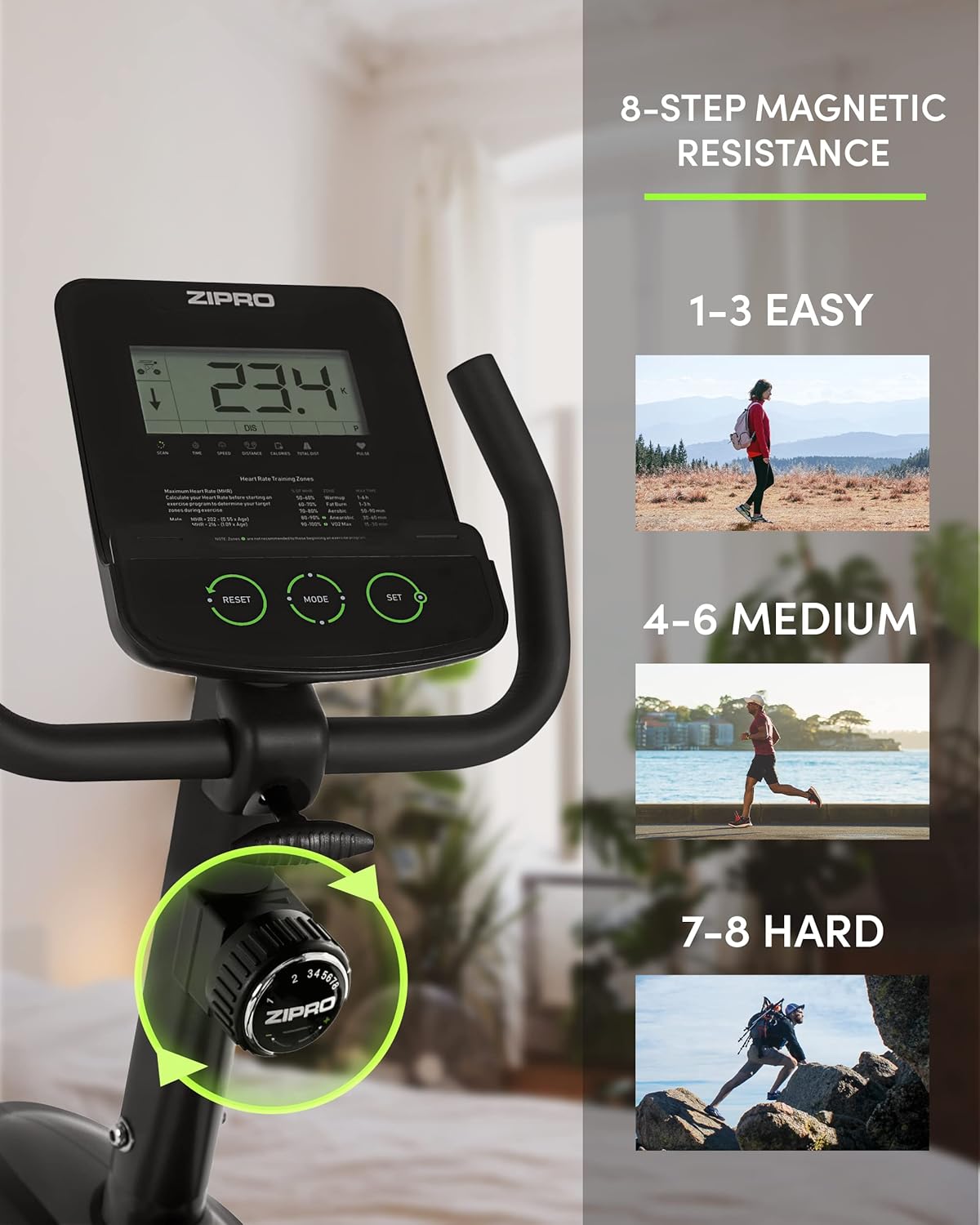
Image: This image demonstrates the 8-step magnetic resistance levels, categorized as Easy (1-3), Medium (4-6), and Hard (7-8), allowing users to select their desired intensity.
- Power On/Off: The console usually activates automatically when you start pedaling or press any button. It will power off after a period of inactivity to save battery.
- Mode Button: Press to cycle through display functions (Time, Speed, Distance, Calories, Pulse, Odometer).
- Set Button: Used to set target values for time, distance, or calories (if available).
- Reset Button: Clears all current workout data.

Image: The console display, showing essential workout information such as time, calories burned, speed, and pulse rate, crucial for monitoring exercise progress.
Adjusting Resistance
The ZIPRO Easy bike features an 8-level magnetic resistance system. Turn the tension control knob located below the console to increase (+) or decrease (-) the resistance. Higher numbers indicate greater resistance.
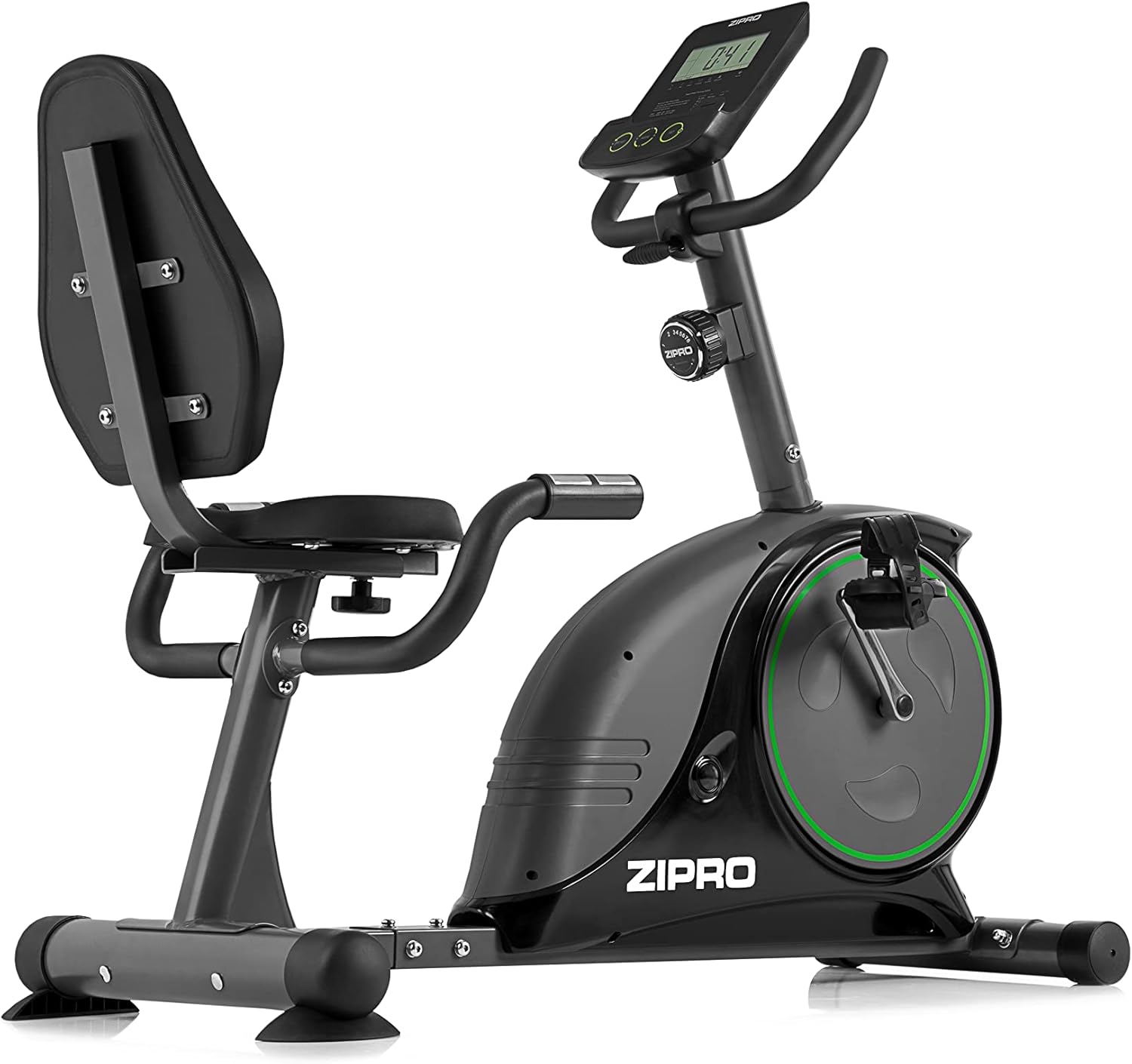
Image: A close-up of the resistance adjustment knob, clearly showing the 8 levels of magnetic resistance for varied workout intensities.
Mobile Device Holder
The integrated stand allows you to place your mobile phone or tablet, enabling you to enjoy entertainment or follow guided workouts during your session.

Image: The console features a convenient stand designed to hold mobile devices, allowing users to enjoy digital content during their workout.
Maintenance
Regular maintenance ensures the longevity and safe operation of your exercise bike.
- Cleaning: Wipe down the bike with a damp cloth after each use to remove sweat and dust. Do not use abrasive cleaners.
- Lubrication: Periodically check for any moving parts that may require lubrication. Refer to the assembly guide for specific points.
- Tightness Check: Regularly check all bolts and nuts, especially those connecting the frame, pedals, and seat, to ensure they are securely tightened.
- Battery Replacement: Replace console batteries when the display becomes dim or unresponsive.
- Storage: Store the bike in a dry, cool place away from direct sunlight and extreme temperatures. The integrated transport wheels allow for easy relocation.
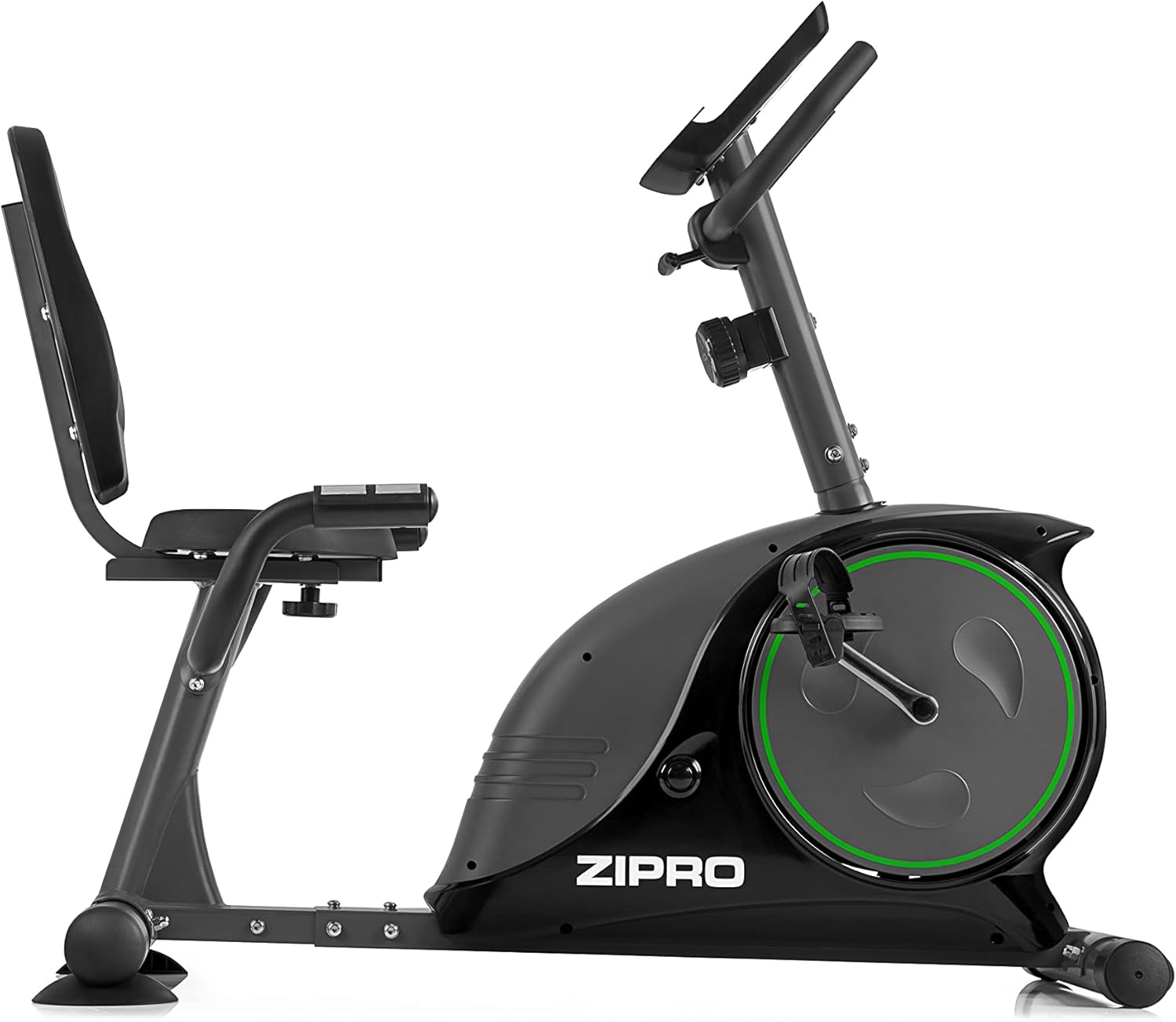
Image: The base of the exercise bike, highlighting the integrated transport wheels that facilitate easy movement and storage of the equipment.
Troubleshooting
| Problem | Possible Cause | Solution |
|---|---|---|
| Console display is blank or dim. | Dead or low batteries; loose battery connection. | Replace batteries; ensure batteries are correctly inserted. |
| Pedals are loose or make noise. | Pedals not tightened correctly; worn bearings. | Re-tighten pedals (left pedal counter-clockwise, right pedal clockwise); contact support if noise persists. |
| Resistance not changing. | Resistance cable disconnected or damaged; resistance mechanism fault. | Check resistance cable connection; contact support. |
| Bike is unstable or wobbles. | Uneven surface; loose stabilizer bolts. | Move bike to a flat surface; tighten all stabilizer bolts. |
Specifications
| Feature | Detail |
|---|---|
| Model | ZIPRO Easy (Model No. 1592575) |
| Resistance System | Magnetic, 8 levels |
| Maximum User Weight | 150 kg (330 lbs) |
| Dimensions (L x W x H) | 127 cm x 60 cm x 107 cm (approx. 50 x 23.6 x 42.1 inches) |
| Product Weight | 31 kg (approx. 68.3 lbs) |
| Power Source | Battery operated (for console) |
| Special Features | Ergonomic seat with backrest, adjustable seat distance, mobile device holder, transport wheels, quiet operation. |
Warranty and Support
For warranty information, technical support, or to order replacement parts, please contact ZIPRO customer service. Refer to your purchase documentation for specific warranty terms and contact details.
You can often find support contact information on the official ZIPRO website or through the retailer where you purchased the product.
Related documents1592575


Ask a question about this manual
Ask about setup, troubleshooting, compatibility, parts, safety, or missing instructions. Manuals+ will review the question and use this page’s manual context to help answer it.