
kwmobile 46188.3.01
kwmobile Neoprene Phone Pouch (Size L - 6.5") Instruction Manual
Model: 46188.3.01
Product Overview
The kwmobile Neoprene Phone Pouch is designed to provide protection and convenient portability for your mobile phone and small accessories. Crafted from lightweight, water-resistant neoprene/elastane, it offers a soft interior and durable exterior.
Key Features:
- Lightweight & Water-Resistant: Made from neoprene/elastane for easy carrying and protection against splashes.
- Full Protection: Shockproof design safeguards your device from impacts, drops, and scratches.
- Zipper Closure: Securely keeps your phone and items inside.
- Soft Interior: Prevents scratches on your phone's screen and body.
- Universal Compatibility: Designed to fit a wide range of smartphones up to 6.5 inches.

Image: The kwmobile Neoprene Phone Pouch in black, showcasing its sleek design and zipper closure.
Setup and Initial Use
- Unpack the Pouch: Carefully remove the phone pouch from its packaging.
- Inspect for Damage: Before first use, check the pouch for any signs of manufacturing defects or shipping damage.
- Insert Your Device: Open the zipper and gently slide your smartphone into the main compartment. Ensure it fits comfortably without excessive force.
- Utilize Internal Pocket (if applicable): If your pouch includes an internal mesh pocket, use it for small items like earbuds, keys, or cards.
- Attach Wrist Strap: Secure the included wrist strap to the designated loop on the pouch for added security and portability.
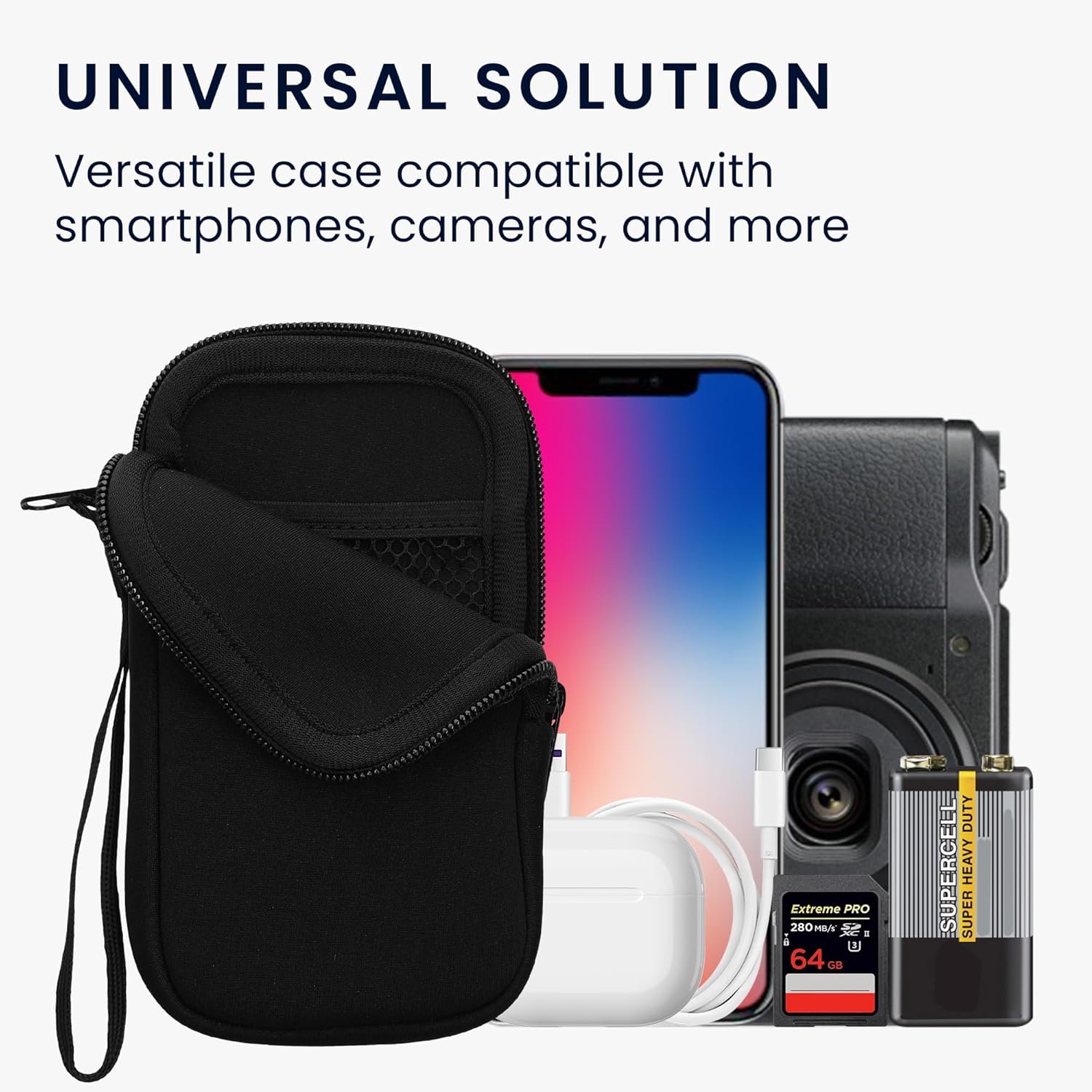
Image: An open kwmobile phone pouch revealing a mesh pocket inside, suitable for small accessories.
Operating Instructions
The kwmobile Neoprene Phone Pouch is designed for straightforward use to protect your device in various situations.
- Securing Your Phone: Always ensure the zipper is fully closed after placing your phone inside to prevent accidental drops or exposure to elements.
- Using the Wrist Strap: The wrist strap provides a secure way to carry your phone, reducing the risk of misplacement or theft. It can also be attached to a bag or belt loop.
- Accessing Accessories: The internal mesh pocket allows for quick access to small essentials without needing to open the main compartment fully.
Video: A demonstration of the kwmobile Neoprene Sleeve, showing how to insert a phone, use the mesh pocket for earbuds, and attach the wrist strap for carrying. This video highlights the practical features and ease of use.
Care and Maintenance
To ensure the longevity and appearance of your kwmobile Neoprene Phone Pouch, follow these care instructions:
- Cleaning: Wipe the exterior with a damp cloth and mild soap if necessary. Avoid harsh chemicals or abrasive cleaners.
- Drying: Allow the pouch to air dry completely. Do not tumble dry or expose to direct heat, as this may damage the neoprene material.
- Storage: Store the pouch in a cool, dry place when not in use.
- Avoid Overfilling: Do not overstuff the pouch, as this can strain the zipper and seams, potentially leading to damage.
Troubleshooting
| Problem | Possible Cause | Solution |
|---|---|---|
| Phone does not fit. | Incorrect size purchased or phone has a bulky case. | Verify your phone's dimensions against the pouch's internal dimensions. Consider removing any bulky phone cases. |
| Zipper is stuck or difficult to close. | Fabric caught in zipper or zipper teeth are misaligned. | Gently pull any caught fabric away. Avoid forcing the zipper. Ensure the pouch is not overfilled. |
| Pouch appears dirty or stained. | Accumulation of dirt or accidental spills. | Clean according to the "Care and Maintenance" section. |
Product Specifications
- Material: Neoprene/Elastane
- Internal Dimensions (Size L - 6.5"): 16.5 x 8.9 cm (6.5 x 3.5 inches)
- External Product Dimensions: 9.45 x 4.92 x 0.79 inches
- Item Weight: 2.12 ounces
- Color: Black
- Model Number: 46188.3.01_m000066
- Compatible Phone Models: Apple iPhone: 11 Pro Max, 12 Pro Max, 13 Pro Max, 14 Plus, 14 Pro Max, 6 Plus, 6S Plus, 7 Plus, 8 Plus, XS Max; Google: Pixel 6, Pixel 7; Samsung Galaxy: A33 5G, A51, A52|A52s, A53 5G, M22, M32, S20 FE, S20 Plus.
What's in the Box:
- 1x kwmobile Neoprene Phone Pouch (Size L - 6.5")

Image: A diagram illustrating the internal dimensions of various kwmobile phone pouch sizes (XS, S, M, L, XL, XXL) in centimeters and inches, helping users select the correct size for their device.
Warranty Information
This kwmobile product comes with a standard manufacturer's warranty against defects in materials and workmanship. Please refer to the packaging or contact kwmobile customer support for specific warranty terms and conditions.
Customer Support
For further assistance, product inquiries, or technical support, please visit the official kwmobile website or contact their customer service team. Contact information can typically be found on the product packaging or on the kwmobile brand store page on Amazon.
kwmobile Store: Visit the kwmobile Store on Amazon
Ask a question about this manual
Ask about setup, troubleshooting, compatibility, parts, safety, or missing instructions. Manuals+ will review the question and use this page’s manual context to help answer it.