
1. Introduction
This manual provides detailed instructions for the installation, operation, and maintenance of the Dioche A2 Independent Access Control RFID Card Reader Keypad. This system is designed to manage access through doors using various methods, including RFID cards and numerical passwords. It is suitable for a range of environments such as residential properties, offices, and warehouses.
2. Key Features
- Multiple Access Modes: Supports access via RFID card, numerical password, or a combination of card and password.
- User Capacity: Capable of storing information for up to 1000 ID cards.
- Integrated Interfaces: Includes relay contact signals, PUSH ground signals, an exit button interface, and a doorbell interface.
- Wiegand26 Support: Features a Wiegand26 interface for both input and output of WG signals, allowing integration with other security systems.
- Durable Design: Equipped with a waterproof surface, making it suitable for outdoor installation.
- Secure Operation: Designed for reliable and secure access management.
3. Package Contents
Verify that all items listed below are present in your package:
- 1 x Dioche A2 Door Access Control Unit
- 1 x Wiring Harness
- 1 x User Manual (this document)
- 5 x ID Cards (RFID tags)

Image 3.1: Contents of the Dioche A2 package, showing the keypad, RFID tags, and wiring harness.
4. Specifications
| Feature | Specification |
|---|---|
| Model | A2 |
| Housing Material | ABS |
| Color | Black + Silver |
| Storage Capacity | 1000 Cards |
| Password Length | 3-6 digits |
| Interface | Wiegand 26-bit |
| Card Type | ID Card (RFID) |
| Operating Voltage | 12V |
| Card Reading Distance | 1-10 cm |
| Dimensions (L x W x H) | 10 x 10 x 2 cm |
| Weight | 117.93 grams |
5. Setup and Installation
5.1. Wiring Diagram
Proper wiring is essential for the correct functioning of the access control system. Refer to the included wiring harness and the diagram below for connections. It is recommended that installation be performed by a qualified technician.

Image 5.1: Rear view of the access control unit with connected wiring harness.
The wiring harness includes connections for power (12V), electric lock, exit button, doorbell, and Wiegand26 interface. Ensure all connections are secure and correctly matched to your door access system components.
5.2. Mounting
The Dioche A2 unit is designed for surface mounting. Choose a suitable location near the door, ensuring it is within reach for user interaction. Due to its waterproof design, it can be installed outdoors, but protection from direct heavy rain or extreme weather conditions is advised for longevity.
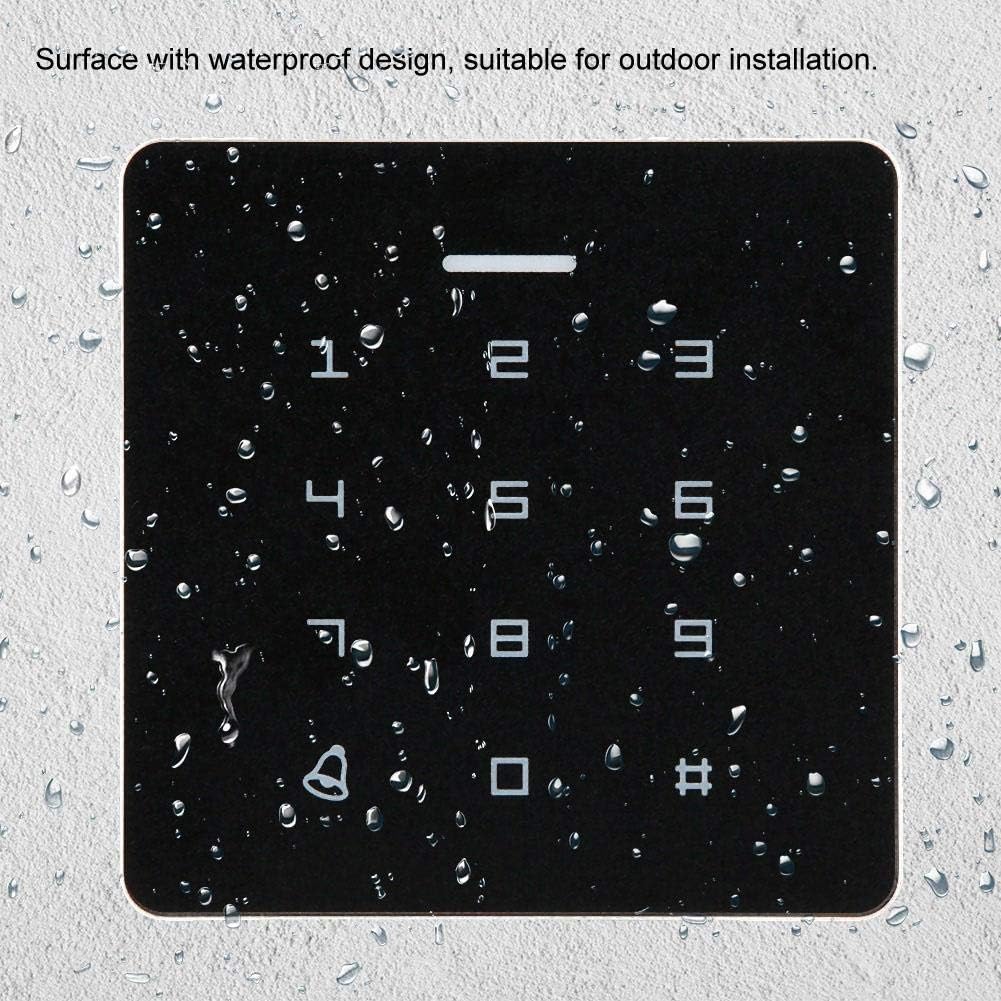
Image 5.2: The keypad surface demonstrating its waterproof design, suitable for outdoor installation.
6. Operating Instructions
6.1. Access Methods
The Dioche A2 supports three primary methods for gaining access:
- RFID Card: Present a registered ID card to the reader area on the keypad.
- Password: Enter a registered numerical password using the keypad.
- Card + Password: Present a registered ID card, then enter the associated numerical password.
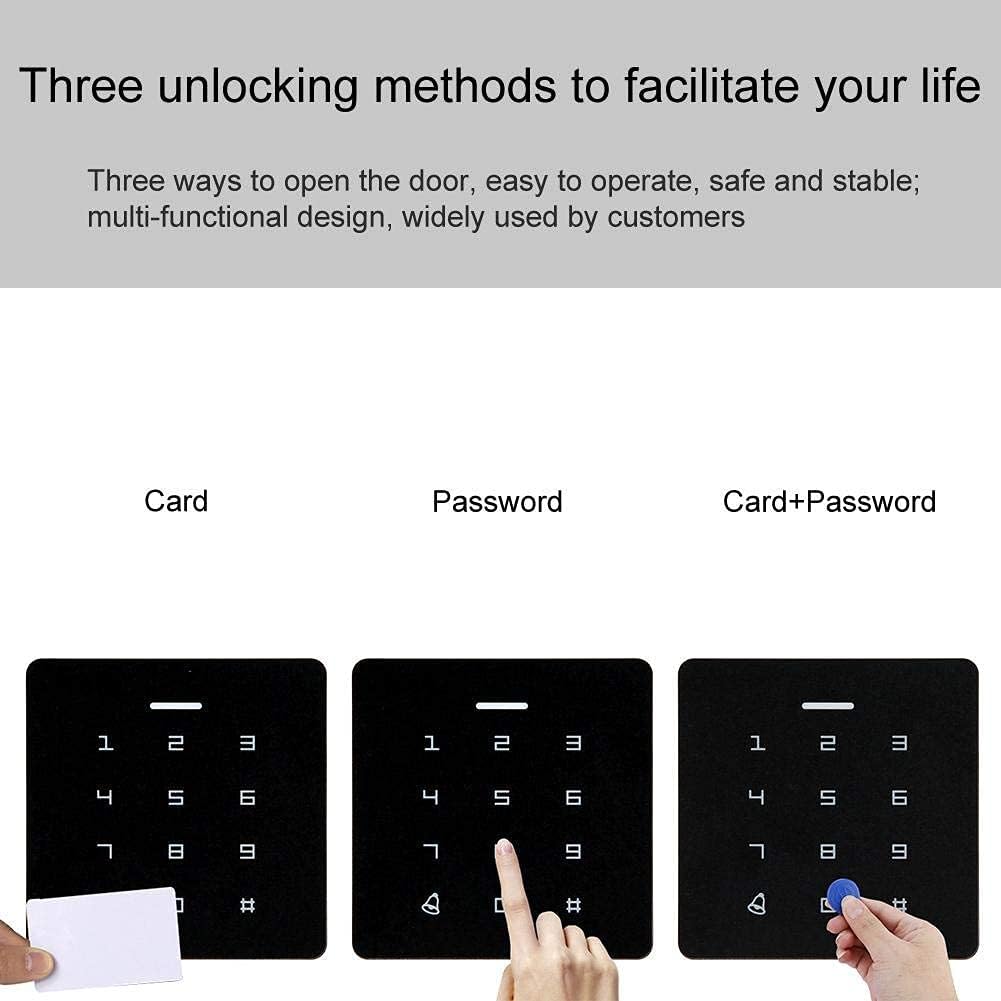
Image 6.1: Illustration of the three available access methods: card, password, and card + password.

Image 6.2: A user presenting an RFID tag to the access control keypad for entry.
6.2. Programming Cards and Passwords
The system allows for the addition and deletion of user ID cards and passwords. Specific programming steps are typically detailed in the full instruction manual provided with the product. Generally, this involves entering a master programming code, then following prompts to add or remove user credentials. The system supports up to 1000 user cards.
6.3. Doorbell Connection
The Dioche A2 unit includes an interface for connecting a standard doorbell. This allows visitors to ring a doorbell connected to the system, providing an audible alert inside the premises.

Image 6.3: The access control keypad highlighting its capability to connect to a doorbell system.
7. Maintenance
The Dioche A2 access control unit requires minimal maintenance. Regular cleaning of the keypad surface with a soft, damp cloth is recommended to remove dust and grime. Avoid using abrasive cleaners or solvents that could damage the surface or electronic components.
Periodically check all wiring connections to ensure they remain secure, especially in outdoor installations where environmental factors might cause wear or loosening.
8. Troubleshooting
- Unit is unresponsive: Check the power supply to ensure it is correctly connected and providing 12V. Verify all wiring connections.
- Card not recognized: Ensure the RFID card is correctly registered in the system. Try presenting the card closer to the reader area.
- Password not accepted: Verify that the correct password is being entered. Ensure the password is registered and matches the required length (3-6 digits).
- Door does not unlock: Check the connection to the electric lock. Ensure the lock itself is functioning correctly. Verify that the access method used (card/password) is correctly programmed and recognized.
- Keypad beeps continuously or behaves erratically: This could indicate a power issue or an internal fault. Disconnect power, wait a few minutes, and reconnect. If the issue persists, consult a professional. Note that extreme cold temperatures (below 0°C) may affect performance.
9. Warranty and Support
Specific warranty information for the Dioche A2 Independent Access Control RFID Card Reader Keypad is typically provided at the point of purchase or within the product packaging. Please refer to your purchase documentation for details regarding warranty coverage and duration.
For technical support or service inquiries, please contact your retailer or the manufacturer directly using the contact information provided with your product.