
Homitt Homitt Electric Spin Scrubber
Homitt Electric Spin Scrubber User Manual
Model: Cordless Tub and Tile Scrubber
Introduction
Thank you for choosing the Homitt Electric Spin Scrubber. This cordless cleaning tool is designed to make your cleaning tasks easier and more efficient, reaching various surfaces like bathtubs, tiles, floors, and walls. Please read this manual carefully before use to ensure proper operation, maintenance, and to maximize the lifespan of your device.
Package Contents
Please verify that all items listed below are included in your package:
- Homitt Electric Spin Scrubber Main Unit
- Extension Handle
- Dome Brush Head
- Corner Brush Head
- Flat Brush Head
- Scouring Pad Brush Head
- Power Adapter/Charger
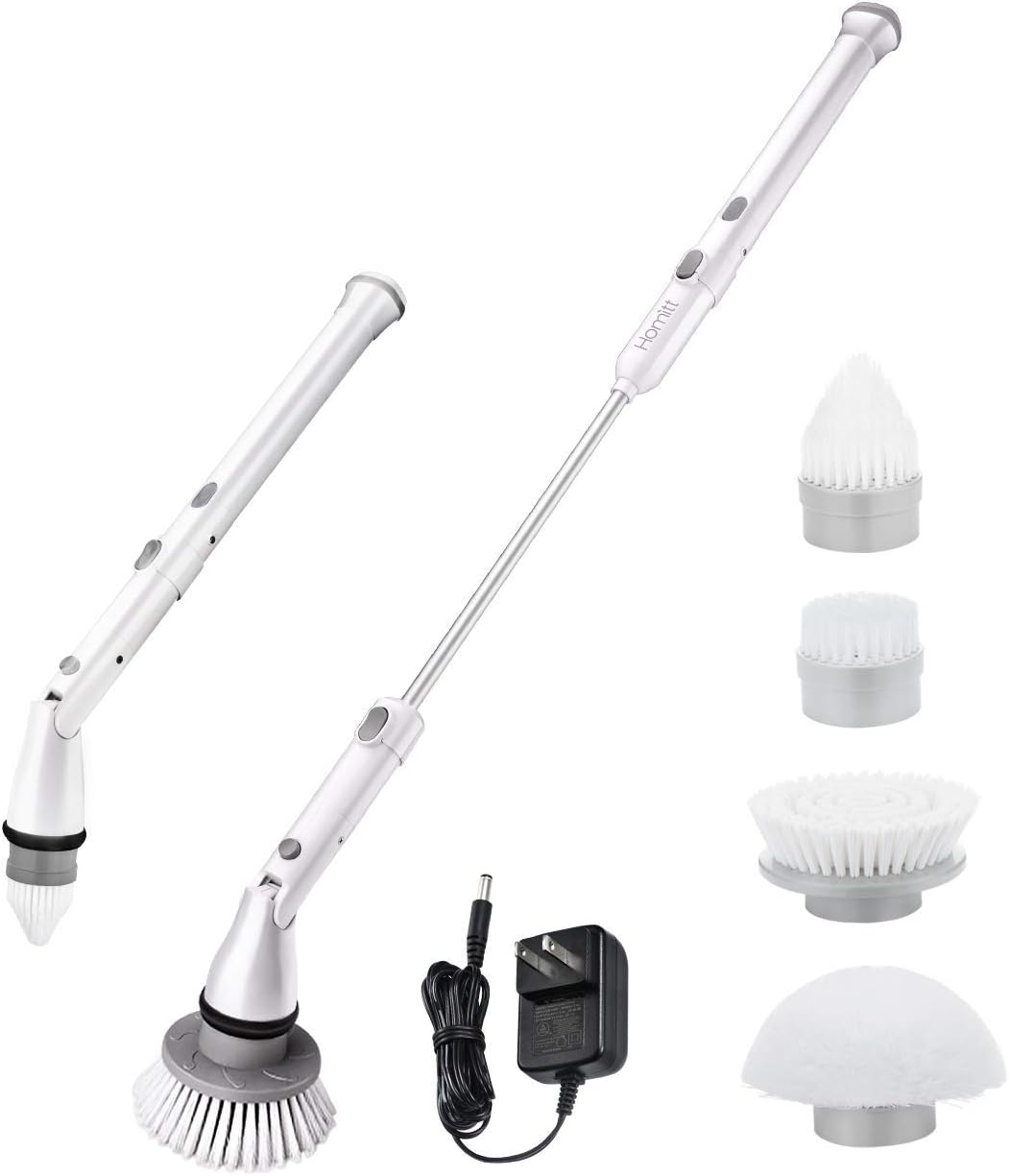
Image: The Homitt Electric Spin Scrubber main unit, extension handle, power adapter, and the four included brush heads (dome, corner, flat, and scouring pad).
Product Features
- Cordless Design: Offers freedom of movement without the hassle of cords.
- Powerful Motor: Provides strong scrubbing action for tough stains.
- Adjustable Length: Features an extension handle for reaching high or low areas without bending or stretching.
- Multiple Brush Heads: Includes four interchangeable brush heads for various cleaning needs and surfaces.
- Long Battery Life: Designed for extended use on a single charge.
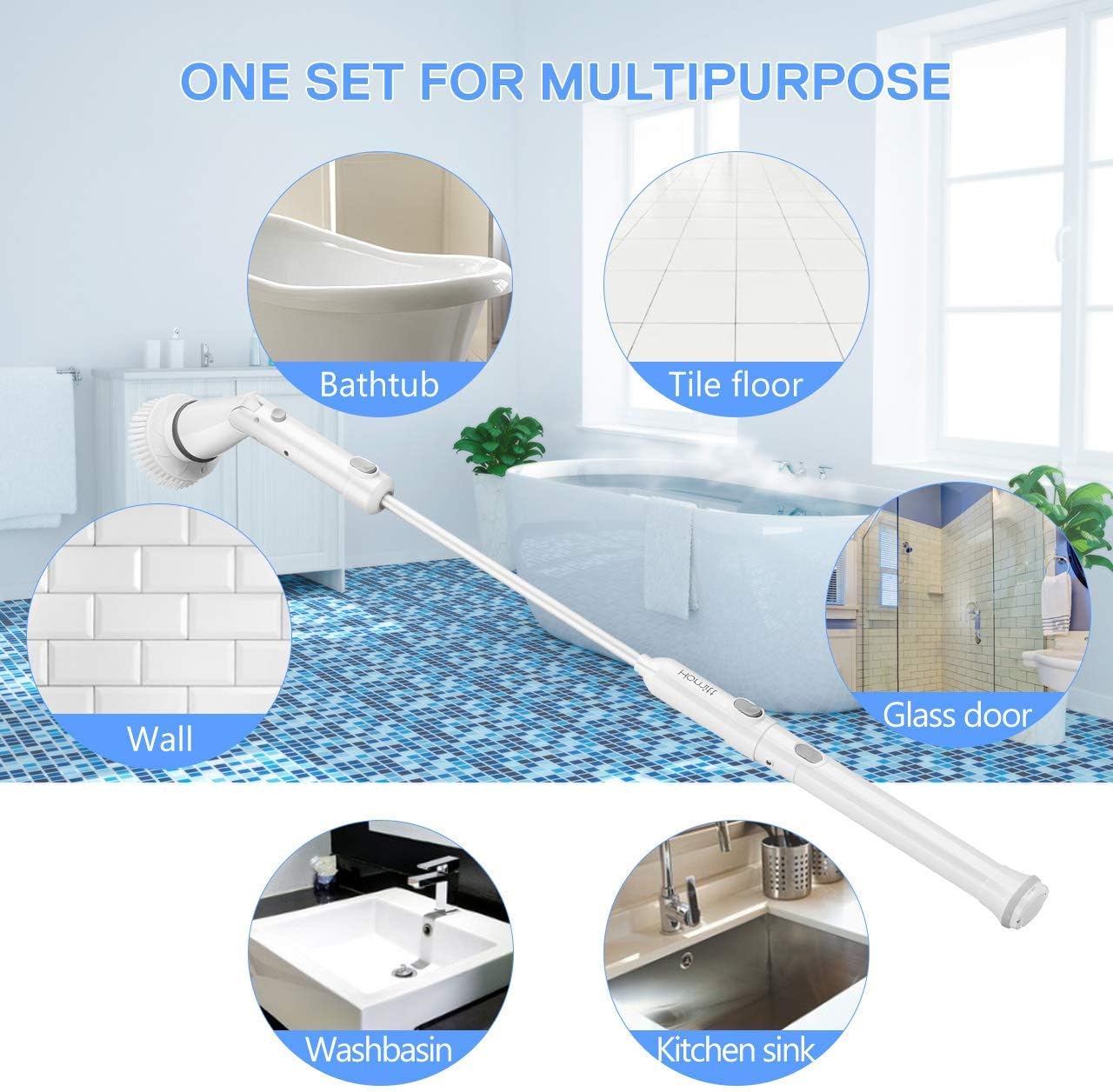
Image: Illustration showing the Homitt Electric Spin Scrubber's versatility for cleaning various areas including bathtubs, tile floors, walls, glass doors, washbasins, and kitchen sinks.
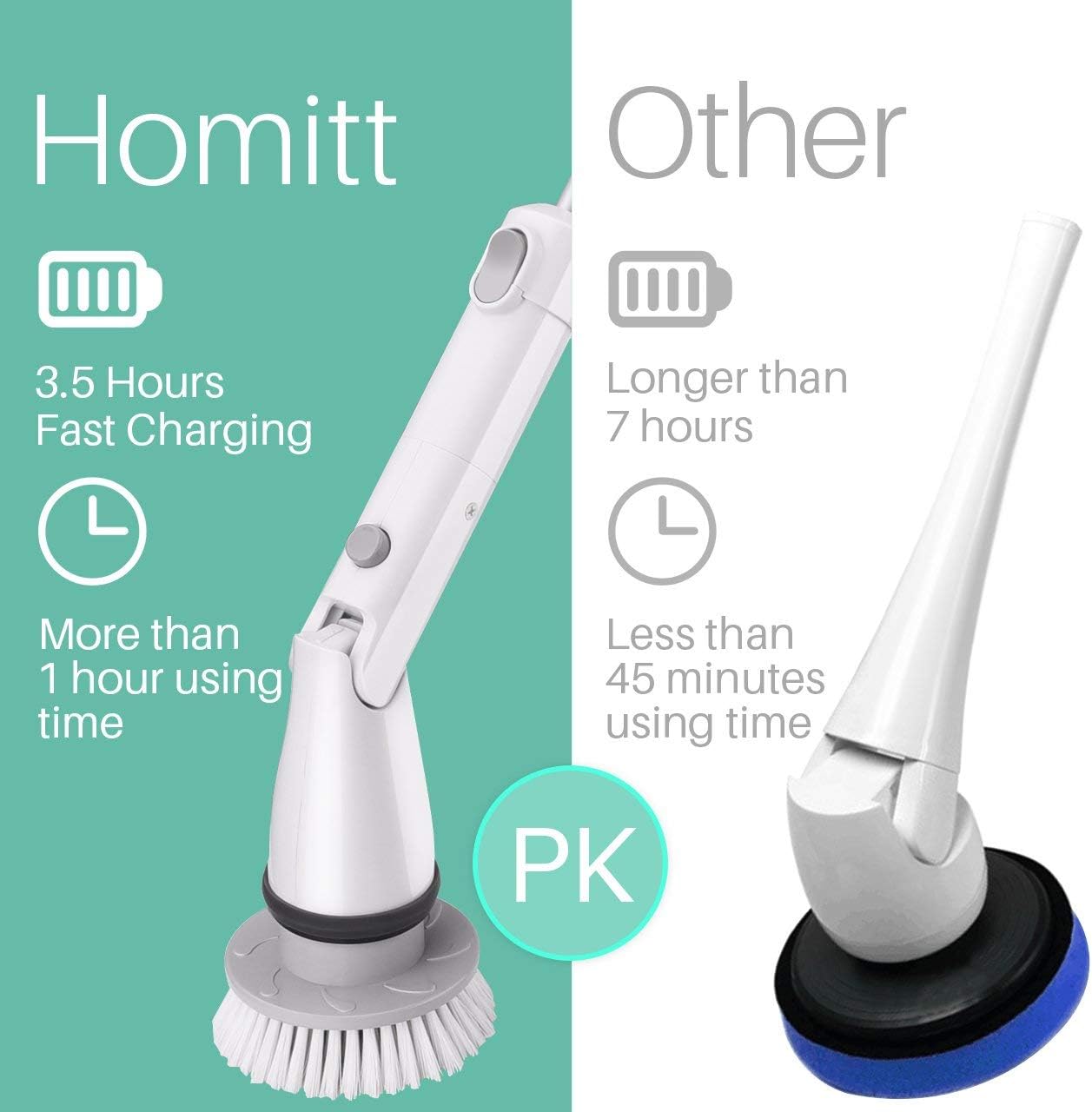
Image: A comparison graphic highlighting the Homitt scrubber's 3.5 hours fast charging and more than 1 hour of using time, contrasting it with other scrubbers that may take longer to charge and offer less usage time.
Setup
Follow these steps to assemble your Homitt Electric Spin Scrubber:
- Attach Main Handle to Extension Handle (Optional): If you require extended reach, connect the main handle of the scrubber to the extension handle. Align the connection points and push until it clicks securely into place.
- Connect Brush Head: Select the appropriate brush head for your cleaning task. Align the brush head with the rotating head of the main unit and push it firmly until it locks into position. Ensure it is securely attached before use.
- Charge the Scrubber: Before first use, fully charge the scrubber. Plug the power adapter into a wall outlet and connect the charging cable to the charging port on the scrubber. The indicator light will show charging status (refer to the charging section for details).

Image: A visual guide demonstrating the installation process for the spin scrubber, showing how to connect the main handle to the extension handle and how to attach a brush head to the machine head.
Operating Instructions
Using your Homitt Electric Spin Scrubber is straightforward:
- Power On/Off: Press the power button located on the handle to turn the scrubber on. Press it again to turn it off.
- Select Brush Head: Choose the appropriate brush head for the surface you intend to clean.
- Flat Brush: Ideal for large flat surfaces like tile floors, walls, and shower doors.
- Dome Brush: Suitable for curved surfaces such as bathtubs, sinks, and toilets.
- Corner Brush: Designed for cleaning tight corners, grout lines, and narrow spaces.
- Scouring Pad Brush: For tougher stains and more abrasive cleaning on appropriate surfaces.
- Apply Cleaning Solution: For best results, apply your preferred cleaning solution directly to the surface to be cleaned or to the brush head.
- Begin Cleaning: Gently press the rotating brush head against the surface and move the scrubber slowly to allow the bristles to work. Avoid excessive pressure, as the motor is designed to do the work.
- Rinse: After scrubbing, rinse the cleaned area with water.

Image: The Homitt Electric Spin Scrubber being used to clean a tiled floor, a wall, a kitchen sink, and a washbasin, demonstrating its versatility in different cleaning scenarios.
Maintenance and Care
Proper maintenance ensures the longevity and performance of your scrubber:
- Cleaning the Scrubber: After each use, detach the brush head and rinse it thoroughly under running water. Wipe down the main unit and extension handle with a damp cloth. Do not submerge the main unit in water.
- Charging: Recharge the scrubber when the battery indicator shows low power. Always use the provided power adapter. Avoid overcharging by unplugging once fully charged.
- Storage: Store the scrubber in a cool, dry place away from direct sunlight and extreme temperatures. Ensure it is fully charged before storing for extended periods.
- Brush Head Replacement: Replace brush heads when bristles become worn or less effective to maintain optimal cleaning performance.
Troubleshooting
| Problem | Possible Cause | Solution |
|---|---|---|
| Scrubber does not turn on. | Battery is depleted. | Charge the scrubber fully using the provided adapter. |
| Brush head stops spinning or spins slowly. | Low battery or excessive pressure applied. | Recharge the battery. Reduce pressure on the cleaning surface. |
| Brush head detaches during use. | Brush head not securely attached. | Ensure the brush head is pushed firmly until it clicks into place. |
| Reduced cleaning performance. | Worn brush head or insufficient cleaning solution. | Replace the brush head. Apply more cleaning solution as needed. |
Specifications
- Product Name: Homitt Electric Spin Scrubber
- Model: Cordless Tub and Tile Scrubber
- Handle Material: Plastic
- Surface Recommendation: Floor, Glass, Tile, Windows
- Unit Count: 1.0 Count (main unit)
- Charging Time: Approximately 3.5 hours
- Usage Time: More than 1 hour (fully charged)

Image: A diagram illustrating the dimensions of the Homitt Electric Spin Scrubber (45 inches extended, 24 inches compact) and its various brush heads, including their height and diameter measurements.
Warranty and Support
This product is an Amazon Renewed item. Amazon Renewed products are professionally inspected and tested to work and look like new. If you are not satisfied with your purchase, renewed products are eligible for replacement or refund under the Amazon Renewed Guarantee. Please refer to the Amazon Renewed Guarantee policy for specific terms and conditions regarding returns, replacements, and refunds.
For further assistance or inquiries, please contact Amazon Customer Service directly through your Amazon account or visit the Amazon Renewed help pages.
Ask a question about this manual
Ask about setup, troubleshooting, compatibility, parts, safety, or missing instructions. Manuals+ will review the question and use this page’s manual context to help answer it.