
1. Important Safety Information
Please read all instructions carefully before using the Media-Tech MT6510 Sonic Electric Toothbrush. Keep this manual for future reference.
- Do not immerse the charging base in water or any other liquid.
- Ensure the charging port cover on the toothbrush handle is securely closed before rinsing the handle under water. The toothbrush handle is IPX7 waterproof, meaning it can withstand immersion in water up to 1 meter for 30 minutes.
- This appliance contains batteries that are non-replaceable.
- Do not modify or repair the appliance yourself. Contact qualified service personnel for any repairs.
- Keep out of reach of children. This product is designed for adult use.
- If you have any medical concerns regarding oral health, consult your dentist before using this product.
2. Product Overview
The Media-Tech MT6510 Sonic Electric Toothbrush utilizes advanced sonic technology to provide effective oral hygiene. It features 36,000 vibrations per minute, two cleaning modes, a 2-minute timer with 30-second interval reminders, and a long-lasting battery.

Image 2.1: Front view of the Media-Tech MT6510 Sonic Electric Toothbrush, showcasing its sleek design and control buttons.
2.1 Included Components
- 1 x Media-Tech MT6510 Sonic Toothbrush Handle
- 2 x DuPont Toothbrush Heads
- 1 x Charging Base
- 1 x Travel Case
- 1 x User Manual

Image 2.2: The Media-Tech MT6510 toothbrush, two brush heads, and travel case, as included in the set.
3. Setup
3.1 Initial Charging
Before first use, fully charge the toothbrush for approximately 12-16 hours. A full charge provides up to 60 days of use based on twice-daily brushing for 2 minutes.
- Connect the charging base to a power outlet.
- Place the toothbrush handle onto the charging base. Ensure the handle is seated correctly.
- The charging indicator light will illuminate to show that the toothbrush is charging.
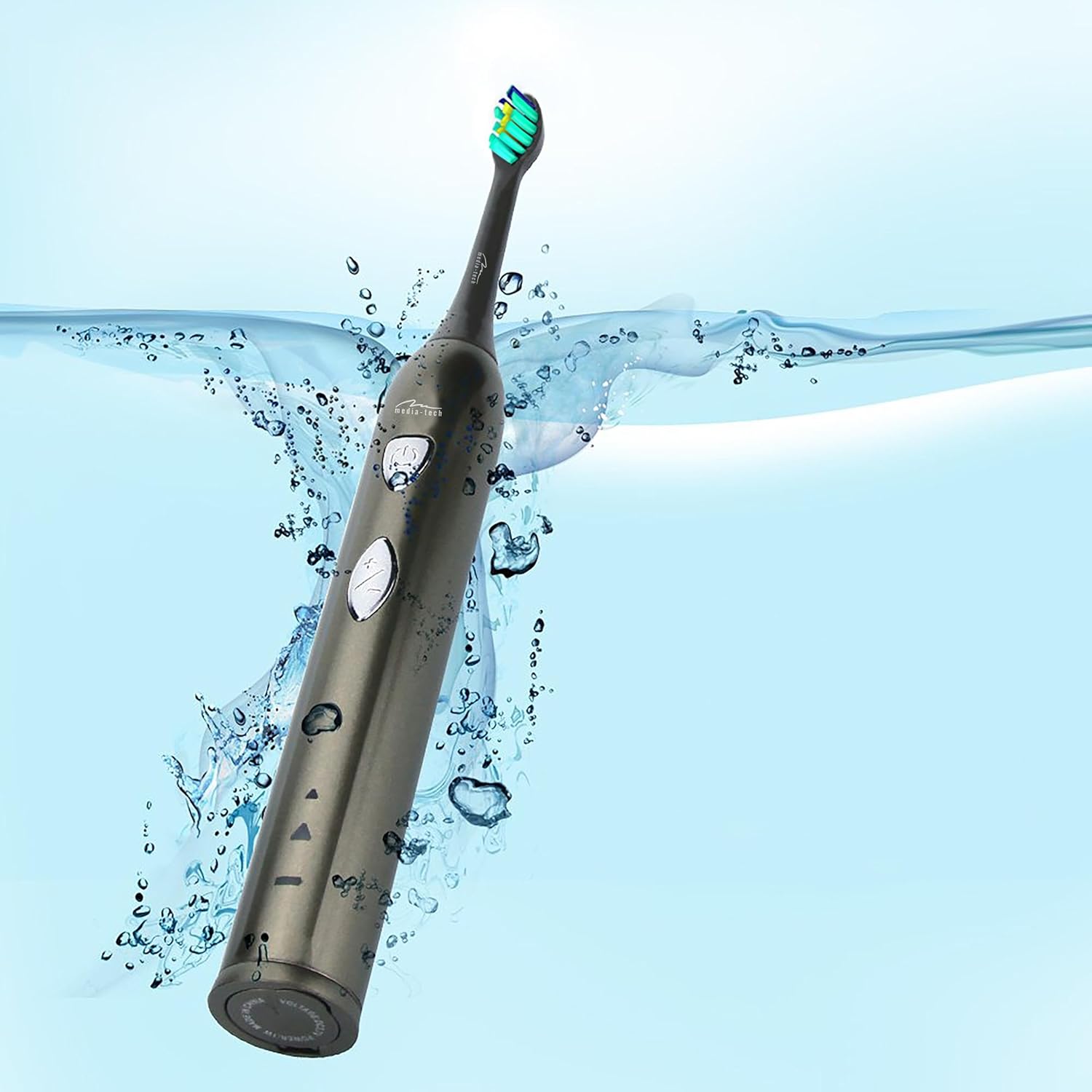
Image 3.1: The toothbrush handle placed on its charging base, indicating the charging process.
3.2 Attaching the Brush Head
Align the brush head with the metal shaft on the toothbrush handle and push it down firmly until it clicks into place. Ensure it is securely attached before use.
4. Operating Instructions
4.1 Power On/Off and Mode Selection

Image 4.1: Detailed view of the toothbrush handle, showing the power button and mode selection button.
- Power On: Press the power button (top button) once to turn on the toothbrush. It will start in the last used mode.
- Change Mode: While the toothbrush is on, press the mode button (bottom button) to cycle through the available cleaning modes:
- Daily Cleaning Mode: For regular, thorough cleaning.
- Whitening Mode: For deep cleaning and stain removal.
- Power Off: Press the power button again to turn off the toothbrush.
4.2 Brushing Technique
- Wet the brush head and apply a small amount of toothpaste.
- Place the brush head against your teeth at a slight angle towards the gum line.
- Press the power button to start brushing.
- Gently move the brush head slowly from tooth to tooth, allowing the sonic vibrations to clean. Do not scrub.
- The toothbrush features a 2-minute timer and a 30-second interval reminder. It will briefly pause every 30 seconds to indicate when to move to a different quadrant of your mouth.
- After 2 minutes, the toothbrush will automatically turn off, signaling the completion of the recommended brushing time.

Image 4.2: The toothbrush positioned in a glass in a bathroom setting, ready for use.
5. Maintenance
5.1 Cleaning the Brush Head
After each use, rinse the brush head thoroughly under running water. Do not use harsh cleaning agents.
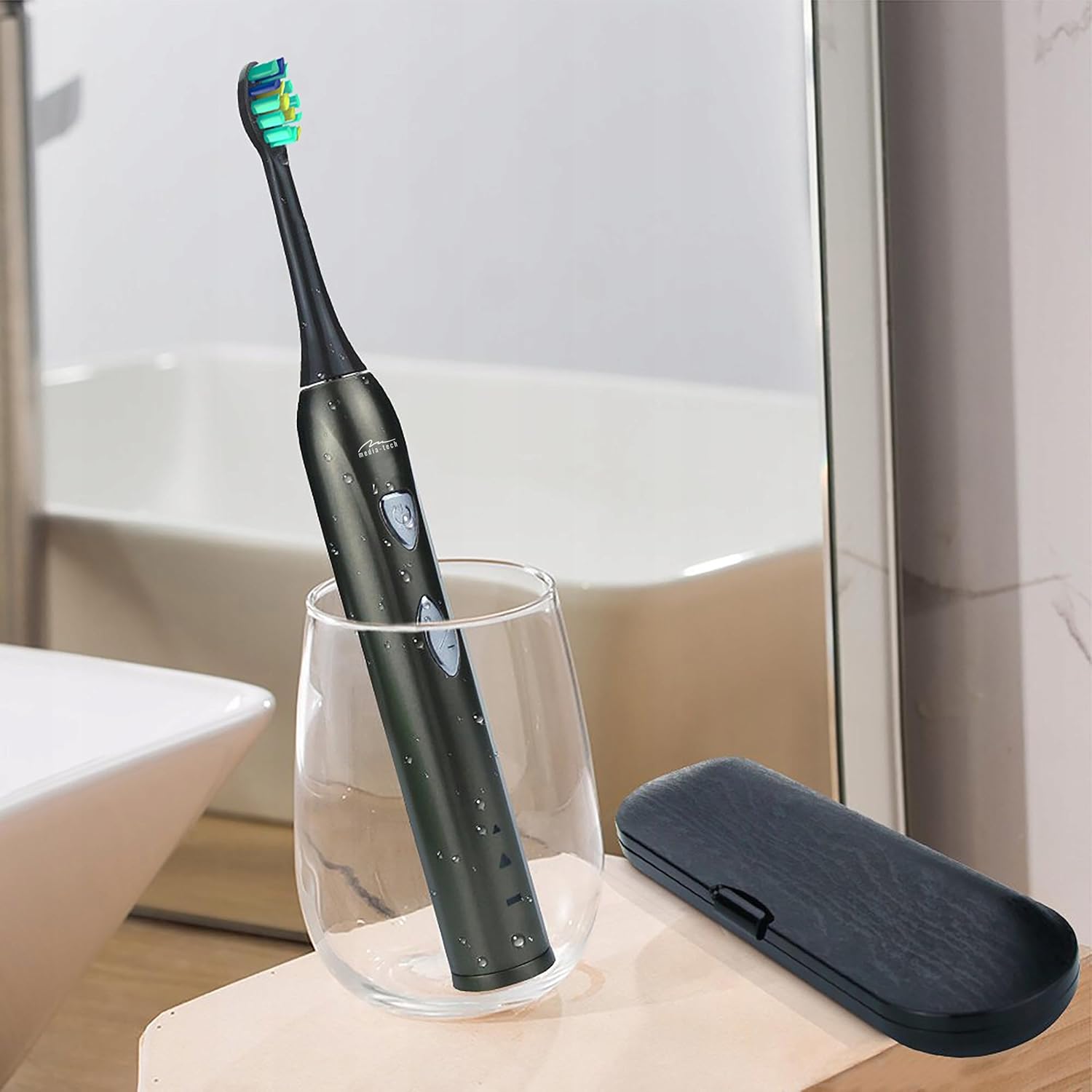
Image 5.1: A close-up of the brush head, showing bristles and water droplets after rinsing.
5.2 Cleaning the Handle
Wipe the toothbrush handle with a damp cloth. Ensure the charging port cover is closed before rinsing the handle under running water. Do not use abrasive cleaners or immerse the entire handle in water for extended periods.
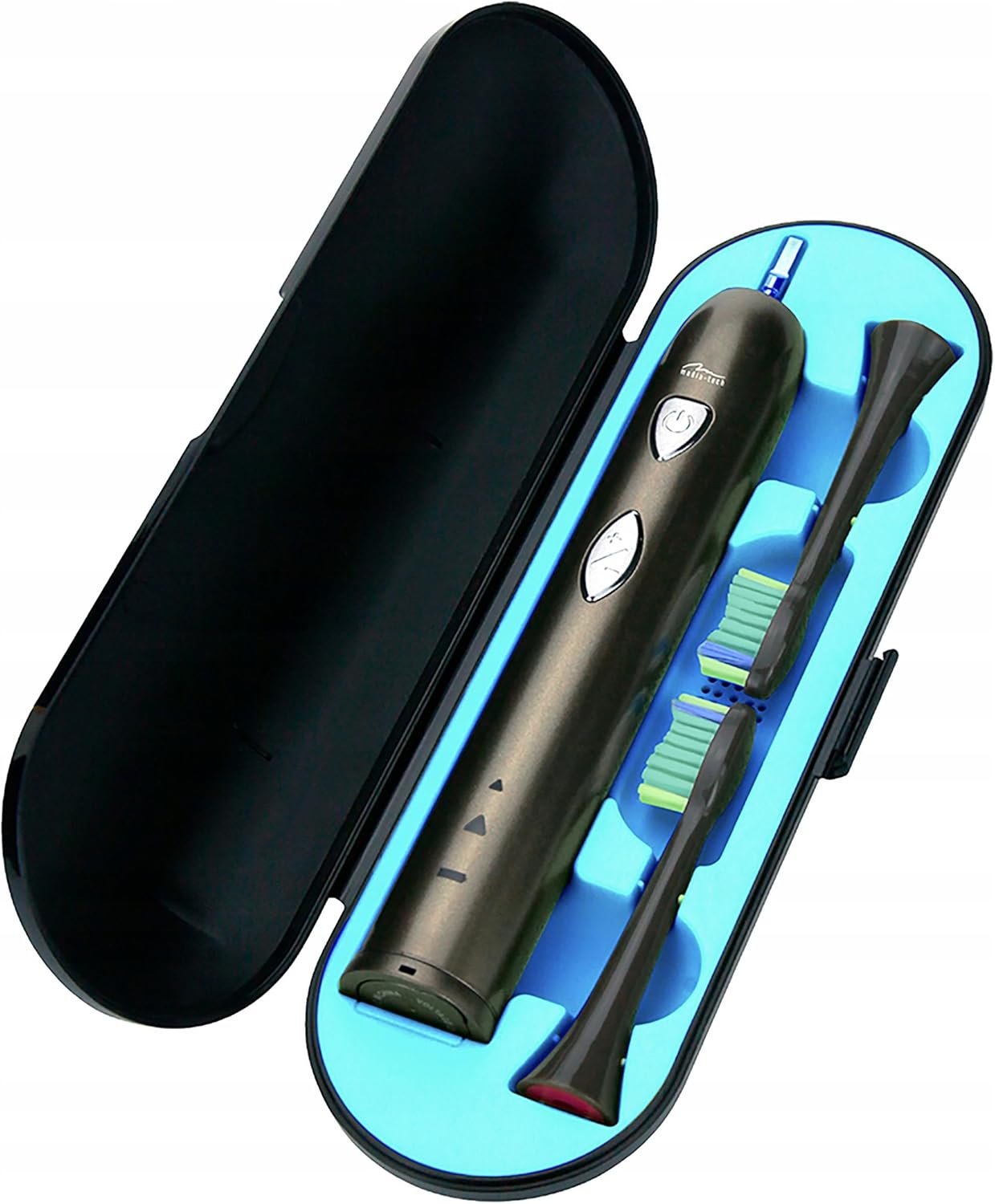
Image 5.2: The toothbrush handle partially submerged in water, demonstrating its IPX7 waterproof rating.
5.3 Replacing Brush Heads
Dentists recommend replacing brush heads every 3 months, or sooner if the bristles become frayed. To replace, simply pull the old brush head off the handle and push a new one on until it clicks.
5.4 Storage
When not in use, store the toothbrush and brush heads in a clean, dry place. The included travel case is ideal for hygienic storage and transport.
6. Troubleshooting
| Problem | Possible Cause | Solution |
|---|---|---|
| Toothbrush does not turn on. | Battery is depleted. | Charge the toothbrush for at least 12 hours. |
| Weak vibration or performance. | Low battery. | Recharge the toothbrush. |
| Brush head feels loose. | Brush head not properly attached. | Remove and re-attach the brush head, ensuring it clicks into place. |
| Charging indicator not lighting up. | Charging base not connected or toothbrush not seated correctly. | Check power connection and ensure the toothbrush is properly placed on the charging base. |
7. Specifications
- Model Number: MT6510
- Brand: Media-Tech
- Technology: Sonic
- Vibrations: 36,000 per minute
- Cleaning Modes: 2 (Daily Cleaning, Whitening)
- Timer: 2-minute auto-off with 30-second interval reminder
- Waterproof Rating: IPX7
- Battery Type: Lithium-ion
- Battery Life: Up to 60 days (based on typical use)
- Product Dimensions: 17.5 x 2.7 x 17.5 cm (approximate, as per packaging)
- Weight: 95 g (approximate)
8. Warranty and Support
For warranty information, please refer to the documentation provided at the time of purchase or contact your retailer. For technical support or further assistance, please contact Media-Tech customer service or visit their official website.


