
D-Link DCS-8515LH
D-Link Mydlink HD Pan & Tilt Wi-Fi Camera (DCS-8515LH) User Manual
Model: DCS-8515LH
Introduction
This manual provides comprehensive instructions for the setup, operation, and maintenance of your D-Link Mydlink HD Pan & Tilt Wi-Fi Camera (DCS-8515LH). This camera offers 360° viewing capabilities, automatic motion tracking, and integration with smart home assistants, providing enhanced monitoring for your indoor spaces.
Package Contents
Verify that all items listed below are included in your package:
- DCS-8515LH Camera
- Power Adapter
- Mounting Bracket
- Quick Installation Guide

Figure 1: D-Link DCS-8515LH Camera Components
This image displays the D-Link DCS-8515LH camera from multiple angles, highlighting its key components. Labels indicate the location of the IR LEDs, light sensor, built-in microphone, microSD card slot, speaker, and power connector at the base.
Product Overview
The D-Link DCS-8515LH is an HD Pan & Tilt Wi-Fi Camera designed for indoor surveillance. It features a 120° angle lens with a 340° pan range and 105° tilt capability, allowing for extensive coverage of your room. Key functionalities include:
- HD Video Quality: Captures clear 720p HD video.
- Night Vision: Built-in infrared LEDs provide visibility up to 5 meters in darkness.
- Motion and Sound Detection: Alerts you to activity with snapshots and contact options.
- Two-Way Audio: Enables real-time communication through the camera.
- Flexible Storage: Supports cloud recording and local microSD card storage.
- Smart Home Integration: Compatible with Amazon Alexa and Google Assistant.

Figure 2: D-Link DCS-8515LH Camera
This image shows the D-Link DCS-8515LH camera, a white and black dome-shaped device with a visible camera lens, designed for indoor use.
Setup Instructions
Follow these steps to set up your D-Link DCS-8515LH camera:
- Download the mydlink App: Search for "mydlink" in your device's app store (iOS or Android) and install the application.
- Power On the Camera: Connect the provided power adapter to the camera and plug it into a power outlet. Wait for the camera's LED indicator to blink orange, indicating it's ready for setup.
- Add Device in App: Open the mydlink app, sign in or create a new account. Tap the menu icon, then select "Add a Device." Scan the QR code located on the camera or its Quick Installation Guide.
- Follow On-Screen Prompts: The app will guide you through connecting the camera to your Wi-Fi network and configuring initial settings. Ensure your mobile device is connected to the 2.4 GHz Wi-Fi network you intend to use for the camera.
- Placement: Position the camera in your desired indoor location. The included mounting bracket can be used for wall or ceiling installation if needed.
Video 1: D-Link Product Overview and Setup
This video provides a general overview of a D-Link camera and demonstrates basic setup steps, including connecting power and using the mydlink app for initial configuration. While it features a different model, the setup process is similar for the DCS-8515LH.

Figure 3: mydlink App Interface for Camera Control
This image illustrates the mydlink app on a smartphone, showing the interface for controlling the camera's view, including a panorama view angle selection feature that allows users to tap to jump to a specific area.
Operating Instructions
Pan and Tilt Control
From the mydlink app, you can remotely control the camera's pan (horizontal) and tilt (vertical) movements to view different areas of your room. Use the on-screen controls to adjust the camera's direction.
- 360° View: The camera offers a comprehensive 360° coverage when combining its 120° lens with its pan and tilt capabilities.
- Panorama View Angle Selection: Tap on a specific area in the panoramic view within the app to quickly direct the camera to that point.

Figure 4: Pan & Tilt Live Video in mydlink App
This image shows a hand holding a smartphone displaying the mydlink app. The app is showing a live video feed from the camera, demonstrating the pan and tilt functionality to view a wide area of a room.
Auto Motion Tracking
When enabled, the camera will automatically pan and tilt to follow moving objects within its field of view, ensuring they remain in the frame.
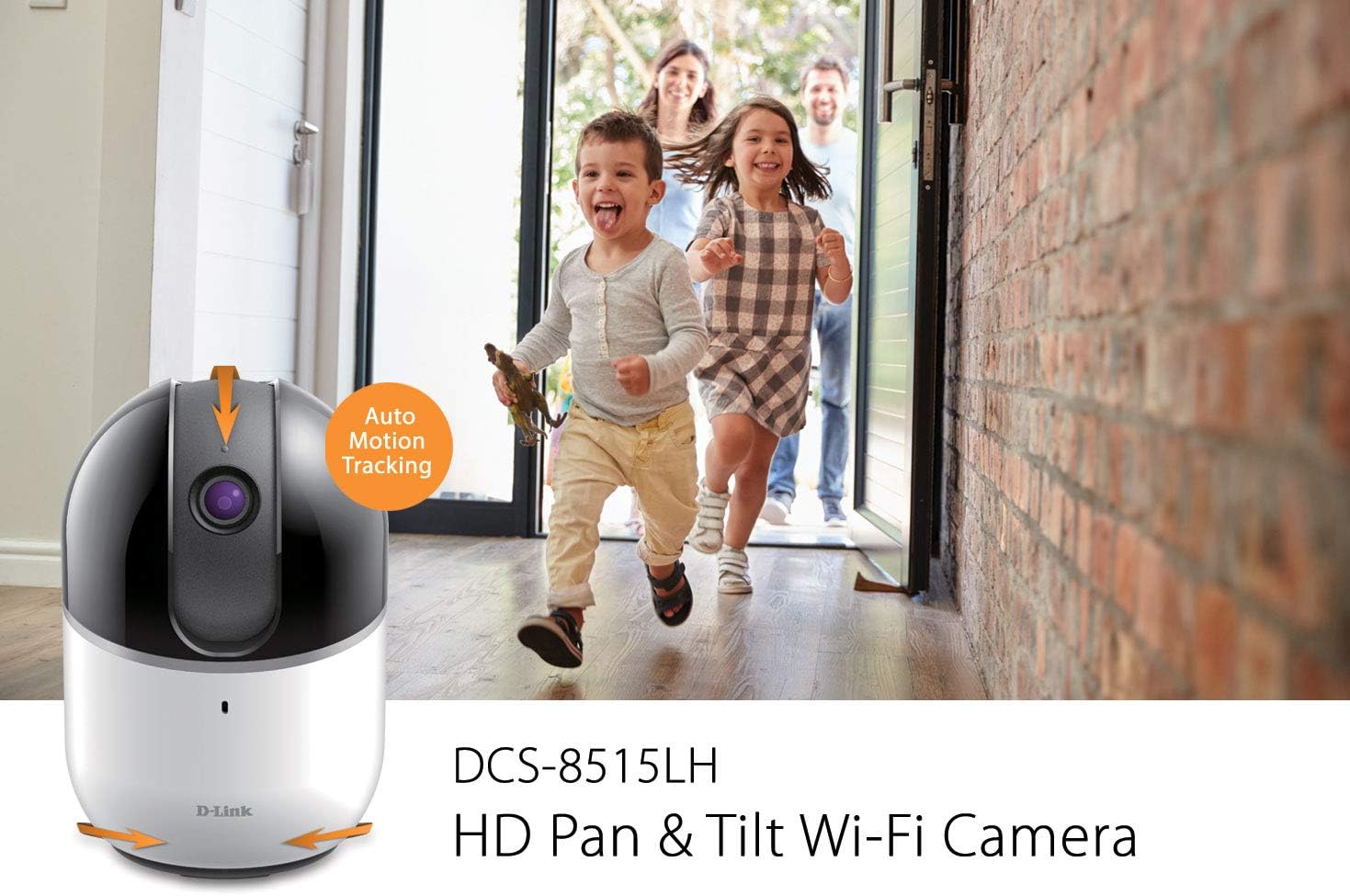
Figure 5: Auto Motion Tracking Feature
This image illustrates the camera's auto motion tracking feature. The D-Link DCS-8515LH camera is shown with an overlay indicating "Auto Motion Tracking," while children are depicted running in the background, demonstrating the camera's ability to follow movement.
Night Vision
The camera is equipped with infrared LEDs for night vision, allowing it to capture clear video in low-light or complete darkness up to 5 meters.
Motion and Sound Detection
Configure the mydlink app to receive instant notifications on your mobile device when motion or sound is detected. These alerts can include snapshots and options to call a designated contact.

Figure 6: Rich Notifications from mydlink App
This image displays a smartphone screen with a notification from the mydlink app, indicating that motion has been detected by the DCS-8515LH camera. The notification provides options to view live footage or call a designated contact.
Two-Way Audio
Utilize the built-in microphone and speaker to engage in two-way conversations through the camera, allowing you to communicate with individuals in the camera's vicinity.
Recording Options
The camera supports multiple recording methods:
- Cloud Recording: Store video recordings securely in the mydlink cloud. Free and paid plans are available.
- Local MicroSD Card: Insert a microSD card (up to 256 GB, as per latest firmware) into the camera for local storage of recordings.
Privacy Mode
Activate Privacy Mode via the mydlink app to physically cover the camera lens, ensuring complete privacy when needed.
Smart Home Integration
The DCS-8515LH camera is compatible with Amazon Alexa and Google Assistant, allowing for voice control and integration into your smart home ecosystem. You can stream live video to compatible devices like Fire TV, Echo Spot, or Google Chromecast.

Figure 7: Smart Home Integration
This image demonstrates the D-Link camera's compatibility with smart home platforms. It shows the camera integrated with Amazon Alexa (displaying a baby monitor feed on an Echo Show) and Google Assistant (displaying a live camera feed on a television).
Maintenance
To ensure optimal performance and longevity of your camera:
- Cleaning: Gently wipe the camera lens and body with a soft, dry cloth. Avoid using harsh chemicals or abrasive cleaners.
- Firmware Updates: Regularly check for and install firmware updates through the mydlink app to ensure your camera has the latest features and security enhancements.
- Placement: Ensure the camera is placed in a stable, dry indoor environment, away from direct sunlight, heat sources, and excessive moisture.
Troubleshooting
If you encounter issues with your D-Link DCS-8515LH camera, consider the following:
- Connectivity Issues:
- Ensure your Wi-Fi network is active and the camera is within range of your router.
- Verify that your Wi-Fi password is entered correctly in the mydlink app.
- Restart your camera and Wi-Fi router.
- Poor Video Quality:
- Check your internet connection speed. A stable and fast connection is crucial for HD streaming.
- Clean the camera lens to remove any dust or smudges.
- Motion/Sound Detection Not Working:
- Ensure motion and sound detection settings are enabled in the mydlink app.
- Adjust sensitivity levels to suit your environment.
- App Issues:
- Ensure your mydlink app is updated to the latest version.
- Try force-closing and reopening the app, or reinstalling it if problems persist.
- Factory Reset: If all else fails, perform a factory reset (refer to the Quick Installation Guide for specific steps) and re-add the camera to the mydlink app.
Specifications
| Feature | Detail |
|---|---|
| Model Name | DCS-8515LH |
| Video Capture Resolution | 720p HD |
| Pan Range | 340° |
| Tilt Range | 105° |
| View Angle (Lens) | 120° |
| Night Vision Distance | Up to 5 meters |
| Connectivity Protocol | Wi-Fi |
| Wireless Communication Technology | Wi-Fi |
| Storage Options | Cloud, Local MicroSD Card (up to 256GB) |
| Audio | Two-Way Audio |
| Alert Type | Audio and Motion |
| Compatible Devices | Smartphone, Tablet |
| Controller Type | Amazon Alexa, Google Assistant |
| Power Source | Corded Electric |
| Product Dimensions (L x W x H) | 3.3 x 3.3 x 4.9 inches |
| Item Weight | 12.6 ounces |
Warranty and Support
For detailed warranty information, please refer to the warranty card included with your product or visit the official D-Link website. Technical support and additional resources can be found on the D-Link support pages.
You can also visit the D-Link Store on Amazon for product information and customer service.
Related documentsDCS-8515LH


Ask a question about this manual
Ask about setup, troubleshooting, compatibility, parts, safety, or missing instructions. Manuals+ will review the question and use this page’s manual context to help answer it.