
1. Introduction
This manual provides essential information for the setup, operation, and maintenance of your Fossil Gen 5 Carlyle Stainless Steel Touchscreen Smartwatch. Please read these instructions carefully to ensure proper use and to maximize the functionality of your device.

Image: Front view of the Fossil Gen 5 Carlyle Smartwatch on a wrist, displaying the time and various app icons.
2. What's in the Box
Your Fossil Gen 5 Carlyle Smartwatch package includes the following items:
- Fossil Gen 5 Carlyle Smartwatch
- USB Charging Cable
- Quick Start Guide
- Warranty Booklet

Image: The Fossil Gen 5 Carlyle Smartwatch, its USB charging cable, and the Quick Start Guide, as typically found in the product packaging.
3. Setup
3.1. Charging the Smartwatch
Before initial use, fully charge your smartwatch. Connect the provided USB charging cable to a power source and attach the magnetic end to the charging contacts on the back of the watch. The watch will power on automatically once connected to the charger.
3.2. Initial Power On and Pairing
Once charged, the smartwatch will guide you through the initial setup process. To pair with your smartphone, download the Wear OS by Google app from your device's app store. Follow the on-screen instructions on both your phone and smartwatch to complete the pairing process.

Image: The rear of the Fossil Gen 5 Carlyle Smartwatch, highlighting the optical heart rate sensor and magnetic charging contacts.
3.3. Product Overview Video
Video: A brief overview of the Fossil Gen 5/5E Smartwatch, demonstrating its design and some basic functionalities.
4. Features
4.1. Display
The smartwatch features a vibrant 1.28-inch AMOLED touchscreen display with a resolution of 416 x 416 pixels and a maximum brightness of 500 nits, ensuring clear visibility indoors and outdoors.
4.2. Sensors and Processor
Equipped with an Optical Heart Rate sensor, Ambient Light sensor, Barometric Altimeter, GPS, Accelerometer, Gyroscope, Microphone, and Speaker. It is powered by the Qualcomm Snapdragon Wear 3100 processor for smooth performance.
4.3. Connectivity
The smartwatch supports Bluetooth, Wi-Fi, and GPS connectivity, allowing seamless integration with your iPhone or Android smartphone.
4.4. Health and Fitness Tracking
Monitor your heart rate, track your sleep patterns, and utilize various fitness features including an accelerometer and elevation tracker to keep track of your activity levels.
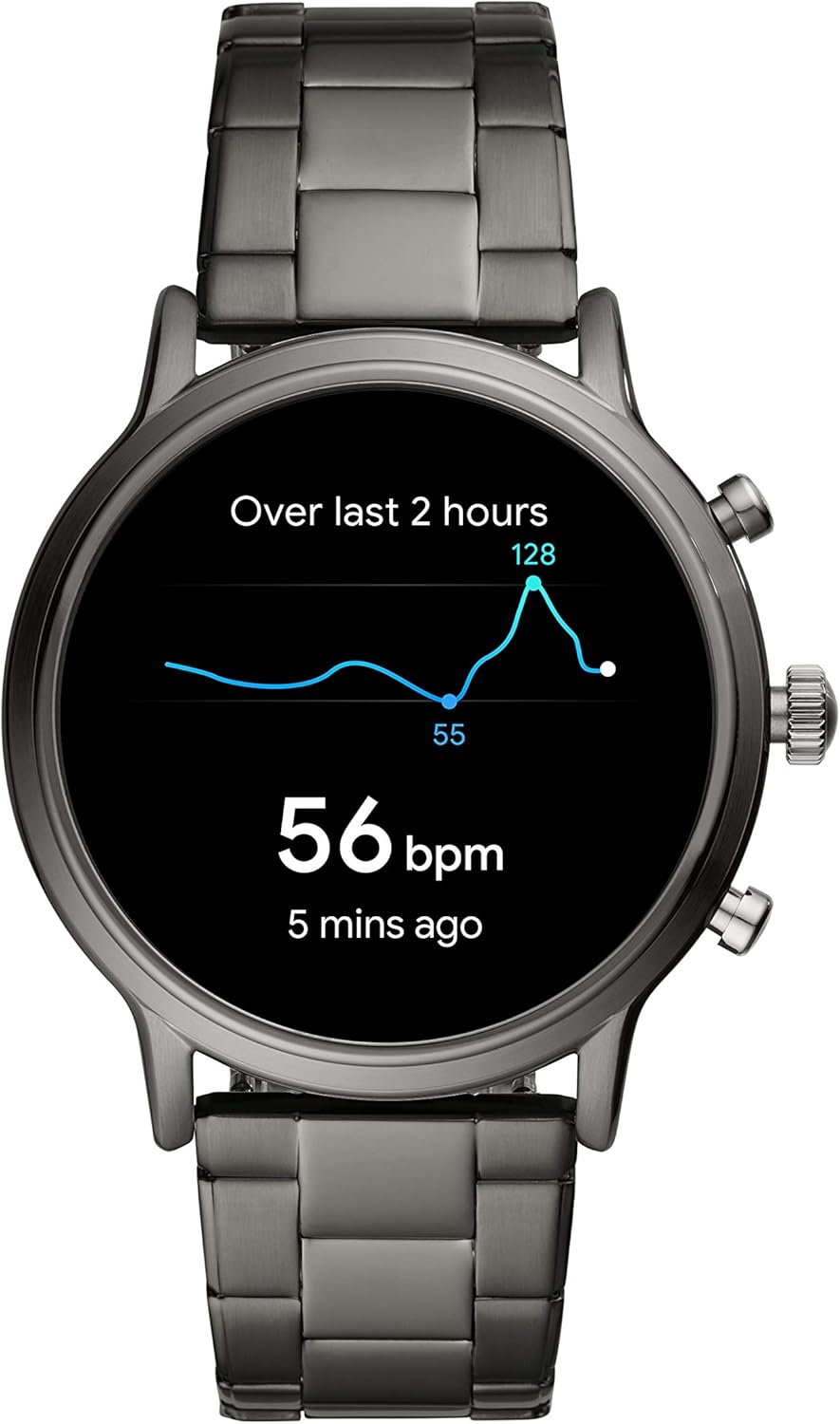
Image: The smartwatch display showing a graph of heart rate over time, indicating its health tracking capabilities.
4.5. Smart Notifications and Contactless Payments
Receive smartphone notifications directly on your wrist for calls, texts, and app alerts. The smartwatch also supports contactless payments for convenient transactions.
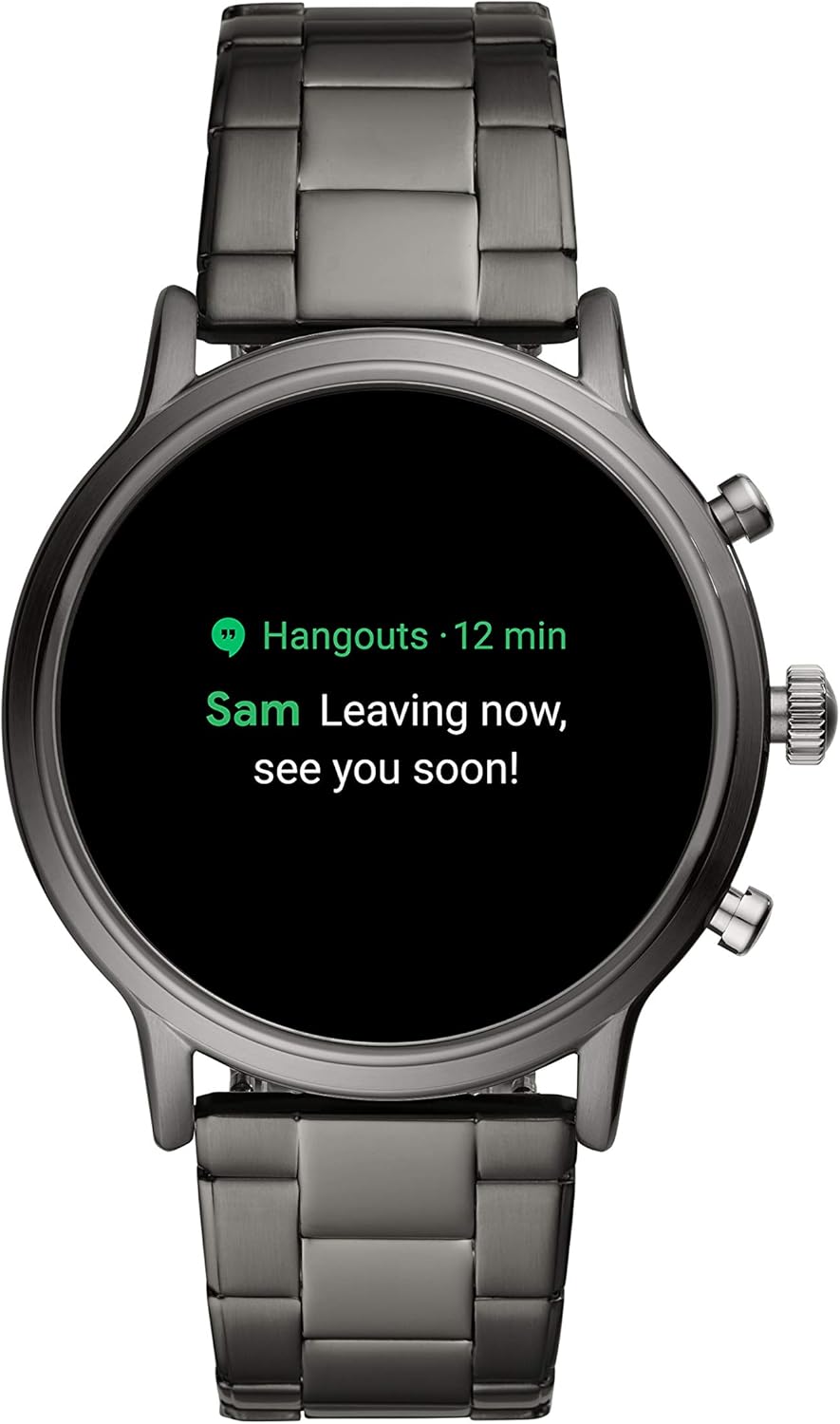
Image: The smartwatch display showing an incoming text message notification from a contact named 'Sam'.
5. Operating the Smartwatch
5.1. Basic Navigation
Navigate the smartwatch interface using the touchscreen and the physical buttons on the side. The central crown can be rotated to scroll through notifications and settings, while the other buttons provide quick access to customizable functions.
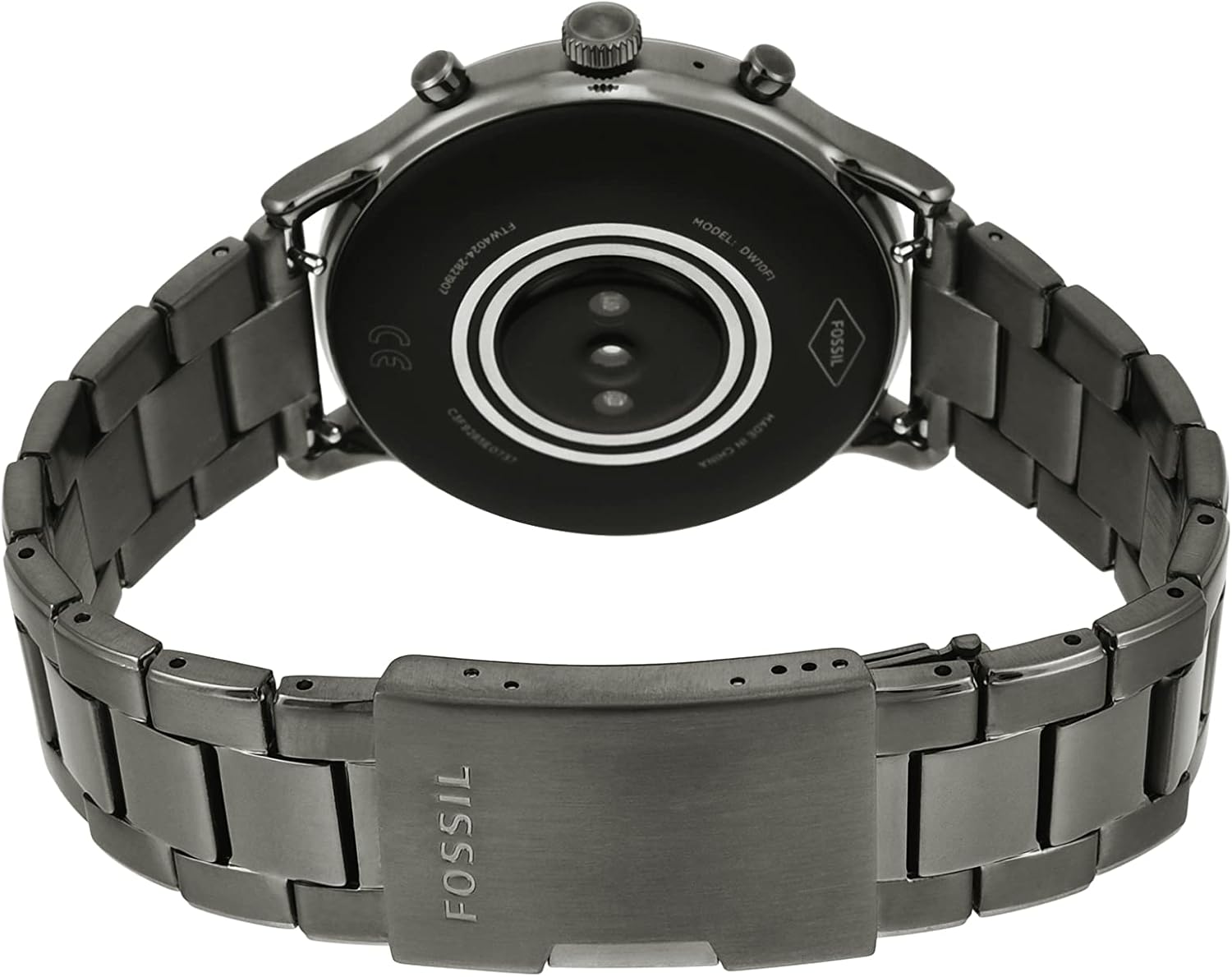
Image: Side view of the Fossil Gen 5 Carlyle Smartwatch, highlighting the rotatable crown and two push-buttons for navigation and function access.
5.2. Customizing Watch Faces
Personalize your smartwatch by choosing from a variety of pre-installed watch faces or downloading new ones through the Wear OS by Google app. Many watch faces allow for customization of complications to display information relevant to you.

Image: The smartwatch display showing a Google Assistant query, demonstrating voice command capabilities.
6. Maintenance
6.1. Cleaning
To maintain your smartwatch, regularly wipe the screen and casing with a soft, damp cloth. Avoid using harsh chemicals or abrasive materials that could damage the device.
6.2. Water Resistance
The Fossil Gen 5 Carlyle Smartwatch is water resistant up to 30 meters. It is suitable for everyday use, including splashes, rain, and brief immersion in water. However, it is not recommended for high-speed water sports or diving.
6.3. Changing Straps
Video: A demonstration by Fossil on how to easily change the straps of your smartwatch, allowing for customization.
7. Troubleshooting
7.1. Battery Life
Some users may experience shorter battery life depending on usage patterns and enabled features. To optimize battery performance, consider adjusting settings such as screen brightness, always-on display, and frequency of heart rate monitoring. Ensure the watch is fully charged using the provided magnetic charger.
7.2. Software Performance
In rare cases, software glitches or performance issues may occur. Ensure your smartwatch's Wear OS by Google software is up to date. If issues persist, a factory reset may resolve them. Note that a factory reset will erase all data on the watch and require re-pairing with your smartphone.
7.3. Watch Malfunction Video
Video: A user-submitted video demonstrating a watch malfunction, which may be useful for identifying similar issues.
8. Specifications
- Model Number: FTW4024
- Operating System: Wear OS by Google
- Processor: Qualcomm Snapdragon Wear 3100
- Memory Storage: 8 GB
- Battery Type: Lithium Ion (1 CR123A battery included)
- Battery Life: Up to 10 days (usage dependent)
- Screen Size: 1.28 Inches
- Resolution: 416 x 416
- Maximum Display Brightness: 500 Nit
- Connectivity: Bluetooth, GPS, Wi-Fi
- Sensors: Optical Heart Rate, Ambient Light, Barometric Altimeter, GPS, Accelerometer, Gyroscope, Microphone, Speaker
- Water Resistance: 30 meters (Water Resistant)
- Case Material: Stainless Steel
- Band Material: Stainless Steel (22mm width)
- Item Weight: 2.8 Ounces
- Product Dimensions: 5 x 5 x 0.7 inches

Image: A detailed diagram illustrating the dimensions and various specifications of the Fossil Gen 5 Carlyle Smartwatch.
9. Warranty and Support
9.1. Warranty Information
Your Fossil Gen 5 Carlyle Smartwatch is covered by a Fossil 2-year limited warranty. This warranty covers manufacturing defects under normal use. Please refer to the included Warranty Booklet for full terms and conditions.
9.2. Customer Support
For further assistance, technical support, or warranty claims, please visit the official Fossil website or contact their customer service department. Keep your proof of purchase and model number (FTW4024) handy when seeking support.


