1. Introduction
Thank you for choosing UMIDIGI Ubeats Wireless Bluetooth Headphones. These headphones are designed for an active lifestyle, offering high-quality audio, comfort, and durability. Featuring Bluetooth 5.0 connectivity, CVC 6.0 noise reduction, and IPX5 water resistance, the UMIDIGI Ubeats provide a reliable and enjoyable listening experience.
Video: UMIDIGI Ubeats Wireless Bluetooth Headphones Overview. This video provides a general overview of the UMIDIGI Ubeats headphones, showcasing their design and key features.
2. What's in the Box
The UMIDIGI Ubeats package includes the following items:
- 1 x UMIDIGI Wireless Bluetooth Headphones
- 1 x USB cable
- 1 x User manual
- 3 x Earbuds (S, M, L sizes)

Image: Package contents of UMIDIGI Ubeats headphones. This image displays all items included in the product box: the UMIDIGI Ubeats headphones, a USB charging cable, the user manual, and three pairs of silicone ear tips in different sizes.
3. Product Overview and Features
The UMIDIGI Ubeats headphones are engineered for superior audio and user convenience. Key features include:
- Bluetooth 5.0 & QCC3003 Chipset: Ensures faster speed, more stable connection, and enhanced power efficiency.
- CVC 6.0 Broadband Noise Reduction: Effectively minimizes ambient noise for an immersive audio experience.
- IPX5 Sweat Resistant: Designed to withstand dripping sweat, making them ideal for active lifestyles and outdoor sports.
- User-friendly Design: Features magnetic earbuds to prevent tangles and a comfortable silicone neckband for all-day wear.
- 10mm Dynamic Drivers: Delivers excellent sound quality with deep, clear bass and crisp mids and highs.

Image: UMIDIGI Ubeats Wireless Bluetooth Headphones. This image shows the headphones laid out on a desk, highlighting their sleek design and neckband style.

Image: Soft silicone neckband of UMIDIGI Ubeats. A close-up view emphasizing the comfortable and flexible silicone material of the neckband.

Image: Magnetic earbuds of UMIDIGI Ubeats. This image illustrates the magnetic feature of the earbuds, allowing them to snap together for secure storage and tangle prevention.
Video: UMIDIGI Neckband in-Ear Headphones. This video highlights the comfortable neckband design and in-ear fit of the UMIDIGI Ubeats headphones.
4. Setup
4.1 Charging the Headphones
Before first use, fully charge your UMIDIGI Ubeats headphones. Connect the included USB cable to the Micro-USB charging port on the neckband and plug the other end into a compatible USB power source. A full charge takes approximately 1.5 hours, providing up to 12 hours of playtime and 300 hours of standby time.
4.2 Powering On/Off
- To Power On: Press and hold the power button until the LED indicator lights up.
- To Power Off: Press and hold the power button until the LED indicator turns off.
4.3 Bluetooth Pairing
- Ensure the headphones are powered off.
- Press and hold the power button for approximately 5-7 seconds until the LED indicator flashes white, indicating pairing mode.
- On your device (smartphone, tablet, etc.), enable Bluetooth and search for available devices.
- Select "UMIDIGI Ubeats" from the list of devices.
- Once connected, the LED indicator will turn solid white.
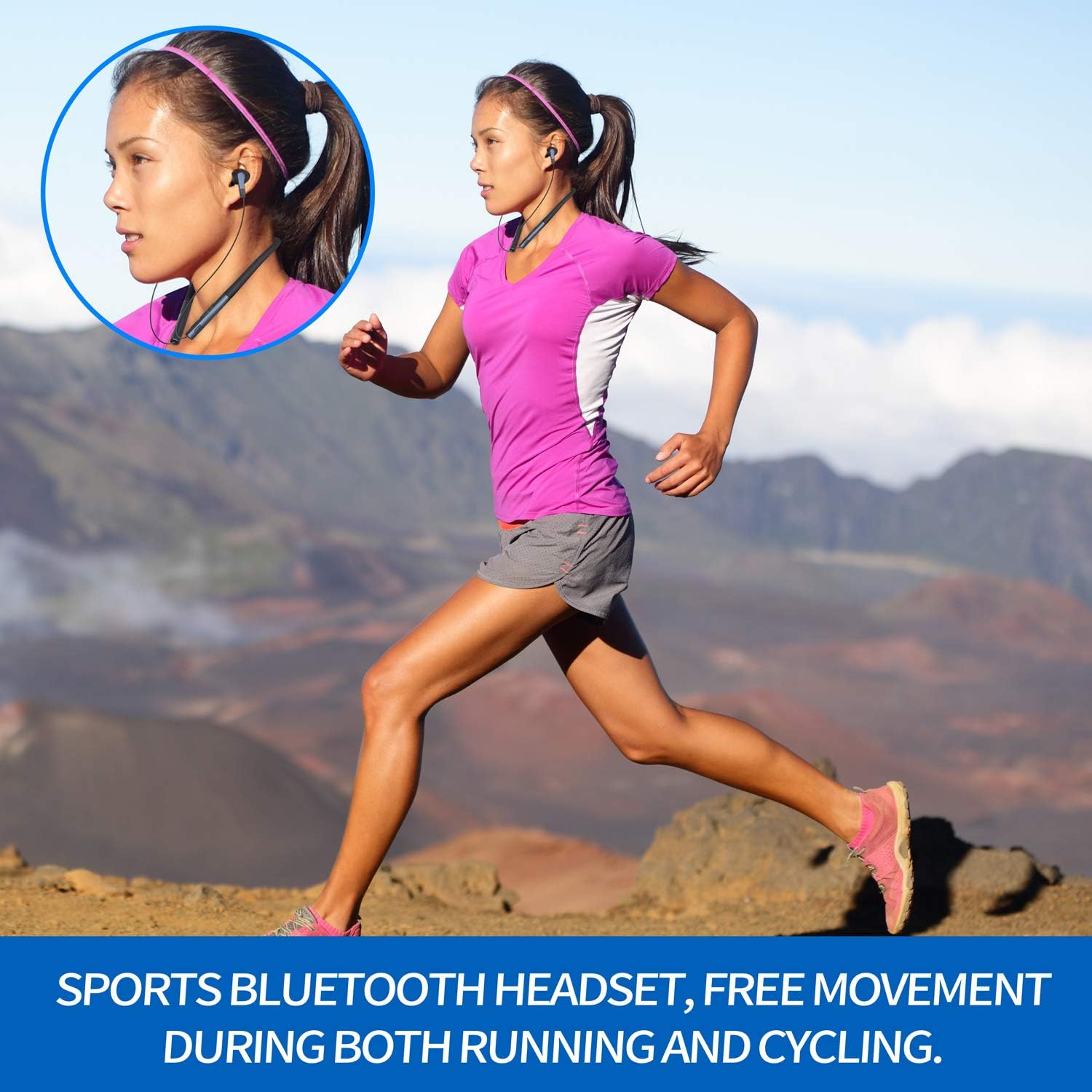
Image: Control buttons on UMIDIGI Ubeats. A detailed view of the power, volume, and track control buttons located on the neckband.
5. Operating Instructions
5.1 Music Playback
- Play/Pause: Press the multi-function button once.
- Next Track: Press and hold the "+" volume button.
- Previous Track: Press and hold the "-" volume button.
- Volume Up: Short press the "+" volume button.
- Volume Down: Short press the "-" volume button.
5.2 Call Management
- Answer/End Call: Press the multi-function button once.
- Reject Call: Press and hold the multi-function button for 2 seconds.
- Redial Last Number: Double-press the multi-function button.
5.3 Voice Assistant
Triple-press the multi-function button to activate your device's voice assistant (e.g., Siri, Google Assistant).
6. Maintenance
To ensure the longevity and optimal performance of your UMIDIGI Ubeats headphones, follow these maintenance guidelines:
- Cleaning: Wipe the headphones with a soft, damp cloth. Avoid using harsh chemicals or abrasive materials.
- Water Resistance: The headphones are IPX5 rated, meaning they are resistant to splashing water and sweat. Do not submerge them in water or expose them to heavy rain. Ensure the Micro-USB port cover is securely closed when not charging.
- Storage: Store the headphones in a cool, dry place away from direct sunlight and extreme temperatures. The magnetic earbuds help keep the cables tangle-free during storage.
Image: UMIDIGI Ubeats in use during sports. This image shows a person running while wearing the UMIDIGI Ubeats headphones, emphasizing their sweat-resistant design and secure fit for active use.
Video: UMIDIGI Ubeats Durability Test. This video demonstrates the durability and flexibility of the UMIDIGI Ubeats headphones, showcasing their robust construction.
7. Troubleshooting
If you encounter any issues with your UMIDIGI Ubeats headphones, please refer to the following common solutions:
- Cannot Power On: Ensure the headphones are fully charged.
- Cannot Pair: Make sure the headphones are in pairing mode (flashing white LED). Ensure Bluetooth is enabled on your device and it's within the 10-meter wireless range. Try restarting both the headphones and your device.
- No Sound/Low Volume: Check the volume levels on both the headphones and your connected device. Ensure the headphones are properly paired.
- Poor Call Quality: Ensure the MEMS Silicon Microphone is not obstructed. Move closer to your connected device to improve signal strength.
- Intermittent Connection: Ensure there are no obstacles between the headphones and your device. Stay within the 10-meter wireless range.
8. Specifications
| Model Name | UMIDIGI Ubeats |
| Connectivity Technology | Bluetooth |
| Wireless Communication Technology | Bluetooth 5.0 |
| Chipset | Qualcomm QCC3003 |
| Ear Placement | In Ear |
| Form Factor | In Ear (Neckband) |
| Material | Silicone |
| Water Resistance Level | IPX5 (Sweat Resistant) |
| Noise Reduction | CVC 6.0 Broadband Noise Reduction |
| Microphone | MEMS Silicon Microphone |
| Battery Life | 12 Hours Play Time |
| Standby Time | 300 Hours |
| Charging Time | 1.5 Hours |
| Charging Port | Micro-USB |
| Item Weight | 5 ounces |
| Product Dimensions | 7.87 x 6.93 x 1.42 inches |
| Special Features | Magnetic Earbuds, Support to Connect with 2 Devices |
9. Warranty and Support
UMIDIGI Ubeats headphones come with a 1-year lifelong service warranty. For any questions, technical support, or warranty claims, please contact UMIDIGI Support. You can typically find contact information on the official UMIDIGI website or through your purchase platform.
UMIDIGI Support offers 24-hour quick reply service to assist you with any inquiries regarding your UMIDIGI Ubeats Headphones.


