
1. Introduction
The NN99 Access Control System offers convenience and security using an RFID keypad and a 125 KHz card reader for quick and easy door unlocking. This system includes a rainproof cover, making it suitable for outdoor use. It operates on 12 volts and features an LCD display for clear viewing. The controller is constructed from durable ABS material and comes with 10 RFID cards for immediate use.
2. Product Overview
The NN99 RFID Access Control Keypad is designed for secure entry management in homes, apartments, and offices. It supports multiple unlocking methods and is built to withstand various environmental conditions.
Key Features:
- RFID Keypad and 125 KHz EM Card Reader.
- Includes a waterproof rainproof cover for outdoor installation.
- Operates on 12V DC.
- Durable ABS material construction.
- Comes with 10 RFID key tags.
Components and Design:


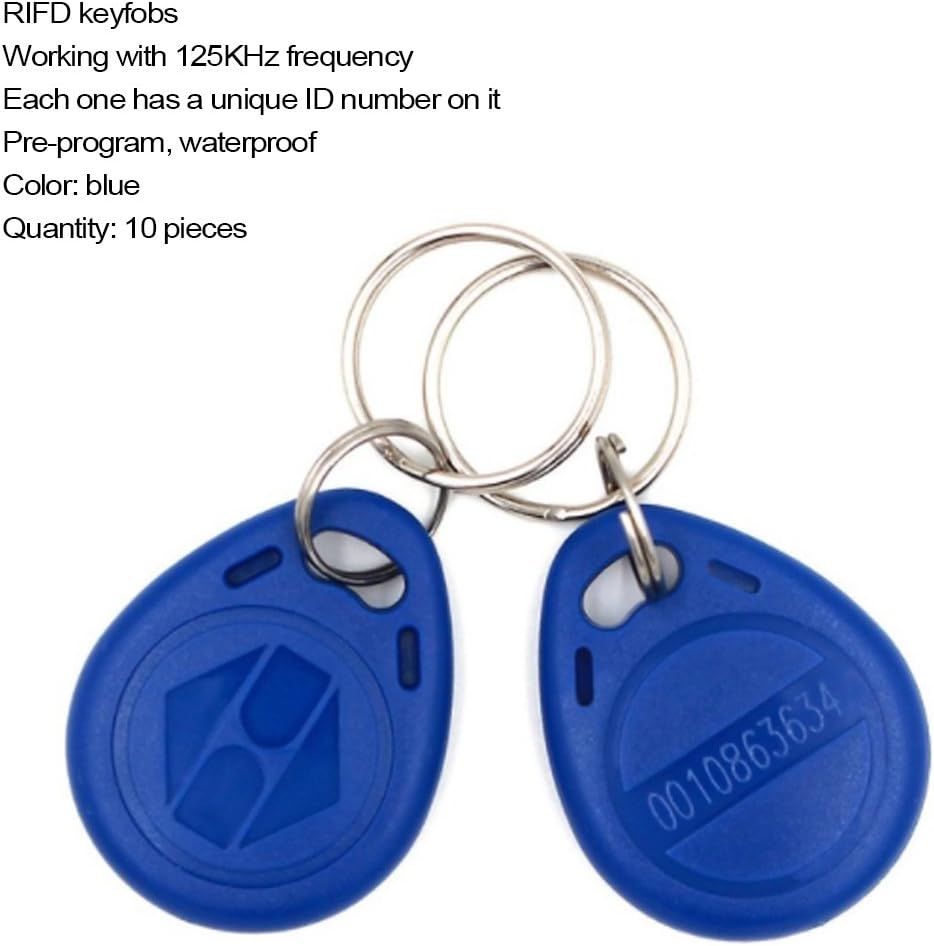
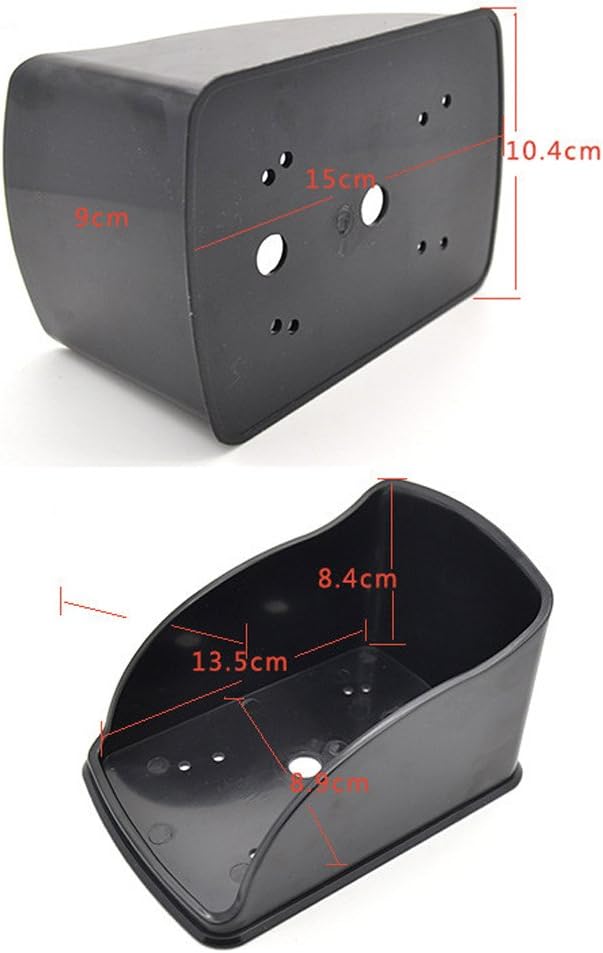
3. Setup
Wiring Diagram:
Proper wiring is crucial for the functionality of the access control system. Ensure all connections are secure and follow the diagram carefully. The power supply, locks, and exit button are not included in the package.

Installation Recommendations:
- Recommended for installation on wooden or metal doors with a thickness of up to 8 cm.
- The rainproof cover should be used for outdoor installations to protect the device.
Setup Videos:
Video 1: Wiring Diagram (F20-K). This video provides a visual guide for connecting the access control system components, including the power supply, exit button, and electric locks.
Video 2: Wiring and Programming. This video demonstrates both the wiring process and initial programming steps for the access control keypad.
4. Operating Instructions
Programming and User Management:
The NN99 system allows for various programming options to manage users, passwords, and RFID cards. Refer to the following videos for detailed instructions:
Video 3: How to Add User via Tuya APP (F20-K). This video guides you through the process of adding new users to the access control system using the Tuya mobile application.
Video 4: Device Configuration. This video covers general configuration settings for the device, which may include user management and access modes.
Video 5: FUSYTULY Wifi Smart Tuya Access Control Keypad. While this video features a different model, the programming principles for adding users, changing passwords, and managing access are often similar across Tuya-compatible keypads.
5. Maintenance
To ensure the longevity and proper functioning of your NN99 Access Control Keypad, follow these simple maintenance guidelines:
- Gently wipe the surface with a damp cloth to remove dust and dirt.
- Avoid using harsh chemicals, abrasive cleaners, or solvents, as these can damage the keypad's finish and electronic components.
- Regularly check the wiring connections for any signs of wear or damage, especially in outdoor installations.
6. Specifications
| Feature | Value |
|---|---|
| Brand | Sebury |
| Color | Blue |
| Power Source | Battery Powered (4 AA batteries, not included) |
| Compatible Devices | Control Panel, Smart Home Platforms, Sensors, Cameras |
| Connectivity Technology | Wired |
| Alarm Type | Entry Only |
| Voltage | 12 Volts |
| Control Method | Touch |
| Unit Sales Volume/Weight | 10.0 Count (referring to RFID tags) |
| Installation Method | DIY Wireless (Customer Assembly) |
| Model Number | T12+10+FYG |
| UPC | 820913092066 |
| Manufacturer Part Number | 1 |
| Country of Origin | China |
| ASIN | B07SK13ZDT |