
Soundcore A3919
Contents
Soundcore Anker Life P2 True Wireless Earbuds User Manual
Model: A3919 | Brand: Soundcore
Introduction
Welcome to the user manual for your Soundcore Anker Life P2 True Wireless Earbuds. These earbuds are designed to provide clear sound and reliable performance for daily use, phone calls, and music listening. Featuring extended playtime, IPX7 waterproof rating, and easy pairing, the Life P2 earbuds are built for convenience and durability.
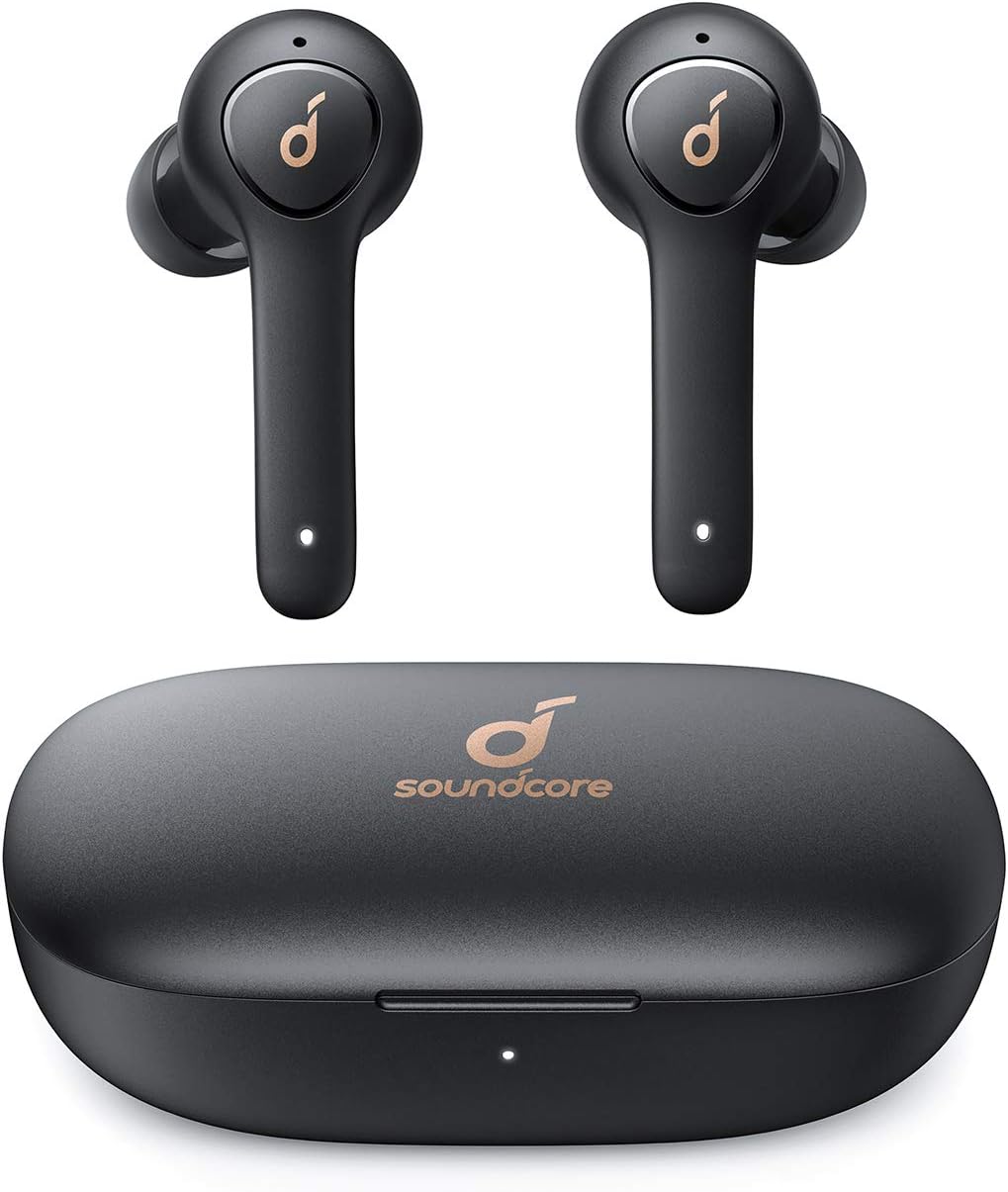
Image: Soundcore Anker Life P2 True Wireless Earbuds and their charging case.
Setup
What's in the Box
- Soundcore Life P2 wireless earbuds
- Compact charging case
- XS/S/M/L/XL EarTips
- USB-C cable
Charging Your Earbuds
Before first use, fully charge the earbuds and the charging case. The earbuds provide up to 7 hours of listening on a single charge, and the charging case extends this to 40 hours. A quick 10-minute charge can provide up to 1 hour of playtime.
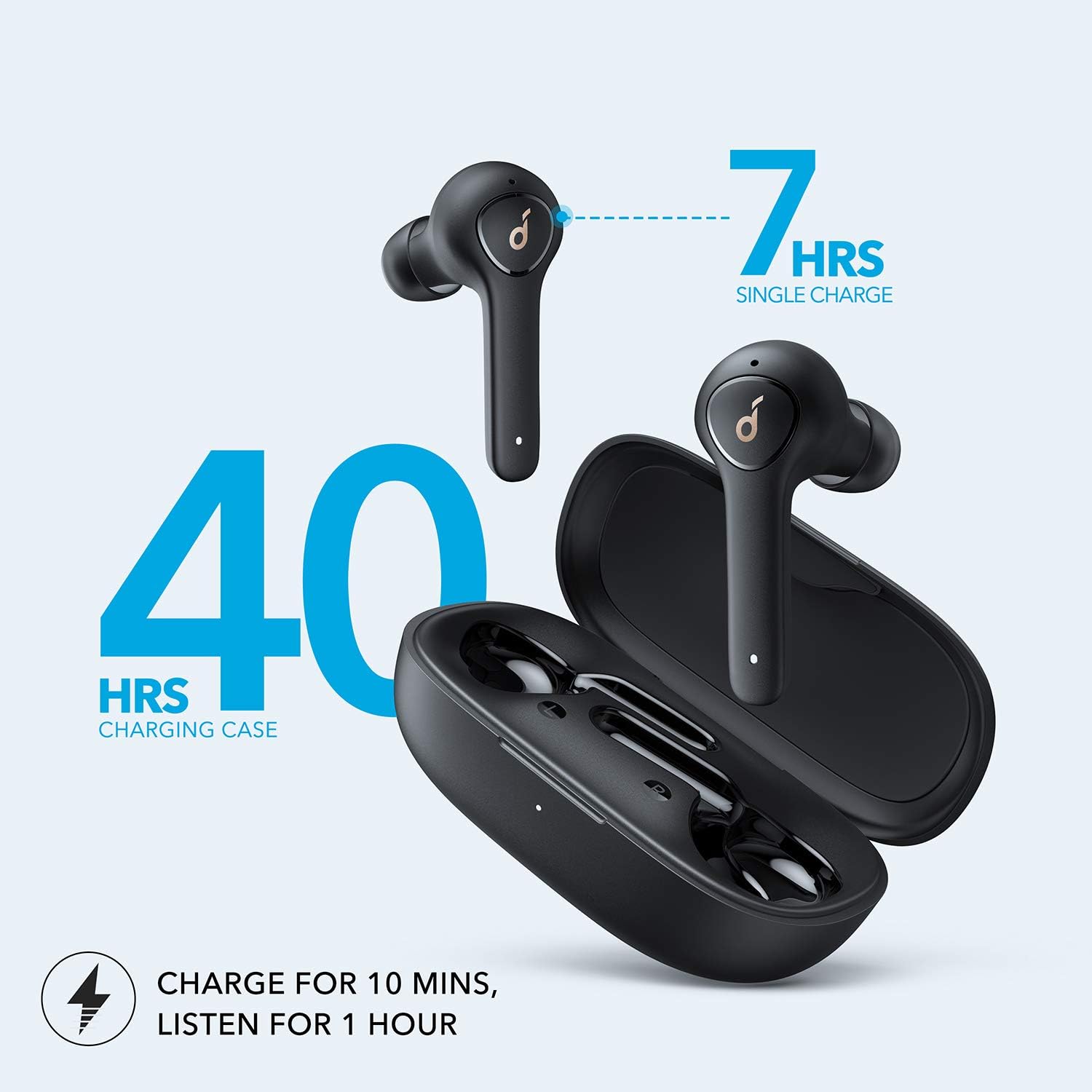
Image: Illustration detailing the 7-hour single charge playtime and 40-hour total playtime with the charging case, including quick charge information.
Fitting the Earbuds
For optimal sound quality and comfort, select the EarTips that best fit your ears. Insert the earbuds into your ears and gently twist them to secure a comfortable and stable fit. The earbuds are designed for ergonomic comfort, tested on various ear shapes.

Image: A man wearing the Soundcore Life P2 earbuds, demonstrating their ergonomic design and comfortable fit.
Pairing with Your Device
The Life P2 earbuds feature rapid one-step pairing. Once removed from the charging case, they automatically connect with the last paired device. To pair with a new device, ensure Bluetooth is enabled on your device and select 'Soundcore Life P2' from the available devices.
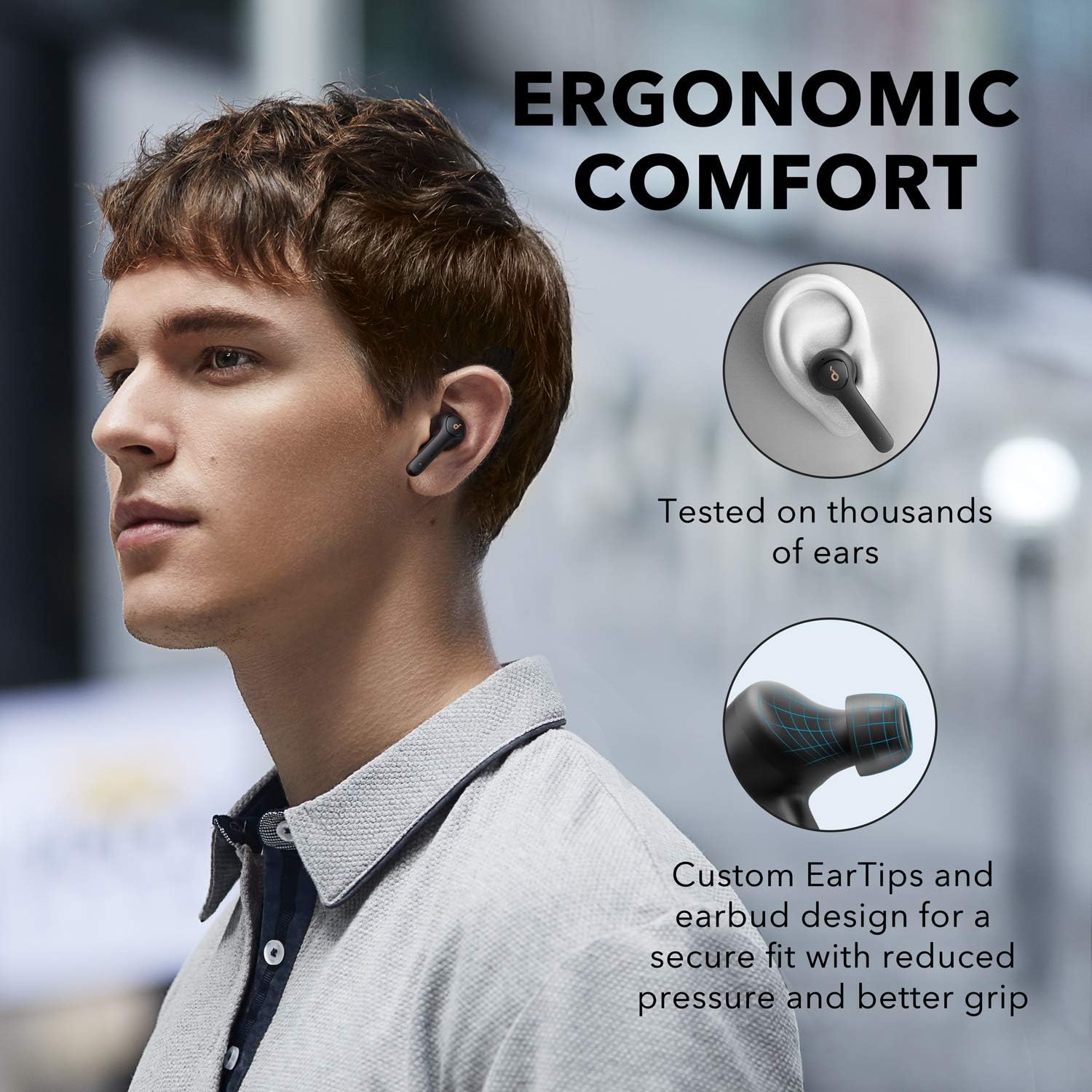
Image: A smartphone screen showing a successful Bluetooth connection to Soundcore Life P2 earbuds, highlighting the one-step pairing feature.
Operating Instructions
Controls
The earbuds feature intuitive touch controls for managing playback, calls, and voice assistant activation. Refer to the quick start guide for specific tap and hold functions.
Making and Receiving Calls
Life P2 earbuds are equipped with microphones designed to pick up your voice with enhanced clarity, making them ideal for phone calls and online meetings. The graphene-enhanced sound ensures crystal-clear communication.

Image: A woman smiling while wearing Soundcore Life P2 earbuds, indicating clear call quality.

Image: A woman participating in a video conference call while wearing Soundcore Life P2 earbuds, emphasizing the clear call and graphene-enhanced sound features.
Audio Playback
Experience expertly tuned sound with a wider soundstage and exceptional clarity. BassUp Technology analyzes and enhances your audio's bass frequencies in real-time, delivering a powerful sonic punch.
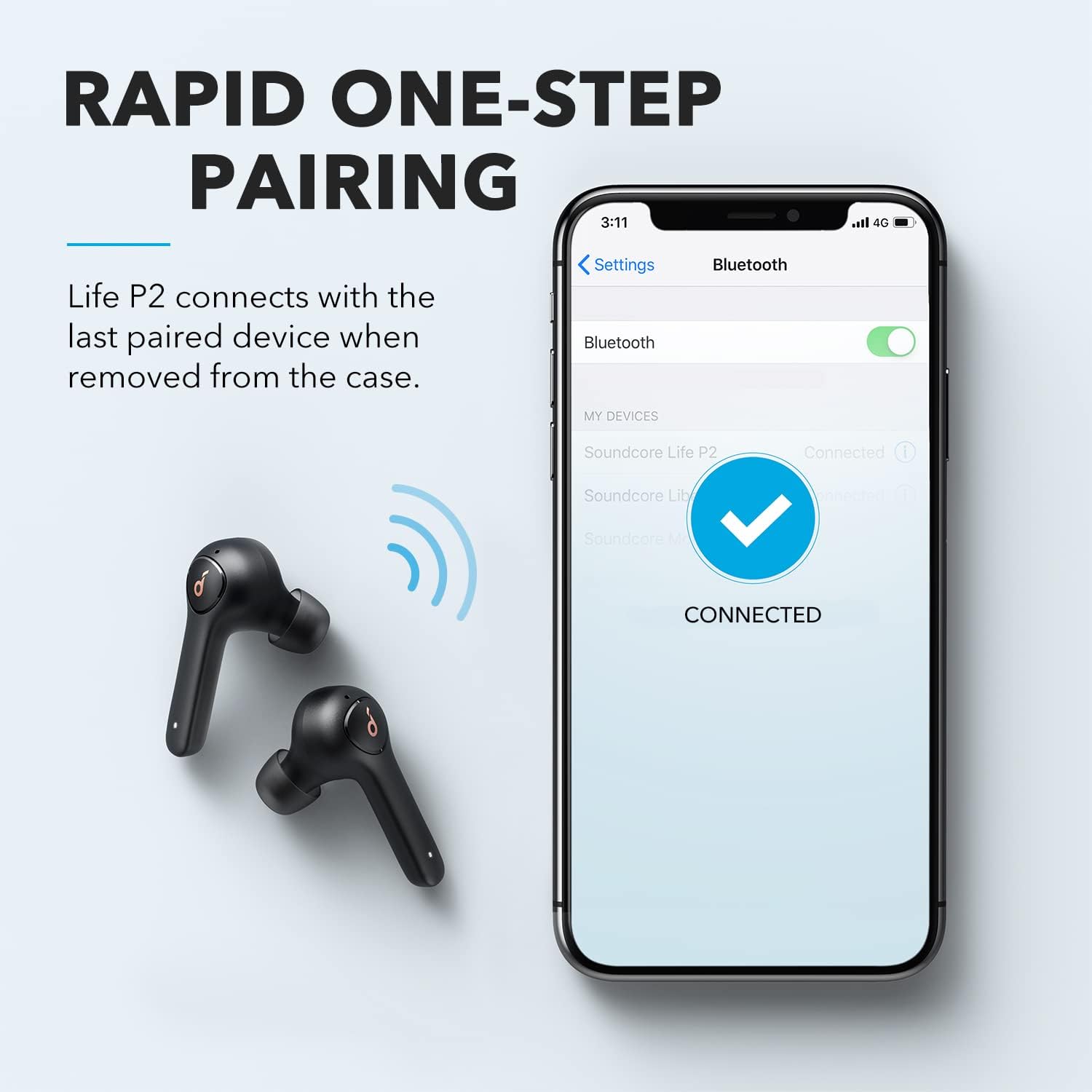
Image: A detailed diagram of an earbud's internal driver, highlighting the graphene technology for superior sound precision and clarity.
Maintenance
Cleaning
To maintain optimal performance and hygiene, regularly clean your earbuds. Use an alcohol pad to clean the charging contacts, EarTips, and mesh.

Image: A diagram illustrating the proper method for cleaning the charging contacts, EarTips, and mesh of the Soundcore Life P2 earbuds.
Water Resistance
The Life P2 earbuds feature an IPX7 waterproof rating, protecting them against liquids. This means they can withstand sweat, rain, and accidental splashes, making them suitable for various weather conditions and workouts. The charging case has an IPX3 rating.
Image: Soundcore Life P2 earbuds shown with water splashing, demonstrating their IPX7 waterproof capabilities.
Troubleshooting
Resetting the Earbuds
If you experience connectivity issues or other malfunctions, resetting the earbuds may resolve the problem. Follow these steps:
- Place both earbuds into the charging case and ensure they are charging.
- Press and hold the button on both earbuds for 3 seconds.
- The LED indicators will flash red 3 times and then turn white.
- Take the earbuds out of the charging case, wait for 3 seconds until the LED on the right earbud flashes rapidly, and the LED on the left earbud flashes slowly.
- Now you can re-pair with your phone.
Image: A visual guide detailing the steps to reset the Soundcore Life P2 earbuds for troubleshooting.
Common Issues
- No Sound from one earbud: Ensure both earbuds are charged and properly seated in the case before removal. Try resetting the earbuds.
- Earbuds not pairing: Make sure Bluetooth is enabled on your device and the earbuds are in pairing mode. Forget the device from your phone's Bluetooth settings and try re-pairing.
- Poor call quality: Ensure microphones are clean and not obstructed. Check network signal strength.
Specifications
| Feature | Specification |
|---|---|
| Model Name | Life P2 |
| Connectivity Technology | Bluetooth 5.2 |
| Wireless Communication Technology | Bluetooth |
| Included Components | Wireless Charging Case |
| Item Weight | 2.08 ounces |
| Water Resistance Level | Waterproof (IPX7 earbuds, IPX3 case) |
| Frequency Range | 20Hz - 20kHz |
| Battery Life (Earbuds) | 7 Hours |
| Total Playtime with Case | 40 Hours |
| Bluetooth Range | 10 Meters |
| Manufacturer | Anker |
| Product Dimensions | 3.15 x 2.05 x 1.18 inches |
Warranty and Support
Soundcore products come with a limited warranty. For detailed warranty information and support, please refer to the official Soundcore website or the user guide PDF provided with your product. You can also find the user guide online at: Soundcore Life P2 User Guide (PDF).
For further assistance, please contact Soundcore customer service.
Documents and downloads
Ask a question about this manual
Ask about setup, troubleshooting, compatibility, parts, safety, or missing instructions. Manuals+ will review the question and use this page’s manual context to help answer it.