1. Introduction
The LEKATO 6-inch guitar patch cables are engineered for reliable audio signal transmission between various audio effectors and equipment. These cables are primarily used for connecting guitar pedals, amplifiers, mixing consoles, and other instruments, ensuring a clear and low-noise signal path.
Each cable features 1/4-inch right-angle plugs, designed for efficient and organized pedalboard setups. Constructed with ultra-pure, oxygen-free copper conductors and nickel-plated plugs, they provide durability and optimal signal transparency.
2. Product Overview

Figure 1: A single LEKATO 6-inch guitar patch cable, showcasing its right-angle plugs and compact design. The cable is black with 'PROFESSIONAL LOW NOISE INSTRUMENT CAB' printed on it.

Figure 2: Diagram illustrating the dimensions of the LEKATO 6-inch guitar patch cable. The overall length is 5.9 inches (15cm), with the cable section measuring 3.5 inches (9cm). The plug diameter is 1/4 inch (0.6cm), and the plug housing height is 2 inches (5.1cm).
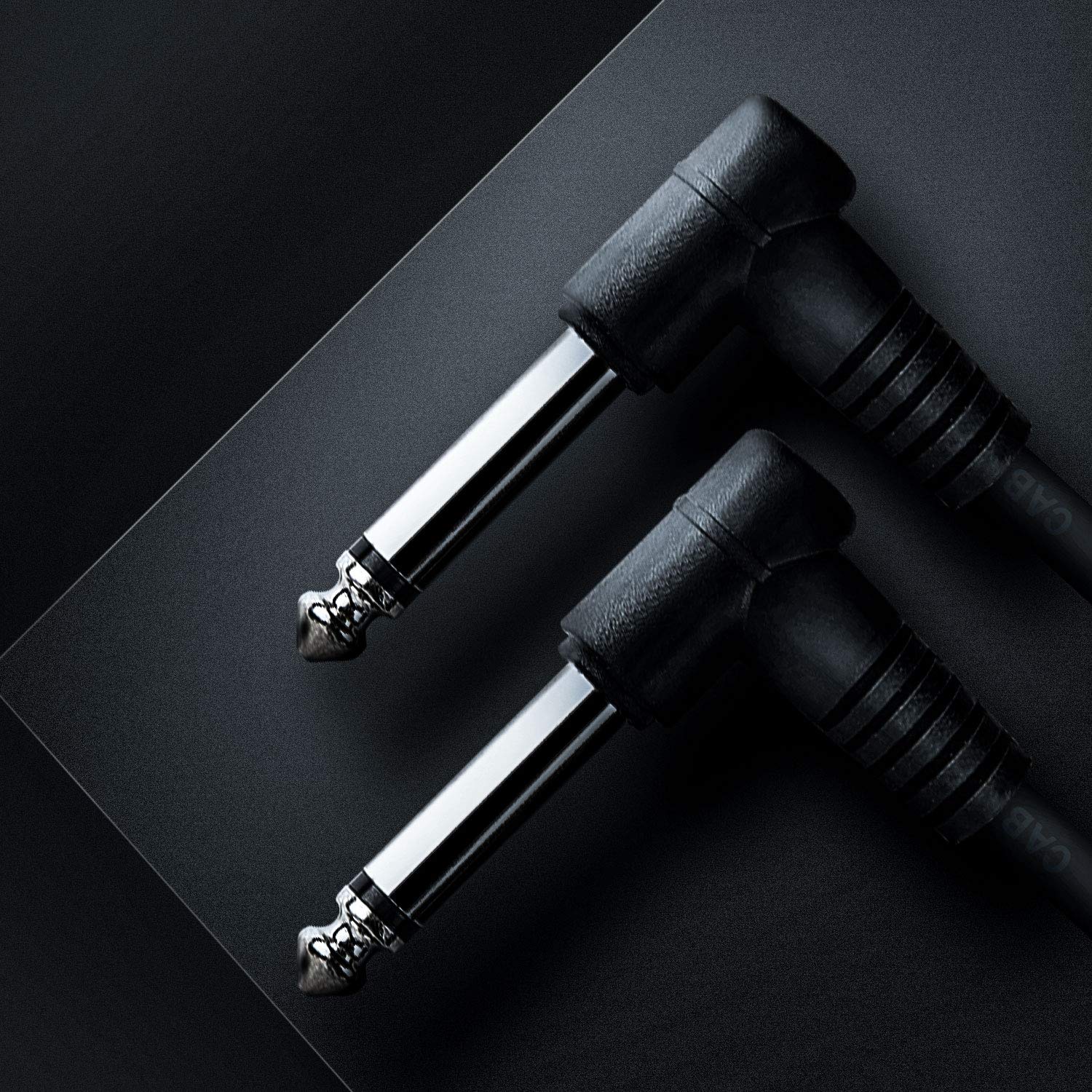
Figure 3: A close-up view of two right-angle plugs, highlighting their nickel-plated finish and robust construction, designed for secure connections.
3. Setup and Connection
These patch cables are designed for straightforward connection between audio devices. Follow these steps for proper setup:
- Identify Ports: Locate the input and output jacks on your guitar pedals, amplifier, mixing console, or other audio equipment. These are typically 1/4-inch (6.35mm) TS (Tip-Sleeve) jacks.
- Connect First Device: Insert one end of the LEKATO patch cable into the output jack of your first audio device (e.g., a guitar pedal). The right-angle plug design allows for a compact fit, especially useful on crowded pedalboards.
- Connect Second Device: Insert the other end of the patch cable into the input jack of the next audio device in your signal chain (e.g., another guitar pedal or an amplifier).
- Secure Connection: Ensure both plugs are fully inserted into their respective jacks to establish a secure and reliable connection.
- Repeat for Multiple Devices: If connecting multiple pedals or devices, use additional LEKATO patch cables to link them in the desired order.
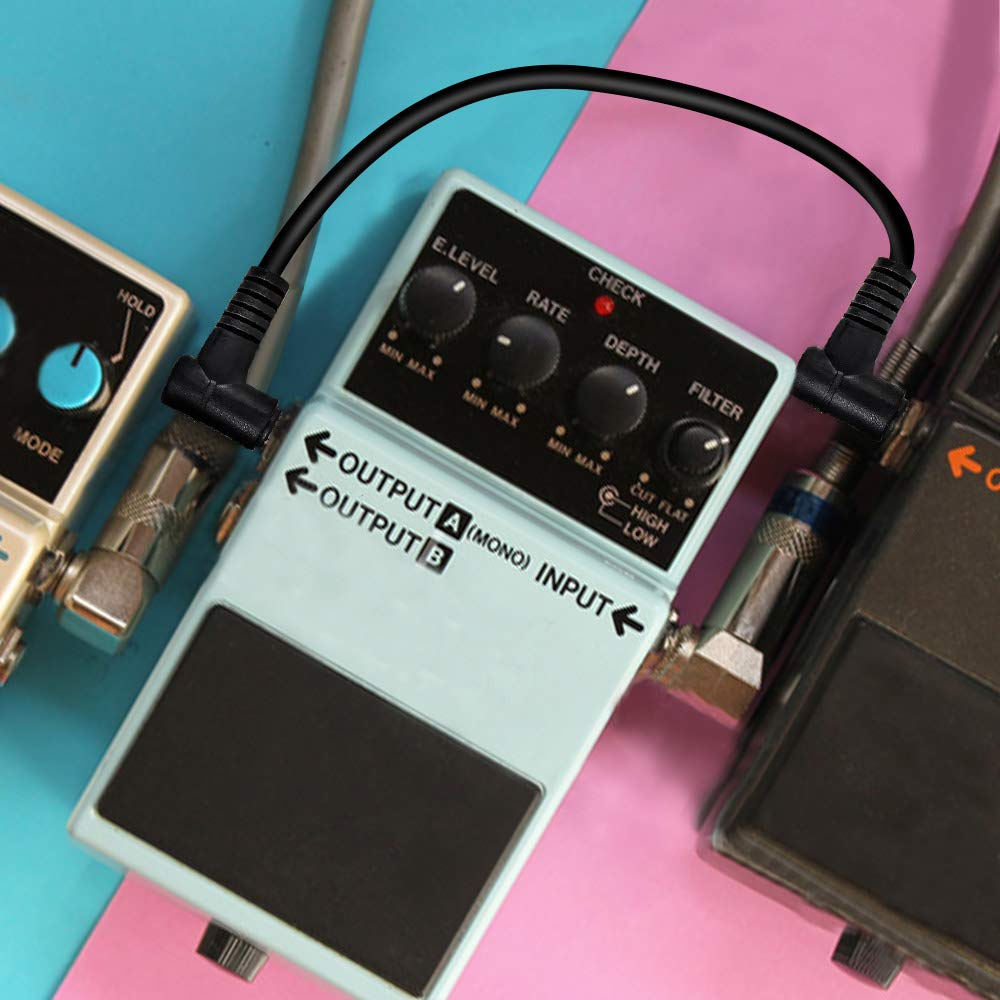
Figure 4: A LEKATO patch cable connecting two guitar effect pedals on a surface, demonstrating a typical setup for a pedalboard.
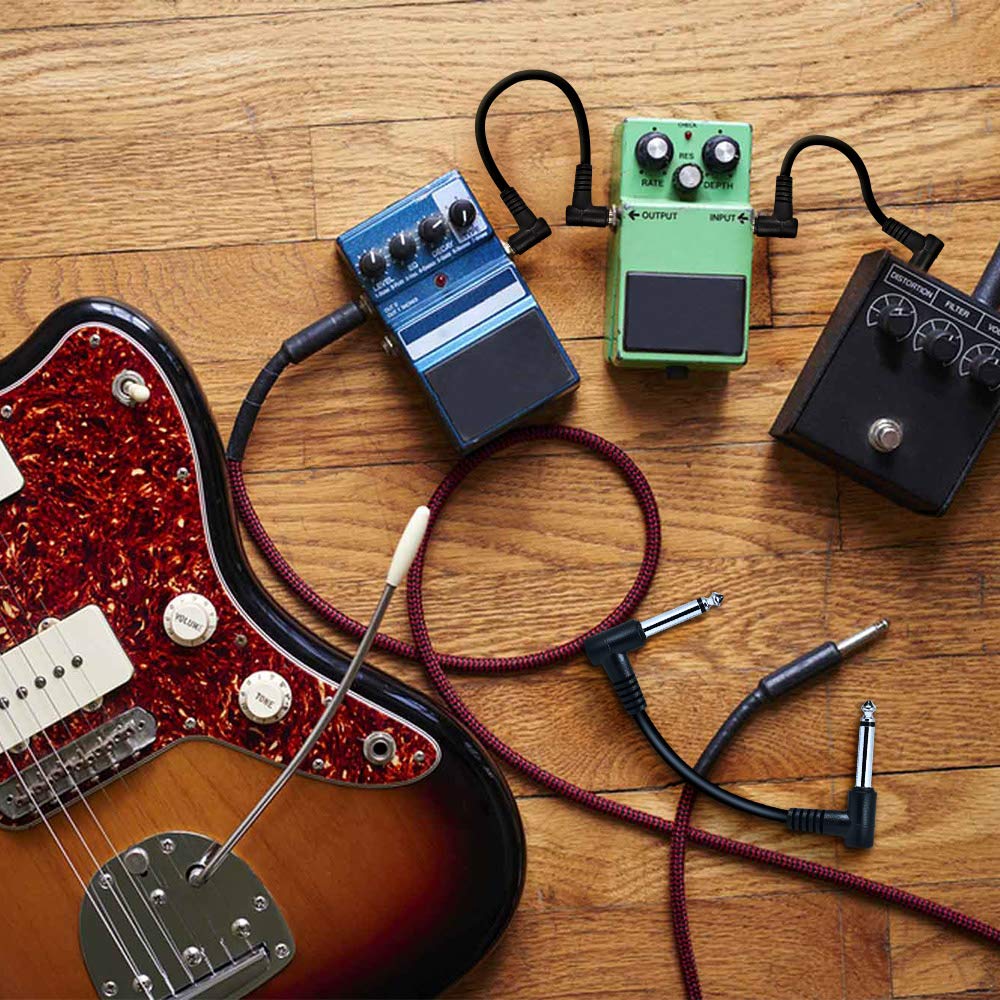
Figure 5: An overhead view of a guitar, several guitar pedals, and multiple LEKATO patch cables connecting the pedals, illustrating a complete instrument setup.
4. Operating Instructions
Once connected, the LEKATO patch cables facilitate the transmission of audio signals between your devices. No specific operational steps are required for the cables themselves beyond ensuring proper connection.
- Signal Flow: Ensure your audio signal chain is correctly configured according to the requirements of your instruments and effects.
- Low Noise: The cables are designed with oxygen-free copper conductors to minimize signal loss and noise interference, providing a clean audio signal.
- Secure Fit: The nickel-plated plugs offer a snug fit, reducing the chance of accidental disconnections during use.
5. Maintenance and Care
Proper care will extend the lifespan and maintain the performance of your LEKATO patch cables:
- Avoid Sharp Bends: Do not bend the cables at sharp angles, especially near the connectors, as this can damage the internal wiring.
- Clean Connectors: Periodically wipe the metal plugs with a clean, dry cloth to remove dust or residue that could affect conductivity.
- Proper Storage: When not in use, coil the cables loosely. Avoid tightly wrapping them around objects or kinking them. Store them in a dry, cool place away from direct sunlight.
- Handle with Care: Always pull from the plug housing, not the cable itself, when disconnecting.
6. Troubleshooting
If you encounter issues with your LEKATO patch cables, consider the following troubleshooting steps:
- No Signal:
- Ensure both ends of the cable are fully inserted into the input and output jacks of your devices.
- Test the cable with different devices or another known working cable to isolate the problem.
- Check the power supply and settings of all connected audio devices.
- Intermittent Signal or Crackling:
- Verify that the plugs are securely seated and not loose.
- Inspect the cable for any visible damage, such as cuts, kinks, or frayed wiring near the connectors.
- Clean the plugs and device jacks to ensure good contact.
- Excessive Noise or Hum:
- Ensure all equipment in your signal chain is properly grounded.
- Move cables away from power cords or other sources of electromagnetic interference.
- Test individual cables to identify if a specific cable is faulty.
7. Specifications
| Product Name | Guitar Pedal Effects Patch Cables |
| Model | B07S8RR6S3 |
| Length | 6 inches (15 cm) |
| Plug Diameter | 1/4 inch (6.35 mm) |
| Connector Type | Right-Angle Male-to-Male TS |
| Color | Black |
| Material Quality | Oxygen-free copper wire |
| Jacket Material | PVC |
| Outer Diameter | OD4.0*2 (mm) |
| Package Contents | 3 pcs 6-inch guitar patch cables |
8. Warranty and Support
For information regarding product warranty, please refer to the documentation provided at the time of purchase or contact LEKATO customer support directly. Warranty terms may vary by region and retailer.
For technical assistance or further inquiries, please visit the official LEKATO website or contact their customer service department. Keep your purchase receipt or order number handy for faster service.


