Introduction
Thank you for choosing the Muzen Mini Bluetooth Speaker. This compact and stylish speaker delivers excellent sound quality in a portable design. Please read this manual carefully to ensure proper use and maintenance of your device.
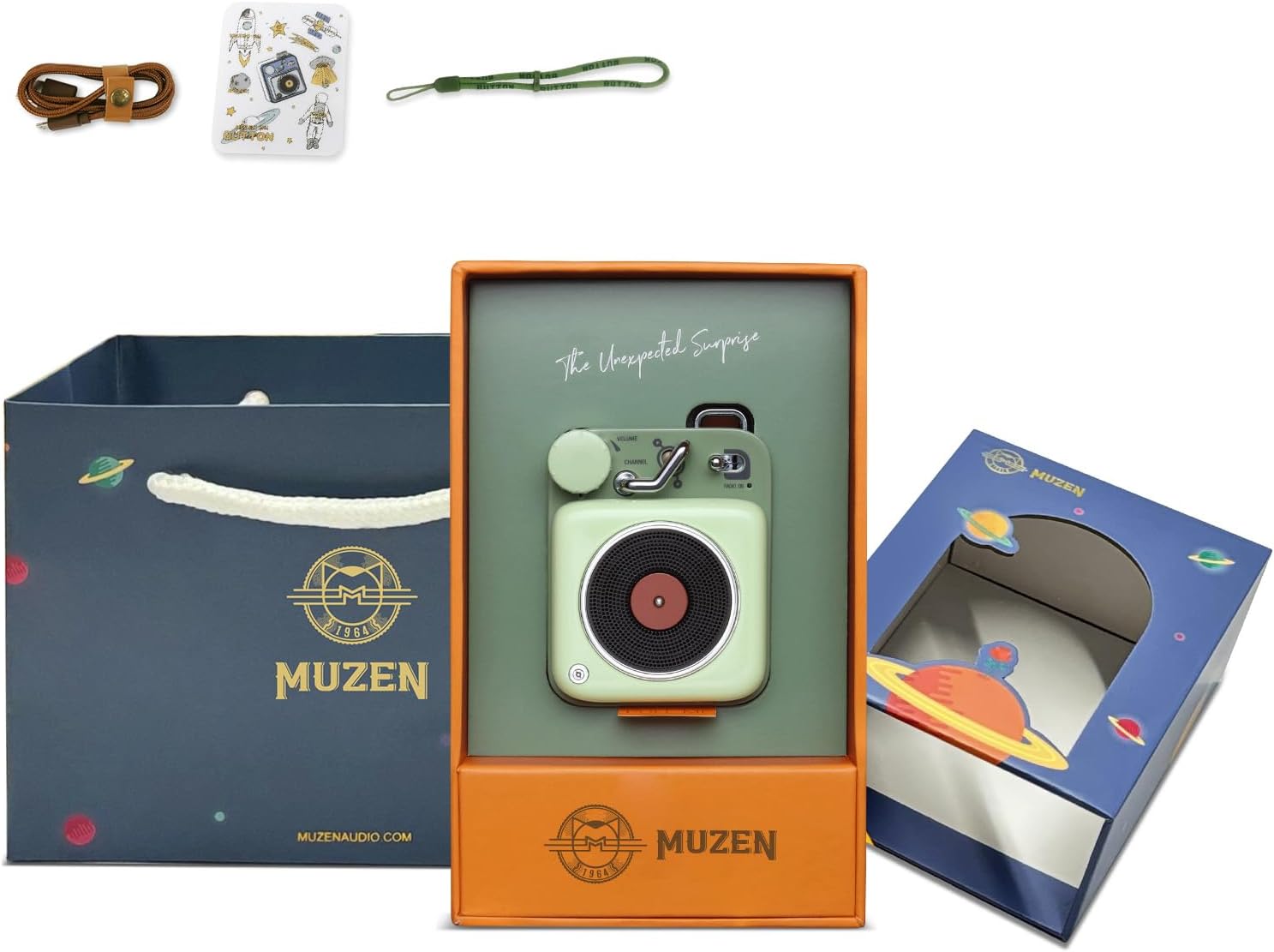
Image: The Muzen Mini Bluetooth Speaker, its charging cable, lanyard, stickers, and gift bag, all neatly arranged, showcasing the complete product package.
What's in the Box
- Foam Green MUZEN Button Bluetooth Speaker
- Stickers
- Strap/Lanyard
- Catalog
- User manual (this document)
- Charging cable
- Gift bag

Image: The Muzen Mini Bluetooth Speaker presented within its elegant gift packaging, highlighting its readiness as a thoughtful present.
Product Features
- Excellent Stereo Sound: Delivers crisp, distortion-free HiFi sound with 70dB SNR and 3W amplifiers.
- Wireless Bluetooth Connectivity: Features Bluetooth 4.2 technology for robust connectivity within a 33-foot range, with smart auto-reconnect.
- Superb Metal Material with Portable Lanyard: Crafted from durable zinc-aluminum alloy with a high-tech paint coating, includes a lanyard for easy portability.
- Easy One-Palm Control: Designed with a large rotary knob and lever switch for effortless volume and track changes.
- Contrasting Colours & Retro Present Choice: Elegant retro cube shape with lustrous finish and vibrant colors, suitable for decor and gifting.
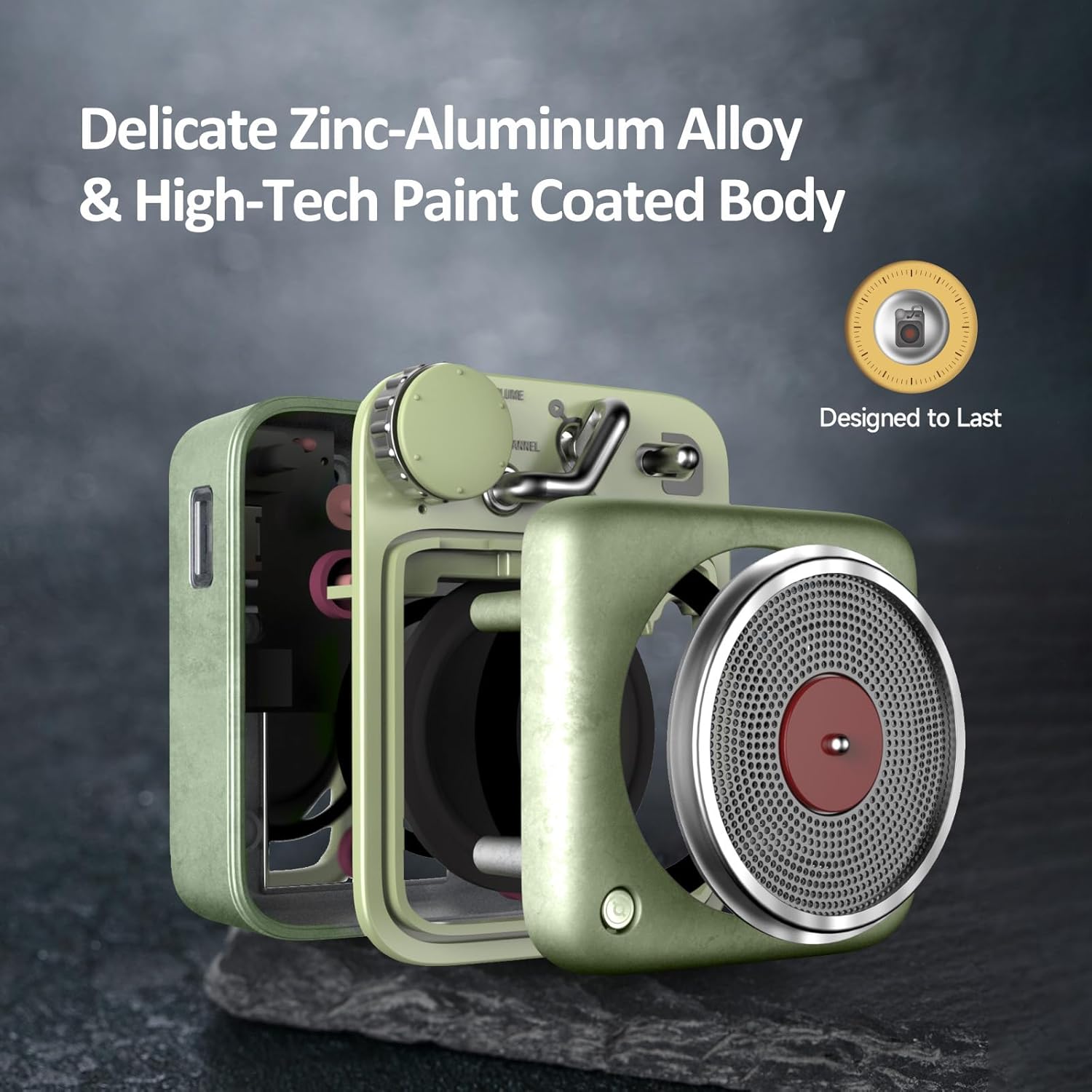
Image: An exploded view of the speaker, illustrating its durable zinc-aluminum alloy and high-tech paint coated body, emphasizing its robust and quality construction.
Setup and First Use
1. Charging the Speaker
Before first use, fully charge your Muzen Mini Bluetooth Speaker. Connect the provided charging cable to the speaker's charging port and a USB power source. The charging time is approximately 3 hours. A full charge provides up to 7+ hours of continuous playback.
2. Powering On/Off
Locate the power switch on the speaker. Slide the switch to the "ON" position to power on the device. To power off, slide the switch to the "OFF" position.
3. Bluetooth Pairing
- Ensure the speaker is powered on and within 33 feet (10 meters) of your Bluetooth-enabled device (e.g., smartphone, tablet, laptop).
- On your device, go to Bluetooth settings and enable Bluetooth.
- Look for "Muzen Button" in the list of available devices and select it to pair.
- Once paired, the speaker will confirm the connection, and it will automatically reconnect to this device in the future when in range.

Image: The Muzen Mini Bluetooth Speaker positioned next to a smartphone, with the phone's screen displaying a successful Bluetooth connection to "Muzen Button".

Image: The Muzen Mini Bluetooth Speaker resting on a laptop keyboard, demonstrating its compact size and compatibility with various devices.
Operating Instructions
Volume and Track Control
The Muzen Mini Bluetooth Speaker features intuitive controls:
- Rotary Knob: Use the large rotary knob to adjust the volume. Turn clockwise to increase volume, counter-clockwise to decrease.
- Lever Switch: The lever switch allows for track navigation. Push the lever forward for the next track and backward for the previous track.
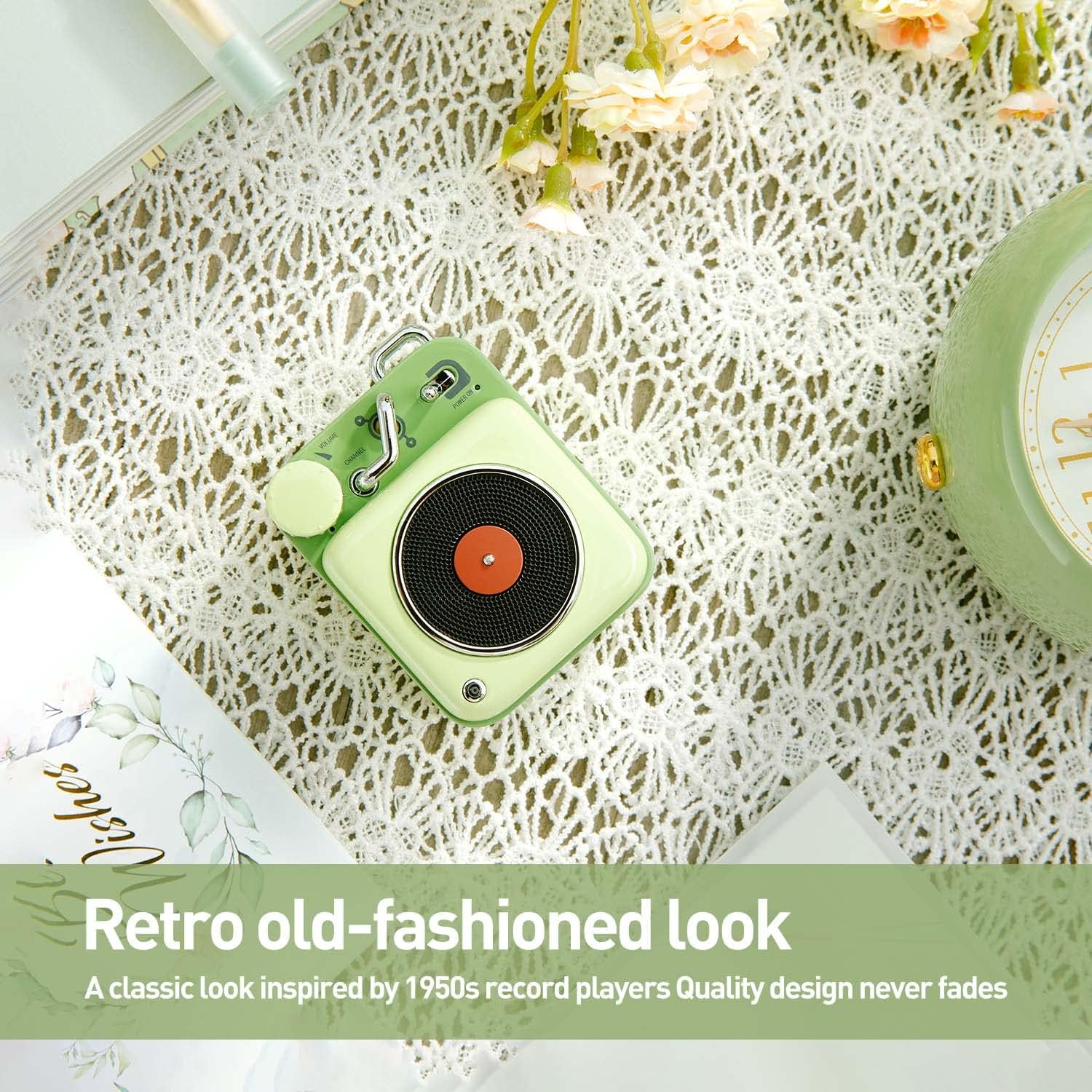
Image: The Muzen Mini Bluetooth Speaker displayed on a patterned surface, showcasing its retro old-fashioned look and the prominent rotary knob and lever switch for easy control.
Portability
The compact size and included lanyard make the Muzen Mini Bluetooth Speaker highly portable. You can easily attach it to your backpack, bag, or keys, or simply carry it in your pocket.
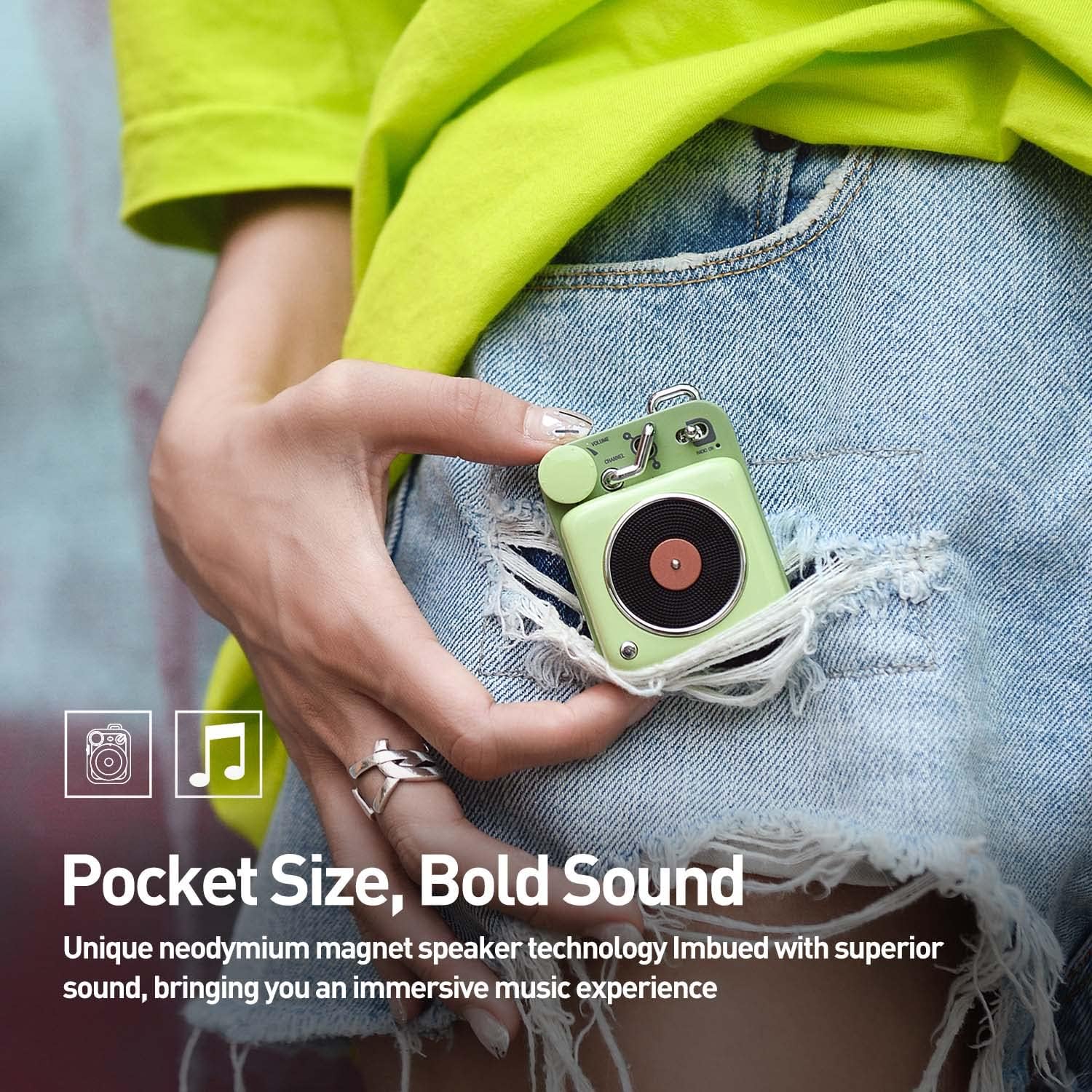
Image: The Muzen Mini Bluetooth Speaker being slipped into a jeans pocket, demonstrating its compact, pocket-sized design for easy carrying.
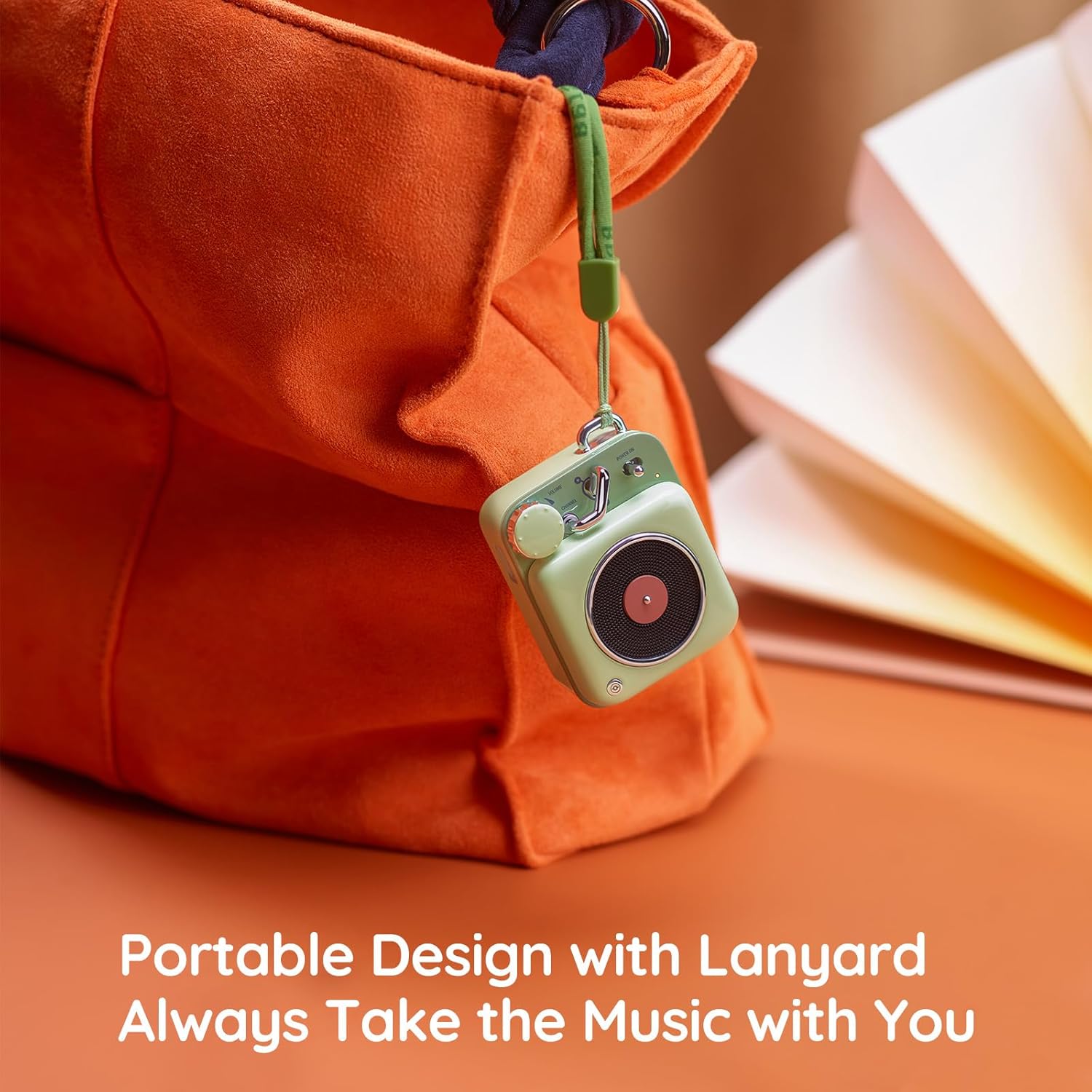
Image: The Muzen Mini Bluetooth Speaker, attached by its lanyard, hanging from the strap of a bag, illustrating its convenient portable design for travel and outdoor activities.
Maintenance and Care
- Keep the speaker dry. Do not expose it to water or excessive moisture, as it is not waterproof.
- Clean the speaker with a soft, dry cloth. Avoid using harsh chemicals or abrasive materials.
- Store the speaker in a cool, dry place when not in use.
- Avoid dropping the speaker or subjecting it to strong impacts.
Troubleshooting
| Problem | Possible Cause | Solution |
|---|---|---|
| Speaker does not power on. | Low battery or power switch is off. | Charge the speaker fully. Ensure the power switch is in the "ON" position. |
| Cannot pair with Bluetooth device. | Speaker is not in pairing mode, device Bluetooth is off, or too far. | Ensure speaker is on. Turn off and on Bluetooth on your device. Move device closer to speaker (within 33 feet). |
| No sound or low volume. | Volume too low on speaker or device, or not properly connected. | Increase volume using the rotary knob on the speaker and on your connected device. Re-pair the Bluetooth connection. |
Specifications
| Feature | Detail |
|---|---|
| Item Model Number | MW-2AI |
| Mounting Type | Handheld |
| Material | Metal (Zinc-Aluminum Alloy) |
| Speaker Type | Portable Bluetooth Speaker |
| Special Feature | Cute, Pocket size, Wireless Bluetooth |
| Compatible Devices | Laptop, Smartphone, Tablet, Television |
| Controller Type | Button |
| Color | Green |
| Battery Life | 4 Hours |
| Charging Time | 3 Hours |
| Is Waterproof | FALSE |
| Maximum Range | 33 Feet (10 Meters) |
| Product Dimensions | 6.1"D x 2.9"W x 4.41"H |
| Item Weight | 0.36 Kilograms (12.7 ounces) |
| Speaker Maximum Output Power | 3 Watts |
| Signal-to-Noise Ratio | 70 dB |
| Wireless Communication Technology | Bluetooth |

Image: The Muzen Mini Bluetooth Speaker shown with its precise dimensions (height, width, depth) indicated for reference.
Official Product Video
Video: An official product video showcasing the Muzen Audio Button Bluetooth Speaker in various lifestyle settings, highlighting its design, portability, and ease of use.
Warranty and Support
The Muzen Mini Bluetooth Speaker comes with a Limited Warranty. For detailed warranty information and support, please refer to the official user guide PDF or contact Muzen customer service.
You can download the full User Guide PDF here.