
Introduction
This manual provides essential information for the safe and efficient use of your Wathai AC 12038 Axial Cooling Fan. Please read these instructions carefully before installation and operation. Keep this manual for future reference.
Safety Information
- Ensure the power supply voltage matches the fan's rated voltage (110-120V AC) before connecting.
- Do not operate the fan with damaged cords or plugs.
- Keep fingers and other objects away from the fan blades during operation.
- Disconnect power before performing any maintenance or installation.
- Install the fan in a well-ventilated area, away from flammable materials.
- This fan is designed for cooling and ventilation purposes. Do not use it for unintended applications.
Package Contents
Verify that all items are present in the package:
- 1 x Wathai AC 12038 Axial Fan
- 2 x Fan Grills
- 4 x Mounting Screws & Nuts
- 1 x Power Plug (59 inches)
- 1 x Wiring Head

Image: Package contents showing the Wathai AC 12038 fan, two protective grills, four screws with nuts for mounting, a power plug, and a wiring head for connection.
Specifications
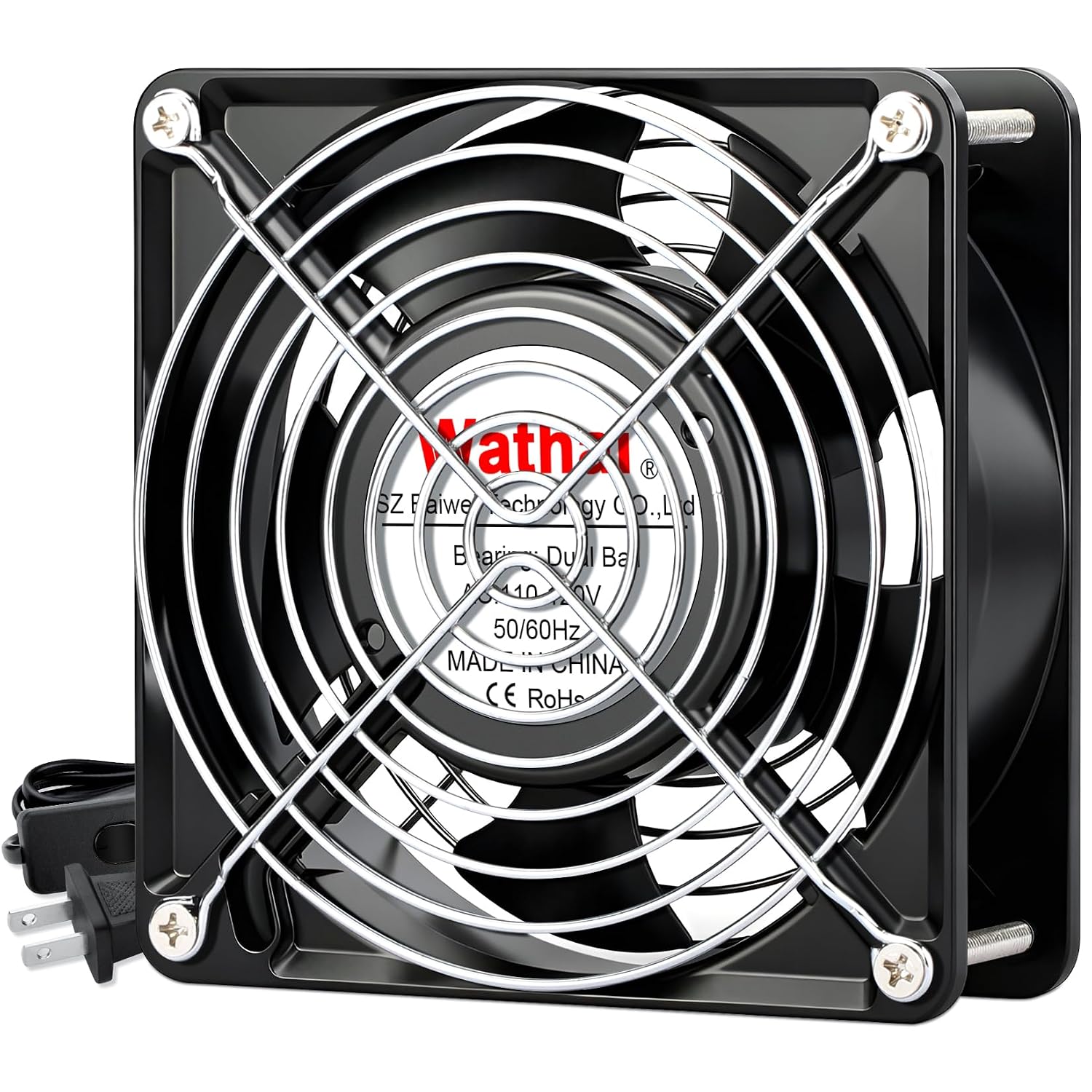
Image: A diagram illustrating the dimensions and technical specifications of the Wathai AC 12038 fan, including size, voltage, speed, airflow, and noise level.
| Feature | Detail |
|---|---|
| Dimensions | 120 x 120 x 38 mm (4.72 x 4.72 x 1.5 inches) |
| Voltage | 110-120V AC |
| Bearings | Dual Ball |
| Lifespan | 67,000 hours |
| Material | Metal |
| Power Connector | AC power plug |
| Weight | 15.7 Ounces |
| At 50Hz: | |
| Speed | 2600 RPM |
| Airflow | 109 CFM |
| Current | 0.35A |
| Power | 25W |
| Noise | 40 dBA |
| At 60Hz: | |
| Speed | 2900 RPM |
| Airflow | 118 CFM |
| Current | 0.26A |
| Power | 19W |
| Noise | 41.6 dBA |
Setup
- Choose Mounting Location: Select a suitable location for the fan, ensuring adequate space for airflow and access to a 110-120V AC power outlet. The fan can be mounted flat or upright.
- Attach Fan Grills: Place the two fan grills on both sides of the fan. Align the holes on the grills with the mounting holes on the fan.
- Secure Mounting: Use the provided screws and nuts to secure the fan and grills to your desired surface. Ensure the fan is firmly attached to prevent vibration and movement during operation.
- Connect Power: The fan comes with a power plug and a separate wiring head. Connect the fan's wires to the wiring head, ensuring a secure connection. Then, connect the wiring head to the power plug.
- Plug In: Insert the power plug into a standard 110-120V AC electrical outlet.

Image: Front view of the Wathai AC 12038 fan, highlighting its 120mm x 120mm dimensions, suitable for various cooling and ventilation projects.
Video: A short demonstration of the Wathai AC fan, showcasing its application in DIY cooling projects and general ventilation setups.
Operating Instructions
The Wathai AC 12038 fan is designed for straightforward operation.
- Power On: Once the fan is securely mounted and connected to a 110-120V AC power source, locate the inline power switch on the power cord.
- Activate Fan: Flip the switch to the 'ON' position to start the fan. The fan will begin to rotate and move air.
- Power Off: To stop the fan, flip the switch to the 'OFF' position.
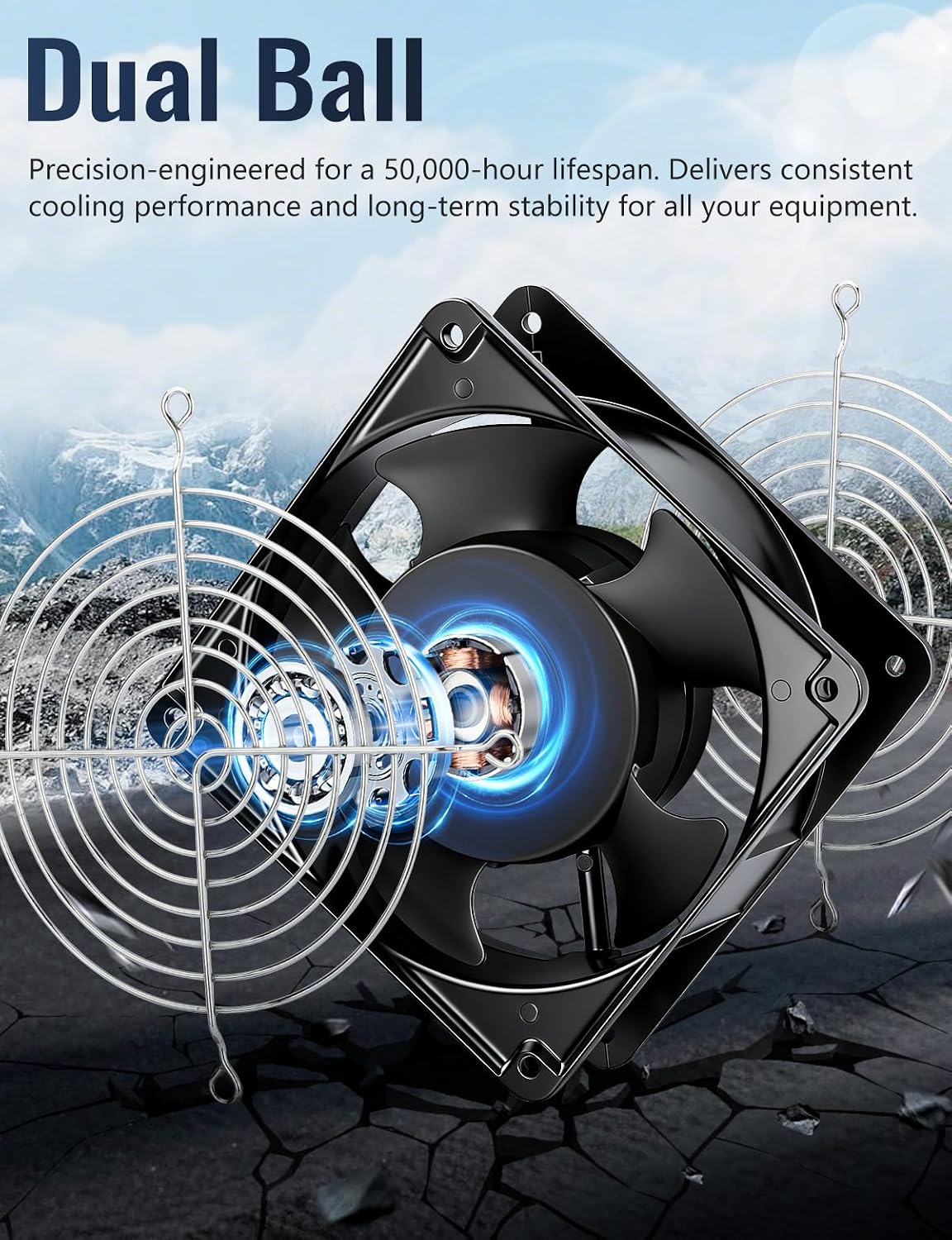
Image: The Wathai AC 12038 fan featuring an inline ON/OFF switch on its power cord, simplifying operation for various applications like smoke and odor extraction.
Maintenance
Regular maintenance ensures optimal performance and extends the lifespan of your Wathai fan.
- Cleaning: Periodically clean the fan blades and grills to prevent dust buildup, which can reduce airflow and efficiency. Use a soft, dry cloth or a low-pressure air duster. Ensure the fan is unplugged before cleaning.
- Bearing Inspection: The fan uses dual ball bearings designed for a long lifespan (67,000 hours). No lubrication is typically required. If you notice unusual noises or reduced performance, inspect the bearings for any obstructions.
- Cable Check: Regularly inspect the power cord and plug for any signs of damage, fraying, or loose connections. Replace immediately if damage is found.

Image: An exploded view of the Wathai AC 12038 fan, emphasizing its dual ball bearing construction, which contributes to its extended lifespan and stable operation.
Troubleshooting
| Problem | Possible Cause | Solution |
|---|---|---|
| Fan does not start | No power supply Power switch is OFF Loose wiring connection | Check if the power plug is securely inserted into a live outlet. Ensure the inline power switch is in the 'ON' position. Verify all wiring connections are secure. |
| Reduced airflow | Dust buildup on blades/grills Obstruction near fan | Unplug the fan and clean blades and grills. Remove any objects blocking the fan's intake or exhaust. |
| Unusual noise/vibration | Loose mounting screws Foreign object in fan Bearing issue | Tighten all mounting screws. Unplug and carefully inspect for foreign objects. Remove if found. If noise persists, contact customer support. |
Warranty
Wathai products are manufactured to high-quality standards. This product is covered by a standard manufacturer's warranty against defects in materials and workmanship. Please retain your proof of purchase for warranty claims. Specific warranty duration and terms may vary by region and retailer. For detailed warranty information, please refer to the documentation provided with your purchase or contact Wathai customer support.
Support
If you encounter any issues not covered in this manual or require further assistance, please contact Wathai customer support. You can typically find contact information on the product packaging, the official Wathai website, or through your retailer.
For more information, visit the Wathai Store on Amazon.