
Introduction
The Portronics Muffs M POR-317 headphones offer a versatile audio experience with both Bluetooth and AUX cable connectivity. Designed for comfort and portability, these lightweight headphones feature soft cushioned ear-cups and a headband for extended wear. They provide clear audio with a frequency range of 20Hz - 20,000Hz and include a built-in microphone for hands-free calling. The long-lasting rechargeable battery ensures extended usage, making them suitable for travel and daily listening.

A front-side view of the Portronics Muffs M headphones, showcasing their sleek black design.
Package Contents
Please check the box for the following items:
- 1N Muffs M Headphones
- 1N Charging Cable
- 1N User Manual

The complete package contents are shown, featuring the headphones, a USB charging cable, an AUX cable, and the user manual.
Product Overview
The Portronics Muffs M headphones are designed for comfort and high-quality audio. They feature 40mm drivers for a solid bass effect and clear sound. The adjustable headband and soft cushioned ear-cups ensure a comfortable fit for various head sizes.

This image illustrates the internal 40mm audio drivers responsible for the headphones' solid bass and immersive sound.

This image highlights the ergonomic design features, including the soft, adjustable headband and cushioned ear-cups for comfortable wear.
Controls and Ports

A close-up view of the right ear-cup, detailing the multi-functional button for power/play/pause/calls, volume up/next song, volume down/previous song, Aux-In port, and USB charging port.
- Multi-functional Button: Power on/off, Play/Pause music, Answer/End calls, Activate voice assistant.
- Volume Up / Next Song Button: Short press for volume up, long press for next song.
- Volume Down / Previous Song Button: Short press for volume down, long press for previous song.
- Aux-In Port: For wired connection using a 3.5mm audio cable.
- USB Charging Port: For charging the headphones.
Charging the Headphones
Before first use, fully charge your headphones. The headphones are equipped with a 200mAh Li-polymer battery.
- Connect the provided USB charging cable to the USB charging port on the headphones.
- Connect the other end of the USB cable to a compatible USB power source (e.g., computer USB port, USB wall adapter).
- The LED indicator will show the charging status.
- A full charge takes approximately 2.5 hours.
Once fully charged, the headphones provide approximately 10 hours of playback time and up to 200 hours of standby time.

This graphic displays the battery performance: 10 hours of playtime, 200 hours of standby, and a 2.5-hour charging time for the 200mAh Li-Polymer battery.
Setup
Bluetooth Pairing
- Ensure the headphones are charged.
- Press and hold the Multi-functional Button until the LED indicator flashes blue and red, indicating pairing mode.
- On your device (smartphone, tablet, laptop), enable Bluetooth and search for available devices.
- Select "Portronics Muffs M" from the list of devices.
- Once connected, the LED indicator will show a steady blue light or flash blue slowly.
The headphones will automatically attempt to reconnect to the last paired device when powered on.
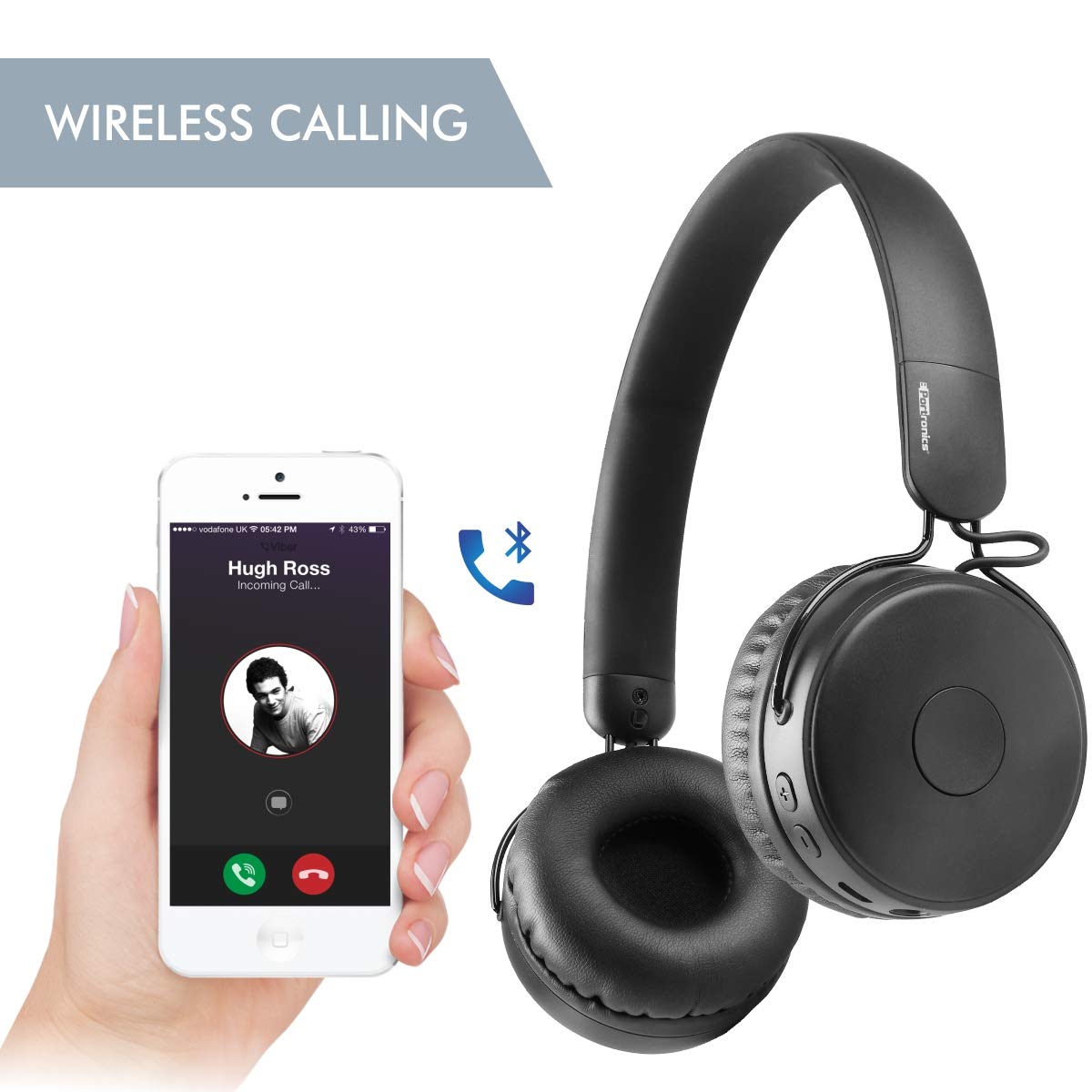
This image demonstrates the wireless calling feature, showing the headphones connected via Bluetooth to a smartphone during an incoming call.
AUX Cable Connection
You can also use the headphones with a wired connection:
- Connect one end of a 3.5mm audio cable (not included) to the Aux-In port on the headphones.
- Connect the other end of the audio cable to the 3.5mm audio output jack of your device.
- The headphones will automatically switch to wired mode.

This image illustrates the dual connectivity options: wireless Bluetooth mode and wired mode using an AUX cable for continuous audio playback.
Operating Instructions
Power On/Off
- Power On: Press and hold the Multi-functional Button for approximately 3 seconds until the LED indicator lights up.
- Power Off: Press and hold the Multi-functional Button for approximately 3 seconds until the LED indicator turns off.
Music Playback
- Play/Pause: Short press the Multi-functional Button.
- Next Song: Long press the Volume Up button.
- Previous Song: Long press the Volume Down button.
- Volume Up: Short press the Volume Up button.
- Volume Down: Short press the Volume Down button.
Call Management
- Answer/End Call: Short press the Multi-functional Button.
- Reject Call: Long press the Multi-functional Button.
- Redial Last Number: Double-press the Multi-functional Button.
Voice Assistant
- Activate Voice Assistant: Triple-press the Multi-functional Button (functionality depends on your connected device).
Maintenance
To ensure the longevity and optimal performance of your Portronics Muffs M headphones, follow these maintenance guidelines:
- Cleaning: Use a soft, dry cloth to clean the ear-cups and headband. Do not use abrasive cleaners or solvents.
- Storage: Store the headphones in a cool, dry place away from direct sunlight and extreme temperatures.
- Water Exposure: Avoid exposing the headphones to water or excessive moisture. They are not waterproof.
- Charging: Use only the provided charging cable or a certified equivalent. Do not overcharge the battery.
- Handling: Handle the headphones gently. Avoid dropping them or subjecting them to strong impacts.
Troubleshooting
If you encounter issues with your headphones, refer to the following common solutions:
| Problem | Possible Solution |
|---|---|
| Headphones do not power on | Ensure the headphones are fully charged. Press and hold the Multi-functional Button for 3-5 seconds. |
| Cannot pair with device | Ensure headphones are in pairing mode (flashing blue/red LED). Turn off and on Bluetooth on your device. Forget previous pairings and try again. Ensure headphones are within 10m range. |
| No sound or low volume | Check volume levels on both headphones and connected device. Ensure headphones are properly paired or AUX cable is fully inserted. Try playing different audio sources. |
| Poor call quality | Ensure the microphone is not obstructed. Move closer to your device to improve Bluetooth signal. Test with another device. |
| Intermittent connection | Ensure no obstacles are between the headphones and the device. Move away from other wireless devices that may cause interference. Recharge headphones. |
Specifications
| Feature | Detail |
|---|---|
| Model Number | POR-317 |
| Bluetooth Version | 5.0 |
| Drivers | 40mm |
| Frequency Range | 20Hz - 20KHz |
| Sensitivity | 102dB |
| Wireless Range | 10m (Open Area) |
| Battery Capacity | 200 mAh Li-polymer |
| Playback Time | Around 10 Hours |
| Charging Time | Around 2.5 Hours |
| Standby Time | Around 200 Hours |
| Product Weight | 124g |
| Material | ABS Plastic |
| Ear Placement | On Ear |
| Control Type | Noise Control |
| Compatible Devices | Smartphone, Tablet, Laptop, Computer |
Warranty Information
The Portronics Muffs M POR-317 headphones come with a 1-year warranty provided by the manufacturer from the date of purchase. Please retain your purchase receipt for warranty claims.
Support
For further assistance, technical support, or warranty claims, please contact Portronics customer service. Refer to the contact information provided in your product packaging or visit the official Portronics website.


