
Sonew Sonewyxsfke0oz4
Universal Wired Microwave Motion Sensor Instruction Manual
Brand: Sonew | Model: Sonewyxsfke0oz4
1. Introduction
This manual provides detailed instructions for the installation, operation, and maintenance of the Sonew 12-24V Universal Wired Microwave Motion Sensor. This sensor is designed for automatic door access control, utilizing advanced motion tracking and microwave sensing technology to detect movement and trigger door opening. It is suitable for various public and commercial environments.
2. Safety Information
Please read all safety instructions carefully before installation and operation. Failure to follow these instructions may result in electric shock, fire, or serious injury.
- Ensure the power supply is disconnected before any installation or maintenance work.
- Installation should be performed by qualified personnel in accordance with local electrical codes.
- Do not expose the sensor to extreme temperatures, moisture, or corrosive environments.
- Verify the input voltage (12-24V) matches the sensor's requirements.
- Keep the sensor clean and free from obstructions to ensure proper operation.
3. Product Overview
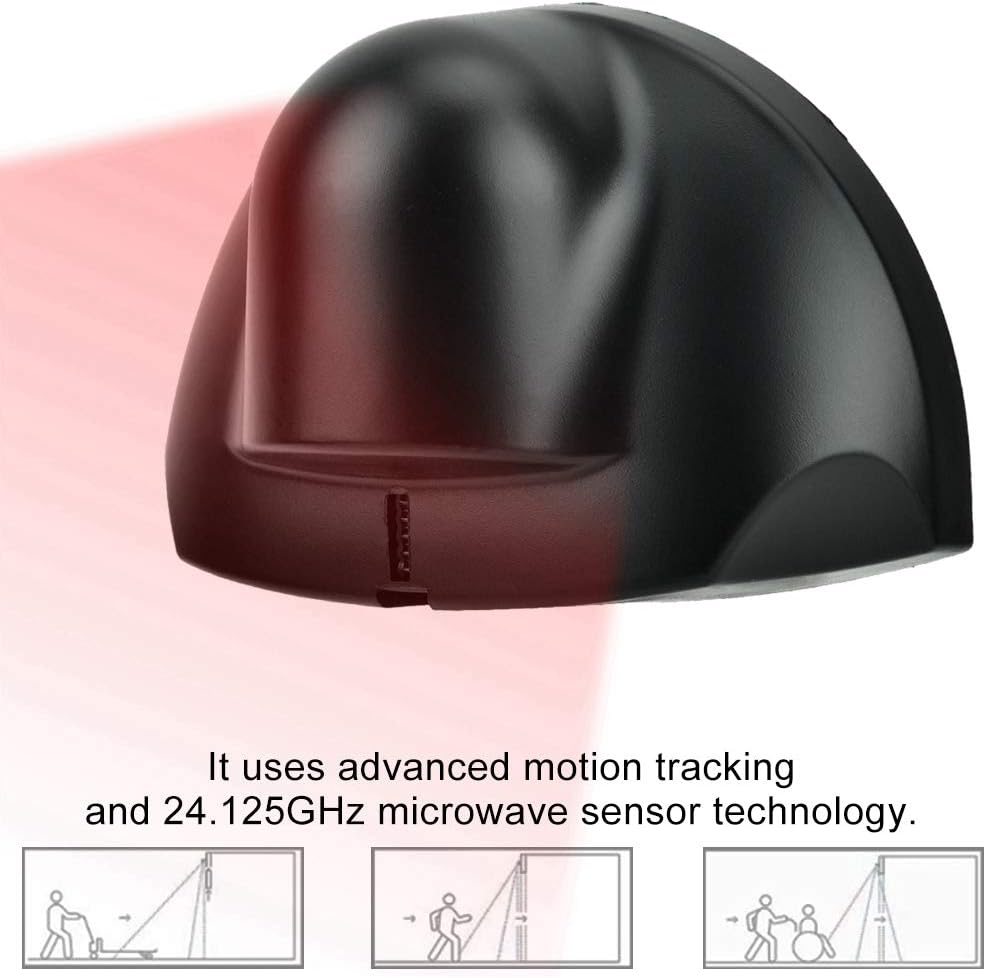
The Sonew Microwave Motion Sensor is a compact and robust device designed for reliable motion detection in various settings. Its primary function is to detect approaching individuals and signal automatic doors to open.
Key Features:
- High Sensitivity: Quick and accurate response to motion.
- Advanced Technology: Utilizes motion tracking and 24.125GHz microwave sensor technology.
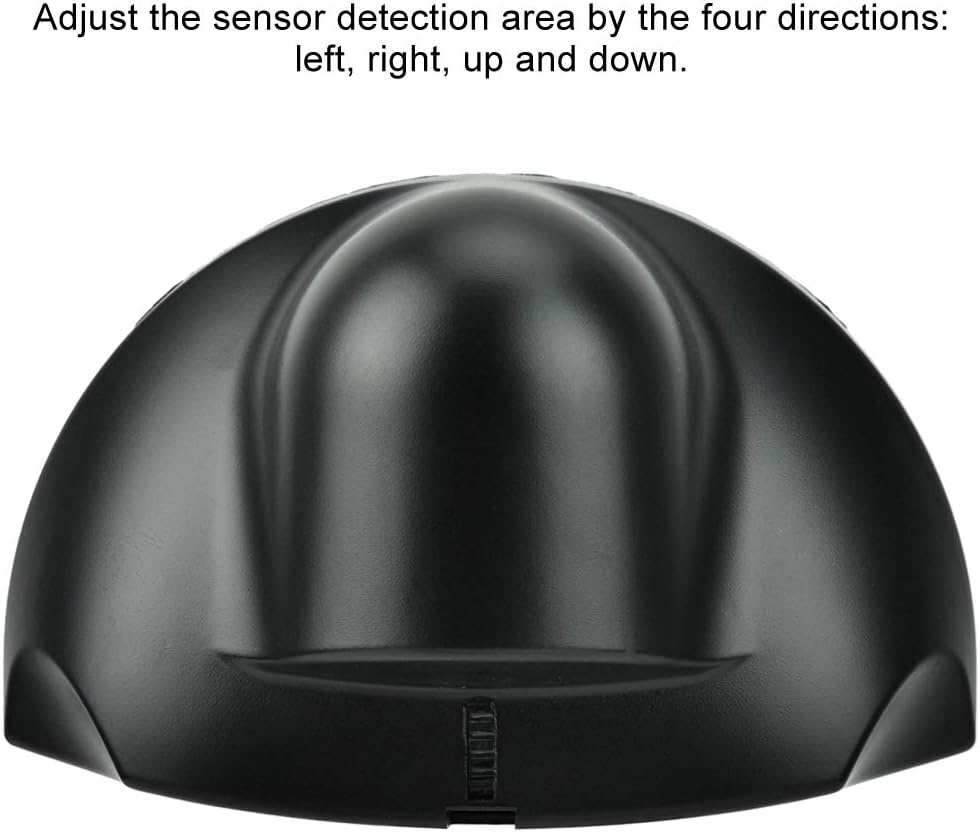
- Adjustable Detection Area: The sensor's detection area can be adjusted in four directions (left, right, up, and down) for optimal performance.
- Wide Application: Suitable for commercial, industrial, and automatic access areas such as supermarkets, ATMs, airports, and elevators.
- Durable Construction: Made of ABS plastic for longevity.
Components:
The sensor unit consists of the main housing, internal microwave detection module, and wiring terminals. The housing is designed for easy mounting and adjustment.



4. Setup and Installation
Proper installation is crucial for the optimal performance of your motion sensor. Follow these steps carefully.
4.1 Unboxing and Inspection
- Carefully remove the sensor and its accessories from the packaging.
- Inspect all components for any signs of damage. If any damage is found, do not proceed with installation and contact customer support.
- Confirm all parts are present: sensor unit, mounting template, and connection cable.
Video 4.1: This video demonstrates the unboxing and initial handling of the Sonew Universal Wired Microwave Motion Sensor, showing the main unit, connection cable, and mounting template. It also illustrates how to open the sensor's casing to access internal components for wiring and mounting.
4.2 Mounting Location
- Mount the sensor above the automatic door, typically on the door frame or ceiling.
- Ensure the mounting surface is stable and free from vibrations.
- Avoid mounting locations where direct sunlight, strong drafts, or large metallic objects might interfere with the microwave signal.
4.3 Wiring
The sensor operates on a 12-24V power supply. Connect the sensor to the automatic door control system according to the wiring diagram provided with your door system and the sensor's cable color codes.
- Power Input: Connect the power wires to a stable 12-24V DC power source.
- Signal Output: Connect the signal wires to the automatic door controller's input terminals.
- Ensure all connections are secure and insulated to prevent short circuits.
5. Operating Instructions
Once installed and powered, the sensor will begin detecting motion within its configured range.
5.1 Basic Operation
- When a person or object enters the detection area, the sensor will activate.
- Upon activation, the sensor sends a signal to the automatic door controller, prompting the door to open.
- The door will remain open as long as motion is detected within the area, or for a pre-set duration by the door controller.
5.2 Adjusting Detection Area
The sensor allows for adjustment of its detection field to optimize performance for specific environments. This typically involves adjusting the angle or sensitivity of the sensor.
- Refer to the sensor's internal adjustment mechanisms (often small dials or sliders) to modify the detection range and pattern.
- Adjust the sensor detection area by the four directions: left, right, up, and down, to cover the desired approach zone while minimizing false triggers.
- Test the detection area thoroughly after any adjustments to ensure it meets operational requirements.
6. Maintenance
Regular maintenance ensures the longevity and reliable operation of your sensor.
- Cleaning: Periodically wipe the sensor's exterior with a soft, dry cloth to remove dust and dirt. Do not use abrasive cleaners or solvents.
- Inspection: Regularly check the sensor and its wiring for any signs of physical damage or loose connections.
- Performance Check: Test the sensor's detection capabilities periodically to ensure it is responding correctly and consistently.
7. Troubleshooting
If you encounter issues with your sensor, refer to the following common problems and solutions:
| Problem | Possible Cause | Solution |
|---|---|---|
| Sensor not detecting motion. |
|
|
| Door opens without apparent motion (false triggers). |
|
|
| Intermittent detection. |
|
|
8. Specifications
| Attribute | Detail |
|---|---|
| Brand | Sonew |
| Model Number | Sonewyxsfke0oz4 |
| Color | Black |
| Power Source | Corded Electric |
| Input Voltage | 12-24V (implied from title) |
| Item Weight | 0.26 Kilograms (9.2 ounces) |
| Maximum Range | 2.5 Meters |
| Mounting Type | Door Mount |
| Compatible Devices | Automatic Door, Elevator |
| Frequency | 24125 MHz |
| Product Dimensions | 6.22 x 4.53 x 2.36 inches |
| Country of Origin | China |
| UPC | 701069707373 |
9. Warranty Information
Specific warranty details for this product are not provided in the available information. Please refer to the product packaging or contact the manufacturer directly for warranty terms and conditions.
10. Customer Support
For further assistance, technical support, or inquiries regarding your Sonew Microwave Motion Sensor, please contact Sonew customer service or visit their official store.
Brand: Sonew
Online Store: Visit the Sonew Store on Amazon
Ask a question about this manual
Ask about setup, troubleshooting, compatibility, parts, safety, or missing instructions. Manuals+ will review the question and use this page’s manual context to help answer it.