
Introduction
This instruction manual provides guidance for assembling the MPC 1978 Dodge D100 Custom Pickup 1:25 Scale Model Kit. Please read all instructions carefully before beginning assembly to ensure a successful and enjoyable building experience. This kit is designed for model enthusiasts and requires assembly, painting, and gluing.
Safety Information
Choking Hazard: Contains small parts. Not suitable for children under 3 years.
Always use appropriate ventilation when painting and gluing. Keep all modeling tools and supplies out of reach of small children and pets. Follow all safety guidelines provided by manufacturers of paints, glues, and other modeling supplies.
Kit Contents and Features
The MPC 1978 Dodge D100 Custom Pickup model kit includes all necessary plastic parts for assembly, molded in white. This kit is produced from vintage tooling, offering an authentic building experience. It features approximately 144 parts and is rated at Skill Level 2, suitable for intermediate model builders.
Key features of the model include:
- Long bed with a flip-down tailgate.
- Includes a mini-bike, jack, and toolbox accessories.
- Stock wheels with pad-printed tires.
- Optional flasher and flood lights for customization.

Image: This graphic highlights the core features of the model kit, indicating it is molded in white plastic, uses vintage tooling, requires paint and glue, is 1:25 scale, has a skill level of 2, and contains 144 parts.
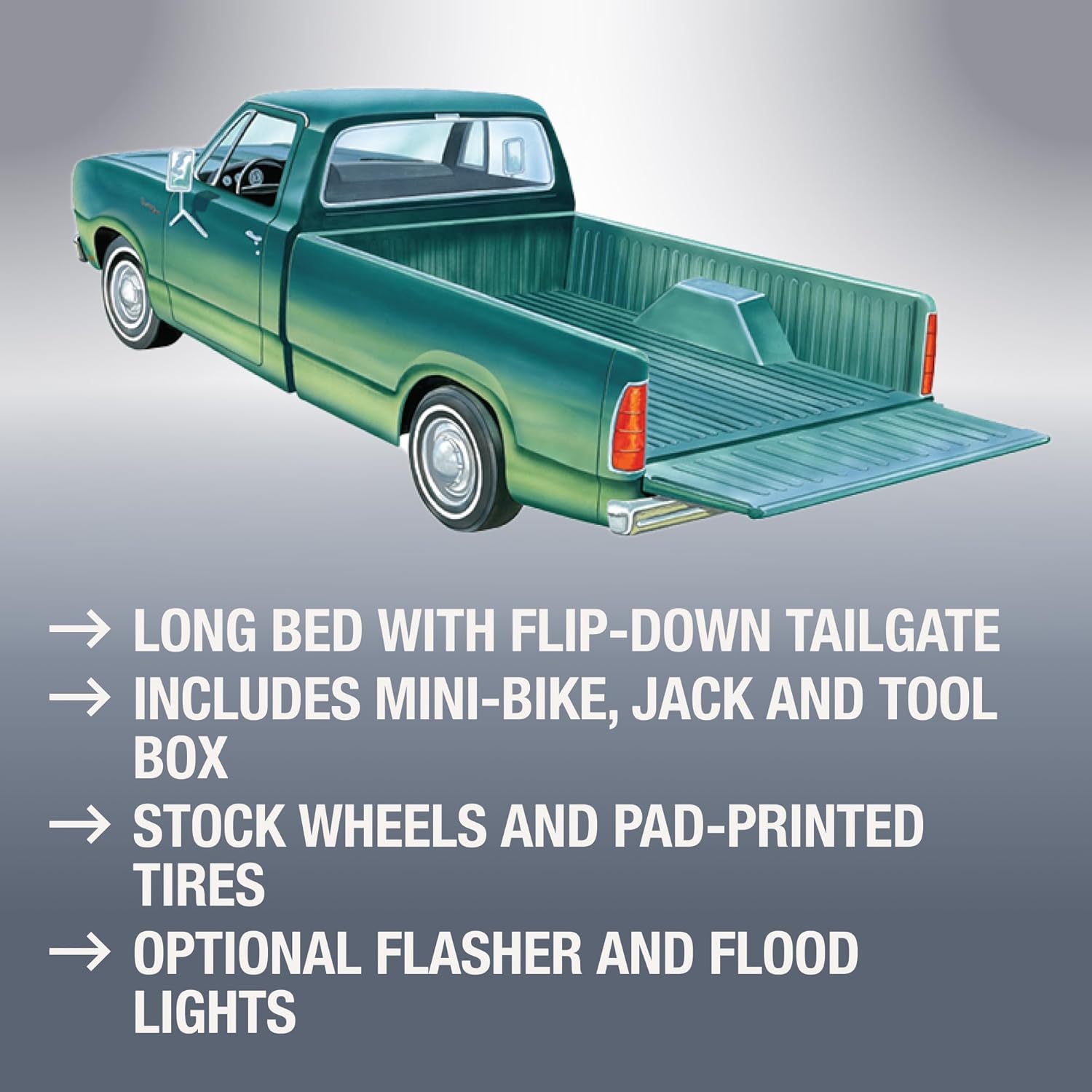
Image: This image details further features, illustrating a long bed with a flip-down tailgate and listing accessories such as a mini-bike, jack, and toolbox. It also mentions stock wheels and optional flasher and flood lights.
Assembly Instructions
- Preparation: Carefully remove all parts from the sprues using a hobby knife or sprue cutters. Clean any excess plastic (flash) from the parts with a hobby knife or fine-grit sandpaper. Wash all parts in mild soapy water and rinse thoroughly to remove any mold release agents, then allow them to air dry completely.
- Painting: Refer to the painting guide (if included) or product box art for color suggestions. Paint individual parts before assembly where possible for better coverage and detail. Allow paint to dry completely according to the paint manufacturer's instructions.
- Assembly: Follow the numbered steps in the included diagrammatic instructions. Use plastic model cement sparingly to join parts. Ensure proper alignment before the glue sets. For clear parts (windows), use a clear-part adhesive to avoid fogging.
- Decals: Apply decals after painting and a clear gloss coat. Cut out each decal, dip it in water for a few seconds, and slide it onto the model. Position carefully and gently blot away excess water with a soft cloth. Apply a clear flat or gloss coat over decals to seal them.

Image: This illustration depicts the fully assembled MPC 1978 Dodge D100 Custom Pickup in blue, alongside a red mini-bike, providing a visual reference for the completed model.
Displaying Your Model
Once assembled and painted, your MPC 1978 Dodge D100 Custom Pickup model is ready for display. Choose a stable, level surface away from direct sunlight, extreme temperatures, and high humidity to preserve the model's finish and structural integrity. Consider a display case to protect it from dust.
Care and Cleaning
To maintain the appearance of your model, dust it regularly with a soft, dry brush or a can of compressed air. Avoid using harsh chemicals or abrasive cleaners, as these can damage the paint and plastic. For stubborn dust, a slightly damp cloth can be used, followed immediately by a dry cloth.
Common Assembly Challenges
- Parts Not Fitting: Ensure all flash is removed and parts are correctly oriented. Gentle sanding or filing may be necessary for a snug fit.
- Paint Issues: Apply thin coats of paint to avoid obscuring details. Allow sufficient drying time between coats.
- Decal Silvering: This occurs when air is trapped under the decal. Apply decals to a glossy surface and use a decal setting solution to help them conform to the model's surface.
Specifications
| Attribute | Detail |
|---|---|
| Product Model Number | MPC901M |
| Scale | 1:25 |
| Assembled Product Dimensions (approx.) | 8 inches (Width) x 3 inches (Depth) x 2.75 inches (Height) |
| Item Weight | 12 ounces |
| Manufacturer Recommended Age | 10 - 17 years |
| Release Date | July 20, 2017 |
| Manufacturer | MPC |
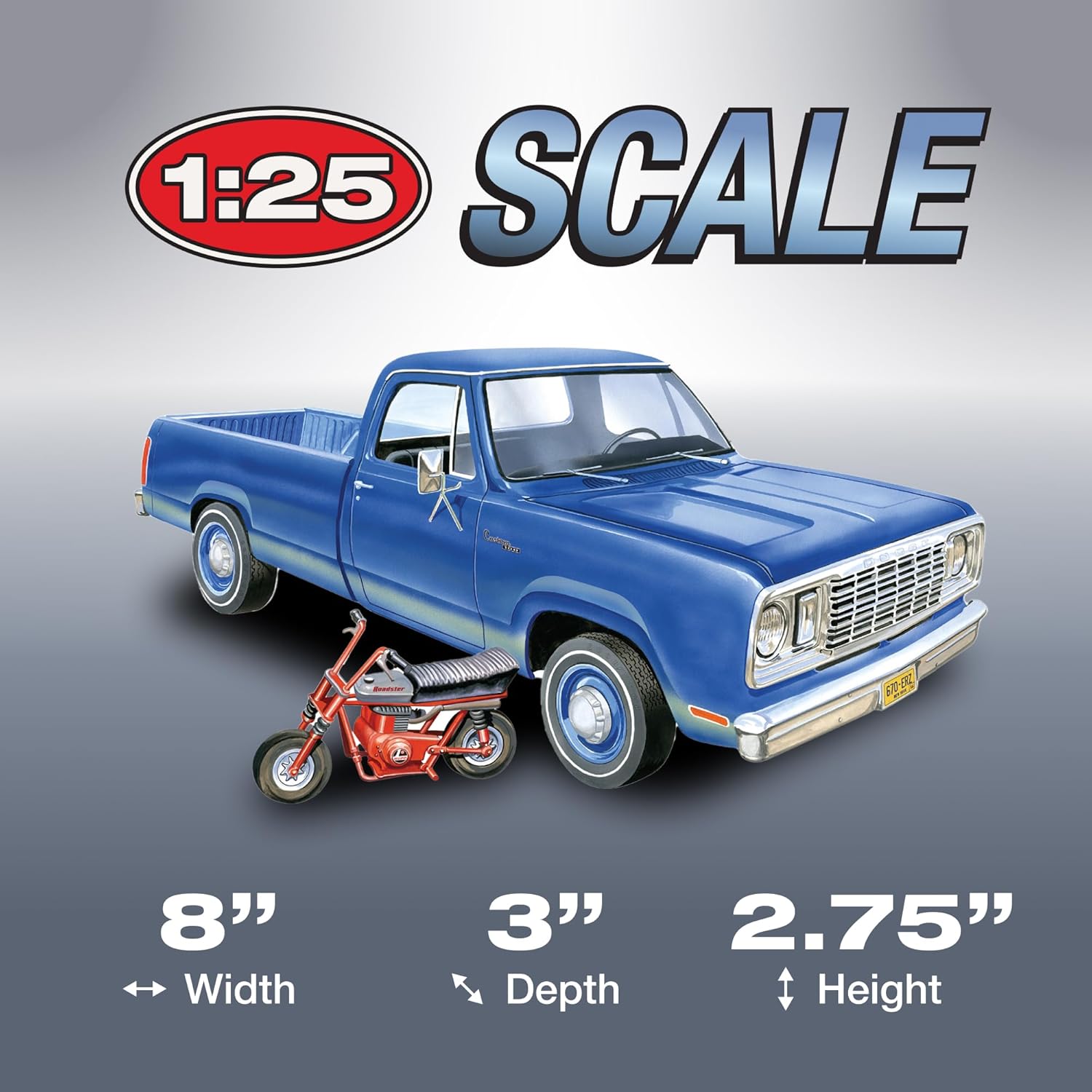
Image: This graphic visually represents the 1:25 scale and the approximate dimensions of the assembled model: 8 inches in width, 3 inches in depth, and 2.75 inches in height.

Image: This image displays the model kit's packaging box, detailing its dimensions: 9.25 inches in width, 3.75 inches in depth, and 6.5 inches in height.
Warranty and Support
For any questions regarding this product, including missing parts or assembly assistance, please contact MPC customer support. Specific warranty details are typically provided within the product packaging or on the manufacturer's official website. Please retain your proof of purchase.