
SIMOLIO SM-902M
SIMOLIO Kids Headphones Instruction Manual
Model: SM-902M
Brand: SIMOLIO
1. Product Overview
The SIMOLIO Kids Headphones are designed to provide a safe and enjoyable listening experience for children. Featuring a unique 3-level volume limiter, these headphones protect young ears from excessive noise. They are equipped with a built-in microphone for communication and a sharing jack, allowing multiple users to listen to the same audio source. The durable, foldable design ensures portability and longevity, making them ideal for school, travel, and everyday use.
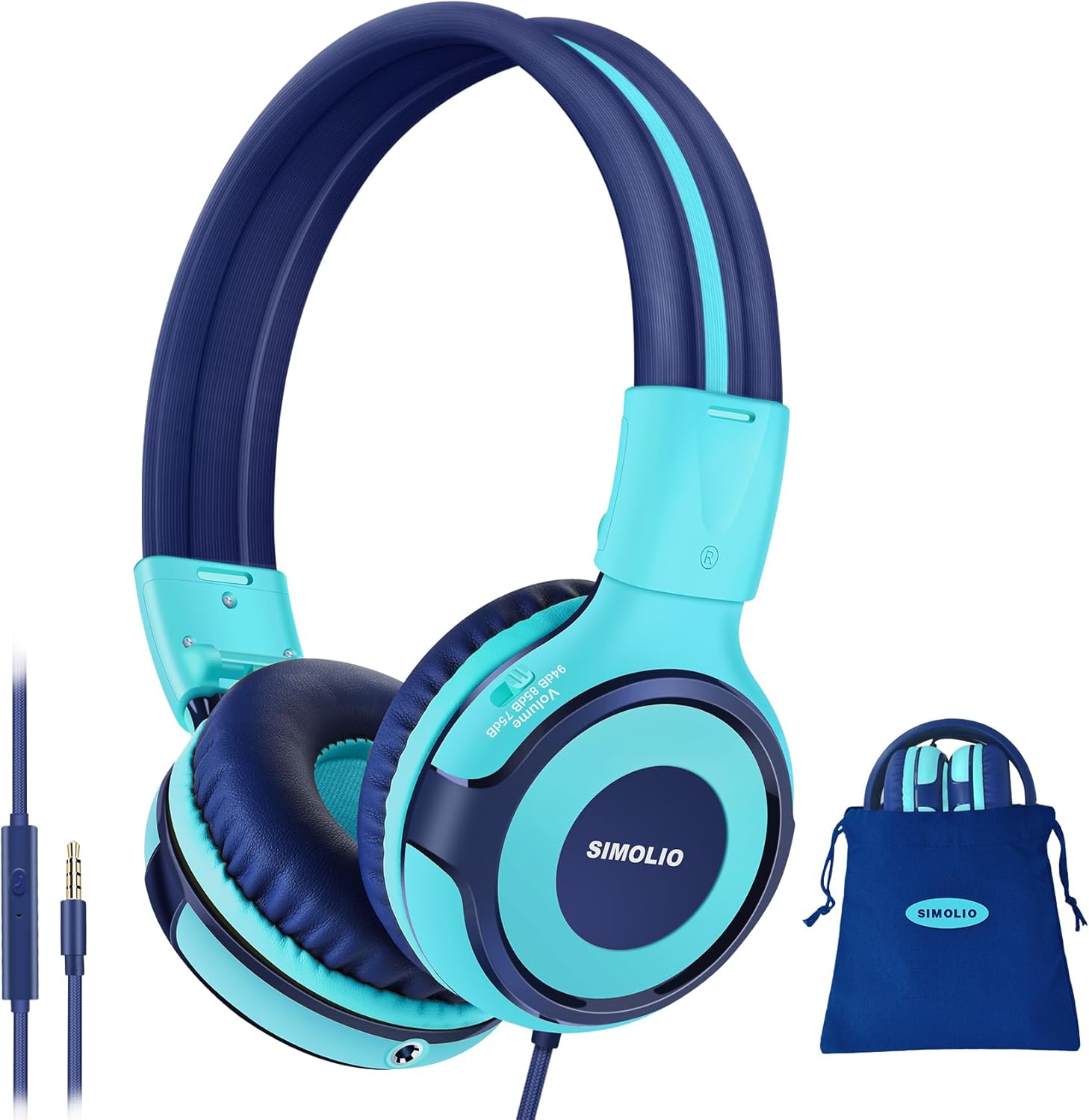
Image: SIMOLIO Kids Headphones with carrying pouch.
2. What's in the Box
- SIMOLIO Kids Headphones (SM-902M)
- Protective Case
- User Manual
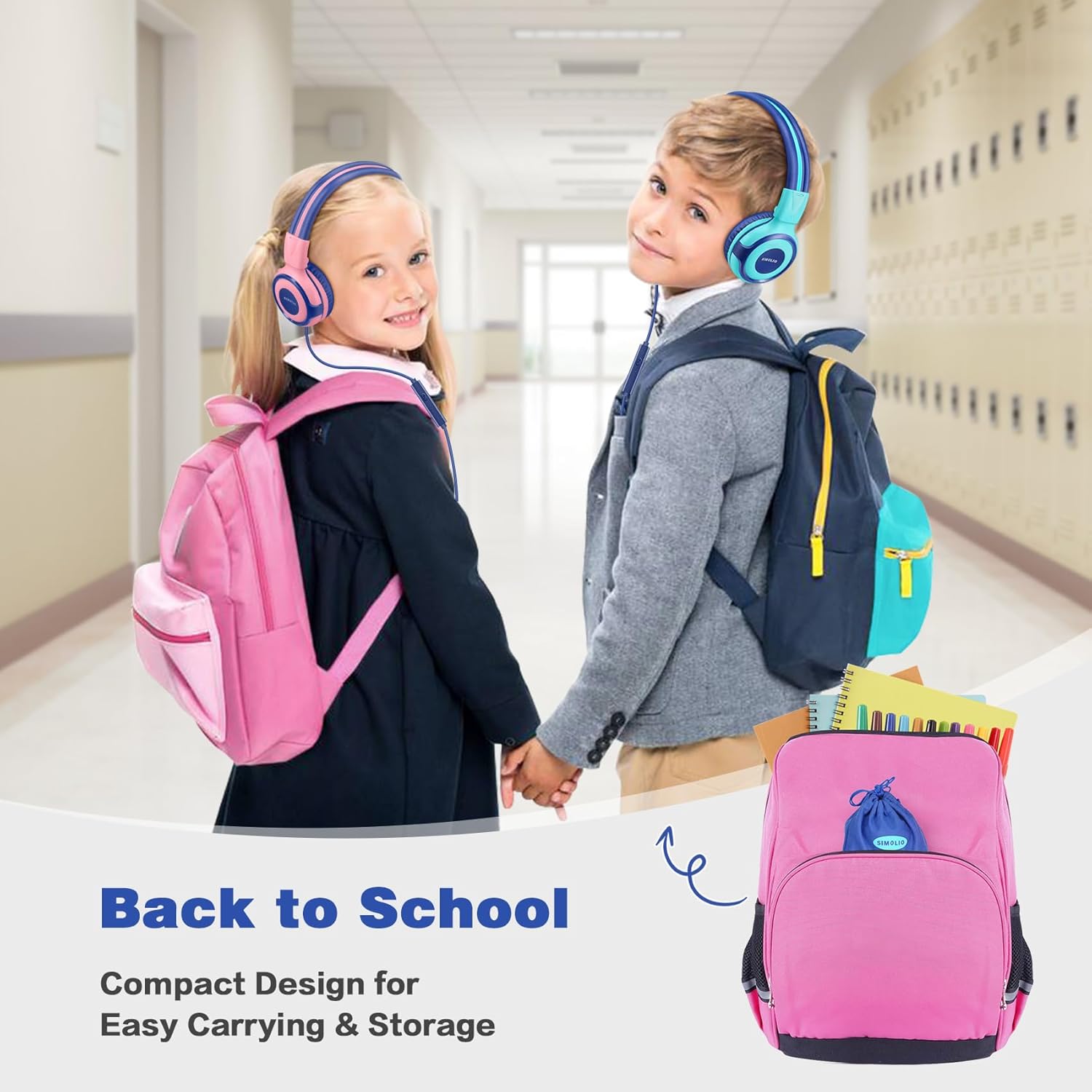
Image: Headphones and included protective case.
3. Setup
To begin using your SIMOLIO Kids Headphones, simply plug the 3.5mm audio jack into the compatible port on your device (e.g., smartphone, tablet, laptop, Chromebook, Nintendo Switch). No batteries or charging are required for wired operation.

Image: 3.5mm audio jack and compatible devices.
4. Operating Instructions
4.1. Volume Limiting Feature
The headphones feature an exclusive proprietary 3-level volume limiter (75dB/85dB/94dB) to protect vulnerable and sensitive ears. This allows parents to set a safe listening level without constant monitoring. Choose 75dB or 85dB for quiet environments, or 94dB for noisier surroundings like travel. The volume switch is located on the left earcup.

Image: Illustration of the 3-level volume limiting feature.
4.2. Built-in Microphone
The integrated microphone allows for hands-free talking, enabling users to pick up calls and navigate tracks in a playlist without interruption. This feature is ideal for online learning, gaming, and video calls.
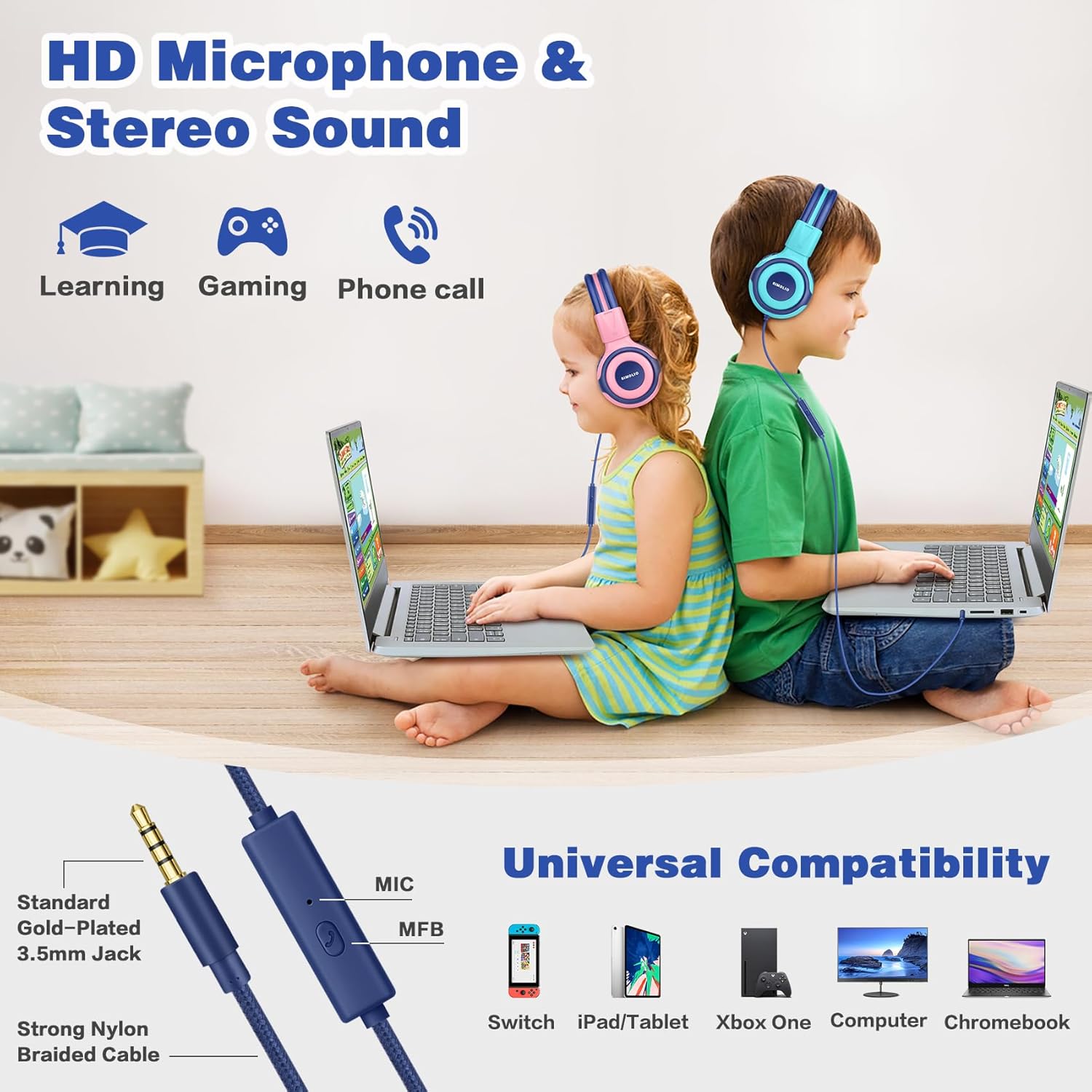
Image: Children using headphones with microphone for learning and gaming.
4.3. Sharing Jack
The sharing jack, located on the left earcup, eliminates the need for a separate splitter. Children can plug another corded headphone into this jack to share audio with friends or family, promoting shared listening experiences.
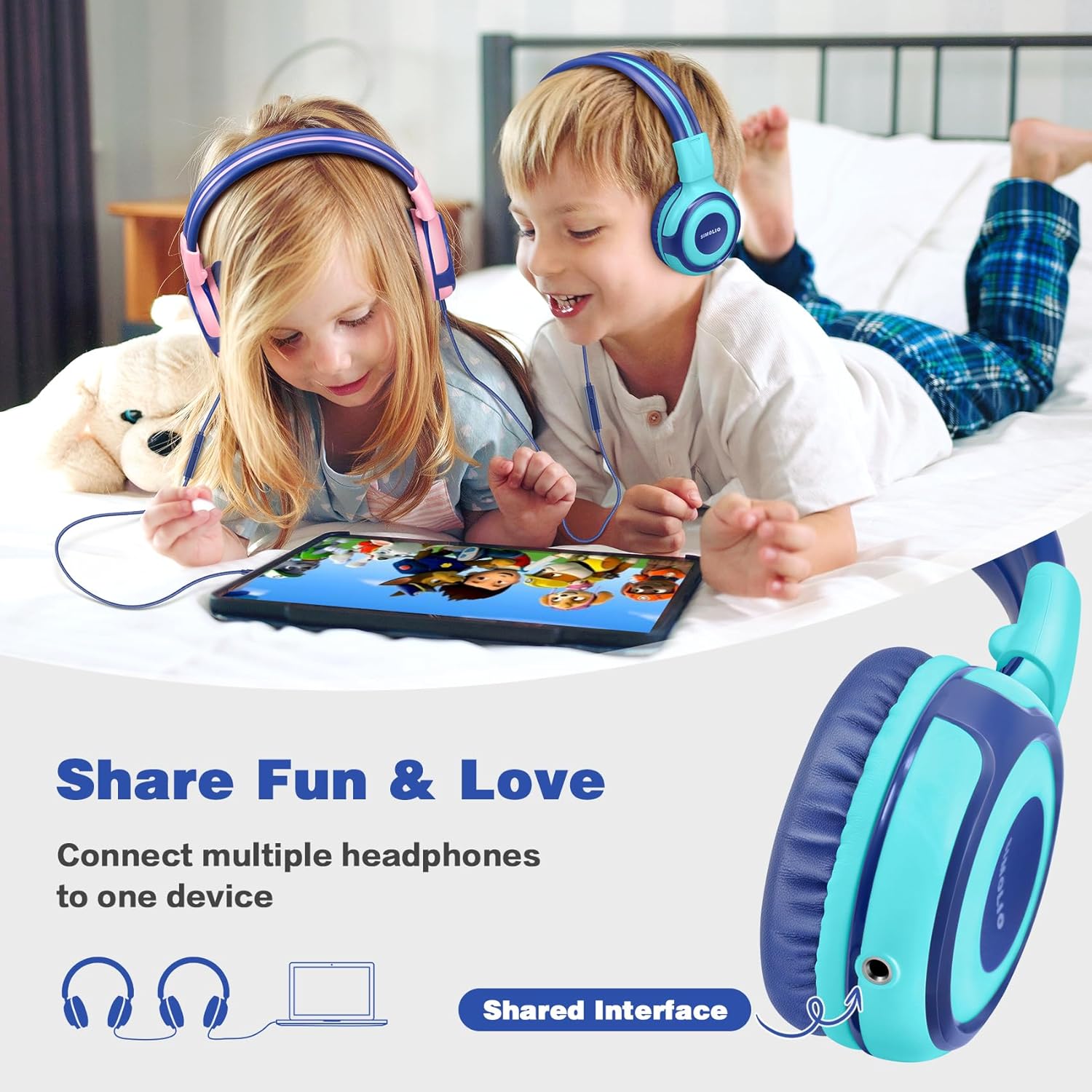
Image: Children sharing audio using the sharing jack.
4.4. Foldable Design and Comfort
The adjustable headband with memory stainless steel strips provides impressive flexibility and durability. The headphones are foldable, making them compact and easy to carry and store in the included protective pouch, ideal for travel and school. Soft earmuffs ensure comfortable wear for extended periods.

Image: Foldable design for easy storage.

Image: Headphones in use during travel.
5. Maintenance
To ensure the longevity of your SIMOLIO Kids Headphones, follow these maintenance guidelines:
- Cleaning: Use a soft, dry cloth to wipe the headphones. For stubborn dirt, a slightly damp cloth can be used, but ensure no moisture enters the earcups or jack.
- Storage: When not in use, fold the headphones and store them in the provided protective case to prevent damage from dust, spills, or impacts.
- Cable Care: Avoid sharp bends or excessive pulling on the audio cable to prevent internal wire damage. The braided nylon cable is designed for durability, but proper handling extends its life.
- Temperature: Do not expose the headphones to extreme temperatures (hot or cold) or high humidity.
6. Troubleshooting
If you encounter issues with your SIMOLIO Kids Headphones, please refer to the following common solutions:
| Problem | Possible Cause | Solution |
|---|---|---|
| No sound or low volume | Audio jack not fully inserted; device volume too low; incorrect volume limiter setting. | Ensure the 3.5mm jack is fully inserted into the device. Increase the volume on your connected device. Check the volume limiter switch on the headphone earcup and adjust to a higher dB setting if needed. |
| Microphone not working | Device microphone settings; application microphone access. | Check your device's audio input settings to ensure the headphone microphone is selected. Verify that the application you are using has permission to access the microphone. |
| Sound distortion or static | Loose connection; damaged cable; interference. | Ensure the audio jack is securely connected. Try the headphones with another device to rule out a device issue. If the problem persists, the cable may be damaged. |
If these steps do not resolve the issue, please contact SIMOLIO customer support for further assistance.
7. Specifications
| Feature | Detail |
|---|---|
| Model Name | Kids Headphones SM-902M |
| Connectivity Technology | Wired (3.5mm Jack) |
| Volume Limiter | 3-level (75dB, 85dB, 94dB) |
| Microphone | Built-in HD mic |
| Sharing Feature | Integrated Sharing Jack |
| Cable Length | 4.9 FT / 1.5 M |
| Cable Material | Braided Nylon (Tangle Free) |
| Design | Foldable, Adjustable Headband |
| Ear Placement | On Ear |
| Material | ABS, Leather, Nylon, Stainless Steel |
| Item Weight | 0.18 Kilograms (6.3 ounces) |
| Frequency Response | 20 Hz - 20,000 Hz |
| Included Components | Protective Case, User Manual |
8. Warranty and Support
SIMOLIO products are designed for quality and reliability. For information regarding warranty coverage and customer support, please refer to the documentation included with your purchase or visit the official SIMOLIO brand store online.
You can find more information and contact support through the SIMOLIO Brand Store on Amazon.
Related documentsSM-902M

Ask a question about this manual
Ask about setup, troubleshooting, compatibility, parts, safety, or missing instructions. Manuals+ will review the question and use this page’s manual context to help answer it.