
Introduction
This document serves as an instruction manual for the John Deere TM1984CD Technical Manual, an electronic document provided on a Compact Disc (CD). This CD contains comprehensive technical information for the John Deere 4110 and 4115 Compact Utility Tractors, issued on August 1, 2006. It is designed to assist qualified technicians and owners with detailed service, repair, and maintenance procedures.
The information contained within this technical manual is crucial for proper operation, troubleshooting, and repair of your John Deere equipment. Please read through these instructions carefully to ensure correct usage of the manual CD.
Setup and Accessing the Manual
To access the technical manual content, follow these steps:
- Insert the CD: Carefully insert the TM1984CD into the CD-ROM drive of your computer. Ensure the label side is facing up.
- AutoPlay (if enabled): If AutoPlay is enabled on your computer, a window may automatically appear, prompting you to view the CD content or run an executable file. Select the option to "Open folder to view files" or similar.
- Manual Access: If AutoPlay does not initiate, open "My Computer" or "This PC" (Windows) or "Finder" (macOS), and locate your CD-ROM drive (typically labeled with a drive letter like D: or E:). Double-click on the drive icon to open the CD content.
- Locate the Manual File: The technical manual content is typically provided in a PDF format or a proprietary viewer. Look for files named "TM1984.pdf", "manual.pdf", or an executable file (e.g., "setup.exe" or "viewer.exe") that launches the manual interface.
- Open the Manual: Double-click the main manual file or run the viewer application to begin accessing the technical information. You may need a PDF reader (like Adobe Acrobat Reader) installed on your computer to view PDF files.
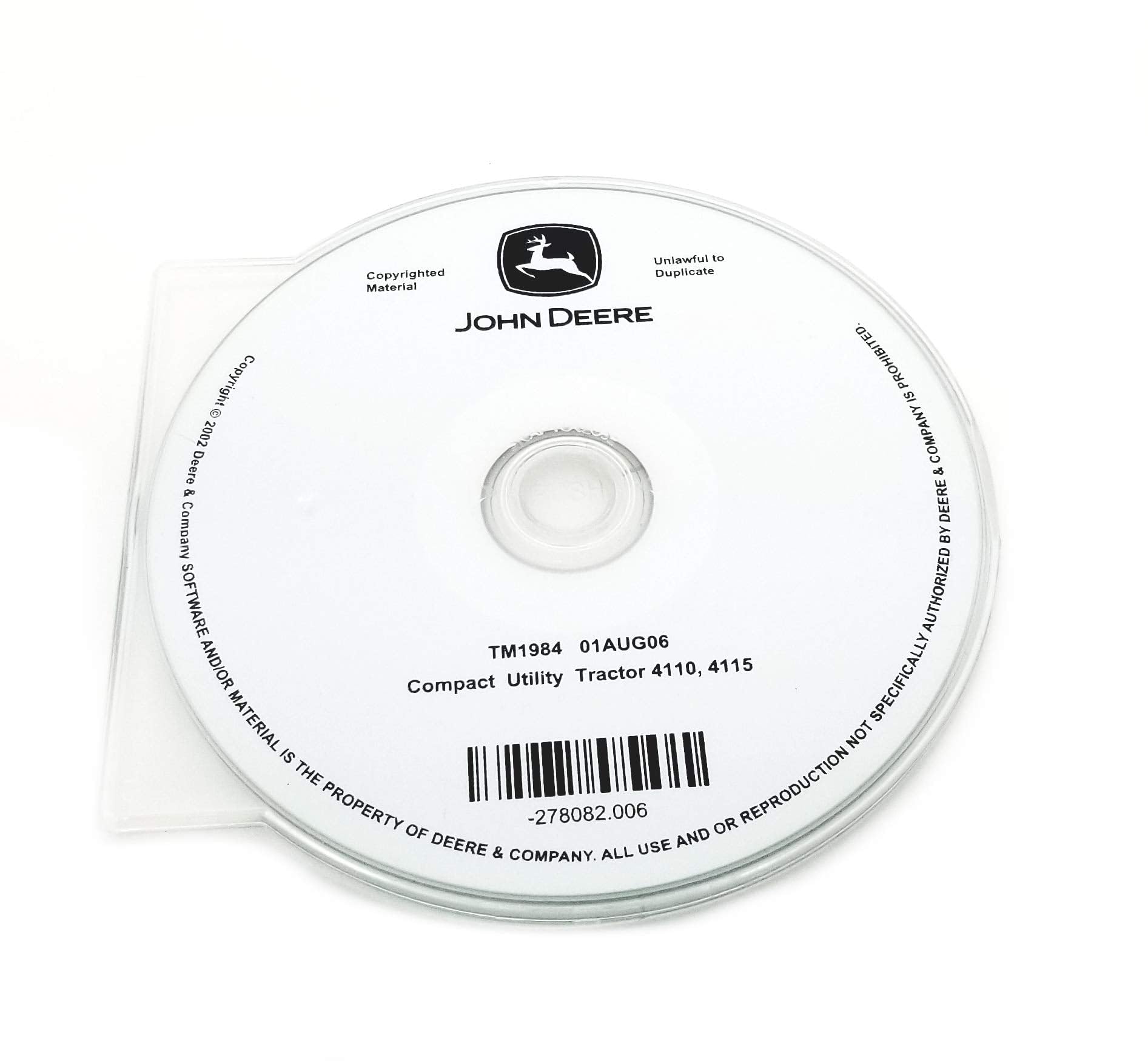
Image: The John Deere TM1984CD Technical Manual disc. The disc label clearly indicates "JOHN DEERE", "TM1984 01AUG06", and "Compact Utility Tractor 4110, 4115". It also includes copyright information and a warning against unlawful duplication.
Navigating the Technical Manual
Once the technical manual is open, utilize the following features for efficient navigation:
- Table of Contents: Most digital manuals include an interactive table of contents. Use this to quickly jump to specific sections such as engine, transmission, hydraulics, electrical systems, or chassis.
- Search Function: Use the search function (often Ctrl+F or Cmd+F) within your PDF reader or the manual's proprietary viewer to find specific keywords, part numbers, or procedures.
- Bookmarks: Many PDF manuals include bookmarks along the side panel, allowing for quick access to major chapters and sub-sections.
- Diagrams and Illustrations: Pay close attention to the detailed diagrams, exploded views, and illustrations. These are essential for understanding component locations, assembly, and disassembly procedures.
- Safety Information: Always review the safety sections at the beginning of the manual before performing any service or repair work.
CD Maintenance and Care
To ensure the longevity and readability of your technical manual CD, follow these maintenance guidelines:
- Handle with Care: Always hold the CD by its edges or by placing a finger through the center hole. Avoid touching the data surface.
- Storage: Store the CD in its original jewel case or a protective sleeve when not in use. Keep it away from direct sunlight, extreme temperatures, and high humidity.
- Cleaning: If the CD becomes dirty, gently wipe the data surface with a soft, lint-free cloth, moving from the center outwards. Do not use abrasive cleaners or solvents.
- Avoid Scratches: Scratches on the data surface can prevent the CD from being read correctly. Be careful to avoid dropping the CD or placing it on rough surfaces.
Troubleshooting Common Issues
If you encounter problems accessing or using the technical manual CD, consider the following troubleshooting steps:
- CD Not Reading:
- Ensure the CD is clean and free of scratches.
- Try the CD in another computer's CD-ROM drive to rule out a drive issue.
- Restart your computer.
- Files Not Opening:
- Verify that you have a compatible PDF reader (e.g., Adobe Acrobat Reader) installed if the manual is in PDF format.
- Ensure your operating system is up to date.
- Slow Performance:
- Copy the entire contents of the CD to your computer's hard drive for faster access.
- Close other applications running in the background.
Product Specifications
| Manual Title | John Deere 4110/4115 Compact Utility Tractor Technical Manual |
| Manual Part Number | TM1984CD |
| Applicable Models | John Deere 4110, John Deere 4115 Compact Utility Tractors |
| Issue Date | 01 August 2006 (01AUG06) |
| Format | Electronic Document on CD-ROM |
| Manufacturer | John Deere |
Warranty Information
Specific warranty details for this technical manual CD are not provided within this document. For information regarding the warranty of the John Deere TM1984CD Technical Manual, please refer to the original purchase documentation or contact your John Deere dealer or the seller directly.
Customer Support
For further assistance with the John Deere 4110/4115 Compact Utility Tractor Technical Manual CD, or for technical support related to your John Deere equipment, please contact:
- Your authorized John Deere dealer.
- The official John Deere customer support channels, which can typically be found on the John Deere website.
Copyright and Legal Notice
This technical manual CD contains copyrighted material. All content, including software and/or material, is the property of Deere & Company. All use and/or reproduction not specifically authorized by Deere & Company is strictly prohibited. Unlawful duplication is prohibited.
Copyright © 2002 Deere & Company.
The part number for this specific disc is -278082.006.


