
1. Introduction
Thank you for choosing the Boltune BT-BH020 Truly Wireless Bluetooth In-Ear Headphones. This manual provides detailed instructions on how to set up, operate, and maintain your new headphones. Please read this manual thoroughly before use to ensure optimal performance and longevity of your device.
2. Package Contents
Verify that all items listed below are present in your package. If any item is missing or damaged, please contact customer support.
- 1 x Charging Case
- 2 x Earbuds (Left and Right)
- 6 x Eartips (various sizes)
- 1 x USB Type-C Charging Cable
- 1 x User Manual (this document)

3. Product Overview
The Boltune BT-BH020 earbuds feature a compact design with advanced Bluetooth 5.2 technology for stable connectivity and clear audio.


4. Setup
4.1 Charging the Earbuds and Case
Before first use, fully charge the earbuds and the charging case.
- Place the earbuds into the charging case.
- Connect the USB Type-C charging cable to the charging port on the case and to a power source.
- The indicator lights on the case will show the charging status.
A full charge provides over 40 hours of total battery life with the charging case, and approximately 6 hours of playtime per single earbud charge. The Type-C port supports quick charging.

4.2 Pairing with a Bluetooth Device
The BT-BH020 features one-step pairing technology for convenience.
- Open the charging case. The earbuds will automatically power on and enter pairing mode.
- On your device (e.g., smartphone, tablet), enable Bluetooth and search for available devices.
- Select "BT-BH020" from the list of found devices to connect.
- Once connected, you will hear an audio prompt, and the earbuds will be ready for use.
The Bluetooth V5.2 technology ensures a stable connection with a range of up to 50 feet, providing faster transmission speed and reliable connectivity without signal loss.

5. Operating Instructions
5.1 Touch Controls
The BT-BH020 earbuds feature touch controls for managing music playback and calls. Specific touch gestures for functions like play/pause, skip track, answer/end call, and activate voice assistant are typically detailed in a quick start guide. Refer to the included quick start guide for a complete list of touch commands.
5.2 Making and Receiving Calls
The earbuds are equipped with a built-in microphone and support call control functions.
- Answering a Call: Tap the touch control area on either earbud once.
- Ending a Call: Tap the touch control area on either earbud once during a call.
- Rejecting a Call: Press and hold the touch control area on either earbud for approximately 2 seconds.
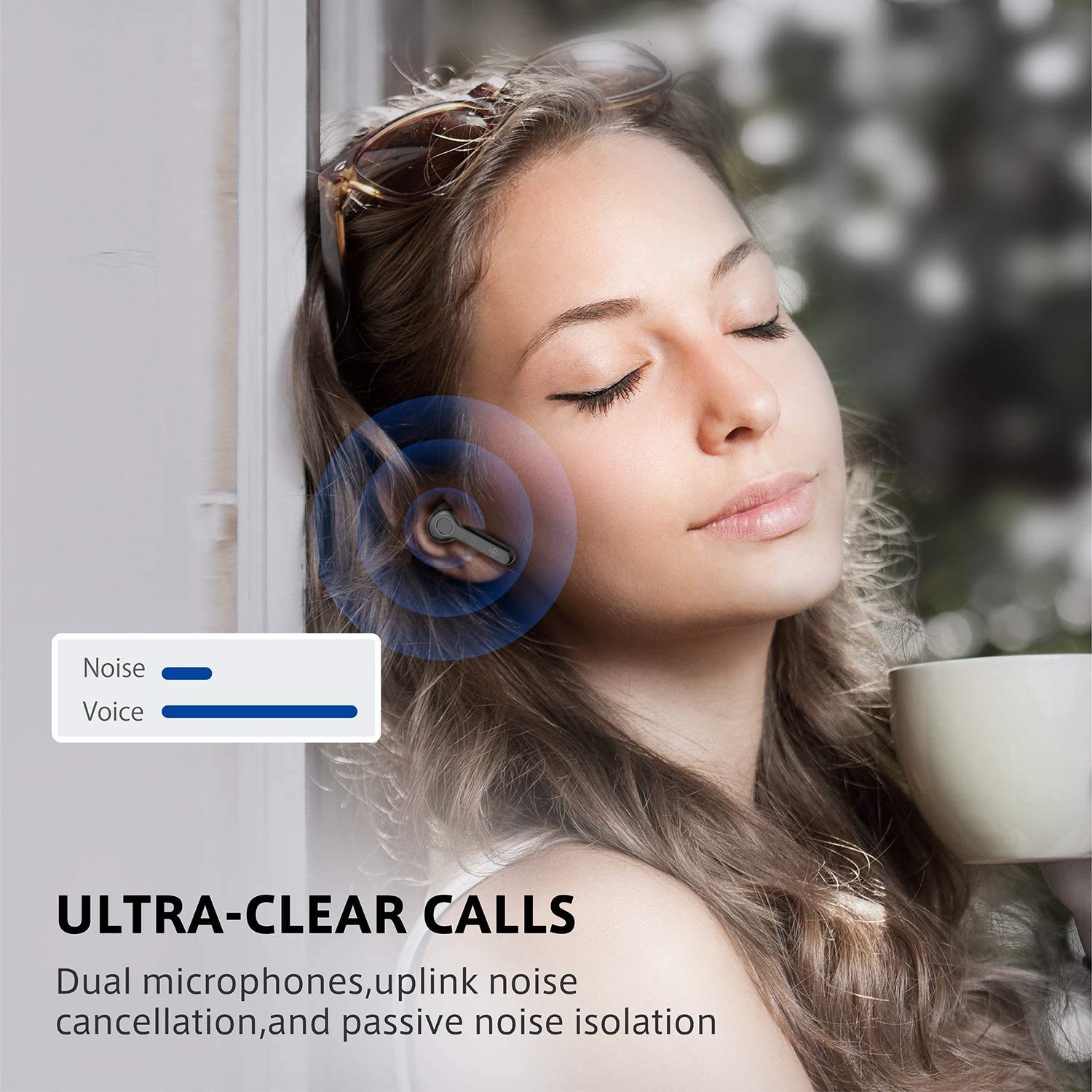
Dual microphones with uplink noise cancellation and passive noise isolation ensure clear conversations.
5.3 Music Playback
Enjoy high-quality audio playback with your BT-BH020 earbuds.
- Play/Pause: Tap the touch control area on either earbud once.
- Next Track: Double-tap the right earbud.
- Previous Track: Double-tap the left earbud.
The ergonomic design ensures a secure and comfortable fit for extended listening sessions.

6. Maintenance
Proper maintenance ensures the longevity and optimal performance of your Boltune BT-BH020 earbuds.
- Cleaning: Regularly clean the earbuds and charging case with a soft, dry, lint-free cloth. Do not use harsh chemicals or abrasive materials.
- Water Resistance: The earbuds are rated IPX6 waterproof, meaning they are protected against high-pressure water jets. However, they are not designed for submersion. Avoid prolonged exposure to water.
- Storage: When not in use, store the earbuds in their charging case to protect them from dust and damage. Store in a cool, dry place.
- Battery Care: To preserve battery life, avoid fully discharging the earbuds and charging case frequently. Charge them regularly, even if not in constant use.
7. Troubleshooting
If you encounter issues with your BT-BH020 earbuds, refer to the following common solutions.
| Problem | Possible Solution |
|---|---|
| Earbuds not pairing |
|
| No sound from one earbud |
|
| Poor sound quality |
|
| Charging case not charging |
|
8. Specifications
| Feature | Detail |
|---|---|
| Model Name | BT-BH020 |
| Connectivity Technology | Wireless (Bluetooth) |
| Bluetooth Version | V5.2 |
| Water Resistance Level | IPX6 (Waterproof) |
| Control Method | Touch |
| Microphone Format | Built-In (Dual Microphones with Uplink Noise Cancellation) |
| Playtime per Charge | Approx. 6 hours |
| Total Playtime (with Charging Case) | Over 40 hours |
| Charging Port | USB Type-C |
| Item Weight | 5.09 g (per earbud) |
| Product Dimensions | 4.19 x 2.31 x 2.31 cm |
| Material | Plastic |
| UPC | 661094416582, 661094416605 |
9. Warranty and Support
For warranty information and customer support, please refer to the warranty card included in your package or visit the official Boltune website.
If you have any questions or require assistance, please contact Boltune customer service.


