
Acctim 15864
Acctim Digital Alarm Clock User Manual
Model: 15864
Introduction
Thank you for purchasing the Acctim Digital Alarm Clock. This manual provides detailed instructions for setting up, operating, and maintaining your new alarm clock. Please read this manual thoroughly before use to ensure proper functionality and to maximize your experience with the product.
The Acctim Digital Alarm Clock features a reflection display technology for a higher definition display, dual crescendo alarm, indoor temperature display, and calendar display.
Product Overview
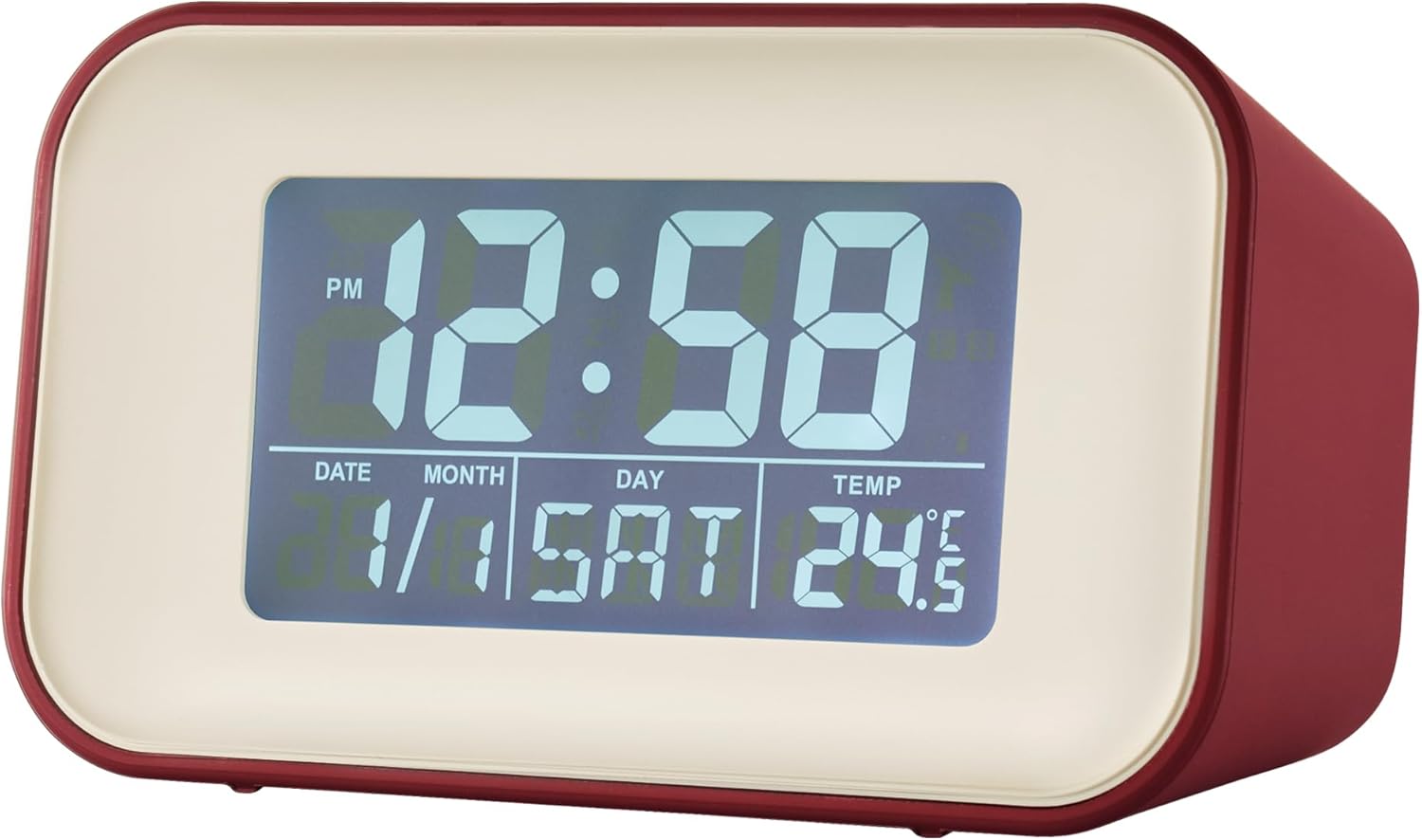
Figure 1: Front view of the Acctim Digital Alarm Clock. This image shows the clock's reflection display technology, clearly showing the time, date, day, and indoor temperature. The display is illuminated, providing clear visibility.

Figure 2: Alternate front view of the Acctim Digital Alarm Clock. This image provides another perspective of the display, showing different time and date settings, highlighting the clarity of the digital readout.
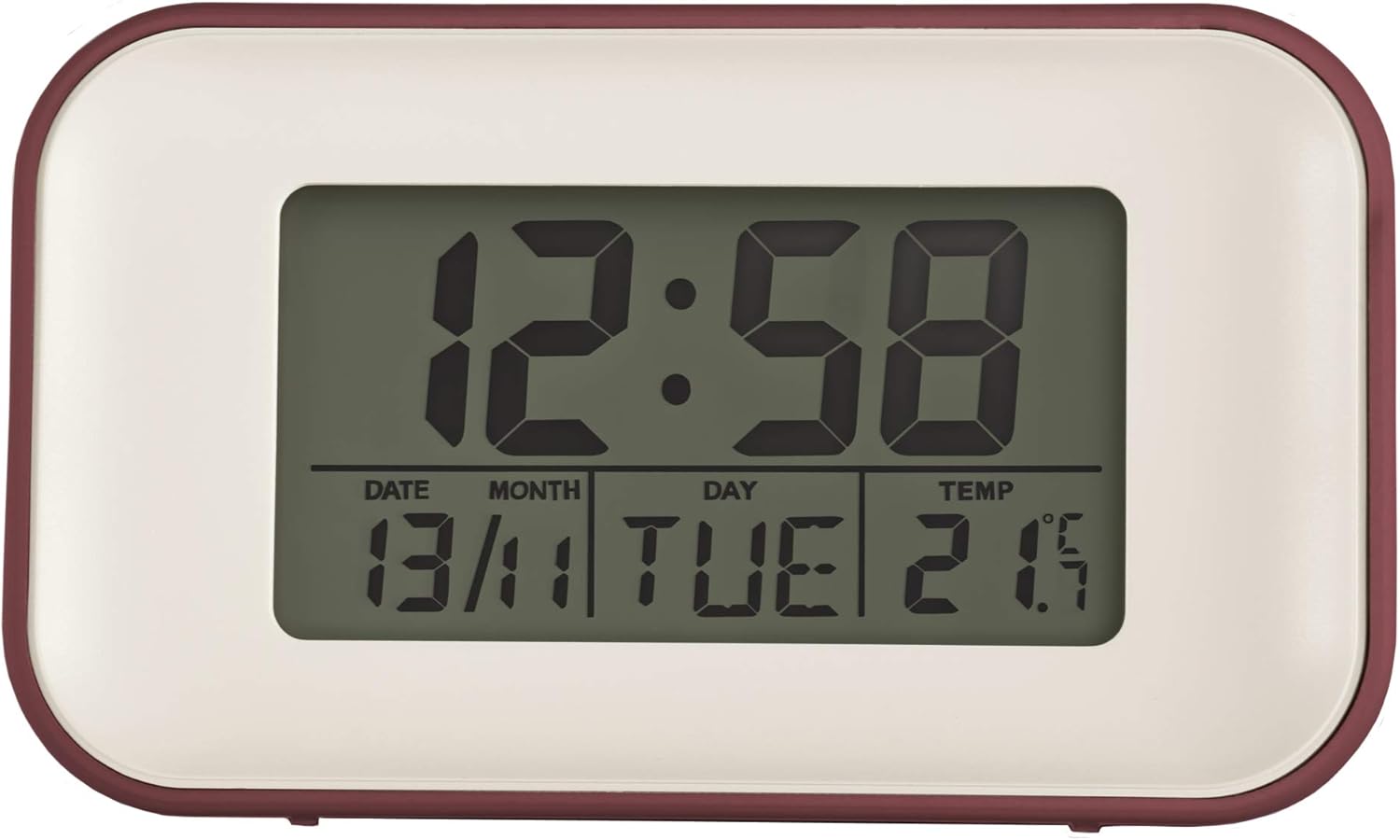
Figure 3: Front view of the Acctim Digital Alarm Clock with a less illuminated display. This view demonstrates the display's appearance under different lighting conditions or settings, still maintaining readability.
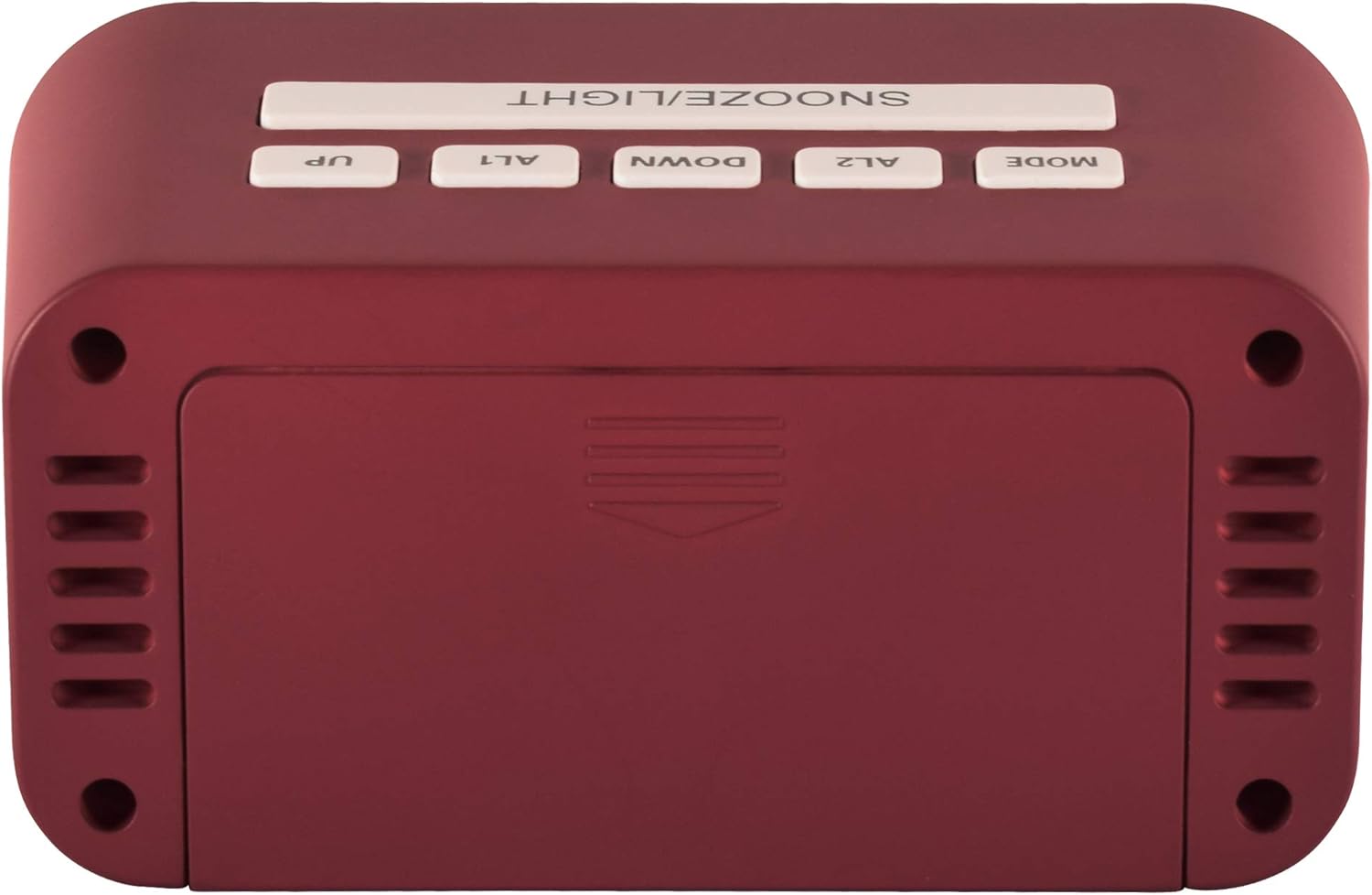
Figure 4: Top view of the Acctim Digital Alarm Clock, showing the control buttons. From left to right, these include SNOOZE/LIGHT, UP, ALT (Alarm 1), DOWN, AL2 (Alarm 2), and MODE. These buttons are used for setting time, alarms, and other functions.

Figure 5: Side view of the Acctim Digital Alarm Clock. This image highlights the compact design and the red casing of the clock, providing a perspective on its overall dimensions and aesthetic.
Setup
1. Battery Installation
The Acctim Digital Alarm Clock requires 2 x AA batteries (not included) for operation. Ensure the batteries are inserted with the correct polarity (+/-) as indicated inside the battery compartment.
- Locate the battery compartment cover on the back of the clock.
- Slide the cover open.
- Insert two new AA batteries, observing the polarity markings.
- Close the battery compartment cover securely.
Note: Remove batteries if the clock will not be used for an extended period to prevent leakage.
Operating Instructions
Setting Time and Date
- Press the MODE button repeatedly until the time display starts flashing.
- Use the UP and DOWN buttons to adjust the hour.
- Press MODE again to move to minutes, then use UP and DOWN to adjust.
- Continue pressing MODE to cycle through year, month, and day settings, adjusting each with UP and DOWN.
- Press MODE one last time to exit setting mode.
Setting Alarms (AL1 and AL2)
The clock features dual crescendo alarms.
- Press the AL1 or AL2 button to select the desired alarm. The alarm time will flash.
- Use the UP and DOWN buttons to set the alarm hour.
- Press the selected alarm button (AL1 or AL2) again to move to minutes, then adjust with UP and DOWN.
- Press the alarm button one more time to confirm and activate the alarm. An alarm icon will appear on the display.
- To deactivate an alarm, press the corresponding alarm button until the alarm icon disappears.
Using the Snooze/Light Function
- When the alarm sounds, press the large SNOOZE/LIGHT button on top of the clock to activate the snooze function. The alarm will temporarily stop and sound again after a few minutes (typically 5-10 minutes).
- Press the SNOOZE/LIGHT button at any time to illuminate the display for a few seconds. This is useful for checking the time in low light conditions.
Temperature Display
The clock automatically displays the indoor temperature. The unit of temperature (Celsius or Fahrenheit) can usually be toggled by pressing the UP or DOWN button while in normal time display mode, or by a dedicated switch/button on the back (refer to specific model details if available).
Maintenance
- Cleaning: Wipe the clock with a soft, dry cloth. Do not use abrasive cleaners or solvents, as they may damage the casing or display.
- Battery Replacement: Replace batteries when the display dims or the clock functions become erratic. Always replace both batteries at the same time.
- Storage: If storing the clock for an extended period, remove the batteries to prevent corrosion.
Troubleshooting
| Problem | Possible Cause | Solution |
|---|---|---|
| Display is dim or blank. | Low or dead batteries. | Replace with new AA batteries. Ensure correct polarity. |
| Alarm does not sound. | Alarm not activated or set incorrectly. | Verify alarm time and ensure the alarm icon is displayed. Check battery level. |
| Incorrect time/date. | Time/date not set correctly after battery installation or power interruption. | Follow the "Setting Time and Date" instructions to reset. |
| Temperature reading seems inaccurate. | Clock placed near heat sources, direct sunlight, or drafts. | Relocate the clock to a stable room temperature environment. Allow time for the sensor to adjust. |
Specifications
- Model: 15864
- Dimensions (H x W x D): 5.8 x 10 x 4.7 cm (2.32" x 3.94" x 1.85")
- Power Source: 2 x AA Batteries (not included)
- Display Type: Digital, Reflection Luminous Display
- Features: Dual Crescendo Alarm, Indoor Temperature Display, Calendar Display, Snooze/Light Function
- Material: Plastic
- Color: Red
Warranty Information
Acctim products are manufactured to high-quality standards. For specific warranty details, please refer to the warranty card included with your purchase or visit the official Acctim website. Keep your proof of purchase for any warranty claims.
Customer Support
For further assistance, technical support, or inquiries regarding your Acctim Digital Alarm Clock, please contact Acctim customer service. Contact information can typically be found on the product packaging or the official Acctim website.
You may also visit the Acctim Brand Store on Amazon for more product information.
Related documents15864


Ask a question about this manual
Ask about setup, troubleshooting, compatibility, parts, safety, or missing instructions. Manuals+ will review the question and use this page’s manual context to help answer it.