
Introduction
Thank you for choosing the Pxwaxpy 26800mAh High Capacity Power Bank. This manual provides essential information for the safe and efficient use of your device. Please read these instructions carefully before use and retain them for future reference.
Safety Precautions:
- Do not expose the power bank to extreme temperatures, direct sunlight, or water.
- Do not disassemble, modify, or attempt to repair the device.
- Keep out of reach of children.
- Use only certified charging cables and adapters.
Product Overview
The Pxwaxpy 26800mAh Power Bank is designed to provide portable power for your electronic devices. It features a high-capacity lithium-polymer battery and multiple output ports for versatile charging.

Image: Detailed view of the power bank showing the power button, LED indicators, USB output ports, and Micro USB input port.
Components:
- Power Button: Activates the power bank and checks battery level.
- LED Indicators: Four blue LED lights display the remaining battery capacity.
- USB Output Ports: Two ports (5V/2.1A and 5V/1A) for charging external devices.
- Micro USB Input Port: For recharging the power bank.
LED Indicator Status:
- 1 LED: 0-25% capacity
- 2 LEDs: 26-50% capacity
- 3 LEDs: 51-75% capacity
- 4 LEDs: 76-100% capacity

Image: Visual representation of the power bank's high capacity, showing approximate charge cycles for different smartphone models.
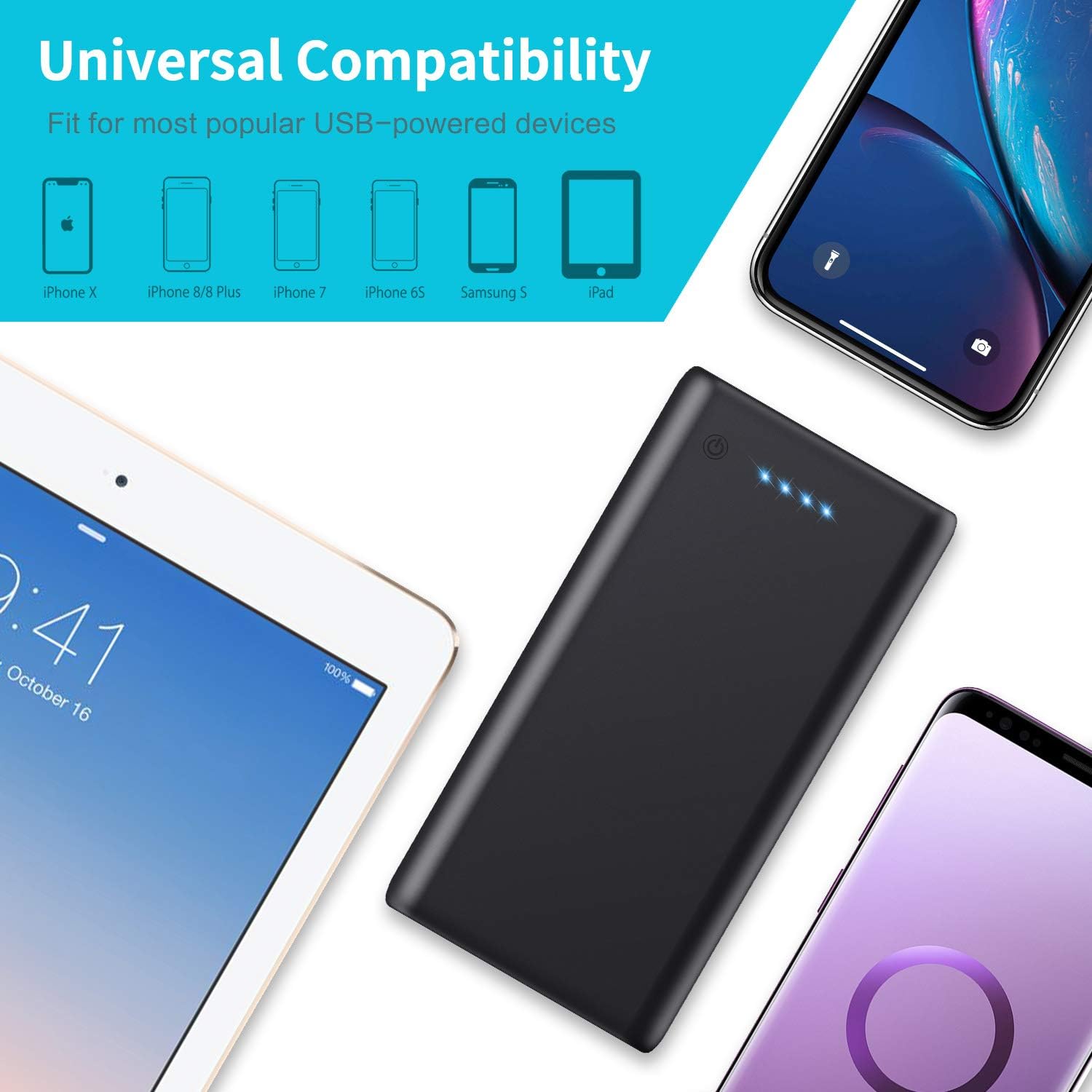
Image: The power bank shown with various compatible devices such as iPhones, Samsung phones, and iPads, highlighting its universal compatibility.
Setup
Initial Charging:
- Before first use, fully charge the power bank.
- Connect the provided USB cable to the Micro USB input port on the power bank.
- Connect the other end of the USB cable to a USB wall charger (not included) or a computer's USB port.
- The LED indicators will light up progressively to show the charging status. All four LEDs will be solid when fully charged.
Operating Instructions
Charging External Devices:
- Connect your device's charging cable to one of the USB output ports on the power bank.
- Connect the other end of the cable to your device.
- The power bank will automatically begin charging your device. If not, press the power button once to initiate charging.
- The LED indicators will show the remaining power bank battery level during charging.

Image: A person connecting two smartphones to the power bank, demonstrating its dual output capability for simultaneous charging.
Recharging the Power Bank:
- When the LED indicators show low battery (one flashing LED), it's time to recharge the power bank.
- Use the provided USB cable to connect the Micro USB input port of the power bank to a USB power source (e.g., wall adapter, computer).
- The LEDs will flash to indicate charging progress and remain solid when fully charged.

Image: The power bank connected to a laptop and a tablet, illustrating its fast charging capabilities for various devices.
Maintenance
To ensure the longevity and optimal performance of your Pxwaxpy Power Bank:
- Clean the device with a dry, soft cloth. Do not use harsh chemicals or abrasive materials.
- Store the power bank in a cool, dry place away from direct sunlight and extreme temperatures.
- If not used for extended periods, recharge the power bank at least once every three months to maintain battery health.
- Avoid dropping or subjecting the power bank to strong impacts.
Troubleshooting
If you encounter issues with your power bank, refer to the following common solutions:
- Power bank not charging: Ensure the charging cable is securely connected to both the power bank's Micro USB input and the power source. Try a different cable or power adapter.
- Device not charging from power bank: Ensure the power bank has sufficient charge (check LED indicators). Verify the charging cable is properly connected to both the power bank's output port and your device. Try a different USB output port or cable.
- Slow charging: Ensure you are using a high-quality charging cable. Some devices may charge slower if multiple devices are connected simultaneously.
- LED indicators not working: Press the power button to activate the display. If still unresponsive, the power bank may be fully discharged or require service.
Specifications

Image: The power bank displayed next to a smartphone, illustrating its physical dimensions and compact size.
| Feature | Detail |
|---|---|
| Model Number | HX160Y1 |
| Battery Capacity | 26800 mAh |
| Battery Type | Lithium-Polymer |
| Input | 5V/2.1A (Max) |
| Output 1 | 5V/2.1A (Max) |
| Output 2 | 5V/1A |
| Dimensions (L x W x H) | 150 x 75 x 15 mm (5.91 x 2.95 x 0.59 inches) |
| Weight | 350 grams |
| Connector Type | Micro USB (Input), USB-A (Output) |
Warranty and Support
Warranty Information:
This Pxwaxpy product is covered by a 90-day full refund policy and a 24-month replacement warranty from the date of purchase. Please retain your proof of purchase for warranty claims.
Customer Support:
For any questions, concerns, or technical assistance, please contact Pxwaxpy customer service. Our support team is available to assist you.
Please refer to the product packaging or the official Pxwaxpy website for the most current contact information.


