Introduction
This manual provides detailed instructions for the SHIDU Voice Amplifier 18W, Model HBXY002. This device is designed to amplify your voice clearly and can also function as a Bluetooth speaker. It is suitable for various indoor and outdoor activities, including teaching, presentations, fitness instruction, and tour guiding. Please read this manual thoroughly before using the product to ensure proper operation and longevity.
Package Contents
Upon opening the package, please verify that all the following items are included:
- 1 x SHIDU Voice Amplifier Speaker
- 1 x Wired Headset Microphone
- 1 x Charging Cable (USB)
- 1 x Audio Cable (AUX)
- 1 x Waistband/Strap
- 1 x User Manual

Product Overview
The SHIDU Voice Amplifier features a robust design with multiple functionalities. Key features include:
- 18W High Fidelity High Volume: Delivers clear and powerful sound.
- Battery Percentage Display: LCD shows remaining battery life.
- Power Bank Function: Built-in battery can charge other devices.
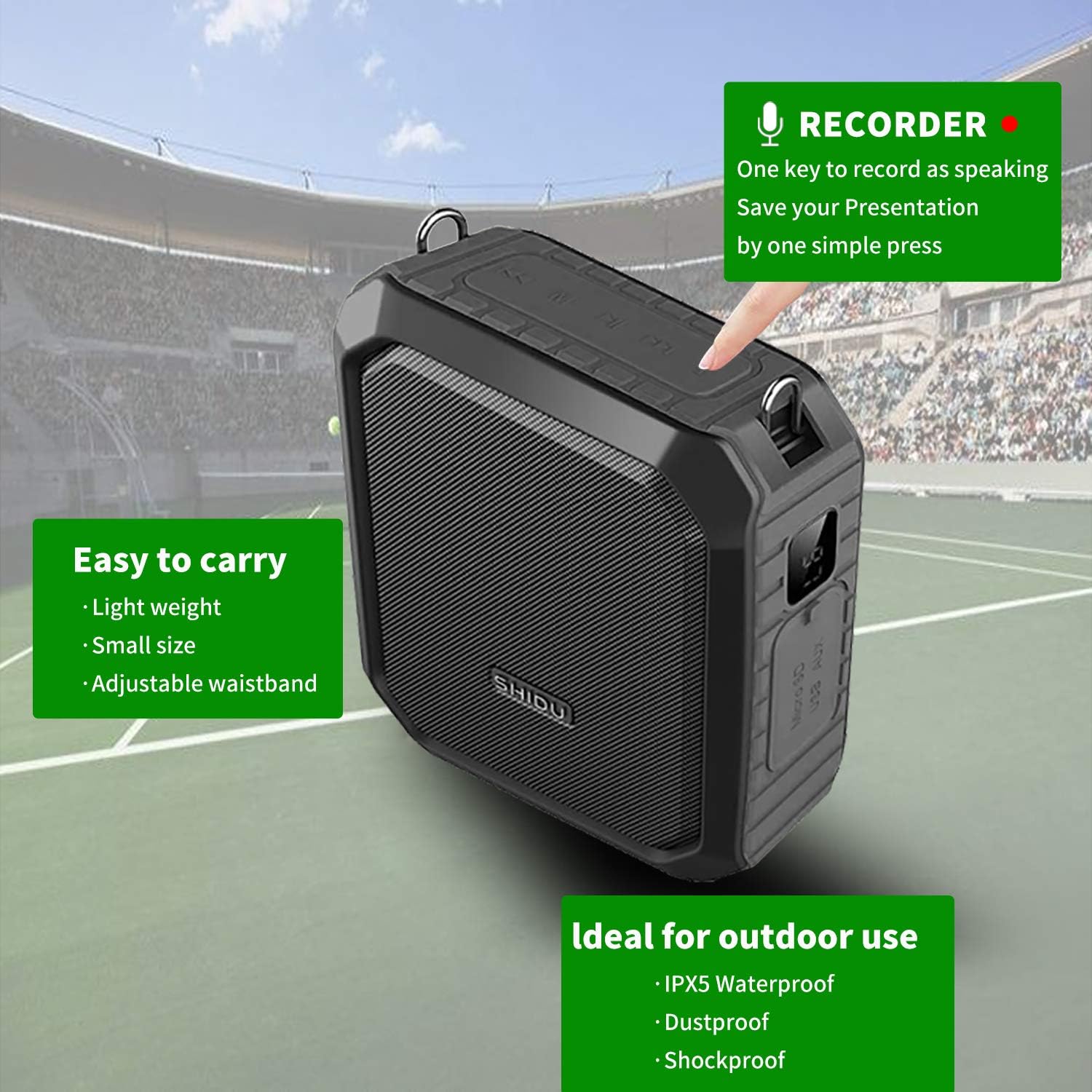
- IPX5 Waterproof: Designed with silicone cases and interfaces for water, shock, dust, and splash resistance.
- Bluetooth Speaker: Connects wirelessly to devices.
- Recorder: One-key recording function.
- Multiple Inputs: Supports Micro SD card, AUX input, and USB flash disk.


Setup
1. Charging the Device
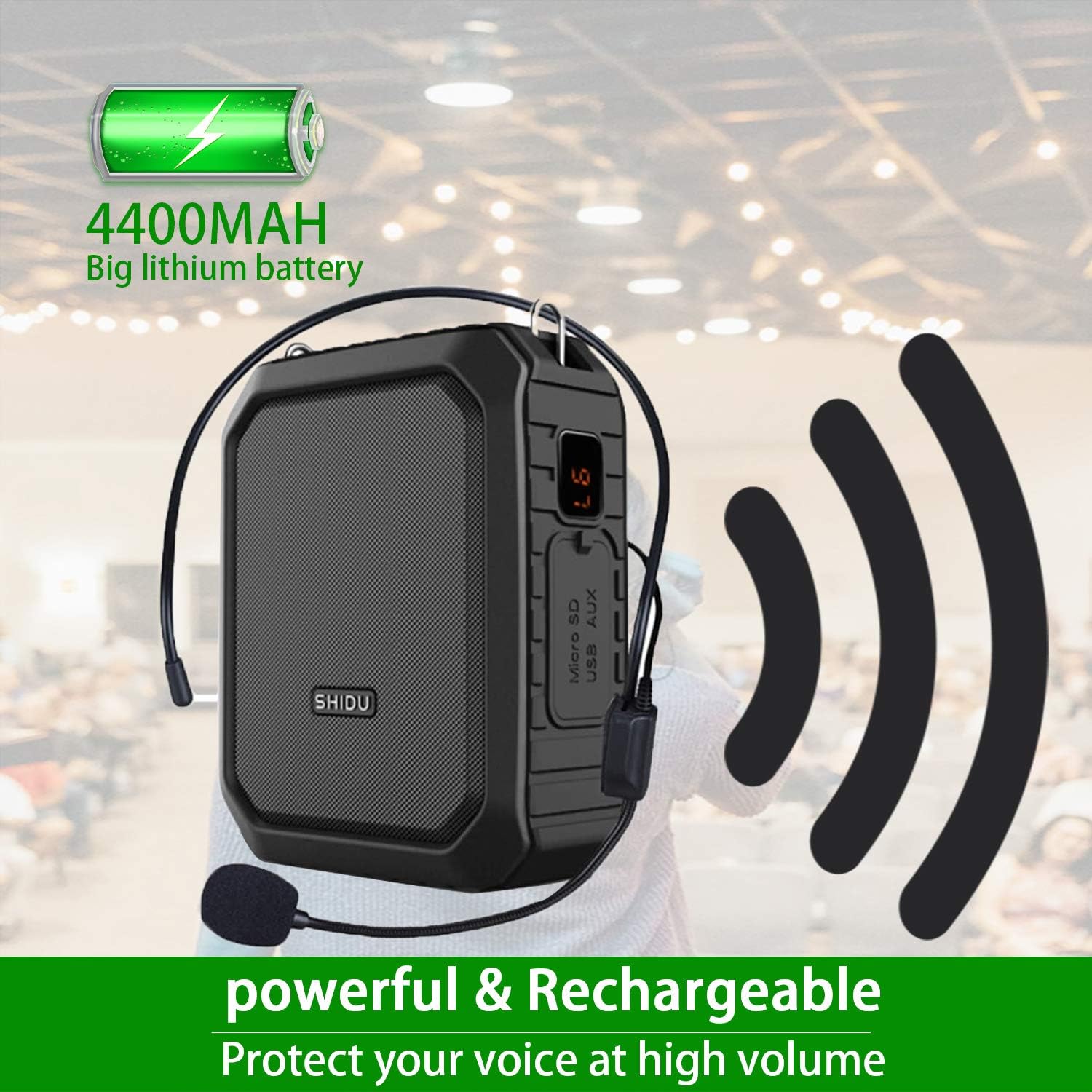
Before initial use, fully charge the voice amplifier. Connect the provided USB charging cable to the DC 5V port on the amplifier and to a standard USB power adapter (not included) or computer USB port. The battery percentage will be displayed on the screen. A full charge typically takes 3-5 hours.
2. Connecting the Headset Microphone
Insert the 3.5mm jack of the wired headset microphone into the MIC input port on the amplifier. Ensure it is securely connected. The headset is adjustable for comfort and can be worn as a headset, on shoulders, or held handheld.

3. Wearing the Amplifier
Attach the provided waistband to the amplifier's loops. You can wear the amplifier around your waist or clip it to your belt or pocket using the detachable back clip. Position the microphone close to your mouth for optimal voice pickup.
Operating Instructions
1. Power On/Off and Volume Control
- Power On: Press and hold the Power switch/play/pause button.
- Power Off: Press and hold the Power switch/play/pause button again.
- Volume Adjustment: Use the "Previous/Volume-" and "Next/Volume+" buttons to adjust the amplification level.
2. Voice Amplification Mode
Once the microphone is connected and the device is powered on, speak into the microphone. Your voice will be amplified through the speaker. Ensure the microphone is positioned correctly to avoid feedback (a high-pitched squeal).
Important: To prevent noise/feedback, keep the microphone and speaker at a sufficient distance from each other.
3. Bluetooth Speaker Mode
To use the device as a Bluetooth speaker:
- Power on the amplifier.
- Press the "Mode Key" button until you hear a voice prompt indicating "Bluetooth mode".
- Enable Bluetooth on your mobile device (smartphone, tablet, laptop).
- Search for "SD-M800" in your device's Bluetooth settings and connect. You will hear a voice prompt "Bluetooth is connected" upon successful pairing.
- You can now play audio from your device through the SHIDU amplifier. The amplifier supports simultaneous microphone input and music playback.

4. Recording Function
The amplifier features a one-key recording function. Insert a Micro SD card or USB flash drive into the respective port. Press the "Recording" button to start recording your voice or audio. Press it again to stop recording.
5. Using as a Power Bank
The built-in 4400mAh battery can be used to charge other devices. Connect your device's charging cable to the USB port on the amplifier. The battery level is displayed on the LCD screen.

6. AUX Input
Connect an external audio source (e.g., MP3 player) to the AUX port using the provided audio cable. The amplifier will play audio from the connected device.
Maintenance
- Cleaning: Wipe the device with a soft, dry cloth. Do not use harsh chemicals or abrasive cleaners.
- Storage: Store the amplifier in a cool, dry place away from direct sunlight and extreme temperatures.
- Battery Care: To prolong battery life, avoid fully discharging the battery frequently. Charge the device regularly, even if not in use for extended periods.
- Water Resistance: While IPX5 waterproof, avoid submerging the device in water. Ensure all port covers are securely closed when exposed to moisture.
Troubleshooting
| Problem | Possible Cause | Solution |
|---|---|---|
| No sound from speaker | Device is off; low battery; microphone not connected; volume too low. | Ensure device is powered on; charge the battery; connect microphone securely; increase volume. |
| High-pitched feedback (squealing) | Microphone too close to the speaker; volume too high. | Increase distance between microphone and speaker; lower the volume. |
| Bluetooth pairing failure | Bluetooth mode not activated; device not discoverable; incorrect pairing name. | Ensure amplifier is in Bluetooth mode; check your device's Bluetooth settings; search for "SD-M800". |
| Recording not working | No Micro SD card/USB drive inserted; card/drive full or corrupted. | Insert a compatible Micro SD card or USB drive; ensure it has free space and is formatted correctly. |
| Power bank not charging device | Amplifier battery low; incorrect cable; device not compatible. | Charge the amplifier; use the correct charging cable for your device; ensure your device supports USB charging. |
Specifications
| Feature | Detail |
|---|---|
| Model Number | HBXY002 |
| Output Power | 18W |
| Battery Capacity | 3.7V, 4400mAh Lithium-ion |
| Charging Voltage | 5V, 1A |
| Charging Time | 3-5 hours |
| Working Time | 10-12 hours (depending on volume) |
| Connectivity Technology | AUX, Bluetooth |
| Audio Input | AUX |
| Compatible Devices | Bluetooth-enabled devices (smartphones, laptops, tablets) |
| Material | Silicone |
| Item Weight | 388 Grams |
| Water Resistance | IPX5 (splash, rain, sand, dust, shock resistant) |
| UPC | 750076148716 |
Warranty and Support
For warranty information and customer support, please refer to the documentation provided with your purchase or contact SHIDU customer service directly. Keep your purchase receipt as proof of purchase.
The product is manufactured by SHIDU in China.
Intended Use Cases
This voice amplifier is recommended for:
- Teachers and educators
- Singers and performers
- Presenters and public speakers
- Fitness instructors and coaches
- Tour guides
- Individuals with soft voices or conditions like Parkinson's disease
- Outdoor activities where voice projection is needed