1. Introduction
This manual provides essential information for the safe and effective use of your Home Zone Portable Work Light. Please read these instructions thoroughly before operating the device and retain them for future reference.
The Home Zone Portable Work Light is a versatile, rechargeable LED light designed for various applications, offering portability and multiple functionalities including a USB charging port for external devices.
2. Safety Information
Observe the following safety precautions to prevent injury or damage to the product:
- Do not look directly into the LED light when it is active, as this may cause eye strain or damage.
- Keep the work light away from water or other liquids to prevent electric shock.
- Do not attempt to disassemble or modify the unit. Repairs should only be performed by qualified personnel.
- Ensure the charging cable is not damaged before use.
- Store the light in a cool, dry place when not in use.
- Keep out of reach of children.
3. Product Features
- Ultra Bright LED: Provides up to 400 lumens of 5000K LED light with two brightness modes.
- Adjustable Stand: Features a 180-degree rotating stand that functions as both a support and a carrying handle.
- USB Charging Port: Allows for charging of mobile devices in emergency situations.
- Durable Construction: Made from durable and lightweight ABS plastic.
- Extended Power Option: Includes an additional battery compartment for AA batteries (not included) to extend operational time.
- Dimmable Functionality: Adjust light intensity as needed.
4. Package Contents
- Home Zone Portable Work Light (1 unit)
- USB Charging Cable (1 unit)
- Instruction Manual (1 unit)
5. Setup
5.1 Initial Charge
Before first use, fully charge the internal battery of the work light. Connect the provided USB charging cable to the charging port on the light and to a standard USB power adapter (not included). The charging indicator will show the charging status.

Figure 1: USB Charging Port. The image displays a close-up of the side of the work light, highlighting the USB charging port with a white USB cable connected, ready for charging.
5.2 Installing AA Batteries (Optional)
For extended operation, you can install AA batteries (not included) into the designated compartment. This provides additional power beyond the internal rechargeable battery.
- Locate the AA battery compartment cover on the back of the unit.
- Open the cover and insert the required number of AA batteries, ensuring correct polarity (+/-).
- Close the battery compartment cover securely.

Figure 2: AA Battery Compartment. This image shows an open compartment on the back of the work light, revealing slots for AA batteries, indicating an option for extended power.
6. Operating Instructions
6.1 Power On/Off and Brightness Modes
Locate the power button on the unit. Press the button once to turn the light on. Subsequent presses will cycle through the available brightness modes (e.g., High, Low) and then turn the light off.
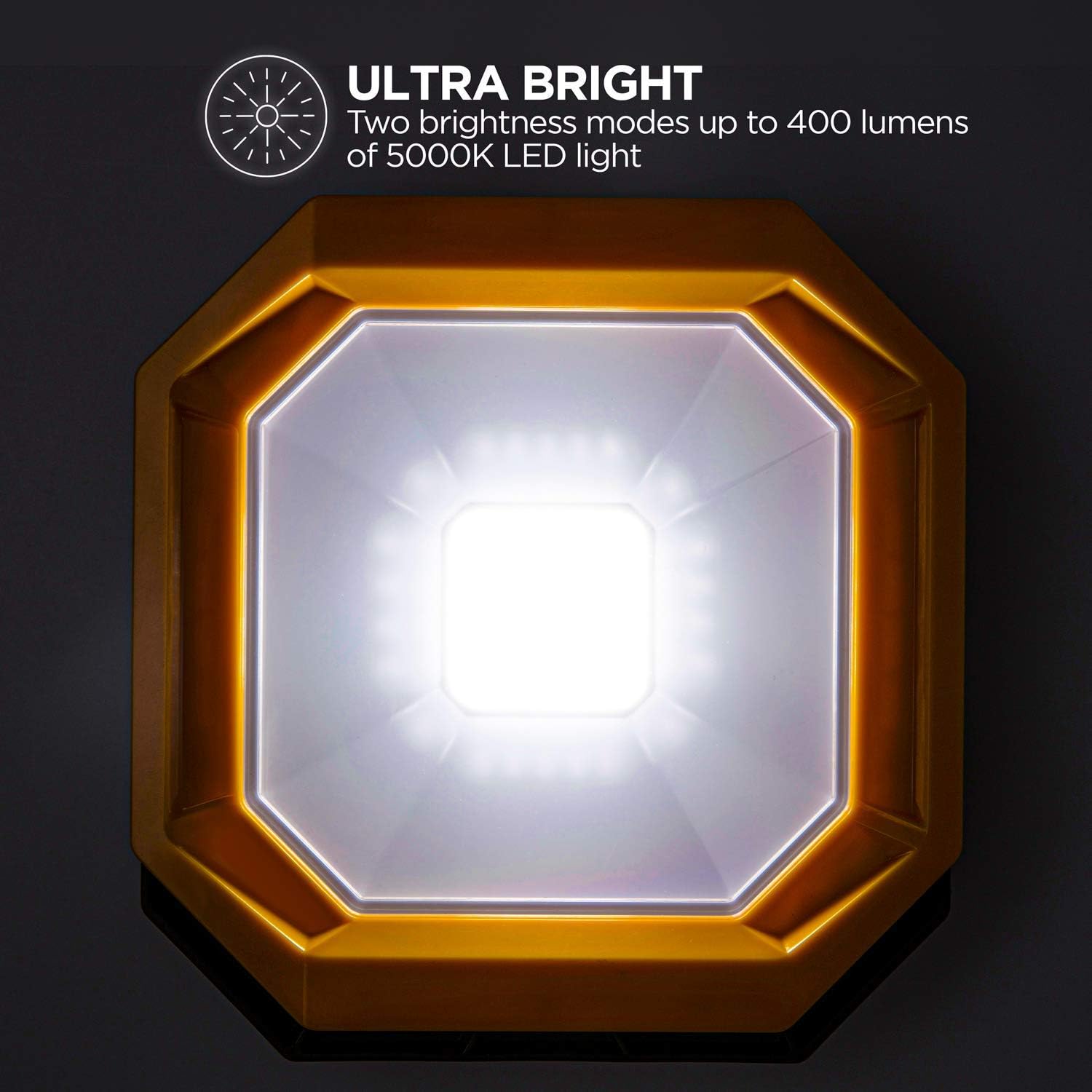
Figure 3: Brightness Modes. The image displays the work light illuminated, emphasizing its bright LED output and indicating the availability of multiple brightness settings.
6.2 Adjusting the Stand
The integrated stand can be rotated 180 degrees to position the light at various angles or to serve as a carrying handle. Adjust the stand to your desired position for optimal illumination or portability.

Figure 4: Adjustable Stand. This image illustrates the work light being held by its rotating stand, demonstrating its function as a handle for easy transport.
6.3 Using the USB Output Port
To charge external mobile devices, connect your device's USB charging cable to the USB output port on the work light. The work light's internal battery will provide power to your device.
7. Maintenance
7.1 Cleaning
Wipe the exterior of the work light with a soft, damp cloth. Do not use abrasive cleaners or solvents, as these may damage the finish or internal components.
7.2 Storage
When storing the work light for extended periods, ensure the internal battery is partially charged (around 50%) to prolong its lifespan. Store in a cool, dry environment away from direct sunlight and extreme temperatures.
8. Troubleshooting
| Problem | Possible Cause | Solution |
|---|---|---|
| Light does not turn on. | Internal battery is depleted. AA batteries (if installed) are depleted or incorrectly inserted. | Charge the internal battery. Check and replace AA batteries if necessary, ensuring correct polarity. |
| Light is dim or flickers. | Low battery charge. | Recharge the internal battery. |
| Mobile device not charging via USB port. | Work light battery is too low. USB cable is faulty. Device is incompatible. | Ensure the work light has sufficient charge. Try a different USB cable. Verify device compatibility. |
9. Specifications
| Feature | Detail |
|---|---|
| Brand | Home Zone |
| Model | Portable Work Light |
| Light Source Type | LED |
| Brightness | Up to 400 lumens |
| Color Temperature | 5000K (Warm White) |
| Power Source | Battery Powered (Internal rechargeable, optional AA) |
| Voltage | 2.2 Volts |
| Wattage | 5 watts |
| Material | Acrylonitrile Butadiene Styrene (ABS), Plastic |
| Mounting Type | Handheld |
| Special Features | Portable, Dimmable, USB Charging Port, Adjustable Stand |
| Item Weight | 15.5 ounces |
| Package Dimensions | 7.6 x 7.3 x 2.7 inches |
| ASIN | B07QX9BQHW |
| UPC | 889526302207 |
10. Warranty and Support
For warranty information or technical support, please refer to the contact details provided with your purchase or visit the official Home Zone website. Keep your proof of purchase for any warranty claims.


