
Introduction
This manual provides essential information for the proper use and maintenance of your new replacement remote control. This remote is designed to operate various AKAI AC Air Conditioner models, including TEM-35CHSAKA, TEM-50CHSAKA, TEM-35CHSABH, TEM-35CHSF, TEM-35CHSAAU, TEM-64CHSAAU, and TEM-26CHSAAK. Please read this manual thoroughly before using the remote control.
Product Overview
The replacement remote control offers a straightforward interface for managing your AKAI air conditioner. It features an ergonomic design for comfortable handling and utilizes infrared technology for communication with your AC unit.

Figure 1: Front view of the replacement remote control, showing the display screen and various control buttons.
Key Features:
- Ergonomic design for comfortable grip.
- Infrared connectivity for reliable operation.
- Button control interface for easy function selection.
- Compatible with specified AKAI AC models.
- Simple and intuitive to use.
Note: As a replacement item, some advanced functions present on the original remote may not be fully supported or may operate differently. Please verify compatibility with your specific AC model.
Setup
Battery Installation:
The remote control requires two (2) AAA batteries (not included) for operation. Follow these steps to install the batteries:
- Locate the battery compartment on the back of the remote control.
- Slide the battery compartment cover downwards to open it.
- Insert two AAA batteries, ensuring the positive (+) and negative (-) ends align correctly with the markings inside the compartment.
- Slide the battery compartment cover back into place until it clicks securely.
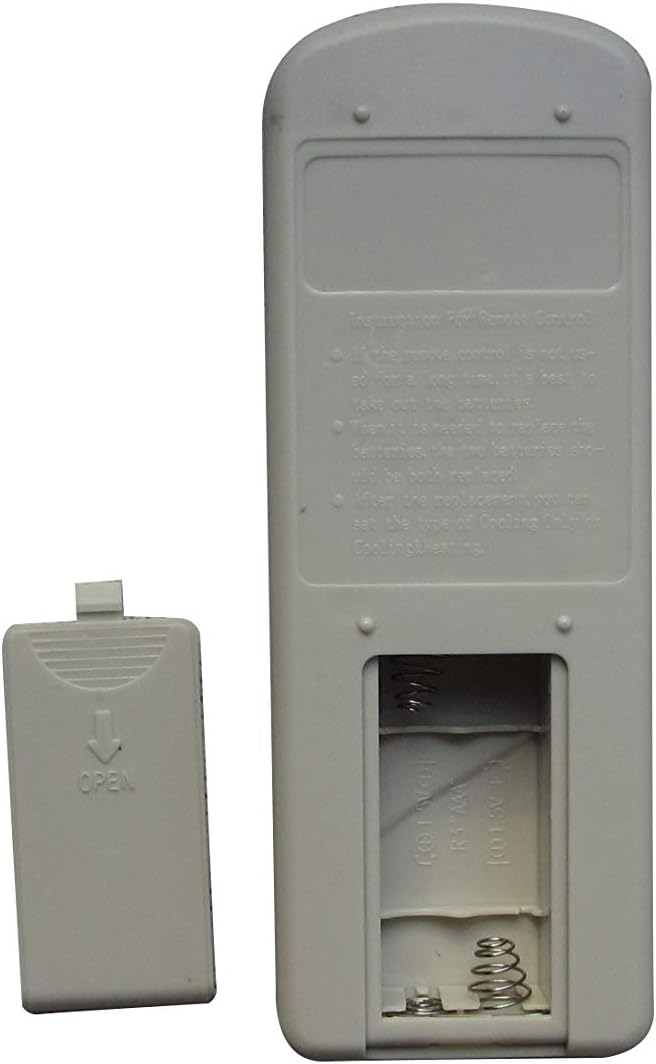
Figure 2: Back view of the remote control, showing the open battery compartment ready for AAA battery insertion.
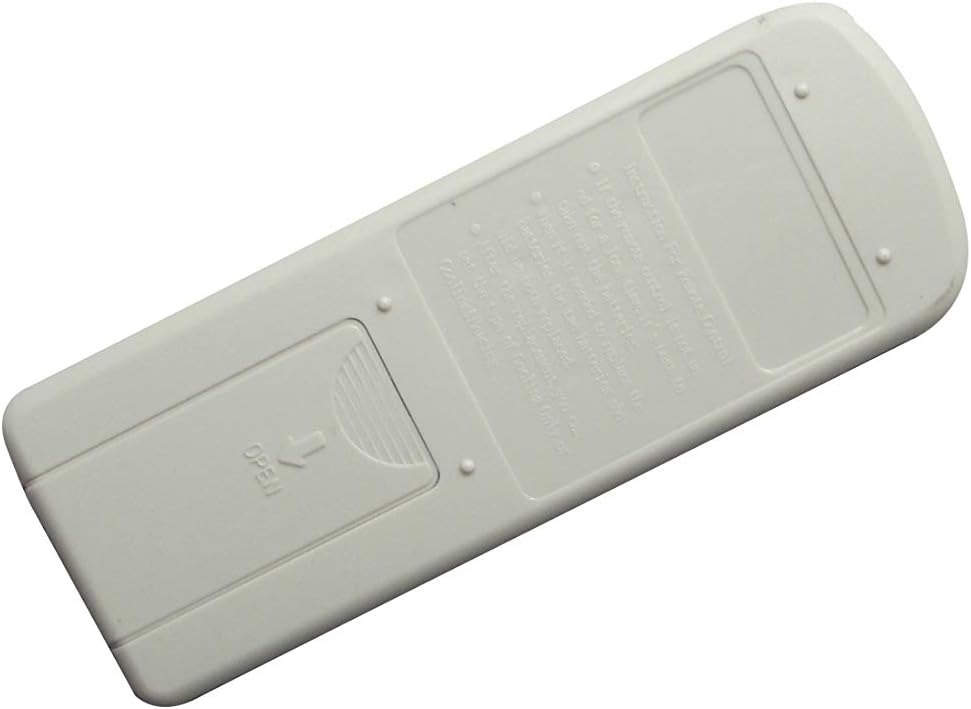
Figure 3: Back view of the remote control, showing the battery compartment securely closed.
Once batteries are installed, the remote is ready for use. No pairing or complex setup is typically required for infrared remotes.
Operating Instructions
Point the remote control directly at the infrared receiver on your AKAI air conditioner unit. Ensure there are no obstructions between the remote and the AC unit.
Button Functions:
- ON/OFF (Red Button): Press to turn the air conditioner on or off.
- MODE: Cycles through operating modes such as Cool, Dry, Fan, Heat, Auto.
- FAN: Adjusts the fan speed (e.g., Auto, Low, Mid, High).
- SWING: Controls the louver swing function for air distribution.
- TIMER: Sets the timer for automatic on/off operations. (Timer On/Timer Off options visible on display).
- SLEEP: Activates or deactivates the sleep mode, which adjusts temperature for comfortable sleep.
- Temperature Adjustment (Up/Down Arrows): Increases or decreases the desired temperature setting.
Refer to your AKAI air conditioner's original manual for detailed explanations of each mode and function, as this replacement remote aims to replicate those controls.
Maintenance
Battery Replacement:
Replace batteries when the remote's range decreases or if the display becomes dim. Always replace both batteries at the same time with new AAA batteries. Do not mix old and new batteries, or different types of batteries.
Cleaning:
Wipe the remote control with a soft, dry cloth. Do not use liquid cleaners, abrasive cleaners, or chemical solvents, as these can damage the remote's surface or internal components.
Storage:
If the remote control will not be used for an extended period (e.g., one month or more), remove the batteries to prevent leakage and potential damage to the remote.
Troubleshooting
- Remote not responding:
- Check if batteries are inserted correctly with correct polarity.
- Replace old batteries with new ones.
- Ensure there are no obstructions between the remote and the AC unit's receiver.
- Confirm you are within the effective range of the AC unit's infrared receiver.
- Certain functions not working:
- This is a replacement remote. Some advanced or specific functions of your original AKAI remote may not be fully replicated.
- Ensure your AKAI AC model is listed as compatible.
Specifications
| Feature | Detail |
|---|---|
| Brand | Easytry123 |
| Connectivity Technology | Infrared |
| Controller Type | Button Control |
| Special Feature | Ergonomic |
| Batteries Required | 2 x AAA (not included) |
| Compatible Models | AKAI TEM-35CHSAKA, TEM-50CHSAKA, TEM-35CHSABH, TEM-35CHSF, TEM-35CHSAAU, TEM-64CHSAAU, TEM-26CHSAAK |
Warranty and Support
For information regarding warranty coverage or technical support, please contact the seller or manufacturer directly. Details regarding returns and replacements may be available from your point of purchase.
Manufacturer: Easytry123