
STANLEY J5C09D
STANLEY J5C09D Automotive Jump Starter
1200 Peak Amp Portable Power Station with 120 PSI Air Compressor
Product Overview
The STANLEY J5C09D digital jump starter and power station is designed to provide reliable jump-starting power and portable utility. With 1200 peak amps, it can jump-start various vehicles including cars, trucks, SUVs, motorcycles, boats, RVs, ATVs, and tractors without needing another vehicle. It also features a 120 PSI air compressor for inflation needs and multiple USB ports for charging electronic devices.
- 120 PSI Air Compressor for vehicle tires, bike/scooter tires & sports equipment
- Delivers serious jump-starting power with 1200 peak amps
- Reverse polarity alarm alerts when there is an improper connection; Connect the clamps to the car battery, turn on the switch and start your vehicle
- 2.1A/10W USB and 12V outlet for charging devices
- Equipped with (3) 3.1A USB ports that provide portable power for electronic devices
- Compressor features a new 10 minute Auto Shut Off timer to avoid damage from heat, should the compressor be left ON unintentionally or unattended
- High-powered LED light rotates 270 degrees to help you work in low light situations
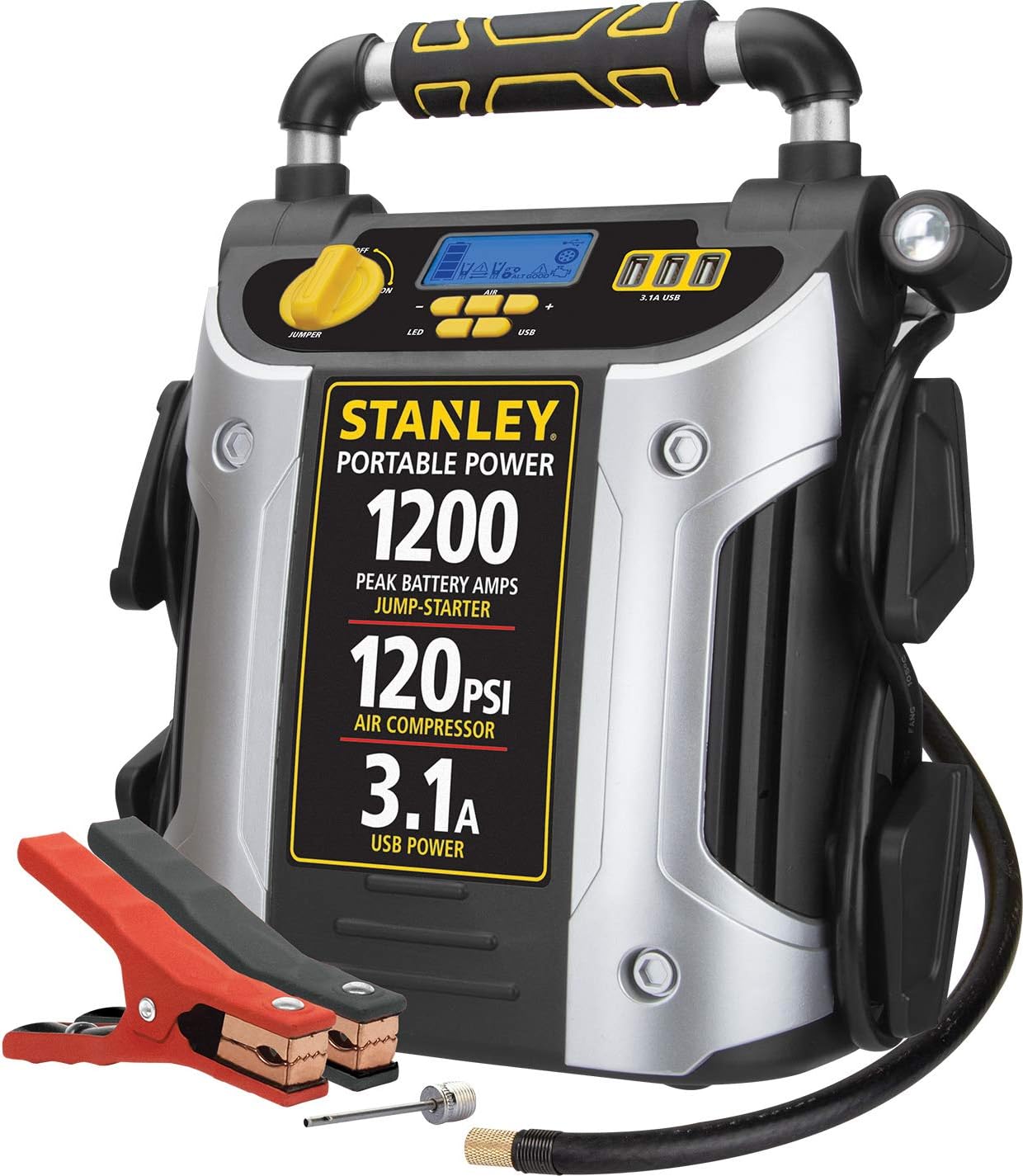
Figure 1: Front view of the STANLEY J5C09D Jump Starter.
Video 1: J5C09D Product Overview by Baccus Global LLC.
Components and Controls
Familiarize yourself with the various components and controls of your STANLEY J5C09D unit.

Figure 2: Labeled diagram of the J5C09D features.
Initial Setup and Charging
First Use
It is crucial to fully charge the unit immediately upon purchase. This ensures optimal performance and battery longevity.
Charging the Unit
The unit features an integrated charging cube. To charge, simply use a standard household extension cord (not included) and plug it into the unit's AC charging port.

Figure 3: Integrated AC charging cube for convenient recharging.

Figure 4: Important note on charging frequency for optimal performance.
Operating Instructions
Jump Starting a Vehicle
- Ensure the jump starter is fully charged.
- Connect the red (positive) clamp to the positive (+) terminal of the vehicle's battery.
- Connect the black (negative) clamp to a non-moving metal part of the vehicle's chassis, away from the battery.
- Turn on the jump starter's power switch. The reverse polarity alarm will alert you if there is an improper connection.
- Attempt to start your vehicle. If it doesn't start immediately, wait a few minutes and try again.
- Once the vehicle starts, turn off the jump starter.
- Disconnect the black (negative) clamp first, then the red (positive) clamp.

Figure 5: Front view showing the jump starter clamps.
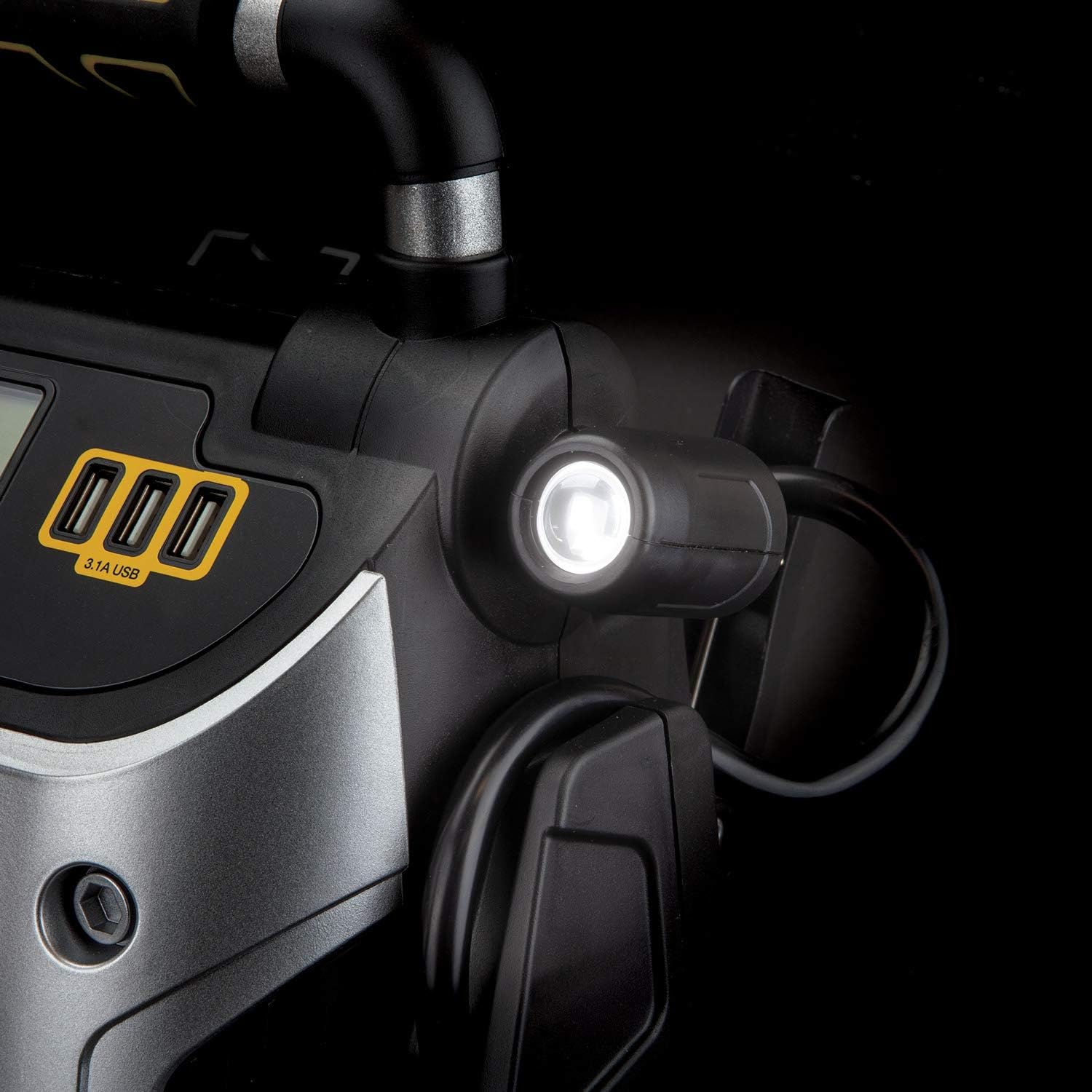
Figure 6: Proper placement of the jump starter during use.
Video 2: Stanley - Charger vs Jump Starter by Baccus Global LLC, explaining the difference in function.
Using the Air Compressor
The integrated 120 PSI air compressor is suitable for inflating vehicle tires, bicycle tires, and various sports equipment. It features a Surefit Nozzle for direct connection to tires without extra adapters.
- Connect the Surefit Nozzle to the tire valve or appropriate adapter for sports equipment.
- Set the desired PSI using the control buttons on the unit's display.
- Activate the compressor. The unit will automatically shut off after 10 minutes to prevent overheating.
- Monitor the pressure on the digital display.
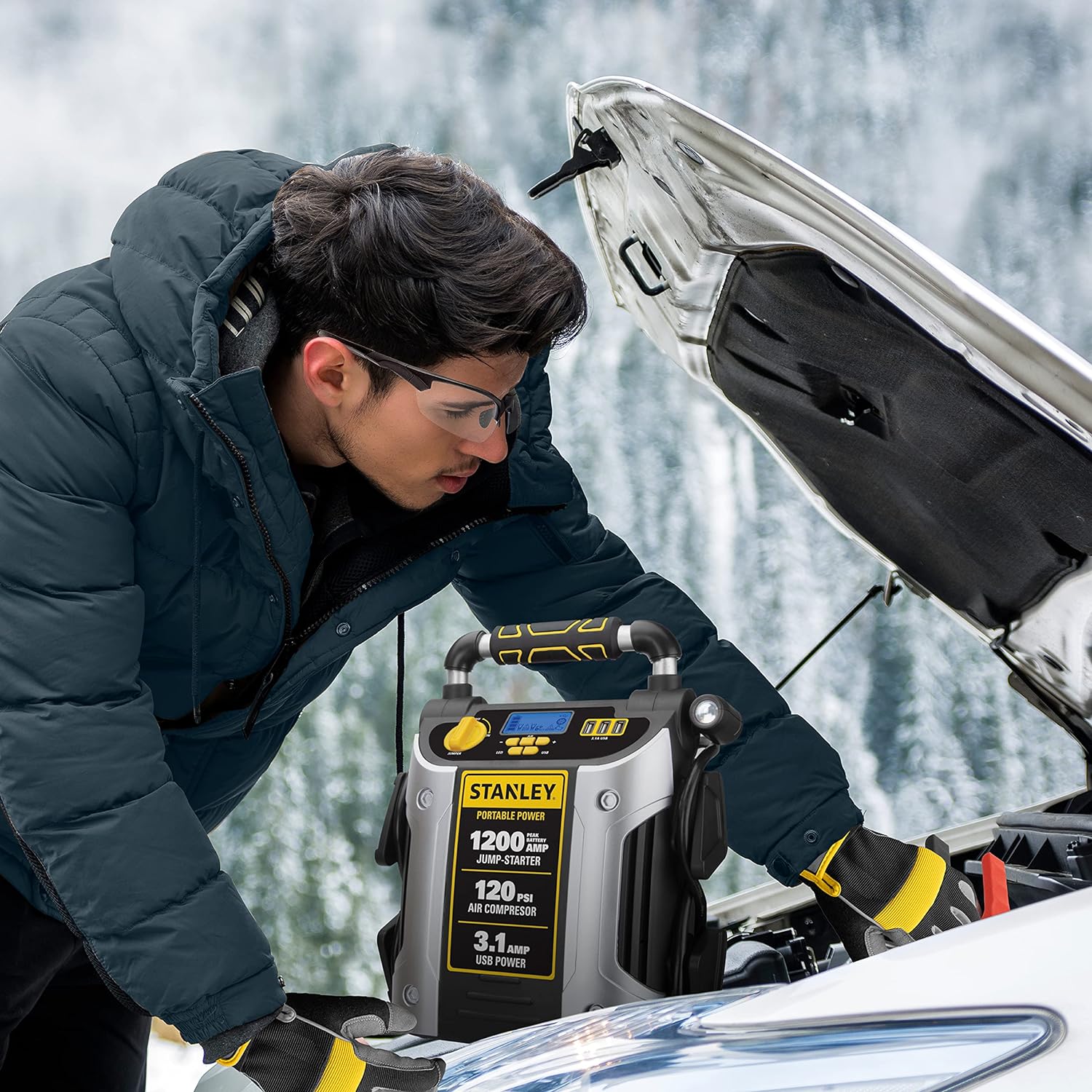
Figure 7: Versatile air compressor for various inflation needs.

Figure 8: Surefit Nozzle for direct tire connection.

Figure 9: Automatic 10-minute shut-off timer for the air compressor.
USB Charging and Power Outlets
The unit is equipped with three 3.1A USB ports and a 12V outlet, providing portable power for charging phones, tablets, and other electronic devices.
Figure 10: USB ports for charging electronic devices.
LED Light Operation
A high-powered LED light rotates 270 degrees, assisting in low-light situations during jump-starting or other tasks.
Figure 11: The 270-degree rotating LED light for illumination.
Maintenance
To ensure the longevity and readiness of your STANLEY J5C09D, adhere to the following charging schedule:
- Initial Charge: Fully charge the unit immediately upon purchase.
- After Each Use: The unit should be charged immediately overnight after it has been used.
- Regular Maintenance: For optimal performance, the unit should be charged every 30 days when not in use.
Troubleshooting
If you encounter issues with your STANLEY J5C09D, consider the following common troubleshooting steps:
- Unit Not Turning On: Ensure the unit is fully charged. Check all connections.
- Jump Start Failure: Verify correct clamp connection (red to positive, black to chassis). Ensure vehicle battery terminals are clean. Allow the unit to rest between attempts.
- Air Compressor Not Working: Check that the hose is securely attached. Ensure the unit is powered on and the desired PSI is set. The compressor has a 10-minute auto shut-off; allow it to cool if it has been running continuously.
- USB Ports Not Charging: Confirm the unit has sufficient charge. Ensure devices are properly connected.
For more detailed troubleshooting, please refer to the complete user manual (PDF link available on the product page).
Technical Specifications
| Feature | Specification |
|---|---|
| Brand | STANLEY |
| Model | J5C09D |
| Peak Amps | 1200 Amps |
| Air Compressor | 120 PSI |
| USB Ports | (3) 3.1A USB |
| Item Weight | 14.6 Pounds |
| Product Dimensions | 11"D x 7.5"W x 13"H |
| Manufacturer | Baccus Global LLC |
Warranty Information
The STANLEY J5C09D comes with a limited 1-year manufacturer warranty. Please retain your proof of purchase for warranty claims.
Customer Support
For any questions, technical assistance, or warranty inquiries not covered in this manual, please contact STANLEY customer service. Refer to the product packaging or the official STANLEY website for contact details.
Related documentsJ5C09D


Ask a question about this manual
Ask about setup, troubleshooting, compatibility, parts, safety, or missing instructions. Manuals+ will review the question and use this page’s manual context to help answer it.