
Introduction
The ACETECH AC6000 Airsoft Chronograph is a high-precision instrument designed for accurately measuring the muzzle velocity (FPS/m/s) and rate of fire (ROF) of airsoft guns. It features an intuitive interface with a clear 128x128 OLED display, making it easy to read and operate. This manual provides essential information for the proper setup, operation, maintenance, and troubleshooting of your AC6000 chronograph.
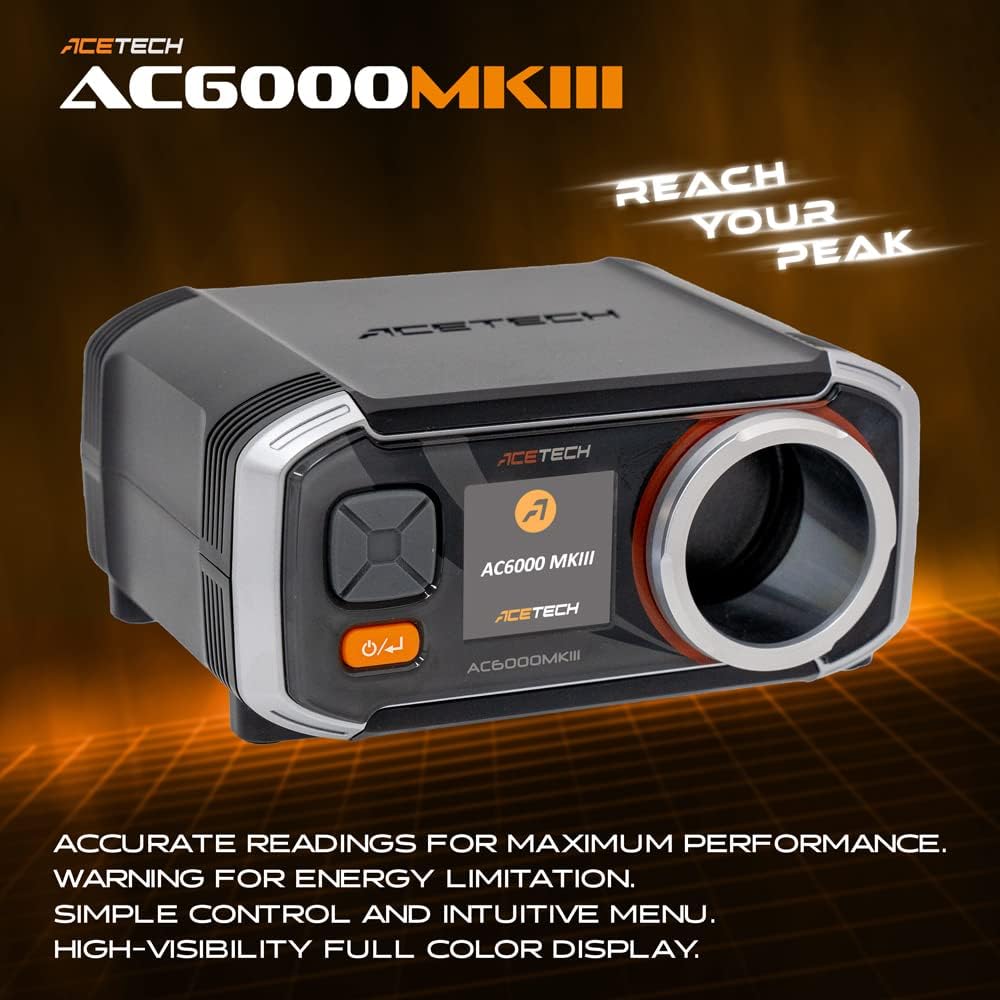
Image: The ACETECH AC6000 MKIII Airsoft Chronograph, showcasing its design and display.
Key features include automatic calculation of maximum, minimum, and average readings, along with 25 memory positions for storing speed and ROF data. The device supports a wide range of BB calibers and offers a tripod mounting option for stable measurements.
Package Contents
Before proceeding with the setup, please verify that all items are present in the package:
- ACETECH AC6000 MKIII Chronograph Unit
- User Manual (this document)
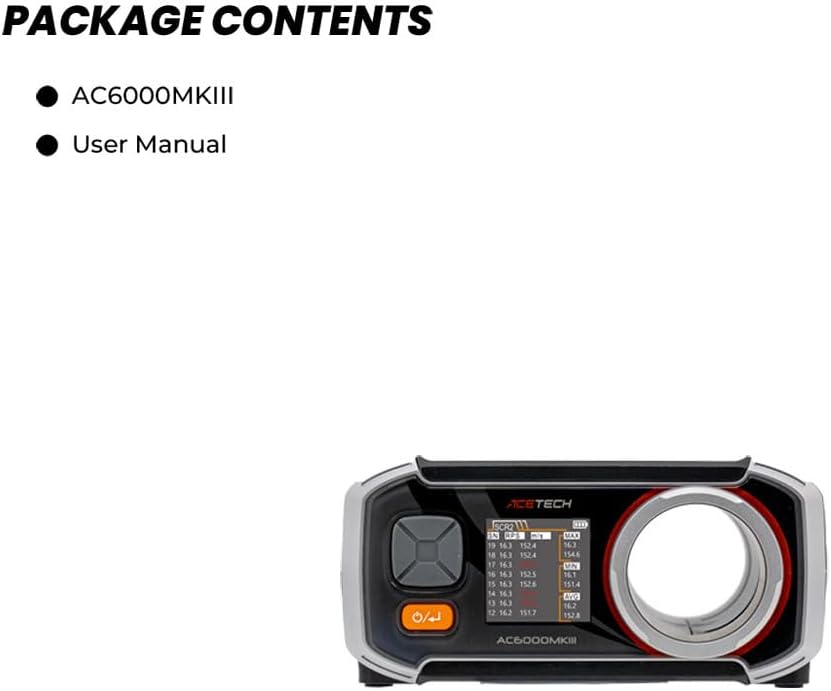
Image: Contents of the ACETECH AC6000 package, including the chronograph unit and user manual.
Setup
Power Source
The AC6000 chronograph can be powered by two methods:
- AA Batteries: Insert four (4) AA alkaline batteries into the battery compartment. It is crucial to use alkaline batteries; zinc-carbon batteries are not recommended and may lead to inaccurate readings or device malfunction.
- Micro USB Power: Connect a Micro USB cable (5V/0.5A) to the device. This powers the unit directly but does not charge batteries.
Tripod Mounting
The AC6000 features a standard 1/4-20 UNC tripod screw thread at its base, allowing it to be mounted on most camera or camcorder tripods for stable and consistent measurements.
Operating Instructions
The AC6000 is designed for straightforward operation with its intuitive controls and clear OLED display.
Power On/Off
Press and hold the power button (usually marked with a power symbol) to turn the device on or off. The device features an automatic power-off function to conserve battery life during periods of inactivity.
Ammunition Parameter Settings
The chronograph allows you to store up to 5 different ammunition parameters (e.g., BB weight, caliber). These can be selected via the SCR1 setting. Refer to the on-screen menu for navigation and adjustment of these parameters.
Measuring Velocity and Rate of Fire (ROF)
- Ensure the chronograph is powered on and the correct ammunition parameters are selected.
- Position the muzzle of your airsoft gun approximately 10 cm (4 inches) outside the chronograph's measurement tube. This distance is crucial, especially when using CO2 airsoft guns, to prevent smoke from interfering with sensor readings.
- Fire your airsoft gun through the center of the chronograph's measurement tube. The device will automatically detect the projectile and display the velocity (m/s or ft/s).
- For Rate of Fire (ROF) measurements, fire at least 10 consecutive rounds. The chronograph will then calculate and display the ROF (rounds per minute).

Image: The AC6000 display showing detailed shooting data, including maximum, minimum, and average velocity and rate of fire.

Image: The AC6000 chronograph highlighting its clear display and user-friendly controls.
Data Storage and Analysis
The AC6000 stores up to 25 sets of speed and ROF data. It automatically calculates and displays the maximum (MAX), minimum (MIN), and average (AVG) values from your shooting sessions, providing comprehensive performance analysis.
Maintenance
To ensure the longevity and accuracy of your ACETECH AC6000 chronograph, follow these maintenance guidelines:
- Cleaning: Regularly wipe the exterior of the device with a soft, dry cloth. Ensure the measurement tube and internal sensors are free from dust, debris, or BB fragments. Do not use abrasive cleaners or solvents.
- Battery Care: If the device will not be used for an extended period, remove the AA batteries to prevent leakage and potential damage to the battery compartment.
- Storage: Store the chronograph in a cool, dry place, away from direct sunlight and extreme temperatures. Protect it from impacts and drops.
Troubleshooting
If you encounter issues with your AC6000 chronograph, refer to the following common problems and solutions:
| Problem | Possible Cause | Solution |
|---|---|---|
| Inaccurate Speed Readings |
|
|
| No ROF Data Displayed | Not enough consecutive shots fired. | Fire at least 10 rounds consecutively to generate ROF data. |
| Device Does Not Power On |
|
|
Specifications
The following specifications apply to the ACETECH AC6000 MKIII Chronograph:

Image: Detailed specifications for the ACETECH AC6000 MKIII Chronograph.
- Model: AC6000 MKIII BT Premium
- Dimensions (L x W x H): 130 x 108 x 61 mm
- Weight (without battery): Approximately 285g (for AC6000MKIII model)
- Power Source: 4 x AA Alkaline Batteries or Micro USB (5V/0.5A)
- Measuring Tube Diameter: 36 mm
- Speed Measurement Range: 30 - 400 m/s (90 - 1200 ft/s)
- ROF (Rate of Fire) Range: 100 - 5000 rounds/minute
- Tripod Screw Thread: 1/4-20 UNC (Standard Camera/Camcorder Tripod Screw)
- Display: 128x128 White OLED
- Ammunition Support: BB 4.5mm, 6mm, 9mm, 18mm
- Material: Aluminum (shooting tube, for Premium/Exclusive Edition) / Plastic (body)
Note: Specifications may vary slightly between different versions (e.g., AC6000MKIII, AC6000MKIII BT, AC6000MKIII BT Premium/Exclusive Edition). The 'Premium' model typically includes Bluetooth functionality and an aluminum shooting tube.

Image: Comparison of AC6000MKIII models, highlighting differences in features like Bluetooth and shooting tube material.
Warranty
The ACETECH AC6000 Chronograph typically comes with a 12-month warranty from the date of purchase. Please retain your proof of purchase for any warranty claims. The warranty covers manufacturing defects but does not cover damage caused by misuse, accidents, unauthorized modifications, or improper maintenance.
Support
For further assistance, technical support, or warranty inquiries, please contact ACETECH customer service through their official website or the retailer from whom you purchased the product. Always provide your product model number (AC6000 MKIII BT Premium) and a detailed description of the issue when seeking support.