
iHome IBT50
iHome Color Changing Bluetooth Portable Speaker User Manual
Model: IBT50
Brand: iHome
Introduction
This manual provides essential information for setting up, operating, and maintaining your iHome Color Changing Bluetooth Portable Speaker (Model IBT50). Please read this manual thoroughly before using the device to ensure proper functionality and to maximize your listening experience.
What's in the Box
Upon opening the package, please ensure all items listed below are present:
- iHome IBT50 Color Changing Bluetooth Portable Speaker
- USB Charging Cable
- Instruction Booklet (this manual)
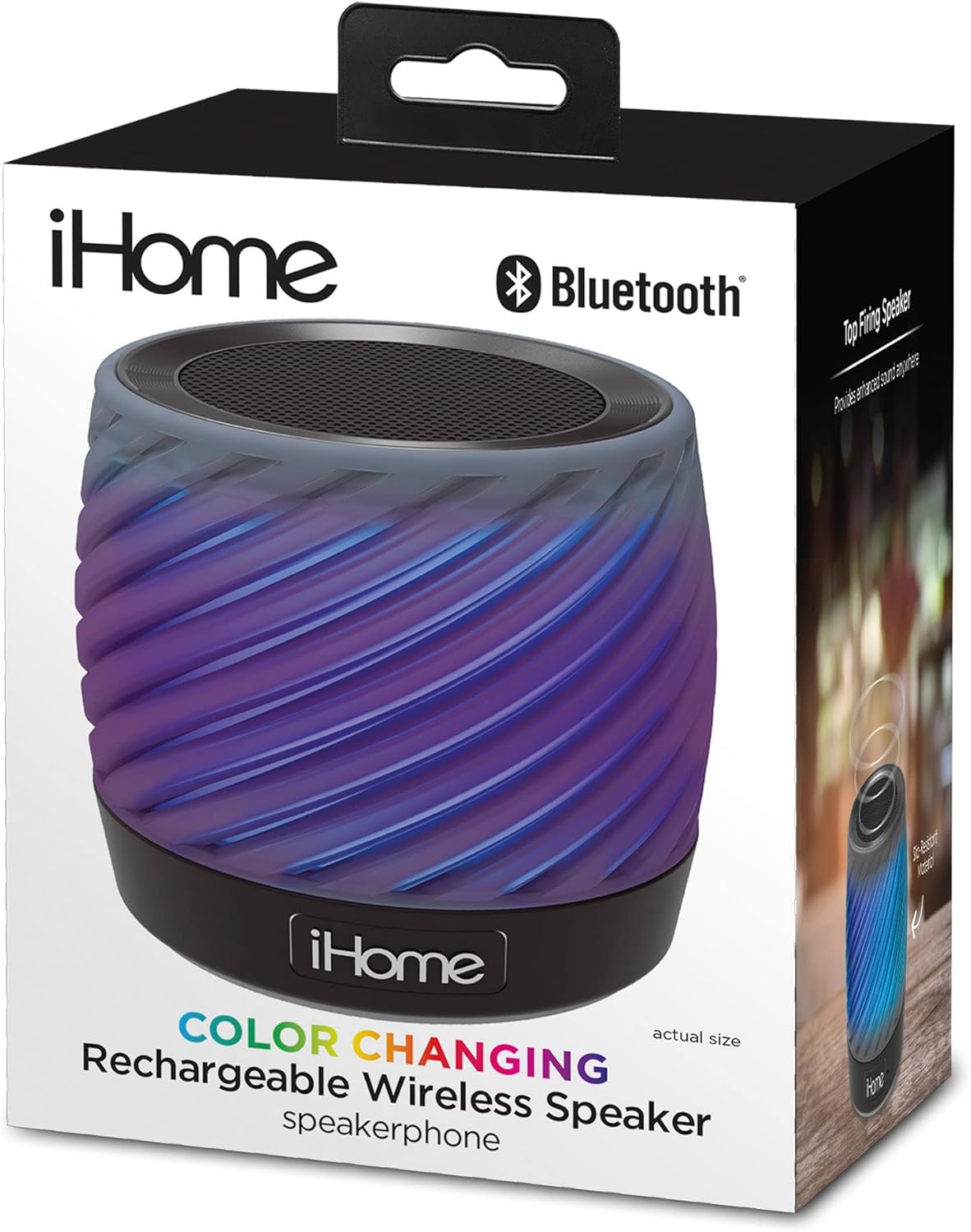
Image: The iHome IBT50 speaker in its retail packaging, illustrating the compact size and the included USB charging cable.
Setup
1. Charging the Speaker
Before initial use, fully charge your iBT50 speaker. The internal rechargeable lithium-ion battery provides up to 9 hours of audio playback on a full charge.
- Locate the Micro USB charging port on the speaker.
- Connect the smaller end of the included USB charging cable to the speaker's Micro USB port.
- Connect the larger end of the USB charging cable to a powered USB port (e.g., computer USB port, USB wall adapter, or car charger - not included).
- The LED indicator on the speaker will illuminate to show charging status. It will turn off or change color when fully charged.
2. Powering On/Off
- To power on the speaker, press and hold the Power button until you hear an audible tone and the LED indicator lights up.
- To power off the speaker, press and hold the Power button again until you hear an audible tone and the LED indicator turns off.
Operating Instructions
1. Bluetooth Pairing
The iBT50 speaker can stream audio wirelessly from any Bluetooth-enabled device.
- Ensure the speaker is powered on and in Bluetooth pairing mode. The LED indicator will flash rapidly, indicating it's ready to pair.
- On your Bluetooth-enabled device (smartphone, tablet, computer), go to the Bluetooth settings menu.
- Search for available devices. The speaker will appear as "iHome IBT50" or similar.
- Select "iHome IBT50" to connect. Once paired, the LED indicator will glow solid, and you will hear a confirmation tone.
- If pairing is unsuccessful, turn off the speaker and your device's Bluetooth, then repeat the steps.

Image: The iHome IBT50 speaker, highlighting its wireless and color-changing capabilities.
2. Playing Audio
Once successfully paired, you can play audio from your device. Use your device's controls to manage playback (play, pause, skip tracks) and volume.
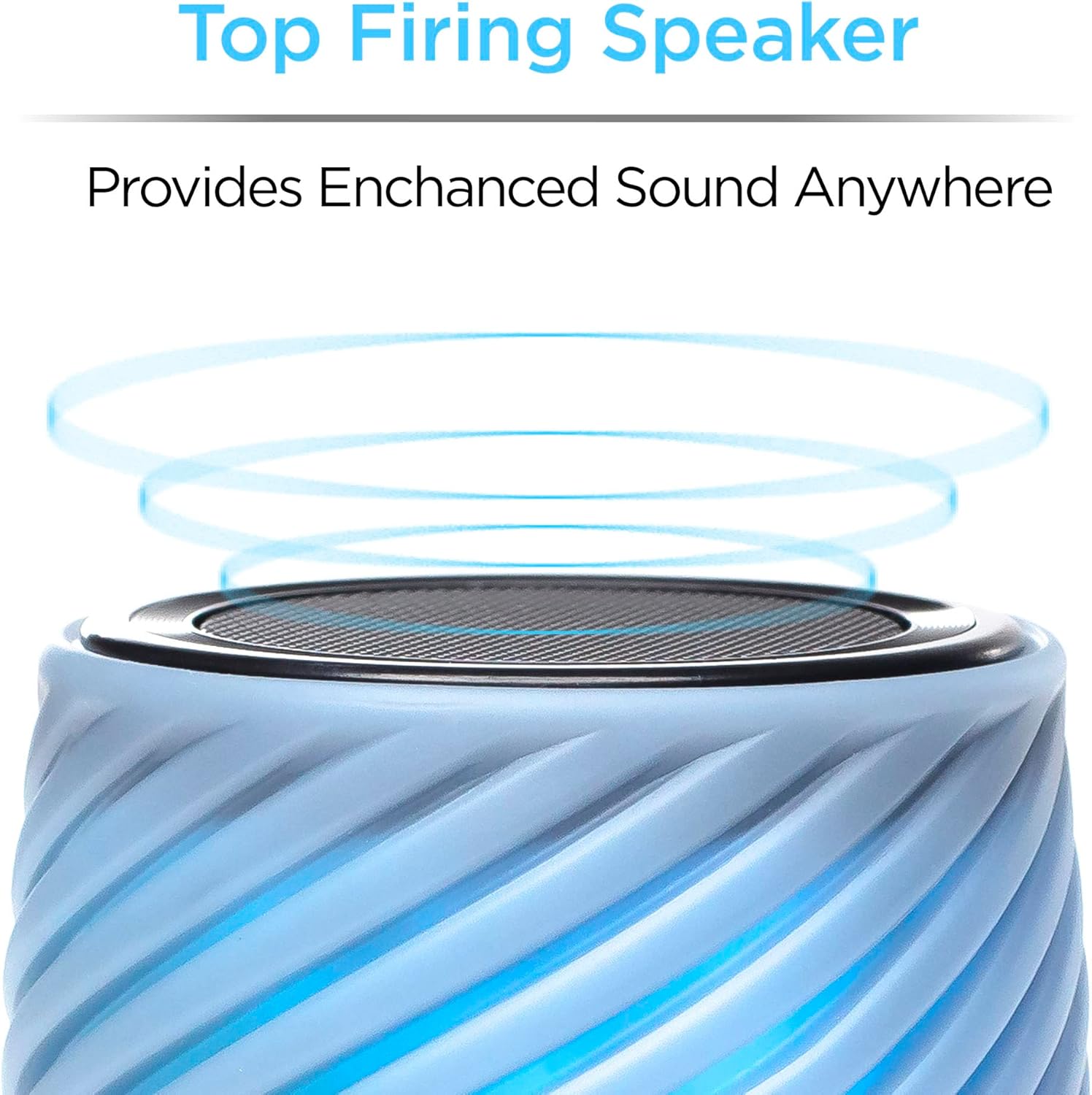
Image: A visual representation of sound emanating from the top-firing speaker, indicating enhanced sound delivery.
3. Speakerphone Functionality
The iBT50 features an integrated speakerphone for hands-free calling.
- Answering a Call: When a call comes in, the music will pause. Press the Call button (often integrated with the Play/Pause button) to answer the call.
- Ending a Call: Press the Call button again to end the call. Music playback will resume.
- Caller ID: The speaker may announce incoming calls if supported by your device and service.
4. Color Changing Modes
The speaker features dynamic color-changing LED lights. Cycle through the modes by pressing the Light Mode button (refer to your speaker's physical buttons for exact labeling).
- Slow Blend: Colors smoothly transition from one to another.
- Fast Blend: Colors transition more quickly.
- Favorite Color: Select and lock onto a single color.

Image: The iHome IBT50 speaker showcasing its various 360-degree LED color modes, including slow fade, fast change, and the ability to select a favorite color.

Image: A row of iHome IBT50 speakers, each illuminated with a distinct color, demonstrating the full spectrum of color-changing effects.
Maintenance
Cleaning Your Speaker
To maintain the appearance and functionality of your speaker, follow these cleaning guidelines:
- Always power off the speaker and disconnect it from any power source before cleaning.
- Use a soft, dry, lint-free cloth to wipe down the exterior surfaces.
- For stubborn marks, slightly dampen the cloth with water. Avoid using harsh chemicals, abrasive cleaners, or solvents, as these can damage the finish or internal components.
- Do not immerse the speaker in water or expose it to excessive moisture, as it is not waterproof.
Battery Care
To prolong the life of the internal rechargeable battery:
- Avoid fully discharging the battery frequently.
- Store the speaker in a cool, dry place when not in use for extended periods.
- Recharge the battery periodically if stored for a long time to prevent deep discharge.
Troubleshooting
If you encounter issues with your iBT50 speaker, refer to the following common problems and solutions:
| Problem | Possible Cause | Solution |
|---|---|---|
| Speaker does not power on. | Battery is depleted. | Connect the speaker to a power source using the USB charging cable and allow it to charge for at least 30 minutes before attempting to power on again. |
| Cannot pair with Bluetooth device. | Speaker is not in pairing mode; Device's Bluetooth is off; Device is too far from speaker; Interference. | Ensure speaker LED is flashing rapidly. Turn off and on your device's Bluetooth. Move device closer to speaker. Avoid other wireless devices. |
| No sound or low volume. | Volume on speaker or device is too low; Speaker is not properly paired; Audio source issue. | Increase volume on both the speaker and your connected device. Re-pair the speaker. Check if audio is playing correctly from your device's source. |
| Color changing lights not working. | Light mode is off or set to a static color. | Press the Light Mode button to cycle through the available color modes. |
Specifications
Key technical specifications for the iHome IBT50 speaker:
| Feature | Detail |
|---|---|
| Model Name | IBT50 |
| Material | Silicone |
| Speaker Type | Bookshelf (Portable) |
| Special Feature | Color changing, Portable, Speakerphone |
| Connectivity Technology | Bluetooth |
| Bluetooth Range | 10 Meters (approx. 33 feet) |
| Battery Life | Up to 9 Hours |
| Power Source | Battery Powered (Rechargeable Lithium-ion) |
| Product Dimensions | 2.92"D x 2.92"W x 2.72"H |
| Item Weight | 8.2 ounces |
| Is Waterproof | No |
Warranty and Support
Limited Warranty
The iHome IBT50 speaker comes with a limited warranty. For detailed information regarding warranty coverage, terms, and conditions, please refer to the warranty card included with your product or visit the official iHome website.
Customer Support
For further assistance, technical support, or inquiries about your iHome product, please visit the iHome support page or contact their customer service directly. Contact information can typically be found on the official iHome website or on the product packaging.
You can visit the official iHome store on Amazon for more products and information: iHome Amazon Store
Related Documents - IBT50
 |
iHome iBT68 Color Changing Rechargeable Bluetooth Speaker User Manual User guide for the iHome iBT68, a color-changing rechargeable Bluetooth speaker with speakerphone functionality. Learn about setup, pairing, audio playback, speakerphone operation, color modes, charging, and troubleshooting. |
 |
iHome iBT36 Waterproof Rechargeable Bluetooth Stereo Speaker System User Manual This manual provides instructions for the iHome iBT36, a waterproof rechargeable Bluetooth stereo speaker system with speakerphone. It covers setup, operation, maintenance, troubleshooting, and safety information. |
 |
iHome iBT297v2 Bluetooth Color Changing Dual Alarm Clock Radio User Manual Comprehensive user manual for the iHome iBT297v2 Bluetooth Color Changing Dual Alarm Clock Radio, covering setup, features like Bluetooth audio, speakerphone, voice control, FM radio, alarm settings, color modes, and troubleshooting. |
 |
iHome iBT920 Quick Start Guide: Color Changing Splash Resistant Boombox Get started with your iHome iBT920 Color Changing Splash Resistant Boombox. This guide covers setup, controls, Bluetooth pairing, wireless stereo, safety instructions, disposal, FCC/ISED compliance, and warranty information. |
 |
iHome iBT920 Color Changing Splashproof Boombox Quick Start Guide Quick start guide for the iHome iBT920 Color Changing Splashproof Boombox, detailing setup, operation, Bluetooth pairing, TWS pairing, and warranty information. |
 |
iHome iBT72Y Bluetooth Rechargeable Mini Speaker User Manual User manual for the iHome iBT72Y Bluetooth Rechargeable Mini Speaker, covering setup, operation, safety, maintenance, and warranty information. |
Ask a question about this manual
Ask about setup, troubleshooting, compatibility, parts, safety, or missing instructions. Manuals+ will review the question and use this page’s manual context to help answer it.