
QCY T2C
Contents
QCY T2C True Wireless Earbuds User Manual
Model: T2C | Brand: QCY
Introduction
Thank you for choosing the QCY T2C True Wireless Earbuds. These earbuds are designed to provide a seamless and immersive audio experience with advanced features such as Bluetooth 5.0 for stable connectivity, CVC 6.0 Noise Cancelling for clear sound, and binaural call support. Enjoy hands-free control with Siri and Google Assistant integration.

Image: QCY T2C True Wireless Earbuds resting in their open charging case, showcasing their compact design.
What's in the Box
- QCY T2C True Wireless Earbuds (Left and Right)
- Charging Case
- USB Charging Cable
- Silicone Eartips (various sizes for optimal fit)
- User Manual
Setup Guide
1. Charging the Earbuds and Case
Before first use, fully charge the earbuds and charging case. Connect the USB charging cable to the charging port on the case and a power source. The indicator lights on the case will show charging status.

Image: The QCY T2C earbuds nestled within their charging case, illustrating the charging contacts and status indicators.
2. Initial Pairing
The QCY T2C earbuds feature automatic pairing for convenience.
- Ensure your device's Bluetooth is turned on.
- Open the charging case. The earbuds will automatically power on and enter pairing mode.
- On your device, search for "QCY-T2C" in the Bluetooth settings and select it to connect.
- Once connected, you will hear a confirmation prompt, and the earbuds will be ready for use.

Image: A hand demonstrates picking up an earbud from the charging case, highlighting the automatic pairing feature.
Operating Instructions
Power On/Off
- Power On: Take the earbuds out of the charging case. They will power on automatically.
- Power Off: Place the earbuds back into the charging case. They will power off automatically and begin charging.
Music Playback
- Play/Pause: Double-tap either earbud.
- Next Track: Triple-tap the right earbud.
- Previous Track: Triple-tap the left earbud.
Call Management
- Answer/End Call: Double-tap either earbud.
- Reject Call: Press and hold either earbud for 1 second.
Voice Assistant Activation
The QCY T2C earbuds support voice assistants like Siri and Google Assistant.
- Activate Voice Assistant: Press and hold either earbud for 2 seconds.
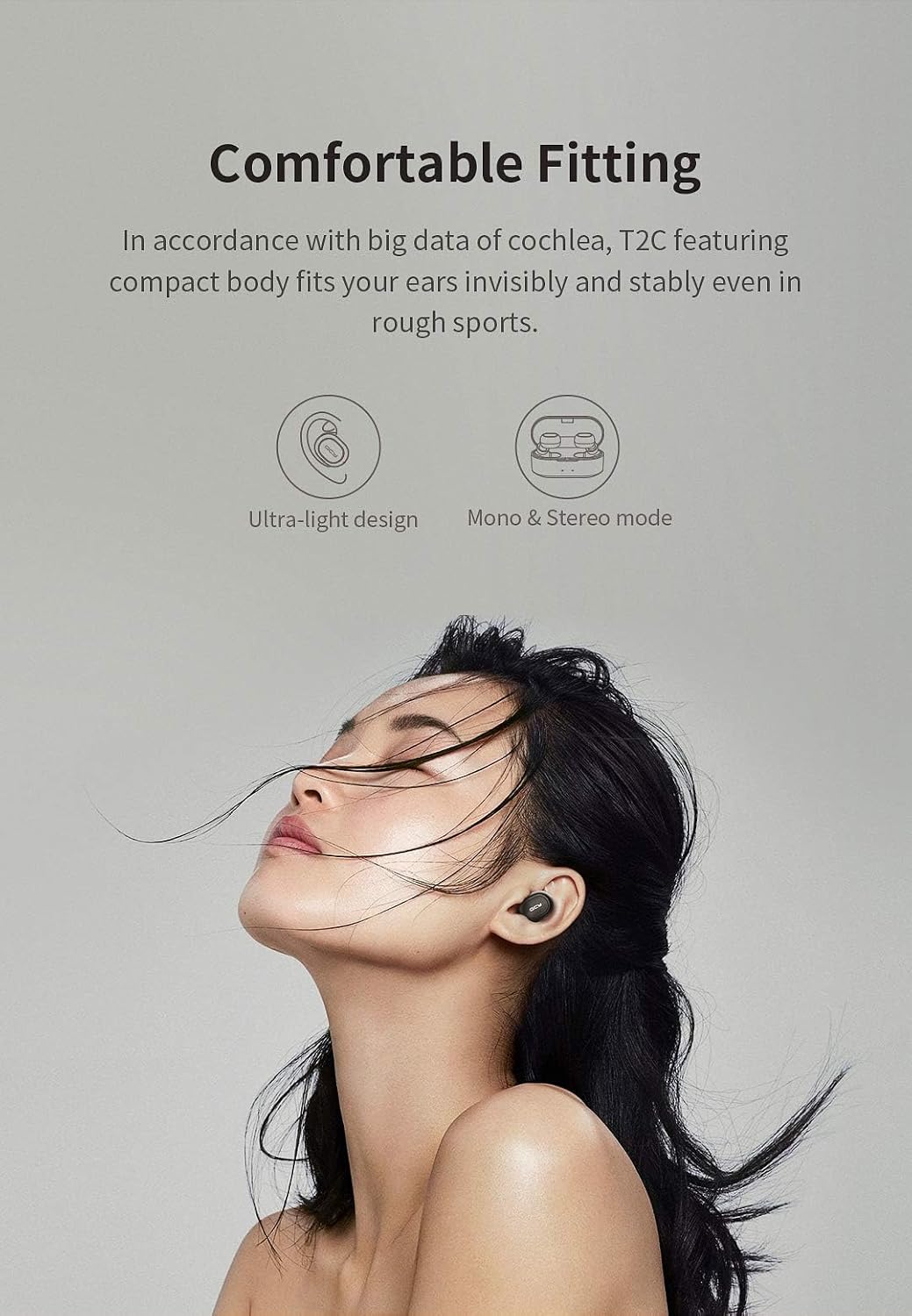
Image: A visual representation of a user activating voice assistants (Siri and Google Assistant) via the earbuds for hands-free control.
Key Features
- Bluetooth 5.0: Provides a stable and efficient wireless connection.
- CVC 6.0 Noise Cancelling: Enhances call clarity by reducing ambient noise.
- Binaural Call Support: Enjoy clear calls through both earbuds.
- Auto-Pairing: Earbuds automatically connect to your device once removed from the case.
- Siri/Google Assistant Support: Hands-free control for various tasks.
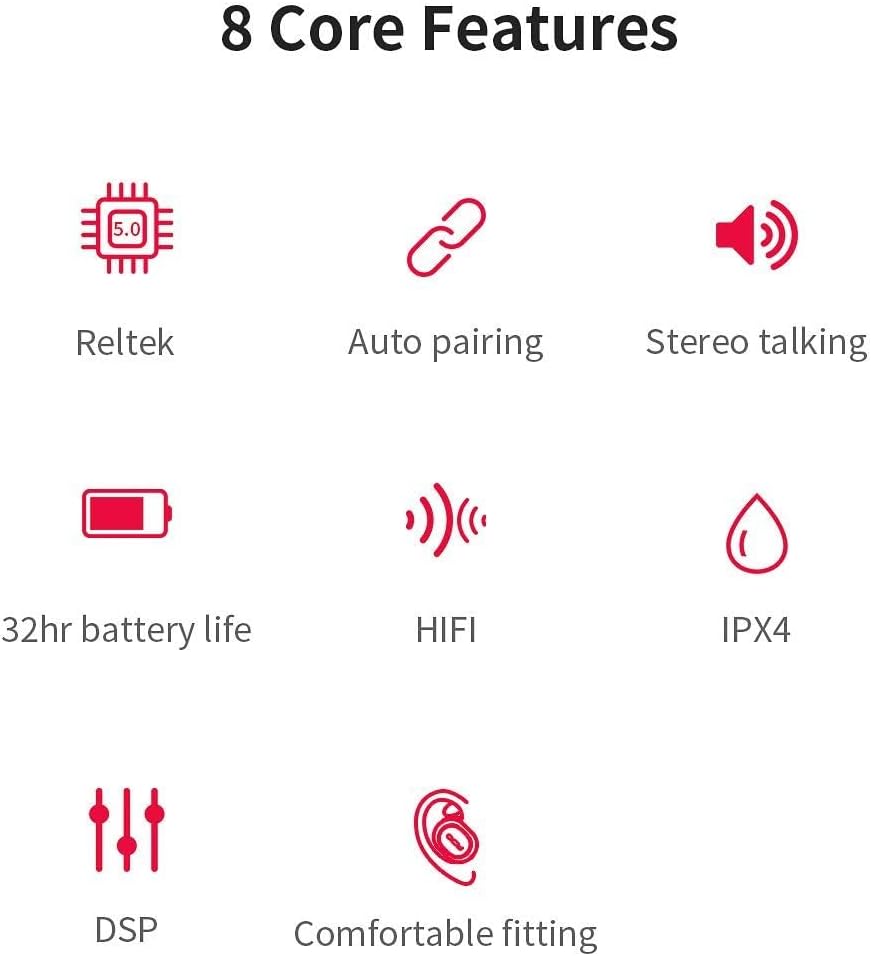
Image: An infographic detailing the 8 core features of the QCY T2C earbuds, such as Bluetooth 5.0, auto-pairing, and extended battery life.
Dynamic & HiFi Sound Quality
Equipped with a BT v5.0 chipset and AAC codec support, the T2C delivers original, high-fidelity sound. The 6mm dynamic drivers and ABS chamber design contribute to elastic, transparent, and bright acoustics with adaptive noise isolation.

Image: A diagram highlighting the dynamic and HiFi sound quality features, including the BT v5.0 chipset and noise isolation capabilities.
Comfortable Fitting
The T2C earbuds are designed for a comfortable and stable fit, even during sports, based on extensive cochlea data. Their ultra-light design allows for invisible and secure wear.

Image: A user demonstrating the comfortable and secure fit of the QCY T2C earbuds, suitable for various activities.
Official Product Video
Watch the official product video for a visual overview of the QCY T2C True Wireless Earbuds:
Video: An official overview of the QCY T2C True Wireless Earbuds, showcasing their features and design.
Maintenance and Care
- Cleaning: Regularly clean the earbuds and charging contacts with a soft, dry, lint-free cloth. Do not use harsh chemicals or abrasive materials.
- Water Resistance: These earbuds are Not Water Resistant. Avoid exposure to water, sweat, or high humidity to prevent damage.
- Storage: When not in use, store the earbuds in their charging case to protect them and keep them charged.
- Battery Care: To prolong battery life, avoid fully discharging the earbuds and case frequently. Charge them regularly.
Troubleshooting
| Problem | Possible Cause | Solution |
|---|---|---|
| Earbuds not pairing | Earbuds not in pairing mode; Bluetooth off on device; interference. | Ensure earbuds are out of case and in pairing mode. Turn device Bluetooth off/on. Move closer to device. |
| No sound from one earbud | Low battery; not properly paired; earbud malfunction. | Charge both earbuds. Re-pair both earbuds. Contact support if issue persists. |
| Charging issue | Dirty charging contacts; faulty cable/adapter. | Clean charging contacts on earbuds and case. Try a different USB cable or power adapter. |
| Voice Assistant not responding | Incorrect activation gesture; device settings. | Ensure correct 2-second press and hold. Check device's voice assistant settings. |
Specifications
| Feature | Detail |
|---|---|
| Model Name | T2C |
| Connectivity Technology | Bluetooth 5.0, Wireless |
| Headphones Jack | USB |
| Material | Plastic, Silicone |
| Compatible Devices | Smartphones, Tablets, Laptops, Desktops, Bluetooth-enabled Devices |
| Control Type | Siri/Google Voice Control |
| Cable Feature | Without Cable |
| Water Resistance Level | Not Water Resistant |
| Audio Driver Type | Dynamic Driver |
| Earpiece Shape | Rounded Tips |
| Product Dimensions | 0.96 x 0.86 x 0.64 inches |
| Item Weight | 5.5 ounces |
| Batteries | 1 Lithium Metal battery required (included) |
| Noise Control | Active Noise Cancellation (CVC 6.0) |
Warranty and Support
For warranty information and customer support, please refer to the documentation included with your purchase or visit the official QCY website. Keep your proof of purchase for any warranty claims.
Ask a question about this manual
Ask about setup, troubleshooting, compatibility, parts, safety, or missing instructions. Manuals+ will review the question and use this page’s manual context to help answer it.