
Runleader RL-HM057AD
Runleader Digital Hours Counter Instruction Manual
Brand: Runleader | Model: RL-HM057AD
1. Introduction
The Runleader Digital Hours Counter is a versatile and reliable device designed to accurately record the total operating hours of various equipment. It is suitable for a wide range of applications, including garden tractors, generators, scooters, club cars, forklifts, and leaf trimmers. This manual provides essential information for the proper installation, operation, and maintenance of your hour meter.
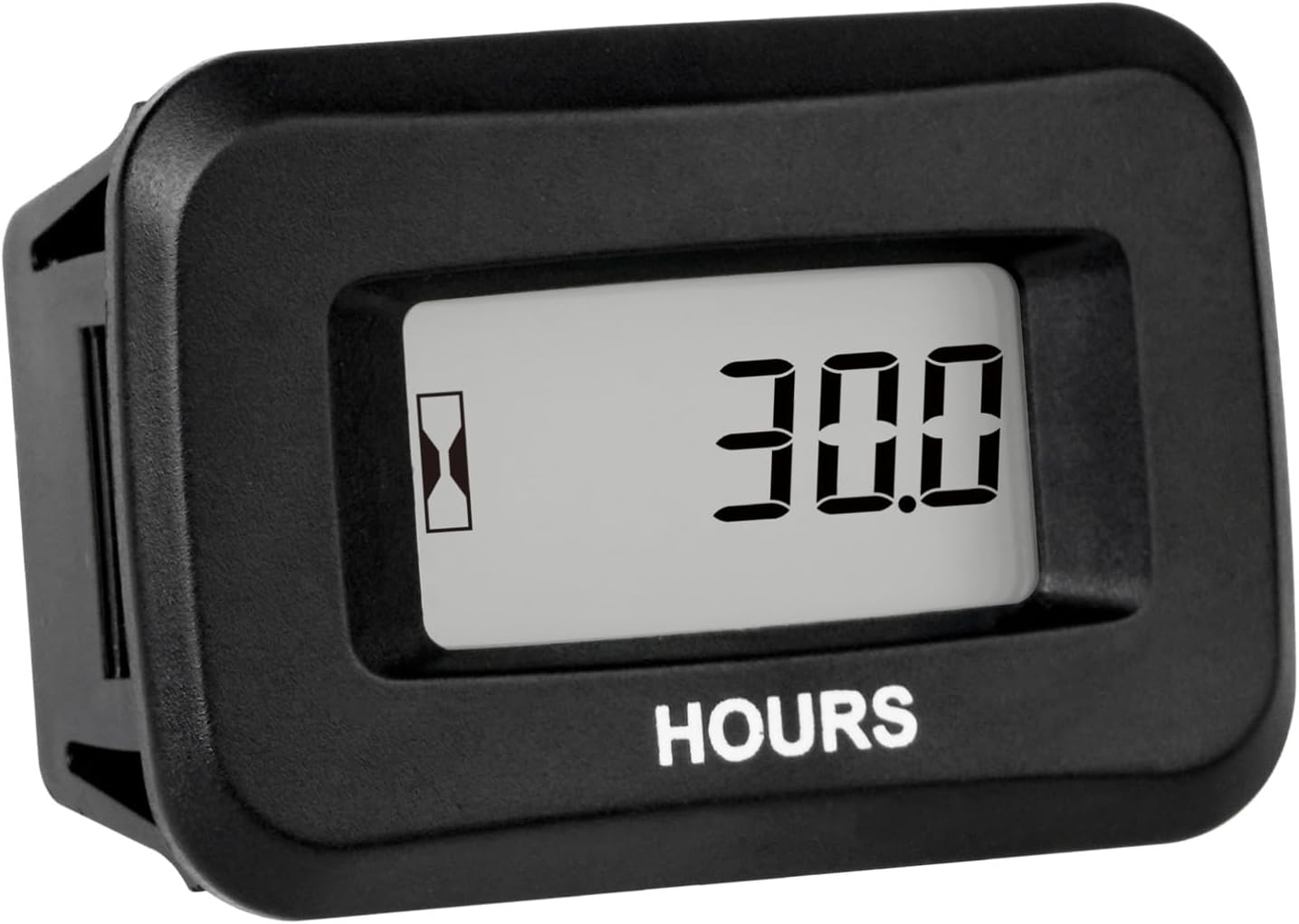
Figure 1.1: Front view of the Runleader Digital Hours Counter displaying 'HOURS' and a digital readout.
2. Key Features
- Total Hours Record: Records total working hours from 0 to 99,999 hours when the machine is operational.
- Wide Voltage Application: Operates with external power sources from AC/DC 5V to 277V, compatible with common voltages such as 12V, 24V, 36V, 48V, 72V, 90V, 110V, 120V, 220V, and 230V.
- Strong Water Resistance: Constructed with 100% epoxy resin craft, providing IP68 waterproof rating, allowing normal operation even when submerged up to 10 meters.
- Automatic Data Storage: Working data is saved by a built-in CR2050 360mAh battery, ensuring hours can be viewed at any time, even when external power is off.
- Easy Installation: Designed for drill-in and snap-in mounting with a panel cut-out size of 37.50mm x 24.50mm (1.48 inches x 0.96 inches).

Figure 2.1: The hour meter records total working hours, indicated by an hourglass icon and digital display.

Figure 2.2: Data is automatically stored using an internal CR2050 360mAh battery.

Figure 2.3: The meter is IP68 rated for strong water resistance, suitable for wet environments.
3. Installation
3.1 Panel Cut-out and Mounting
The hour meter is designed for drill-in and snap-in mounting. Ensure you have the correct panel cut-out size before installation.
- Prepare a panel cut-out with dimensions of 37.50mm (1.48 inches) in width and 24.50mm (0.96 inches) in height.
- Insert the hour meter into the prepared opening. The snap-in design will secure the meter in place.

Figure 3.1: Illustration of the required panel cut-out dimensions and the snap-in mounting method.
3.2 Power Connection
The hour meter operates on AC or DC power from 5V to 277V. The two pins on the back of the meter are not polarity-sensitive, meaning positive and negative connections are interchangeable.
- Direct Power Connection: Connect the two pins of the hour meter directly to your AC/DC 5V to 277V power source.
- Switch Power Connection: For applications where the meter should only record when the machine is running (e.g., a riding lawn mower with a pressure switch), connect the power source through a switch. The meter will begin recording when the switch is closed and power is supplied.

Figure 3.2: Wiring diagrams illustrating direct power connection and connection via a switch. The power pins are not polarity-sensitive.
4. Operation
Once properly installed and connected to a power source, the Runleader Digital Hours Counter will automatically begin recording the total working hours of the connected equipment. The display shows the accumulated hours up to 99,999 hours.
- The hourglass icon on the display indicates that the meter is actively recording time.
- The internal CR2050 battery ensures that the recorded data is retained even when the external power supply is disconnected.
5. Maintenance
The Runleader Digital Hours Counter is designed for minimal maintenance. The internal CR2050 360mAh battery is built-in and provides power for data retention. This battery is not user-replaceable. For optimal performance and longevity:
- Keep the meter clean from excessive dirt and debris.
- Avoid exposing the meter to extreme temperatures beyond its operating range.
- Do not attempt to open the sealed unit, as this may compromise its waterproof integrity and void the warranty.
6. Troubleshooting
If your Runleader Digital Hours Counter is not functioning as expected, consider the following:
- No Display/Not Recording: Verify that the power connections are secure and that the external power source is providing the correct voltage (AC/DC 5V to 277V).
- Intermittent Recording: Check for loose wiring or an inconsistent power supply. If using a switch, ensure the switch is functioning correctly.
- Display Issues: While rare, extreme environmental conditions or physical damage could affect the display. Ensure the meter is installed in a suitable location.
If problems persist, refer to the warranty and support section for assistance.
7. Specifications
| Feature | Specification |
|---|---|
| Model Number | RL-HM057AD |
| Operating Voltage | AC/DC 5V to 277V |
| Hours Range | 0 to 99,999 hours |
| Waterproof Rating | IP68 |
| Internal Battery | CR2050 360mAh (included, non-replaceable) |
| Panel Cut-out Size (W x H) | 37.50mm x 24.50mm (1.48 in x 0.96 in) |
| Item Weight | 1.45 ounces |
| Manufacturer | Ningbo Jiangbei Run Leader Electronics Co., Ltd |

Figure 7.1: Detailed product dimensions for accurate fitting and installation.
7.1 Applicable Equipment
The hour meter is suitable for a wide range of AC/DC 5V to 277V equipment, including but not limited to:
- Lawn mowers
- Generators
- Golf carts
- Forklifts
- Scrubber machines
- Snowmobiles
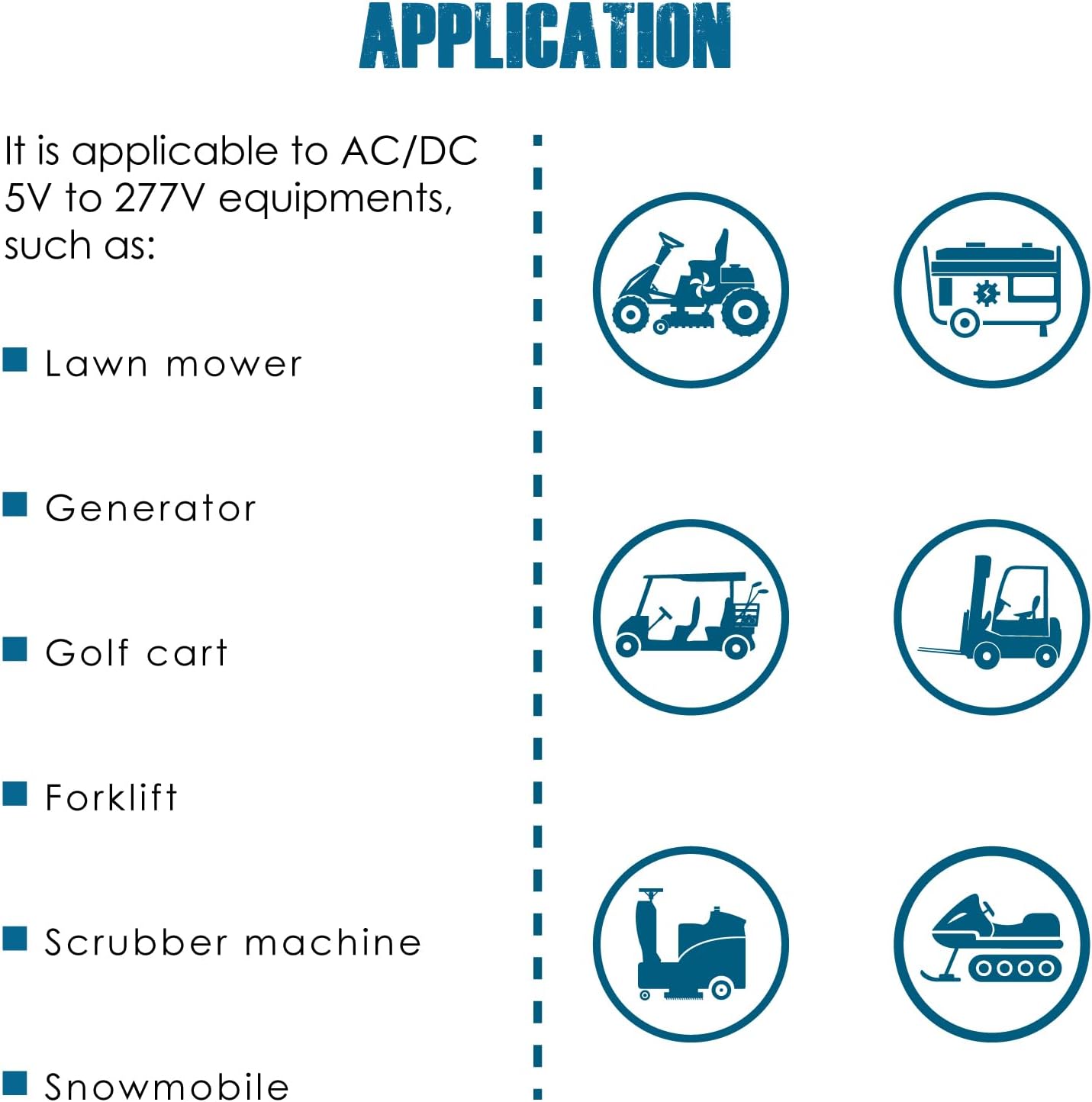
Figure 7.2: Examples of equipment compatible with the Runleader Digital Hours Counter.
8. Safety Information
WARNING: This product contains a button cell or coin battery. Ingestion of a button cell battery can cause severe internal chemical burns in as little as 2 hours and may lead to death. Keep new and used batteries OUT OF REACH OF CHILDREN. If you suspect a battery has been swallowed or inserted inside any part of the body, seek immediate medical attention.

Figure 8.1: Important safety warning regarding the button cell battery. Keep out of reach of children.
9. Warranty and Support
Runleader provides reliable after-sales service and technical support for this product. The hour meter comes with a 2-year support period from the date of purchase.
For technical assistance, warranty claims, or any inquiries, please contact Runleader customer support through the retailer where the product was purchased or visit the official Runleader website for contact information.
Related documentsRL-HM057AD

Ask a question about this manual
Ask about setup, troubleshooting, compatibility, parts, safety, or missing instructions. Manuals+ will review the question and use this page’s manual context to help answer it.