
Introduction
Welcome and thank you for choosing the RECJOY Mini-01 Digital Voice Recorder. This manual provides detailed instructions for the setup, operation, and maintenance of your device to ensure optimal performance and longevity.
The RECJOY Mini-01 is a compact and efficient recording device designed for clear audio capture in various settings, including lectures, meetings, and personal notes. Please read this manual thoroughly before using the device.
Product Overview
The RECJOY Mini-01 features a professional recording chip for high-quality PCM audio, 16GB of internal storage, and a long-lasting rechargeable battery. Its user-friendly design includes one-button recording and smart battery detection for convenience.

Image description: A silver RECJOY Mini-01 digital voice recorder showing its compact design and a red indicator light. The image also illustrates the one-key recording and saving function with 'REC' and 'SAVE' labels.
Key Features
- Clear PCM Recording: Utilizes a professional chip for high-fidelity audio capture.
- One-Button Operation: Simple one-key recording and saving for ease of use.
- 16GB Internal Memory: Provides ample storage for up to 72 hours of audio files or 5000 songs.
- Long Battery Life: Offers up to 13 hours of continuous recording on a single 2-hour charge.
- Smart Battery Detection: Automatically saves recordings before the battery depletes, preventing data loss.
- Portable Design: Compact metal body (2.63 × 0.83 × 0.33 inches) for easy carrying.
- PC/Mac Compatibility: Easily transfer audio files to your computer for management and playback.

Image description: The RECJOY Mini-01 recorder alongside an SD card labeled '16GB' and a laptop, illustrating its 16GB internal memory and compatibility with Mac computers for file transfer.
Setup
Charging the Device
Before initial use, fully charge the RECJOY Mini-01. A full charge ensures optimal battery performance.
- Connect the RECJOY Mini-01 to a USB power source (e.g., computer USB port, USB wall adapter) using the provided USB cable.
- The indicator light will illuminate to show charging status.
- A full charge typically takes approximately 2 hours. The device supports recording while charging.
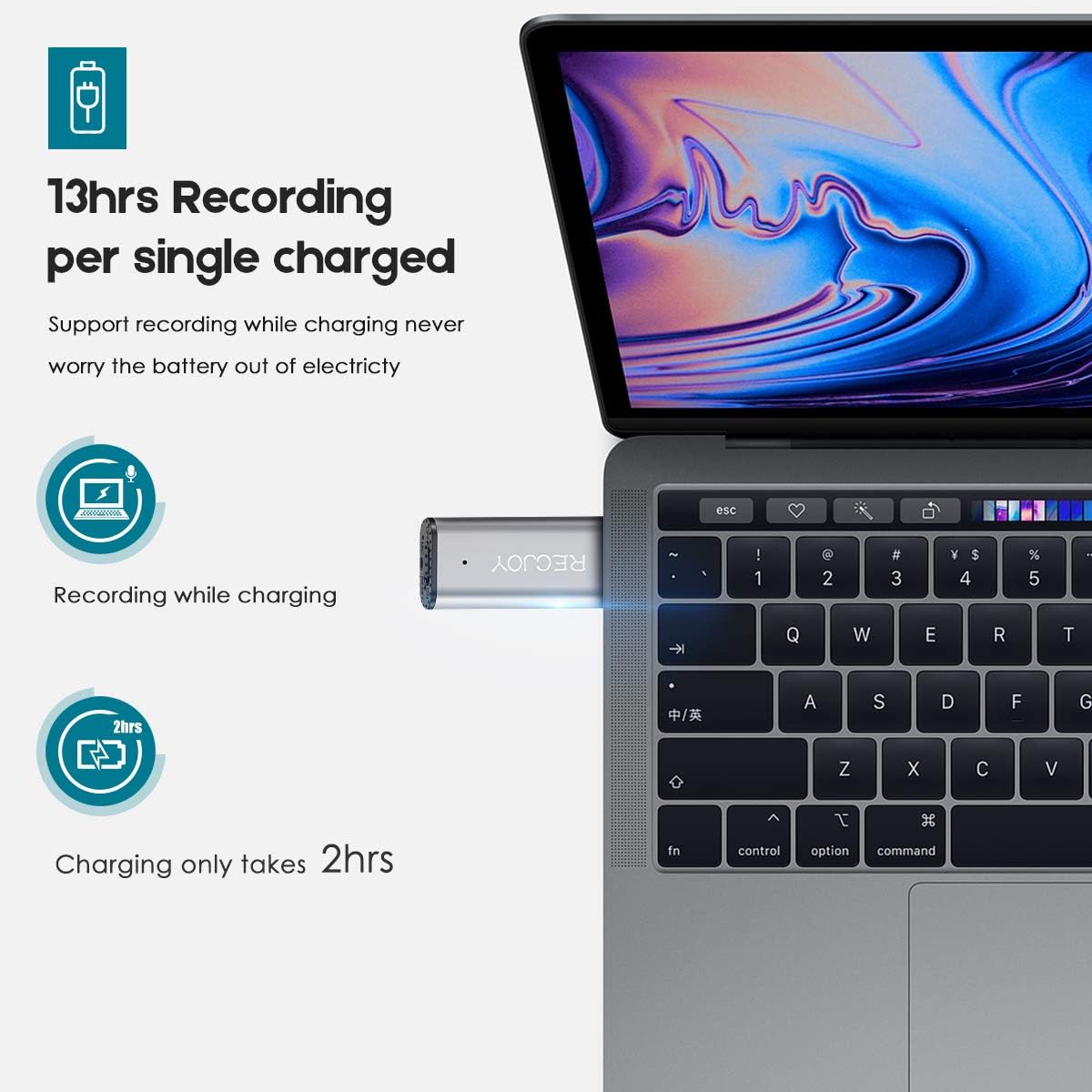
Image description: The RECJOY Mini-01 connected to a laptop's USB port, illustrating its ability to record while charging. An icon indicates 'Recording while charging' and 'Charging only takes 2hrs'.
Setting the Time (Windows)
For accurate timestamping of your recordings, it is recommended to set the device's internal clock when connected to a Windows computer. Specific instructions for time synchronization can usually be found in the device's root directory when connected to a PC.
Operating Instructions
Power On/Off
- To power on the device, slide the power switch to the "ON" position.
- To power off, slide the power switch to the "OFF" position.
Recording Audio
The RECJOY Mini-01 features a simple one-button recording mechanism:
- Ensure the device is powered on.
- To start recording, slide the designated switch to the "REC" position. The indicator light will confirm that recording is active.
- To save the recording, slide the switch to the "SAVE" position. The recording will be saved automatically to the internal memory.
Playing Back Recordings
To play back recordings, connect the RECJOY Mini-01 to a computer via USB. The device will appear as a removable storage drive. Navigate to the audio files and play them using your computer's preferred media player.
Transferring Files
Connect the RECJOY Mini-01 to your computer using the USB cable. It will be recognized as a mass storage device. You can then drag and drop audio files to and from the device's storage, similar to a USB flash drive.
Maintenance
- Keep the device dry and away from extreme temperatures or direct sunlight.
- Clean the device with a soft, dry cloth. Do not use liquid cleaners or abrasive materials.
- Avoid dropping the device or subjecting it to strong impacts.
- Regularly back up your recordings to a computer to prevent data loss.
Troubleshooting
Device not turning on
Ensure the battery is charged. Connect the device to a power source and allow it to charge for at least 30 minutes before attempting to power on again.
Poor recording quality
Ensure the microphone is not obstructed. Record in a quiet environment, away from excessive background noise.
Device not recognized by computer
Try a different USB port or USB cable. Ensure the device is powered on when connected to the computer.
Recordings not saving
Check if the internal memory is full. Delete unnecessary files to free up space. The smart battery detection feature should automatically save recordings before power loss, but regular checks are recommended.

Image description: The RECJOY Mini-01 with an illustration of a battery icon showing decreasing charge, and a save icon, representing the smart battery detection feature that automatically saves recordings before the battery dies.
Specifications
| Feature | Detail |
|---|---|
| Model | Mini-01 |
| Brand | RECJOY |
| Memory Capacity | 16 GB |
| Recording Format | PCM |
| Recording Bitrate | 512 Kbps |
| Microphone Mode | Stereo |
| Charging Time | Approx. 2 hours |
| Recording Time (Full Charge) | Up to 13 hours |
| Max Audio Storage | 72 hours |
| Interface | USB |
| Headphone Jack | 3.5 mm |
| Compatible OS | Windows, Mac |
| Dimensions | 2.63 × 0.83 × 0.33 inches (approx. 6.7 x 2.1 x 0.8 cm) |
| UPC | 739210881245 |
| ASIN | B07Q29Y4KS |
Warranty and Support
For warranty information, technical support, or any inquiries regarding your RECJOY Mini-01 Digital Voice Recorder, please refer to the manufacturer's official website or contact their customer service department. Please retain your purchase receipt as proof of purchase for any warranty claims.