
Introduction
This manual provides detailed instructions for the setup, operation, maintenance, and troubleshooting of your Sharper Image Mini 9" Automatic Candy Dispenser. Please read this manual thoroughly before use to ensure proper function and longevity of the product.

Image: The Sharper Image Mini 9" Automatic Candy Dispenser, showcasing its design and capacity for small candies like jelly beans.
Product Features
- Touch-Activated Dispensing: Provides a contactless method for dispensing treats.
- Compact Design: Suitable for placement on desktops, tables, or shelves.
- Battery Powered: Operates cord-free for flexible placement.
- Optimal for Small Treats: Designed for candies 10mm or smaller, such as gumballs, jellybeans, peanuts, or cereal.
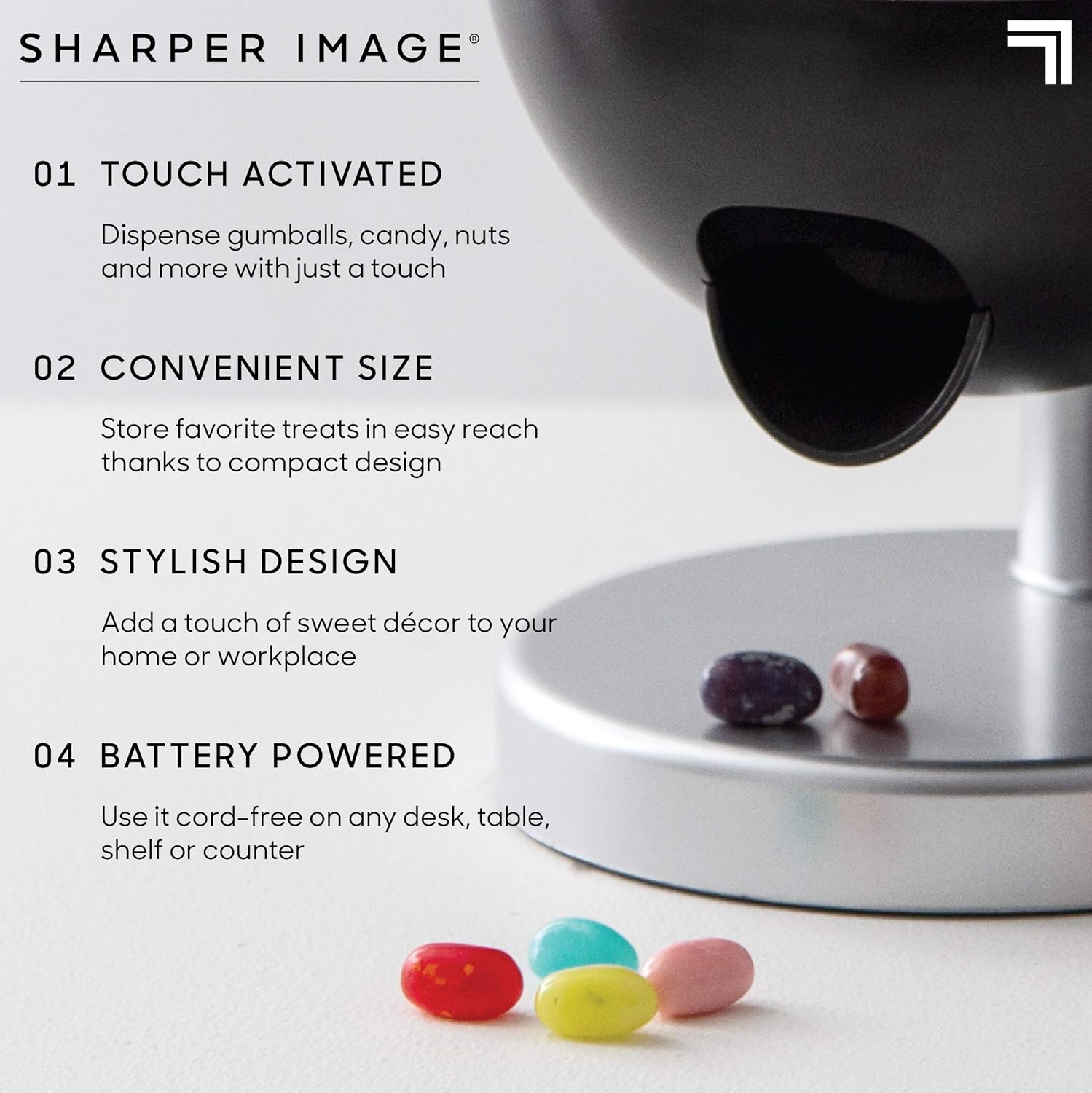
Image: A visual representation of the dispenser's key features, including its touch activation, compact size, stylish design, and battery operation.
Package Contents
Upon unpacking, please ensure all components are present:
- 1 x Sharper Image Mini 9" Automatic Candy Dispenser Unit
- Instruction Manual (this document)
Note: Required batteries are not included and must be purchased separately.
Setup
1. Battery Installation
- Locate the battery compartment, typically on the bottom of the unit.
- Open the battery compartment cover.
- Insert the required batteries (e.g., 3 x AAA, specific type not provided in data) according to the polarity indicators (+/-).
- Close the battery compartment cover securely.
2. Filling the Dispenser
- Remove the top cover of the dispenser.
- Pour your desired small treats (e.g., gumballs, jellybeans, peanuts, cereal) into the reservoir. Ensure treats are 10mm or smaller to prevent jamming.
- Replace the top cover securely.

Image: The dispenser ready for use, with a hand positioned to receive dispensed treats.
Operating Instructions
To dispense treats:
- Ensure the dispenser is powered on (after battery installation).
- Place your hand or a small container under the dispensing chute.
- Gently touch the sensor located under the chute. The dispenser will activate and release a portion of the treats.
- Remove your hand or container once the desired amount has been dispensed.

Image: Demonstrating the touch-activated dispensing mechanism.
Maintenance
Cleaning
- The dispenser is not dishwasher safe.
- To clean, disassemble the unit by carefully separating its components.
- Hand wash all internal pieces with mild soap and water.
- Ensure all parts are completely dry before reassembling.
- Wipe the exterior with a damp cloth.
Storage
Store the dispenser in a cool, dry place when not in use. If storing for an extended period, remove batteries to prevent leakage.
Troubleshooting
Refer to the following table for common issues and their solutions:

Image: A detailed troubleshooting chart for common operational problems.
| Problem | Solution |
|---|---|
| The candy is not dispensing. |
|
| The sensor is not working. |
|
| The amount dispensed is inconsistent. |
|
Specifications
- Product Dimensions: 6"L x 6"W x 9"H
- Item Weight: 1.1 Pounds (approx. 0.5 kg)
- Material: Plastic
- Color: Black
- Capacity: 0.5 Liters
- Closure Type: Screw Top
- Care Instructions: Hand Wash Only (Not Dishwasher Safe)
- Recommended Uses: Candy, Nuts (10mm or smaller)
- Model Number: 1010253
- UPC: 843479165180
Warranty and Support
This product is backed by a 90-day manufacturer warranty. For any questions or issues, please contact customer support through the retailer where the product was purchased. Ensure to provide your model number (1010253) and proof of purchase for efficient assistance.