Introduction
This manual provides comprehensive instructions for the Timex Men's Dress Day-Date 41mm Watch, model TW2T50400JT. Please read this manual carefully to ensure proper use and maintenance of your timepiece. This watch features an analog-quartz movement, a black dial with partial Roman numerals, and a day and date window. It is water-resistant up to 30 meters (100 feet).
Product Overview
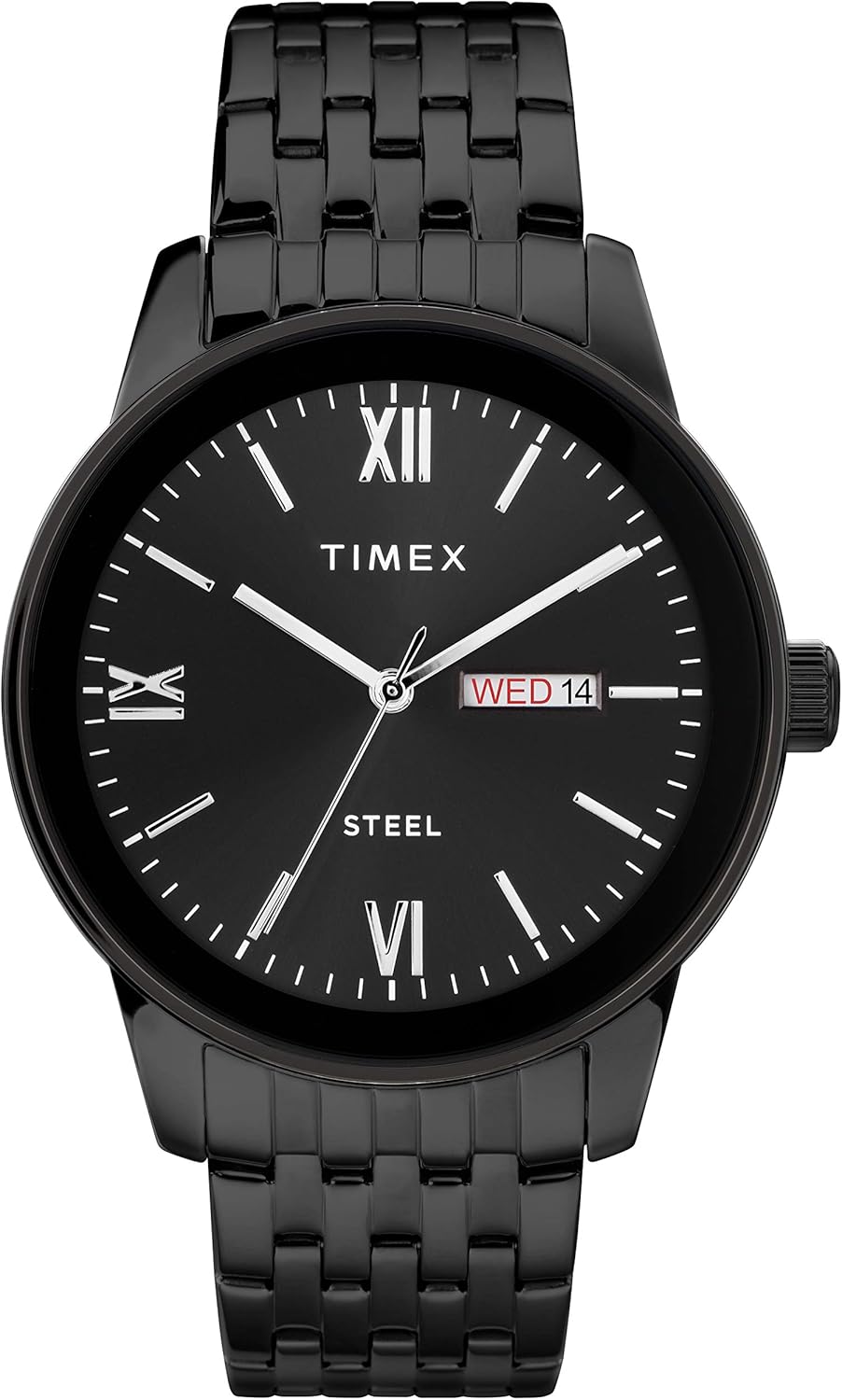
Figure 1: Front view of the Timex Men's Dress Day-Date 41mm Watch. This image displays the black dial with white hands, partial Roman numerals, and the day-date window at the 3 o'clock position. The black stainless steel bracelet is also visible.
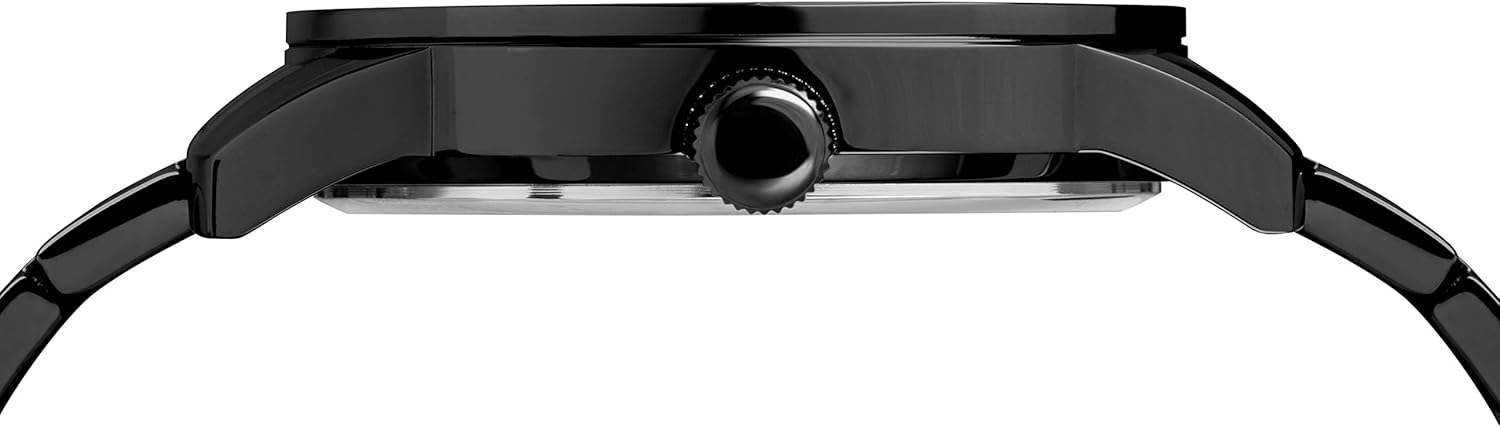
Figure 2: Side view of the watch, highlighting the crown used for setting time and date. The slim profile of the 41mm case is also visible.

Figure 3: Back view of the watch bracelet, showcasing the deployment clasp mechanism. This clasp ensures a secure fit and easy removal.
Setup
Setting the Time
- Pull the crown (refer to Figure 2) out to position 2.
- Turn the crown clockwise to move the hour and minute hands forward until the desired time is set. Ensure to account for AM/PM if setting the day/date.
- Push the crown back in to position 1 to start the watch.
Setting the Day and Date
- Pull the crown out to position 1 (first click).
- Turn the crown counter-clockwise to adjust the day.
- Turn the crown clockwise to adjust the date.
- Once the correct day and date are displayed, pull the crown out to position 2 and set the time as described above, ensuring the day and date change at midnight.
- Push the crown back in to position 0 to start the watch.
Operating Instructions
Your Timex watch is powered by an analog-quartz movement, providing accurate timekeeping. Once the time, day, and date are set, the watch will operate continuously. The day and date will automatically advance at midnight.
Water Resistance
This watch is water resistant to 30 meters (100 feet). This means it can withstand splashes or brief immersion in water. It is not suitable for swimming, bathing, or diving. Avoid operating the crown while the watch is wet to prevent water ingress.
Maintenance
Cleaning
- Wipe the watch case and bracelet regularly with a soft, dry cloth to remove dust and fingerprints.
- For stubborn dirt on the stainless steel bracelet, a slightly damp cloth can be used, followed by immediate drying.
- Avoid using harsh chemicals, solvents, or abrasive cleaners, as these can damage the watch's finish.
Battery Replacement
The watch is powered by one product-specific battery (included). When the watch stops or the second hand begins to jump erratically (indicating low battery), it is time for a battery replacement. It is recommended to have the battery replaced by a qualified watch technician to ensure the water resistance seal is maintained.
Troubleshooting
| Problem | Possible Cause | Solution |
|---|---|---|
| Watch not running or running intermittently. | Low or dead battery. Crown is pulled out. | Replace battery (professional recommended). Push crown fully in. |
| Day/Date not changing at midnight. | Time set incorrectly (AM/PM). | Advance time by 12 hours. Reset time, ensuring day/date changes at 12 AM. |
| Condensation under crystal. | Water ingress. | Seek professional service immediately to prevent damage. Avoid extreme temperature changes. |
Specifications
- Model Number: TW2T50400JT
- Case Diameter: 41mm
- Movement: Analog-Quartz
- Water Resistance: 30 meters (100 feet)
- Bracelet Material: Stainless Steel
- Bracelet Width: 21mm
- Bracelet Fit: Up to 8-inch wrist circumference
- Dial Features: Black dial, partial Roman numerals, day and date window at 3 o'clock
- Battery: 1 Product Specific battery (included)
- Manufacturer: Timex Corporation- Cebu
- Date First Available: April 13, 2019
Warranty and Support
For warranty information and customer support, please refer to the official Timex website or contact Timex customer service directly. Keep your proof of purchase for warranty claims.
You can also find additional information and support on the Timex Store on Amazon.


