
1. Important Safety Instructions
Read all safety warnings and instructions before using the battery pack and charger. Failure to follow the warnings and instructions may result in electric shock, fire, and/or serious injury.
1.1 Battery Pack Safety
- Do not disassemble, open, or shred battery packs.
- Do not short-circuit a battery pack. Do not store battery packs haphazardly in a box or drawer where they may short-circuit each other or be short-circuited by conductive materials.
- Do not expose battery packs to heat or fire. Avoid storage in direct sunlight.
- Do not subject battery packs to mechanical shock.
- In the event of battery leakage, do not allow the liquid to come into contact with the skin or eyes. If contact has been made, wash the affected area with copious amounts of water and seek medical advice.
- Keep battery packs clean and dry.
- Recharge only with the charger specified by the manufacturer.
- Do not use any battery pack which is not designed for use with the equipment.
- Keep battery packs out of the reach of children.
1.2 Charger Safety
- This charger is for indoor use only.
- Do not charge non-rechargeable batteries.
- Before use, check the charger, cable, and plug for any damage. If damage is detected, do not use the charger.
- Do not expose the charger to rain or wet conditions.
- Never attempt to open the charger casing.
- Ensure the charger is placed on a stable, non-flammable surface during charging.
2. Product Overview
The Ryobi ONE+ 18V 9.0Ah Lithium+ High Energy Battery and RC18150-190 Rapid Charger are designed to provide extended runtime and enhanced power for your Ryobi ONE+ cordless tools. This kit includes one 9.0Ah Lithium+ battery and one rapid charger.
2.1 Key Features
- High Energy Lithium+ Technology: Offers optimized duration, performance, and lifespan.
- Integrated Charge Indicator: Provides real-time battery charge status.
- Rapid Charger: Features a 'Ready to Go' display, indicating 80% charge level.
- IntelliCell Technology: Monitors individual cells to maximize battery life and runtime.
- Overload Protection: Safeguards the battery against overcharging, extending its lifespan.
- ONE+ System Compatibility: Fully compatible with all Ryobi 18V ONE+ cordless power tools and garden tools.

Image 2.1: Ryobi ONE+ 18V 9.0Ah Lithium+ High Energy Battery and RC18150-190 Rapid Charger.

Image 2.2: Front view of the Ryobi ONE+ 18V 9.0Ah Lithium+ High Energy Battery.
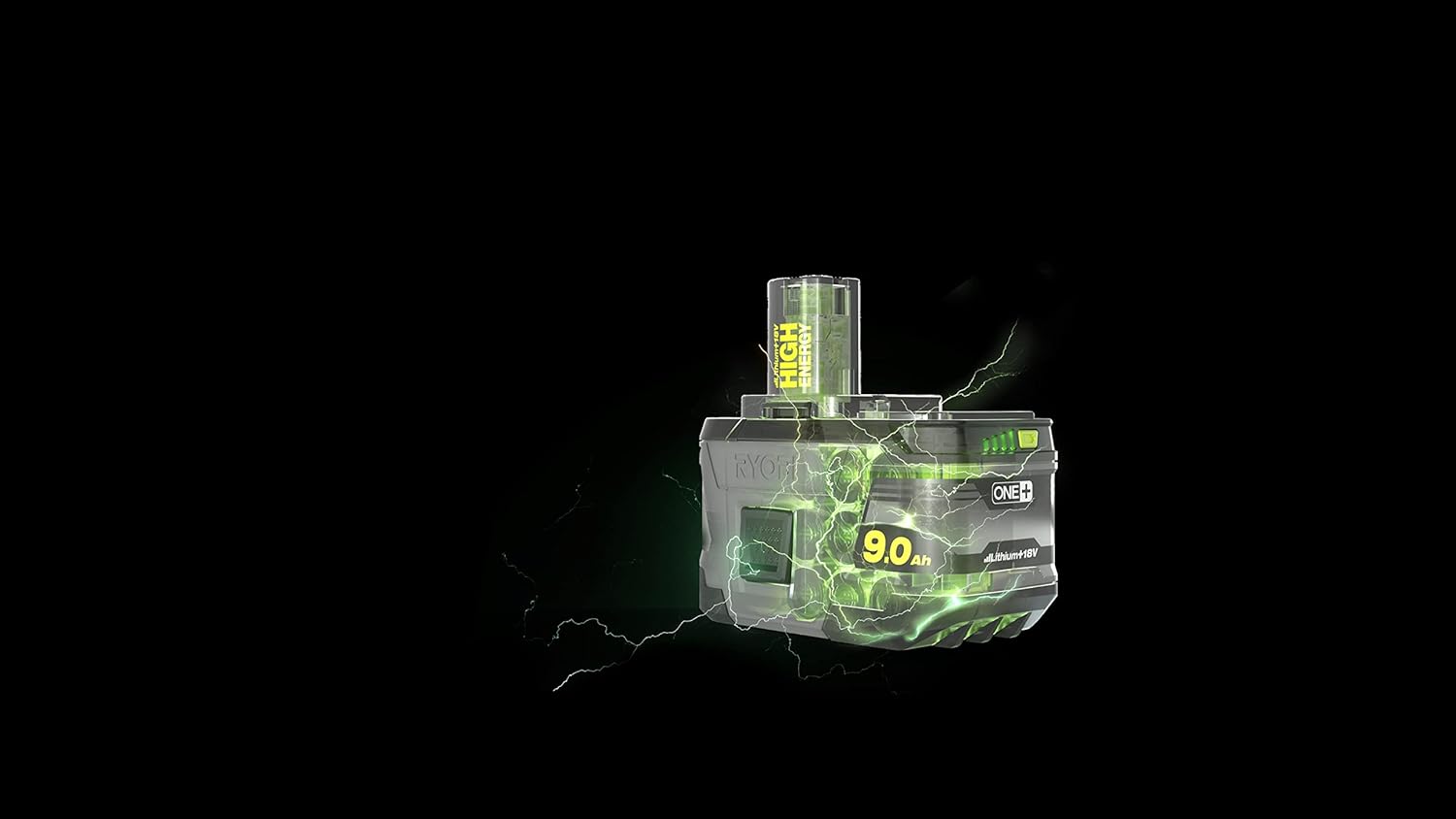
Image 2.3: Side view of the Ryobi RC18150-190 Rapid Charger.
3. Setup and Initial Charging
3.1 Unpacking
Carefully remove the battery and charger from the packaging. Inspect both items for any signs of damage. If any damage is observed, do not use the product and contact customer support.
3.2 Initial Charging Procedure
- Plug the rapid charger into a standard wall outlet. The charger's indicator light will illuminate, typically green or standby.
- Align the battery pack with the charger's slot and slide it firmly into place until it clicks.
- The charger's indicator light will change to indicate charging status (e.g., red for charging).
- Allow the battery to charge completely. The 'Ready to Go' indicator will illuminate when the battery reaches 80% charge, and a solid green light will indicate a full charge.
- Once fully charged, remove the battery from the charger.
3.3 Charger Indicator Lights
The RC18150-190 Rapid Charger features indicator lights to communicate the charging status:
- Solid Green: Fully charged.
- Flashing Green: Ready to Go (80% charged).
- Solid Red: Charging.
- Flashing Red: Battery or charger error (e.g., too hot/cold, faulty battery).

Image 3.1: Rear view of the Ryobi RC18150-190 Rapid Charger, showing indicator lights.
4. Operation
4.1 Inserting and Removing the Battery from a Tool
- To Insert: Align the battery pack with the battery port on your Ryobi ONE+ tool. Slide the battery into the tool until it clicks securely into place. Ensure it is fully seated before operation.
- To Remove: Press and hold the battery release latch(es) on the tool. Slide the battery pack out of the tool.
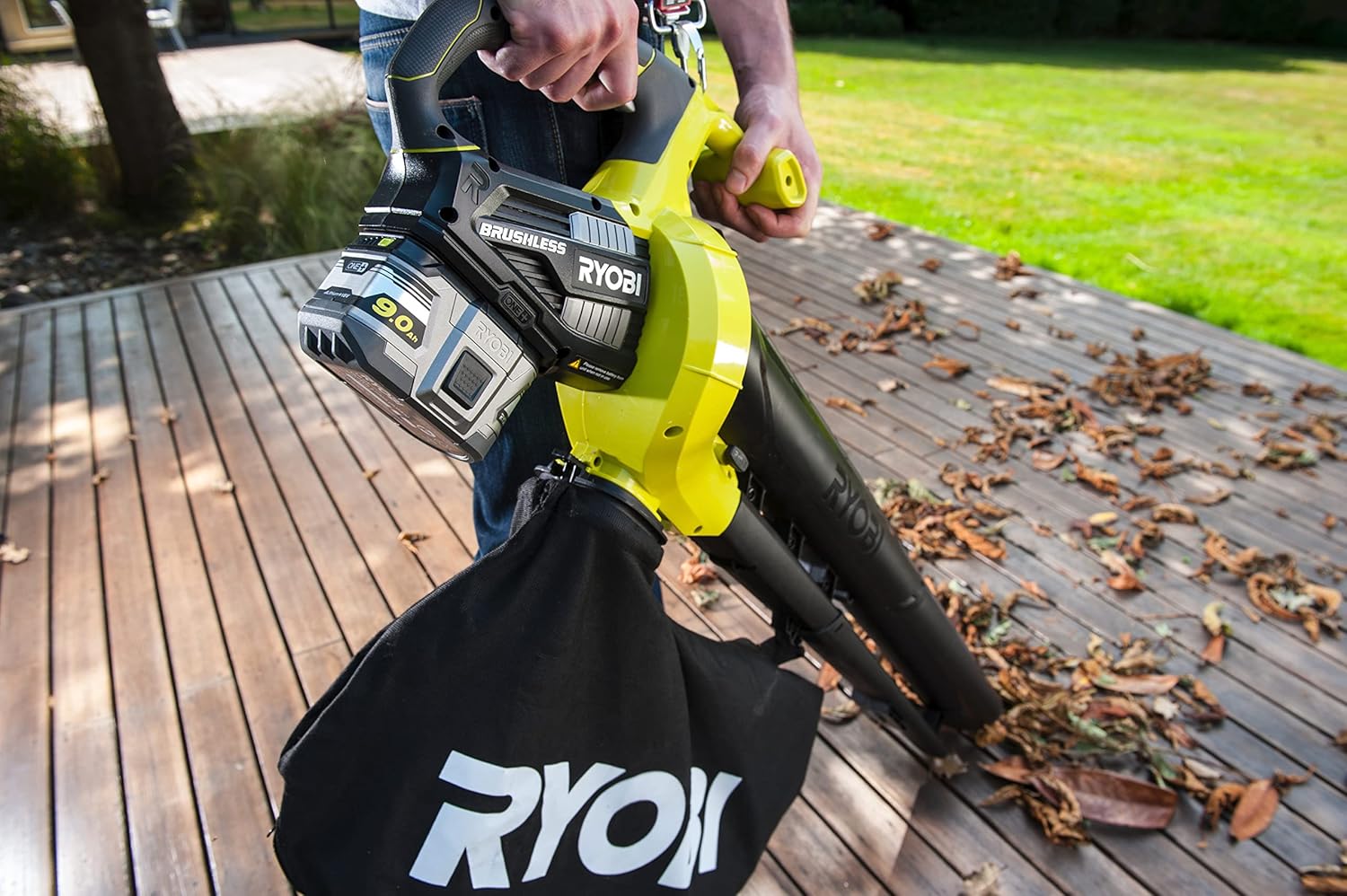
Image 4.1: Ryobi 9.0Ah battery powering a leaf blower.

Image 4.2: Ryobi 9.0Ah battery powering a string trimmer.
4.2 Battery Charge Indicator
The 9.0Ah Lithium+ battery features an integrated charge indicator. Press the button on the battery to view the current charge level. This allows you to monitor the battery status without needing to connect it to a charger.
4.3 IntelliCell Technology
The battery incorporates IntelliCell technology, which individually monitors each cell. This intelligent monitoring maximizes the runtime per charge and extends the overall lifespan of the battery by preventing over-discharge or over-charge of individual cells.
5. Maintenance and Storage
5.1 Cleaning
- Keep the battery pack and charger clean and free of debris.
- Use a clean, dry cloth to wipe down surfaces. Do not use liquids or harsh chemicals.
- Ensure the battery terminals and charger contacts are clean to maintain good electrical connection.
5.2 Storage
- Store the battery pack and charger in a cool, dry place, away from direct sunlight and extreme temperatures.
- For long-term storage, it is recommended to store Lithium+ batteries at approximately 50% charge.
- Do not store battery packs with conductive materials that could cause a short circuit.
5.3 Disposal
Do not dispose of battery packs in household waste or by incineration. Lithium-ion batteries contain valuable materials and should be recycled responsibly. Contact your local waste management authority for information on proper disposal and recycling options.
6. Troubleshooting
6.1 Common Issues and Solutions
| Problem | Possible Cause | Solution |
|---|---|---|
| Battery not charging | Charger not plugged in; faulty outlet; battery too hot/cold; faulty battery/charger. | Check power connection; try a different outlet; allow battery to reach room temperature; contact support if issue persists. |
| Charger indicator flashing red | Battery or charger temperature outside operating range; battery fault. | Remove battery, allow to cool/warm to room temperature (10°C - 40°C); reinsert. If flashing continues, battery may be faulty. |
| Tool not operating with charged battery | Battery not fully inserted; tool fault; battery fault. | Ensure battery is fully clicked into place; test battery with another tool or another battery with the tool; contact support. |
7. Specifications
| Feature | Specification |
|---|---|
| Brand | RYOBI |
| Model Number | RC18150-190 |
| Battery Type | Lithium+ High Energy |
| Battery Voltage | 18 V |
| Battery Capacity | 9.0 Ah |
| Charger Input Voltage | 18 Volts |
| Charger Output Current | 5 A |
| Approximate Charge Time (5.0Ah battery) | 60 minutes (for 5.0Ah battery, 9.0Ah will be longer) |
| Weight | 2.47 Kilograms |
| Compliance | CE |
8. Warranty and Support
RYOBI products are manufactured to high-quality standards and are rigorously tested. For specific warranty information, including terms and conditions, please refer to the warranty card included with your product or visit the official RYOBI website.
For technical assistance, troubleshooting beyond this manual, or to inquire about spare parts, please contact RYOBI customer support. Contact details can typically be found on the RYOBI website or on the product packaging.