
Havells CR4001
Havells CR4001 Rechargeable Callus Remover User Manual
Model: CR4001
Introduction
This user manual provides essential information for the safe and effective operation, maintenance, and troubleshooting of your Havells CR4001 Rechargeable Callus Remover. Please read this manual thoroughly before first use and retain it for future reference.
The Havells CR4001 is designed to help you remove dead skin and calluses from your feet with ease, providing professional pedi-care for cracked heels. It offers both corded and cordless operation and is suitable for all skin types.
Product Overview
Familiarize yourself with the components of your Havells CR4001 Rechargeable Callus Remover.

Figure 1: Havells CR4001 Rechargeable Callus Remover main unit and an additional roller head. The device is pink with a grey roller and a black power button.

Figure 2: The Havells CR4001 effectively removes hard skin, rough skin, cracked heels, and dead skin, as illustrated by the device positioned near a pair of feet.
Safety Precautions
- Do not immerse the device in water.
- Keep out of reach of children.
- Do not use on broken, irritated, or infected skin.
- Consult a doctor if you have diabetes or poor circulation before use.
- Use only for its intended purpose as described in this manual.
- Ensure the device is fully charged before cordless use to maintain optimal performance.
Setup
Unpacking and Initial Charge
Upon opening the package, ensure all components are present:
- 1 Callus remover main unit
- 1 Coarse roller
- 1 Fine roller
- 1 Adaptor
- 1 Cleaning brush
- 1 Instruction manual (this document)
Before first use, fully charge the device. Connect the adaptor to the charging port on the device and plug it into a power outlet. A full charge takes approximately 90 minutes and provides about 60 minutes of cordless usage.

Figure 3: The Havells CR4001 Rechargeable Callus Remover connected to its charging adaptor. The charging port is located at the base of the handle.
Attaching/Changing Roller Heads
- Ensure the device is turned off.
- Press the release button on the side of the device to detach the current roller head.
- Align the new roller head (coarse or fine) with the device and gently push until it clicks into place.
Operating Instructions
Preparation for Use
- Ensure your feet are clean and dry.
- Select the appropriate roller head:
- Coarse roller: For removing hard and thick calluses.
- Fine roller: For buffing and smoothing the skin after coarse treatment, or for lighter exfoliation.
Usage Steps
- Press the power button to turn on the device.
- Gently glide the rotating roller head over the hard skin or calluses on your feet. Apply light to medium pressure.
- Do not press too hard or stay in one area for too long (no more than 3-4 seconds) to avoid irritation.
- Continue until the desired smoothness is achieved.
- After use, press the power button again to turn off the device.
- For best results, apply a foot moisturizer after treatment.

Figure 4: Gently glide the coarse roller head over hard skin and gradually exfoliate. The image shows the device being used on a heel.

Figure 5: Use the fine roller to buff away unwanted skin gently yet effectively. The image shows the device being used on the sole of a foot.
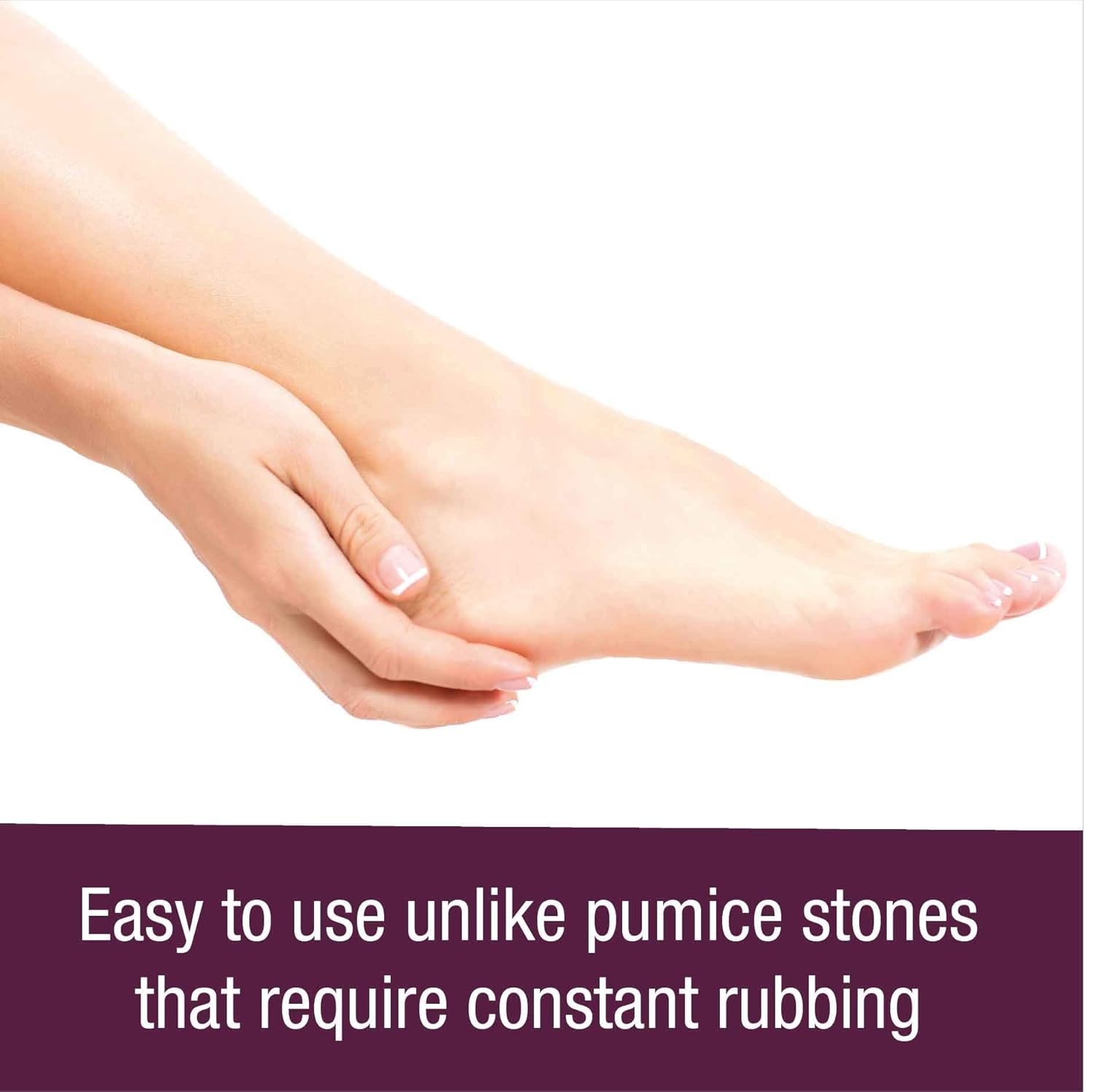
Figure 6: The Havells CR4001 is easy to use, unlike pumice stones that require constant rubbing, resulting in smooth and soft feet.
Maintenance
Cleaning the Device
- Ensure the device is turned off and disconnected from the power source.
- Remove the roller head.
- Use the provided cleaning brush to remove any dead skin particles from the roller head and the device.
- The roller head can be rinsed under running water. Ensure it is completely dry before reattaching or storing.
- Wipe the main unit with a damp cloth. Do not submerge the main unit in water.
Storage
Store the device in a cool, dry place, away from direct sunlight and moisture. Keep it out of reach of children.
Troubleshooting
| Problem | Possible Cause | Solution |
|---|---|---|
| Device does not turn on. | Battery is depleted. | Charge the device for 90 minutes. |
| Roller head stops rotating during use. | Too much pressure applied. | Reduce pressure. The device has a safety stop feature to prevent injury. |
| Device not effectively removing skin. | Roller head is worn out or incorrect type. | Replace the roller head or try the coarse roller for tougher areas. |
| Device makes unusual noise. | Debris caught in the roller mechanism. | Turn off and clean the roller head and device thoroughly with the brush. |
Specifications
| Feature | Detail |
|---|---|
| Model Number | CR4001 |
| Brand | Havells |
| Power Source | Rechargeable Battery (Cord & Cordless Use) |
| Charging Time | Approx. 90 minutes |
| Usage Time (Cordless) | Approx. 60 minutes |
| Included Rollers | 1 Coarse, 1 Fine |
| Material | Pumice Stone, Stainless Steel |
| Color | Pink |
| Dimensions (LxWxH) | 8 x 3.2 x 16.9 Centimeters |
| Item Weight | 326 Grams |
| Manufacturer | Havells India Ltd |
| Country of Origin | India |
Warranty and Support
Warranty Information
For specific warranty terms and conditions, please refer to the warranty card included with your product or visit the official Havells website. Retain your purchase receipt as proof of purchase for warranty claims.
Customer Support
For any queries, assistance, or service requests regarding your Havells CR4001 Rechargeable Callus Remover, please contact Havells customer support:
- Manufacturer: Havells India Ltd
- Importer: Havells India Ltd, 904, Surya Kiran Building, K.G Marg, New Delhi - 110001
- Toll-Free Number: 1800 103 1313
- Website: www.havells.com
Related documentsCR4001


Ask a question about this manual
Ask about setup, troubleshooting, compatibility, parts, safety, or missing instructions. Manuals+ will review the question and use this page’s manual context to help answer it.